

Grape And Olive Yield Settings v1.0.0.1

Grape And Olive Yield Settings v1.0.0.1
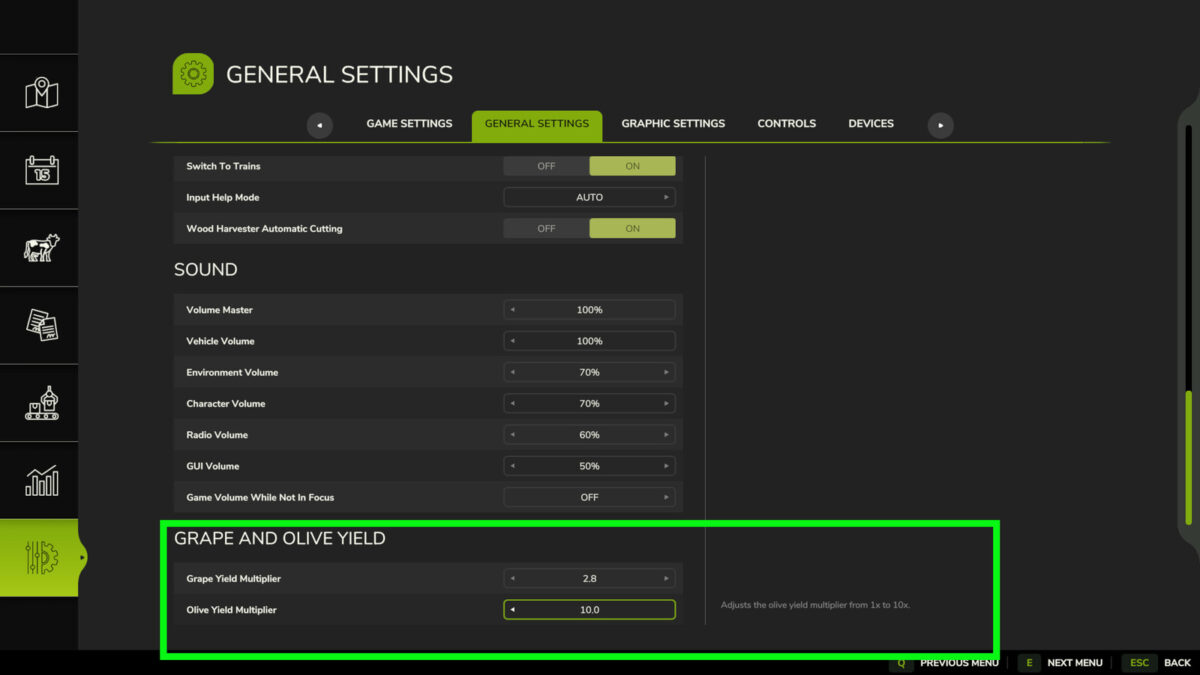
Adds separate multipliers for grape and olive yields from 1x to 10x.
These values can be adjusted directly from the game’s settings menu.
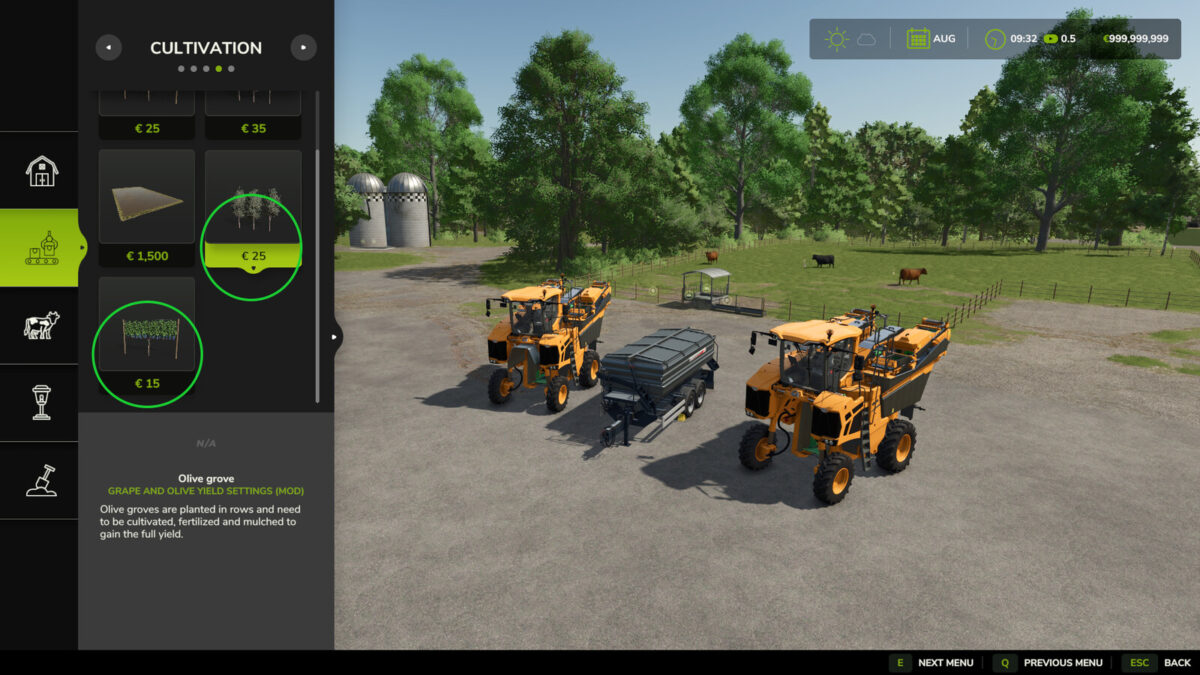
Rows of grapes and olives have also been added at a reduced price.
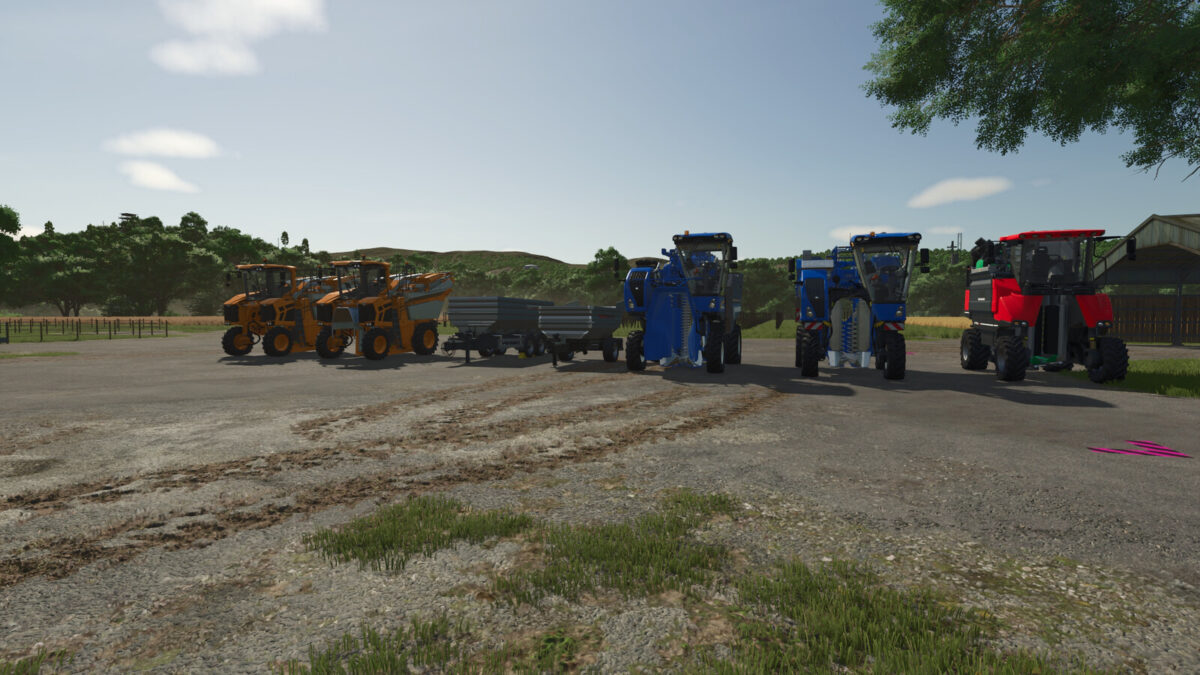
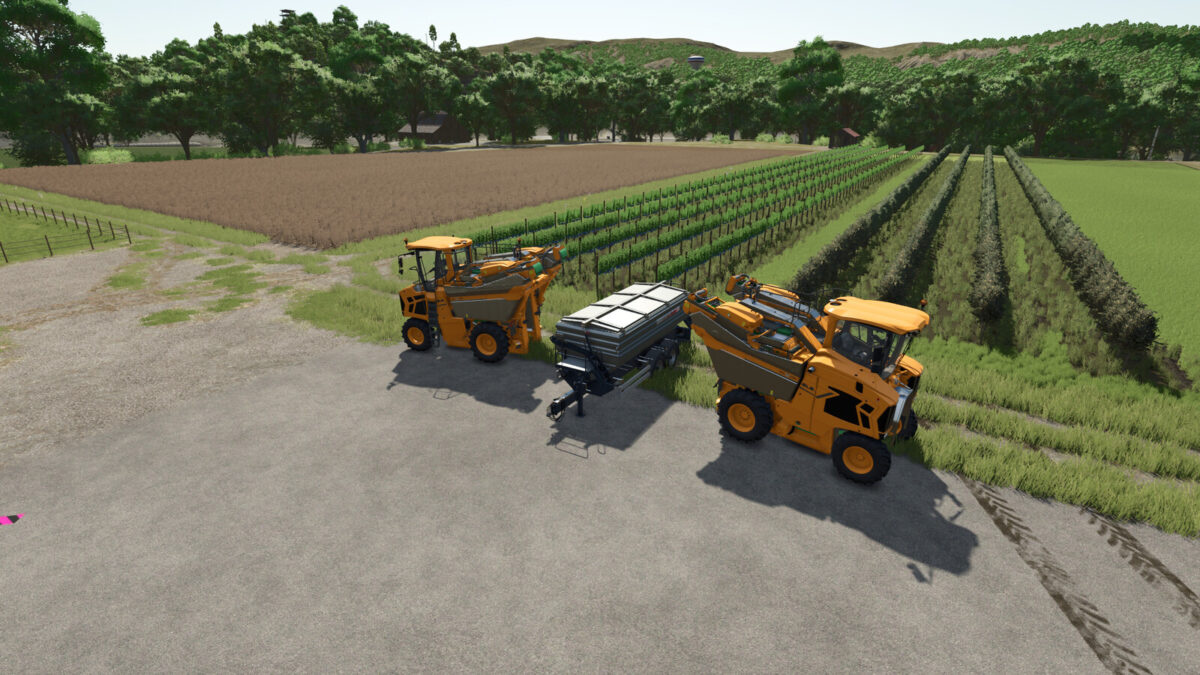
To accommodate potential player-determined yield increases, a Gregoire GL XL harvester and a Fuhrmann LWS 240000 wagon that accepts grapes and olives with increased capacities have been added.
Gregoire GL XL
Categories: Grape Harvesters, Olive Harvesters
Price: $253,000
Power: 156 hp
Max. speed: 30 kph
Capacity:60,000-80,000 L
Fuhrmann LWS 240000
Category: Grape Olive Trailers
Price: $39,000
Capacity: 240 m³
Changelog 1.0.0.1
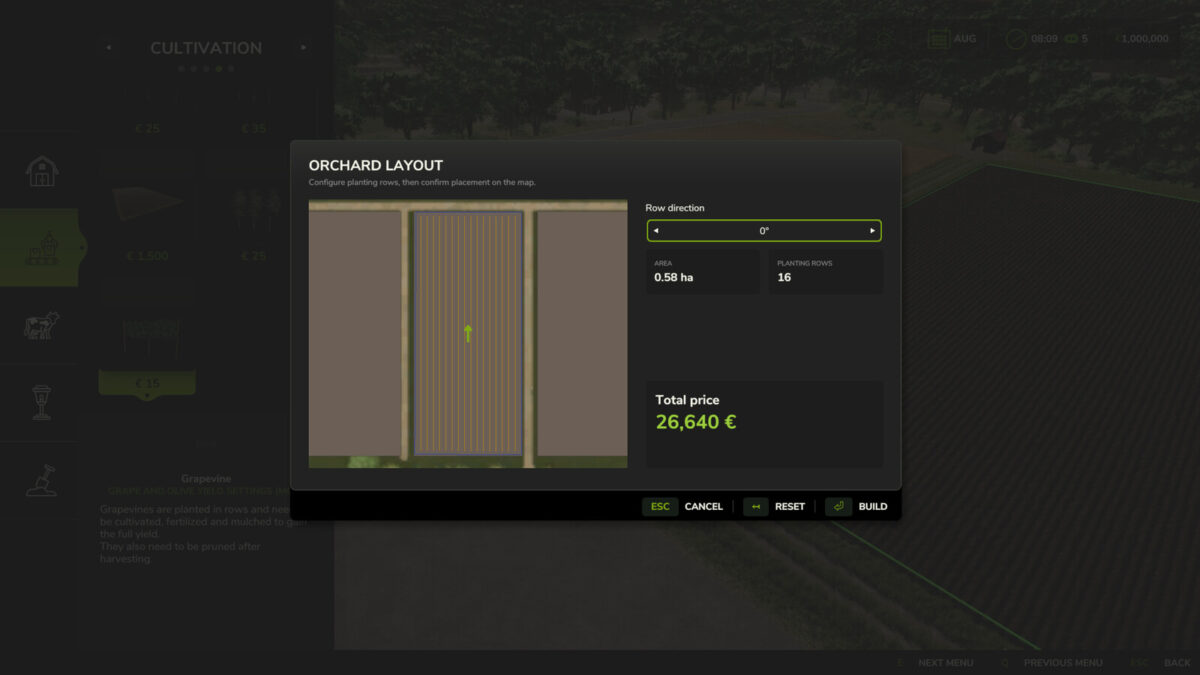
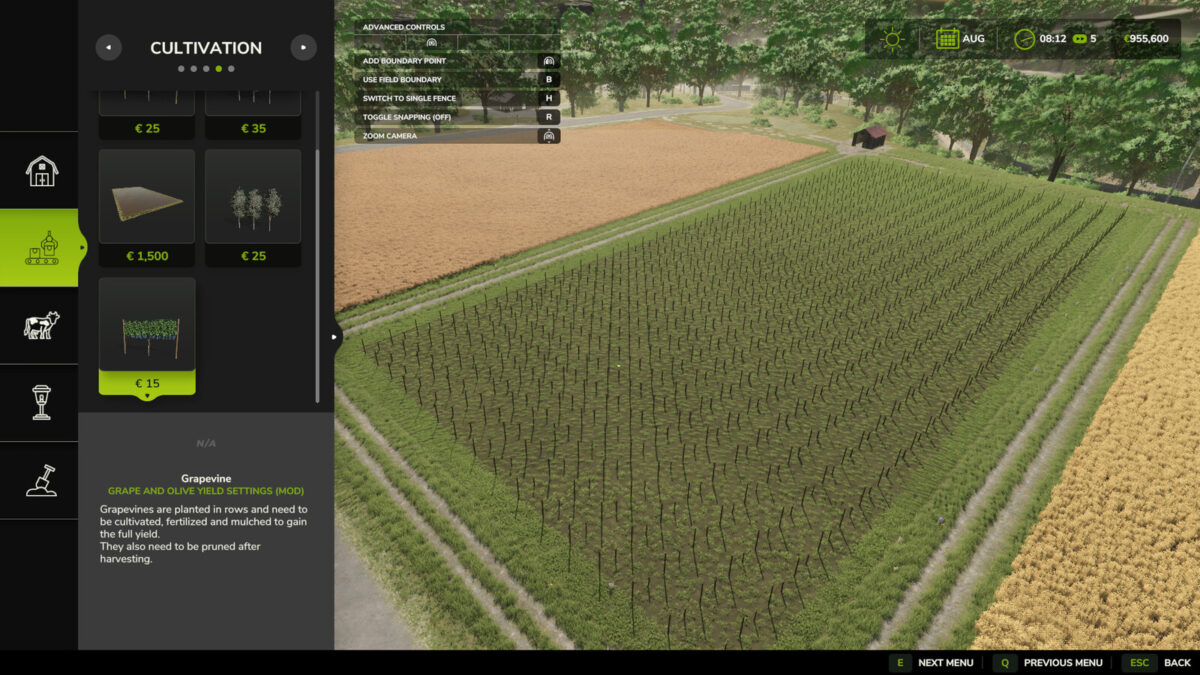
-Updated the mod to support the new olive grove and vineyard creation features introduced in patch 1.25.
-Added XL versions of the following harvesters: New Holland Braud 9090X, New Holland Braud 9070L, and Ero Grapeliner Series 7000.
-Added an XL version of the Fuhrmann MRWK 6000 trailer for transporting grapes and olives.
Fuhrmann MRWK 6000 XL
Category: Grape Trailers
Price: $16,500
Capacity: 60 m³
Newholland Braud 9090XL Olive
Category: Olive Harvesters
Price: $306,000
Power: 182 hp
Max. speed: 30 kph
Capacity: 40,000 L
Capacity: 270 L
Newholland Braud 9070XL
Category: Grape Harvesters
Price: $242,000
Power: 164 hp
Max. speed: 25 kph
Capacity: 31,000 L
Capacity: 270 L
Ero Grapeliner Series 7000 XL
Category: Grape Harvesters
Price: $239,500
Power: 175 hp
Max. speed: 25 kph
Capacity: 30,000 L
Capacity: 340 L