

CLAAS Disco 1100C + 3600FC Night Edition v1.0.0.3

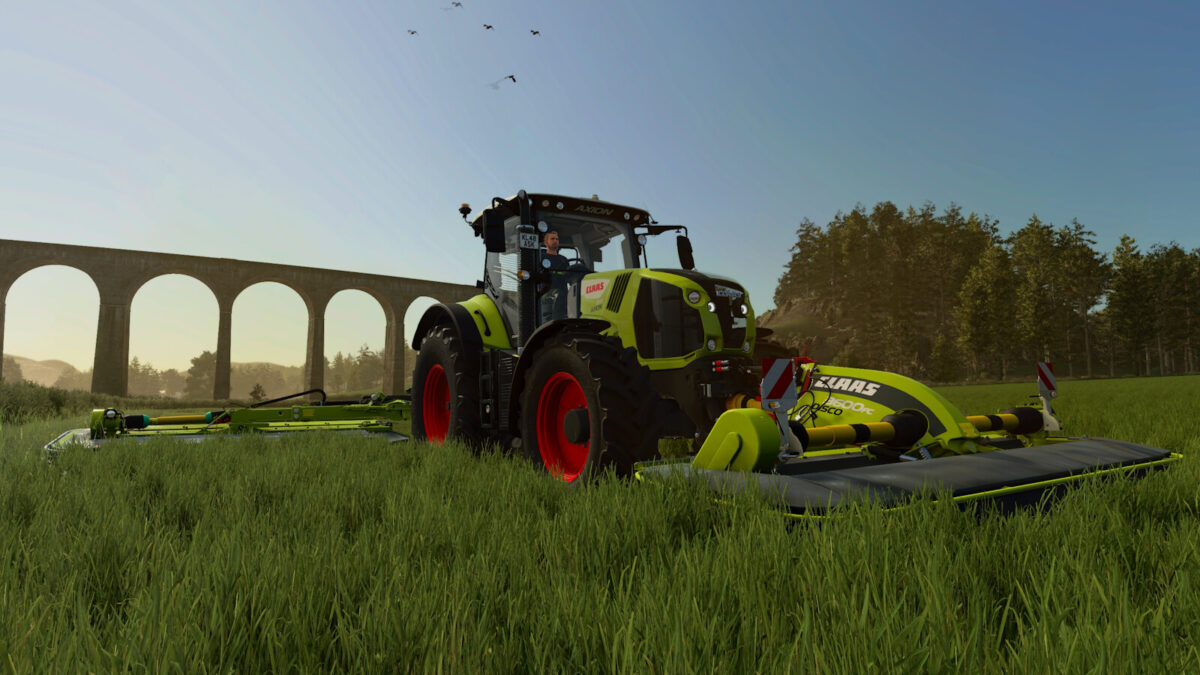
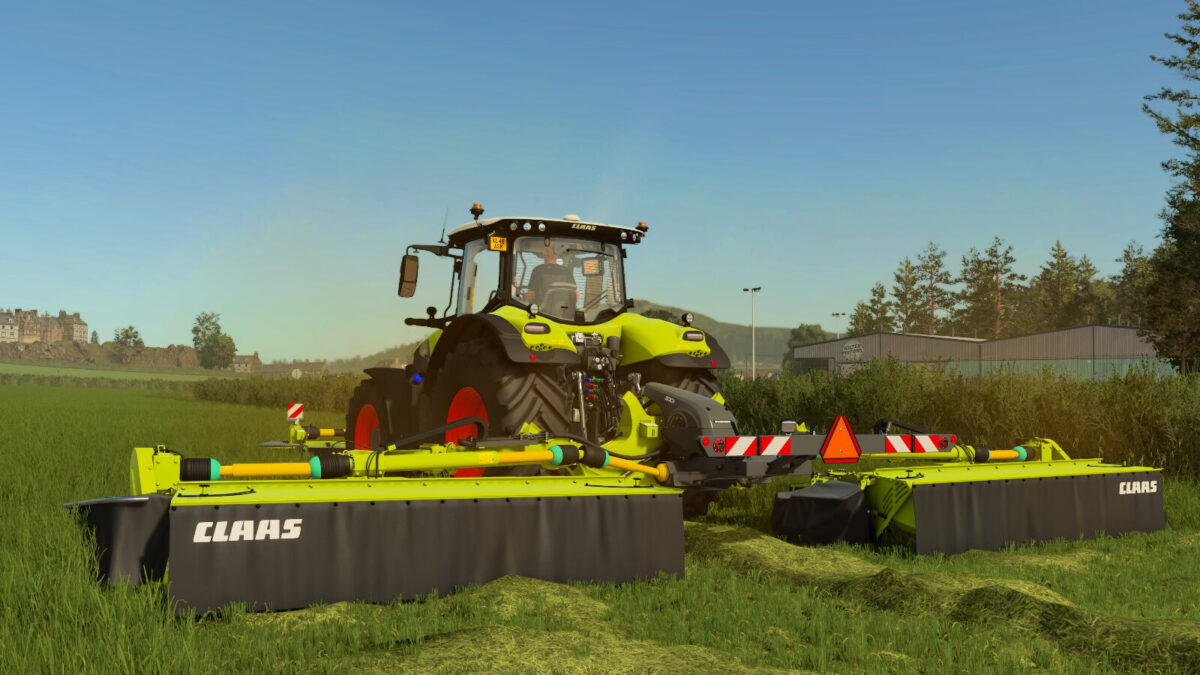
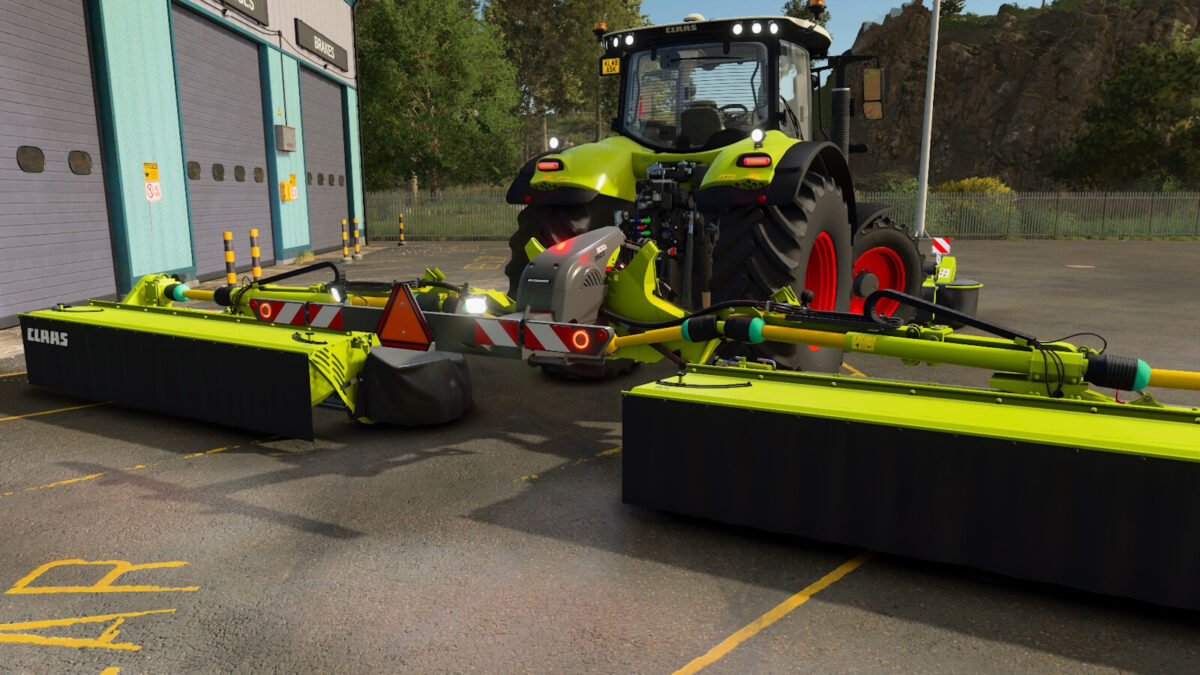
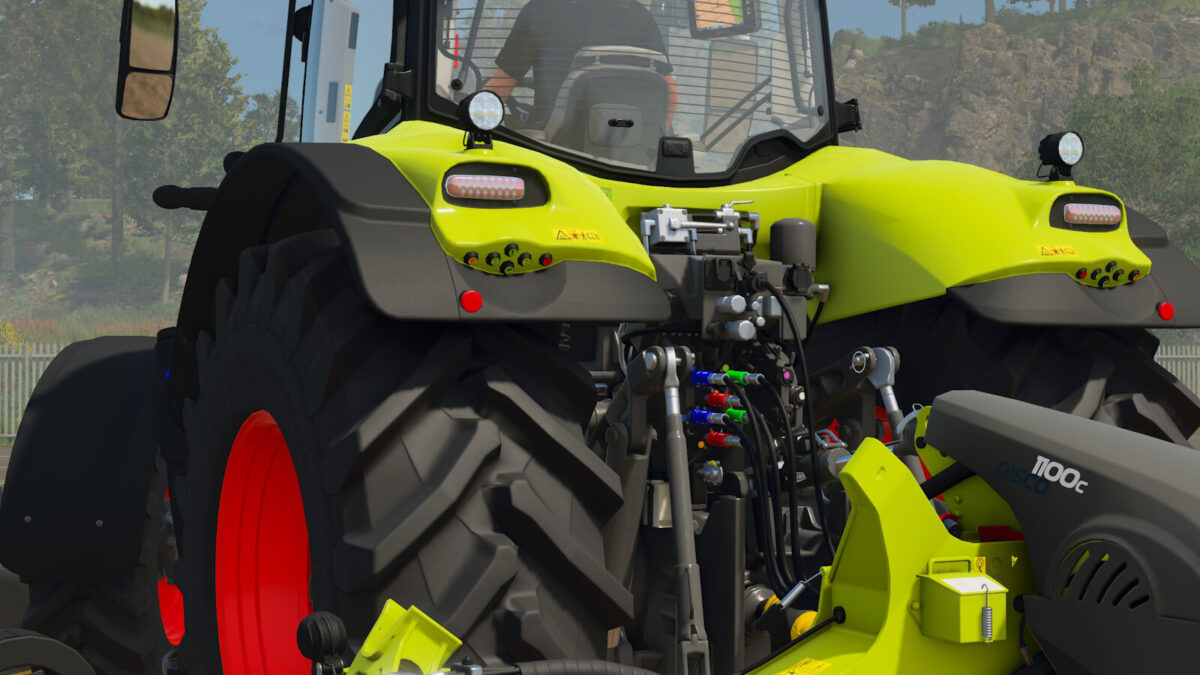
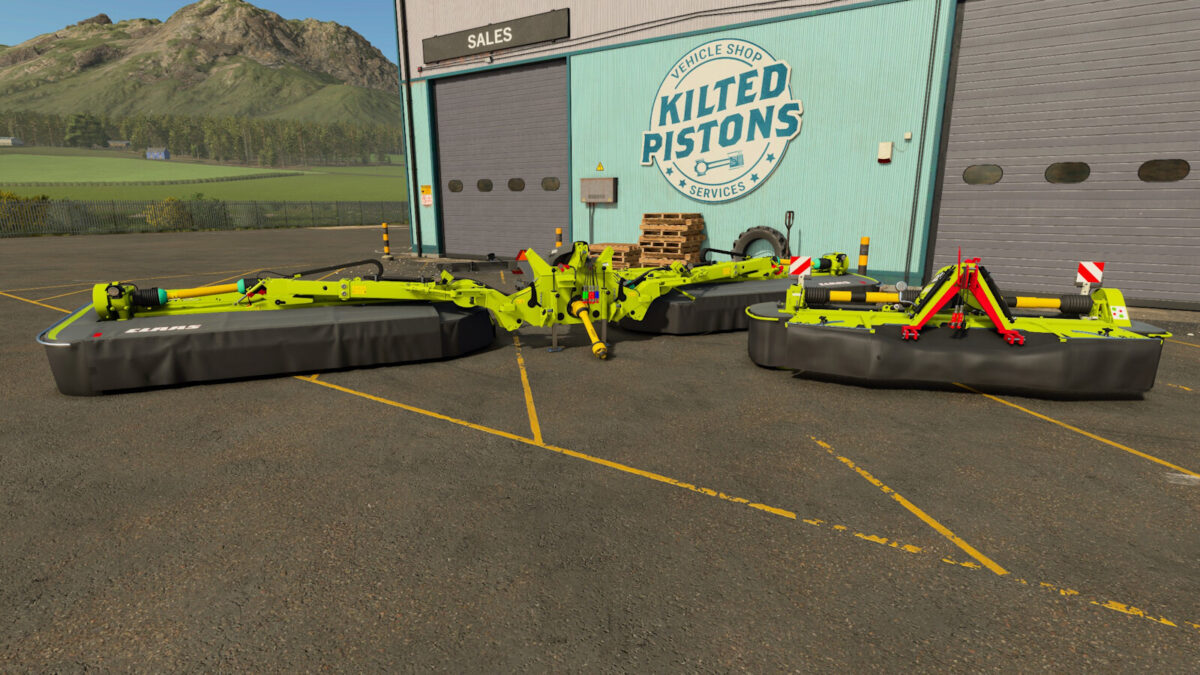
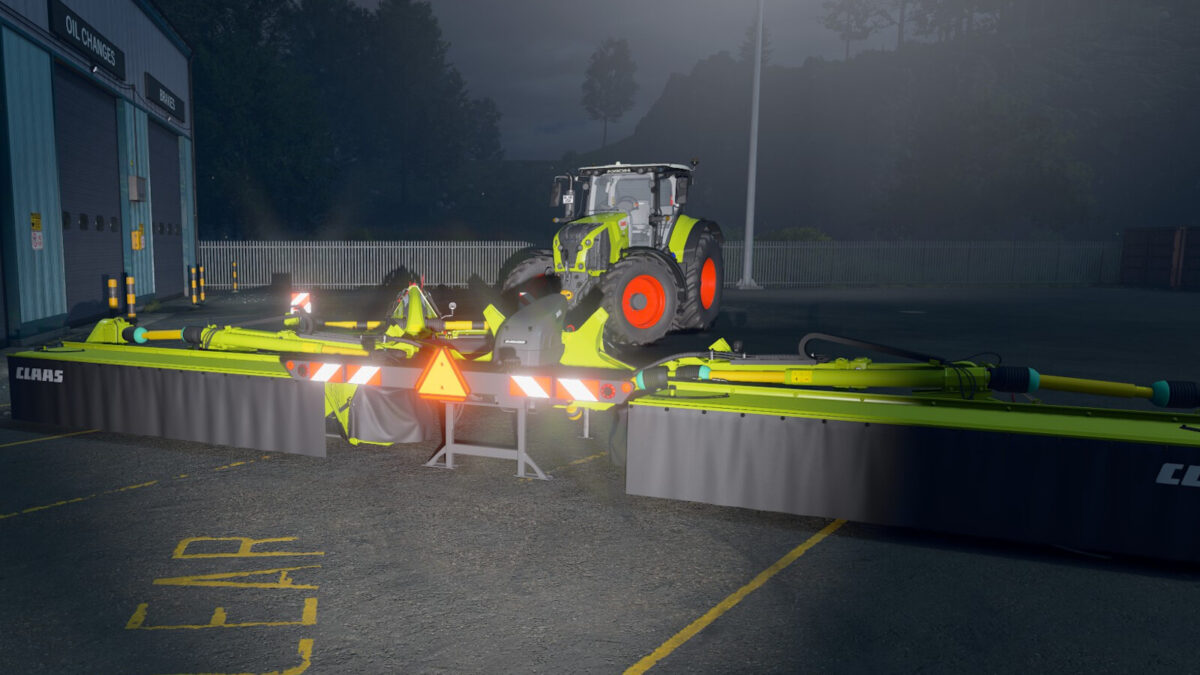
CLAAS Disco 1100C + 3600FC Night Edition v1.0.0.3
DISCO 3600 FC
Price: 22.500 $
Required power: 70 hp
Working width: 3.6 m
Max. working speed: 22 kph
Configurations:
– Colour options available
– Reflectors now reflect light
– Night Edition available
– New hydraulic couplings fitted
– Electrical connection fitted
DISCO 1100 C
Price: 46.500 $
Required power: 160 hp
Working width: 10 m
Max. working speed: 22 kph
Configurations:
– Colour options available
– Reflectors reflect light
– Night Edition available
– Optional work lights
– Optional warning triangle
– New hydraulic couplings fitted
– Electrical connection fitted
– Work areas redesigned
Changelog 1.0.0.1
– Fault in the left-hand swath placement on the Disco 1100C rectified
Changelog 1.0.0.2
– Fixed a bug with decals for the Disco 3600FC
– Fixed a bug with decals in the Night Edition
– Fixed a bug with decal positioning for the Disco 1100C
– Improved the quality of decals for the Disco 1100C
– Replaced the lighting on the Disco 1100C
– Added ISOBUS support for the Disco 1100C and 3600FC
– Added license plate for the Disco 3600FC
– Added license plate lighting for the Disco 3600FC
– Added side mirrors for the Disco 1100C
– Changed the position of the warning triangles
– Added a mount for a US-style warning triangle
Changelog 1.0.0.3
– Fixed an issue with the Disco 3600FC related to color selection