

Unload Bale Wrap v1.0.3.0


Unload Bale Wrap v1.0.3.0
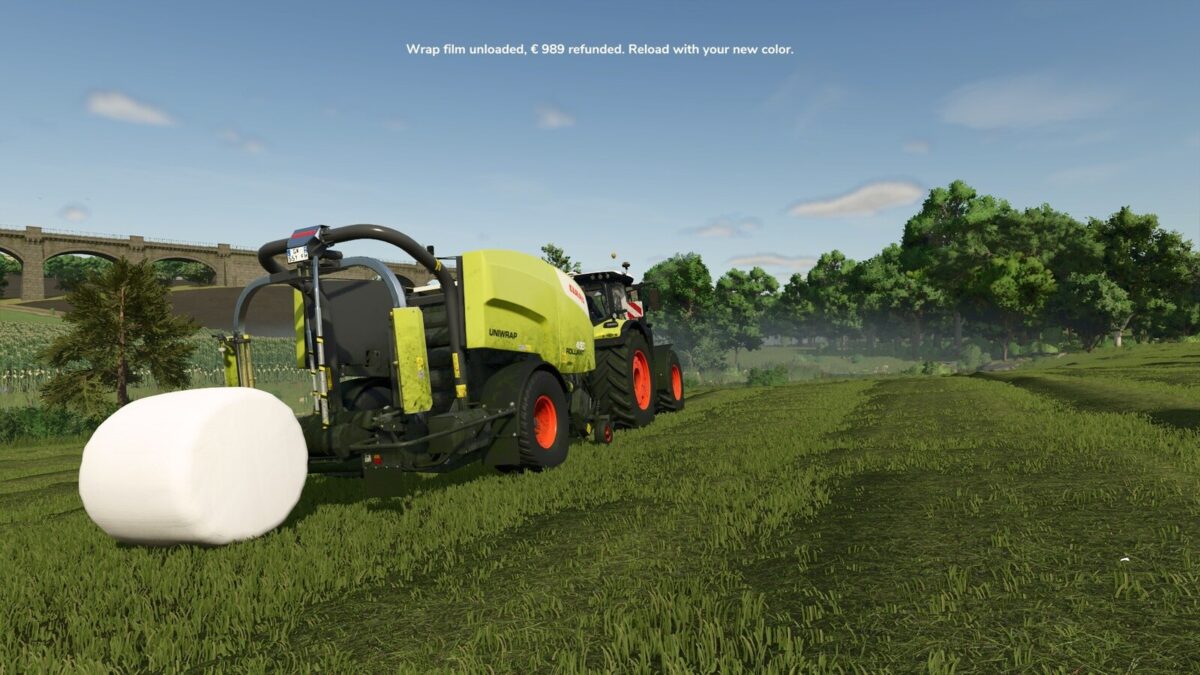
Unload Bale Wrap takes the wrap film off a baler-wrapper or a standalone wrapper, so you can load a different color in the middle of a job.
FEATURES:
– Right Ctrl + U unloads all wrap film from the baler-wrapper or wrapper you are working with: the storage rolls and the rolls on the spindle.
– Unloaded film is refunded at the film’s shop price.
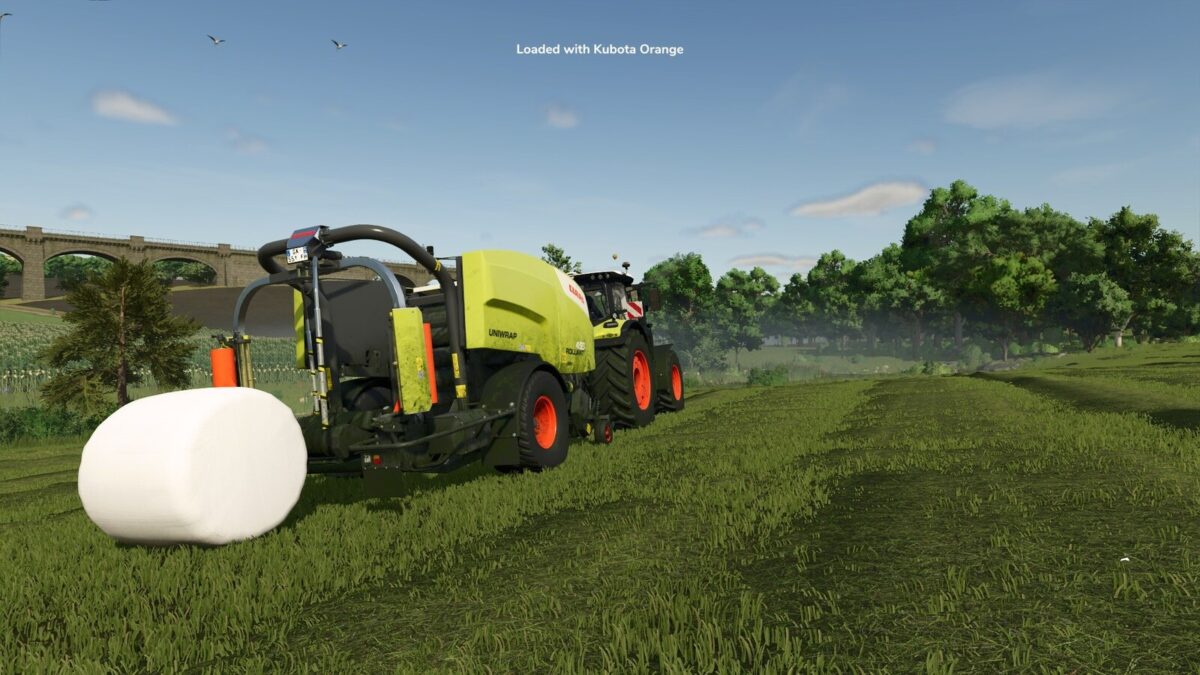
– A message names the film you load into an empty wrapper.
– Settings for a confirmation step, message size, color, background and position, and the warning style.
– Right Ctrl + F12 opens the Kijbev help panel with the keys of every active Kijbev mod.
WORKS ON:
Every baler-wrapper and standalone wrapper that loads the game’s wrap film rolls, base game or mod.
Changelog v1.0.3.0:
– The film message appears when you load film into an empty wrapper and names the film you loaded.
– The refund counts each roll at the price of its own film.
– Messages follow the game’s HUD scale, with three positions, eight colors, an optional background and a reading time that fits their length.
– New setting: warning style, your message style or the game’s own warning display.
– Settings are stored per player and apply to every savegame.
– Right Ctrl + F12 opens the Kijbev help panel.
– Messages show your own key binding.
– Film messages show only for the player who loaded or unloaded the film.
– Confirming before unloading is on by default.
– In multiplayer, a player who joins sees the wrap film on every wrapper as the host has it.
– Long messages break into lines.
– Film can be unloaded once loading from a pallet has finished.
Changelog v1.0.2.0:
– The film message shows only for wrappers your farm owns.
This mod may only be hosted on the official GIANTS ModHub. Redistribution on other websites is not permitted without the author’s written consent.