

Hand Tool Drop v1.1.0.0

Hand Tool Drop v1.1.0.0
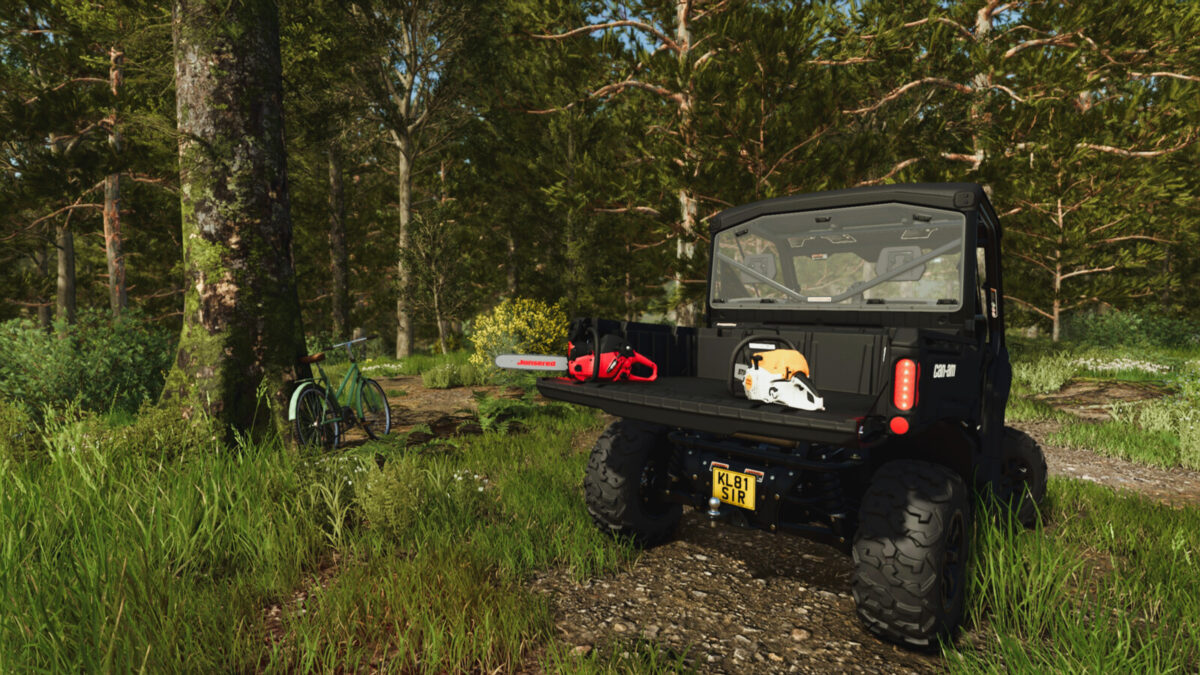
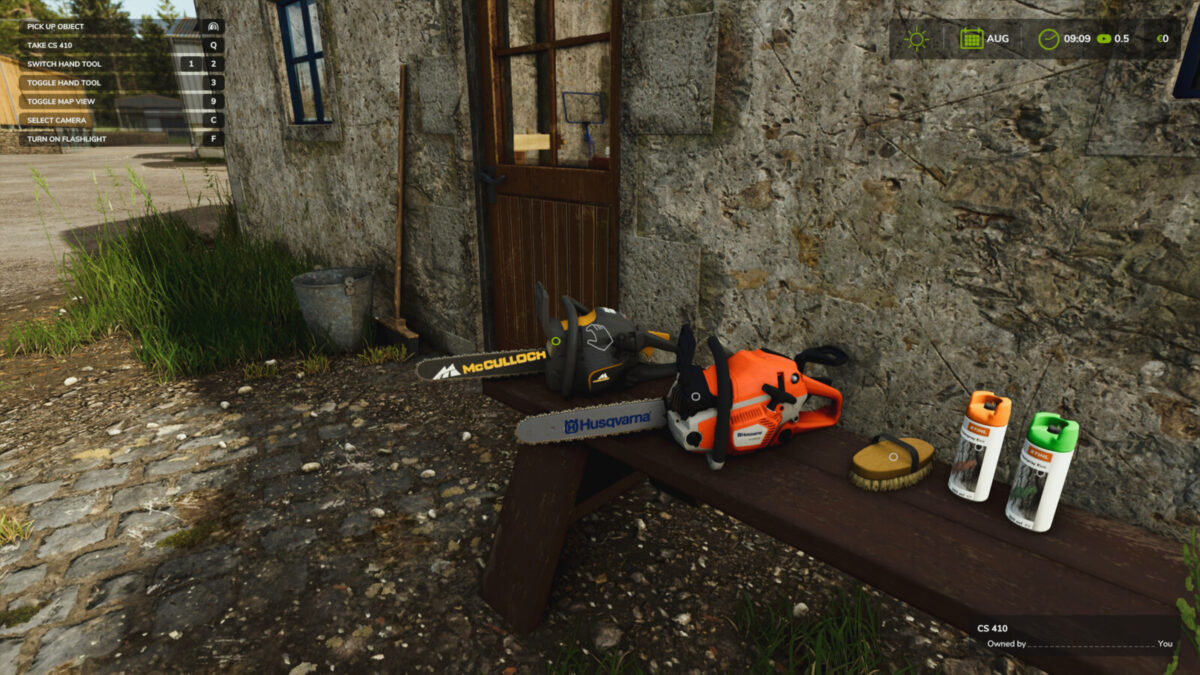
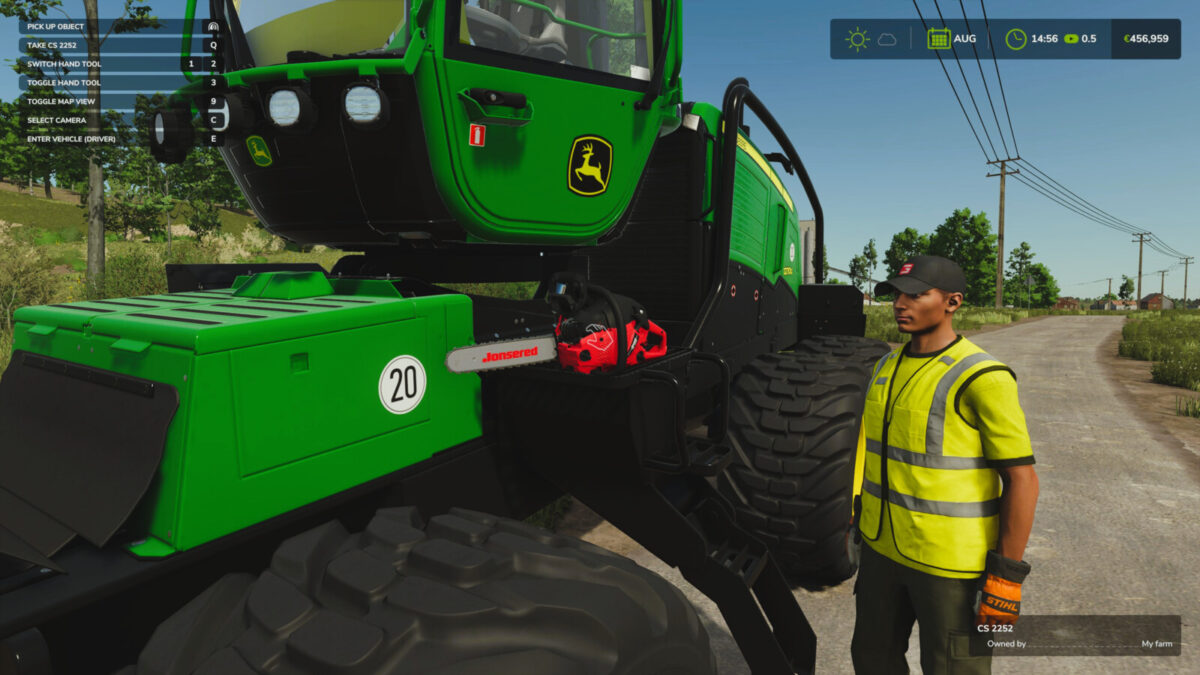
Allows you to put down selected hand tools and pick them up again later.
Features:
– Carry dropped tools by hand or secure them with tension belts for transport.
– Enable interactive zone markers to find nearby dropped tools.
– Tools keep their ownership and position in the savegame.
– Supports dropping only compatible hand tools, including those from mods and DLCs.
Hotkeys:
– Press Q to drop the held tool or equip a nearby dropped tool you are looking at.
Changelog Version 1.1.0.0:
– Added support for hand tools from the Beans & Alpacas Expansion DLC
– Improved collision handling for dropped tools
– Simplified collision object creation
– Fixed return value handling when creating forestry ropes
– Tool markers now shrink slightly as the player moves away
For more information or to report a bug, please visit GitHub (modnext/handToolDrop).