

Advanced Weighing Station v1.0.0.0

Advanced Weighing Station v1.0.0.0
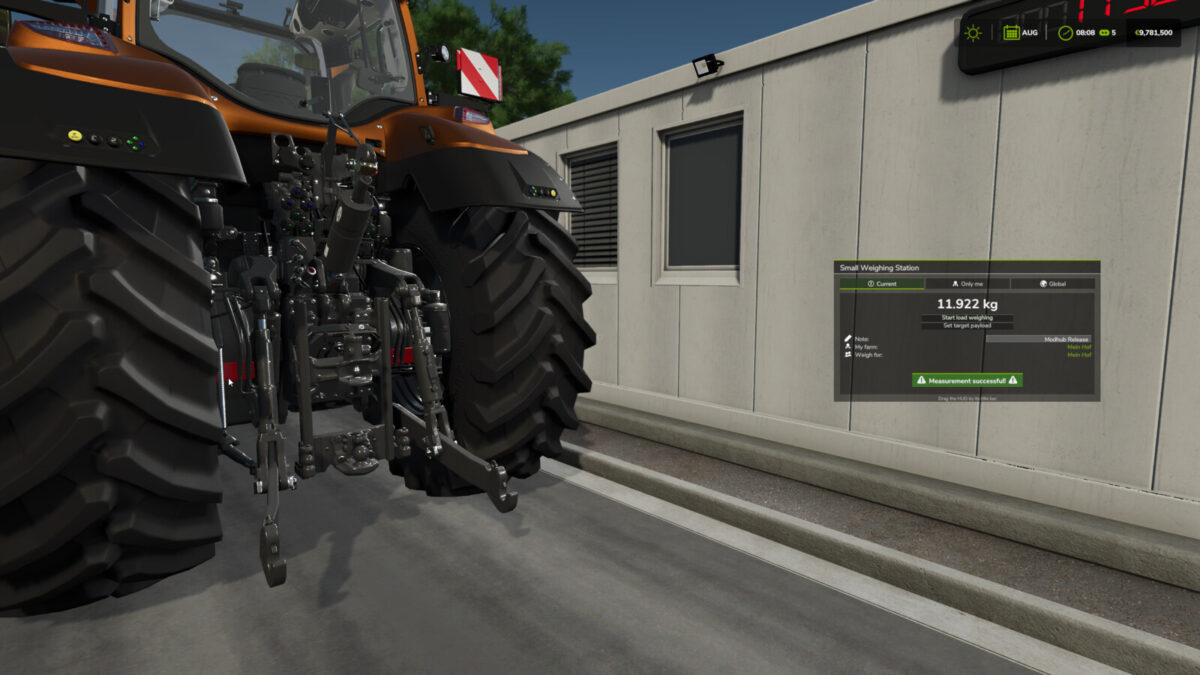
Advanced Weighing Station extends existing FS25 scales with a comprehensive multiplayer-capable weighing system including HUD, history, statistics and additional control options.
Features:
– Automatically extends compatible placeables using the basegame “weighingStation” specialization
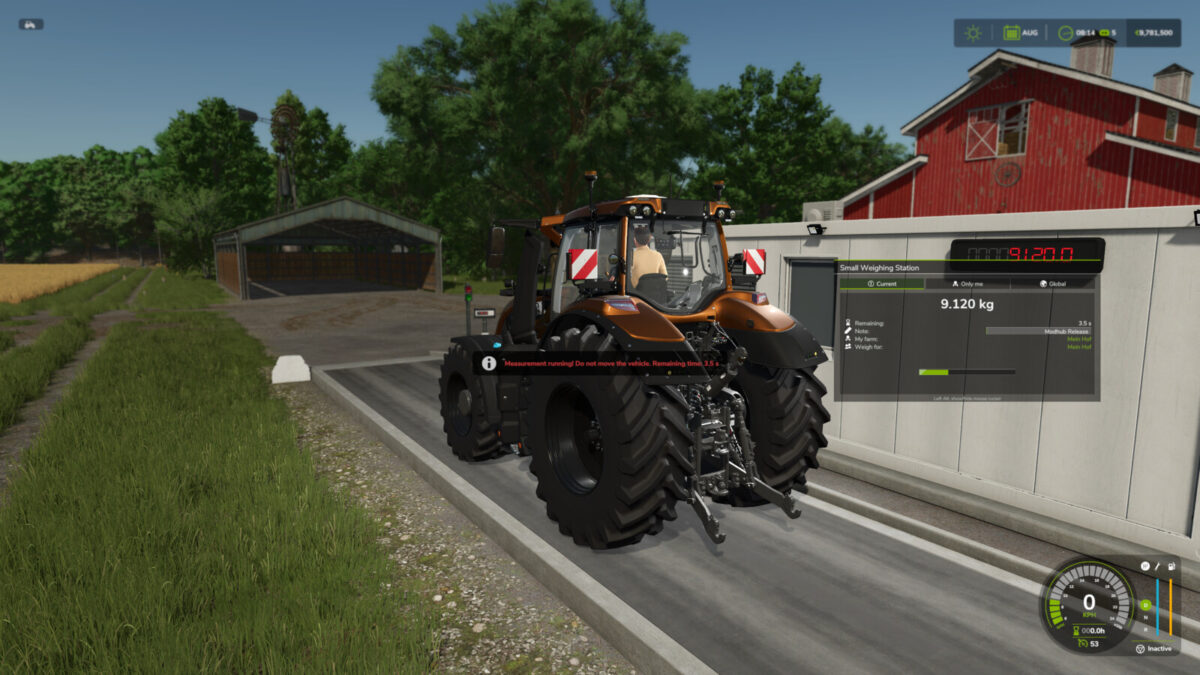
– Clear HUD with current measurement status and weight data
– HUD can be moved with the mouse
– Automatic detection of the driver’s farm
– Freely selectable target farm “Weigh for” before a complete weighing
– Driver farm and target farm are stored for each measurement
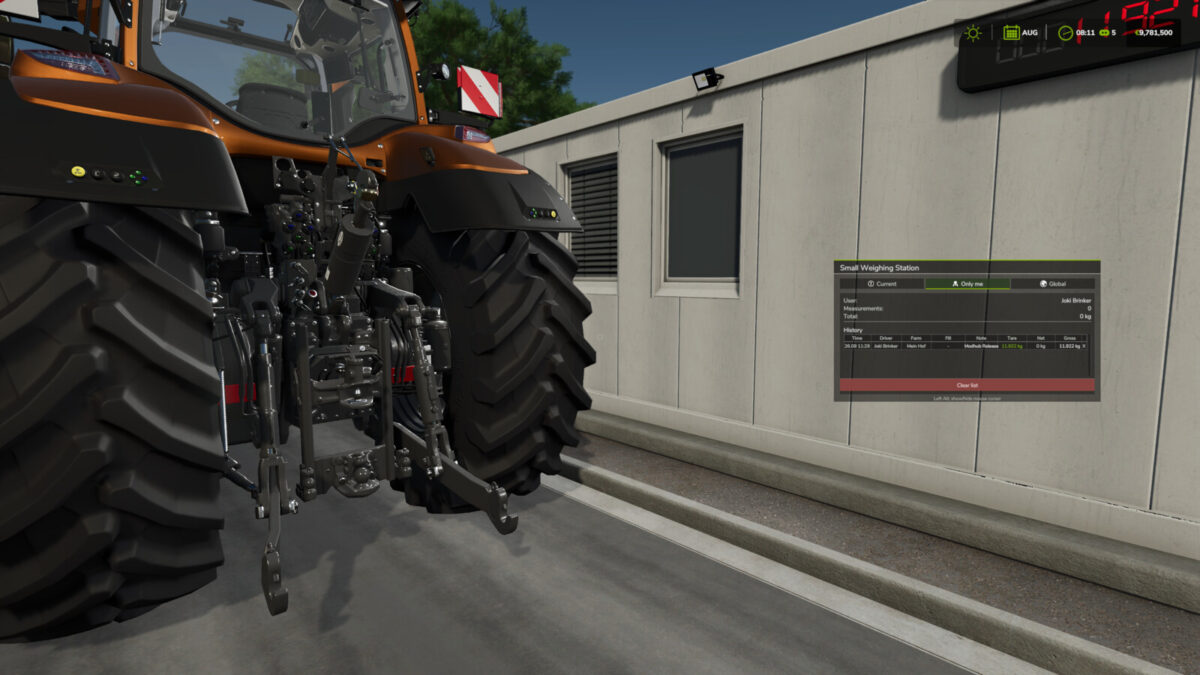
– Personal and global weighing history
– Global statistics with target-farm filtering
– Editable history entries for time, player, farm, fill type, note, tare, net and gross
– Support for stationary weighing, drive-over axle scales and live-loading weighing
– Tare, net and gross weight handling
– Support for loose objects
– Optional controllable barriers and traffic lights
– Multiple barrier animations per scale are supported
– Emergency control for configured barriers
– Scale can be switched on and off on foot directly at the trigger
– Uses the normal R interaction key by default
– Optional separate XML switch trigger
– Support for external weight displays
– Disabled scales stop weighing and deactivate displays, traffic lights and beacon lights
– Server-wide settings can be managed by admins in the in-game menu
– Settings, history and power state are synchronized in multiplayer
– Power state and relevant data are stored in the savegame
– Dedicated server and late-join support
– Optimized event-driven trigger and weight handling for low performance impact
The mod automatically extends compatible weighing stations. Additional functions such as barriers, traffic lights or a separate switch trigger can be configured through the corresponding placeable XML entries.