
Jacto K3500 v1.0.0.1

FS25 mods

Jacto K3500 v1.0.0.1

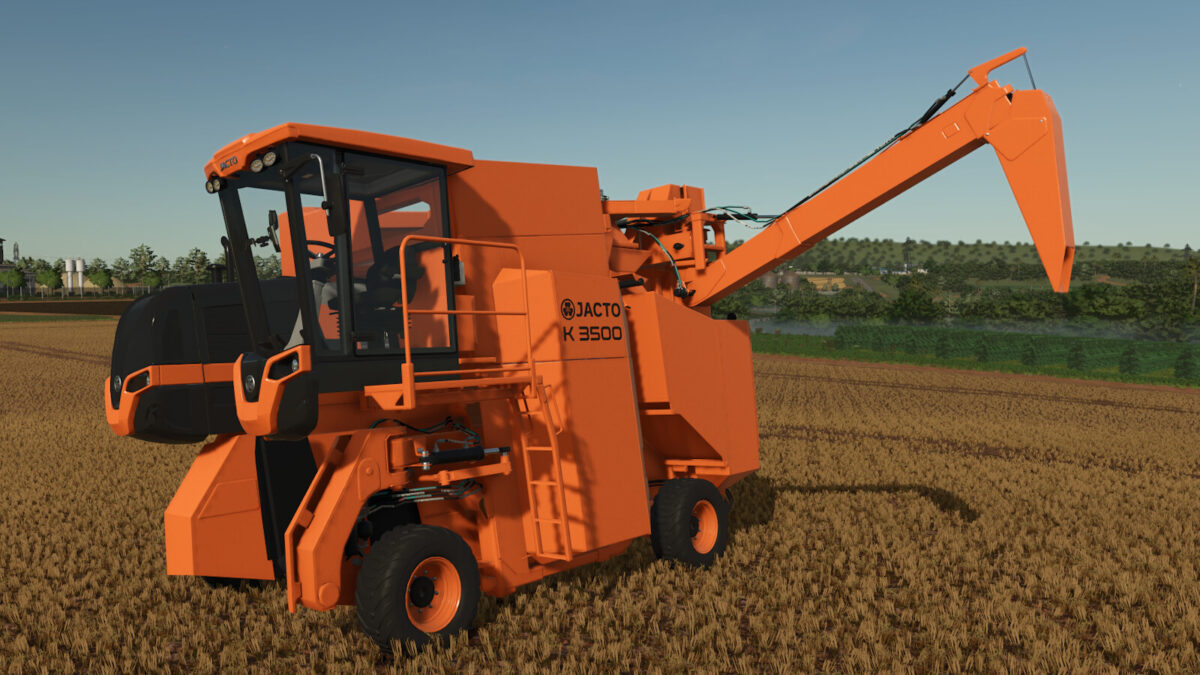
Jacto K3500 v1.0.0.1
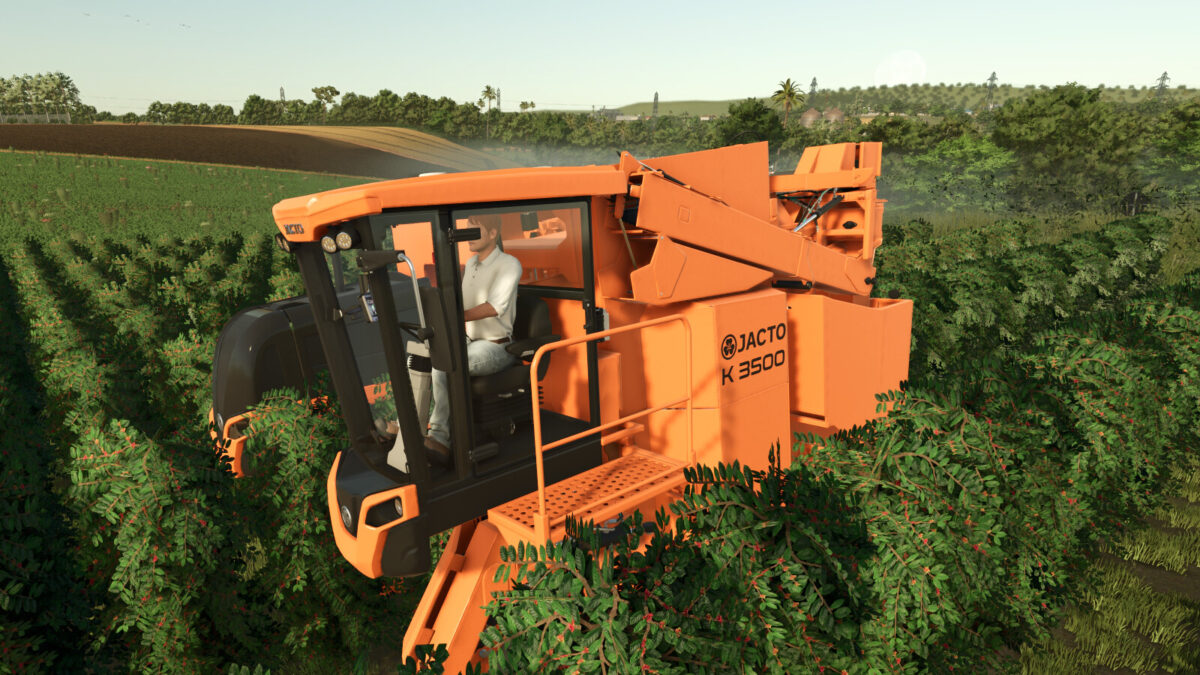
Jacto K3500 v1.0.0.1

Jacto K3500 v1.0.0.1
About the mod:

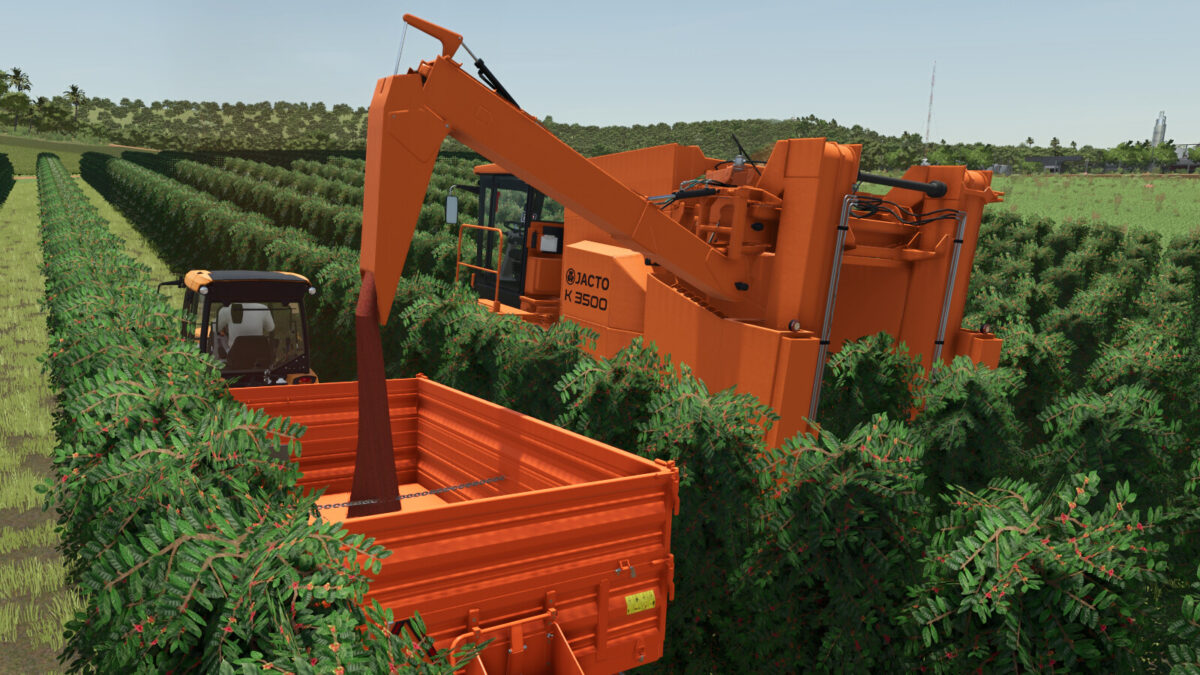
Jacto K3500 Presents to the producer quality harvested coffee beans, fewer species, higher daily yield, comfort and safety.
– K3500 is an experienced coffee harvester
– Price: 145000 $
– Power: 132 hp
– Category: Combine harvesters
– Capacity: 2.000 L
– Working speed: 8 kph
– Animations: Raising and tilting equipment, and barrel height adjustment
INFO: Only for coffee harvesting.
changelog 1.0.0.1
– The tank accepts COFFEE and COFFEECHERRIES.
– Fixed raising/side leveling: the machine no longer jumps when it finishes raising.
– The shop now has two versions: standard coffee (COFFEE) and “K3500 (Beans & Alpacas)” for the expansion coffee (COFFEECHERRIES).

Credits:
Jacto and Connect Modding LTDA

How to install FS17 mods?

Firstly find a mod which you like and want to download. Then download a mod to your PC. Mods are usually in .zip format file. But sometimes it can be in .rar. If a mod file is a .zip format no needed additional actions. If a file is in .rar, then you must unarchive mod with software like WinRar or Zip7. Windows 10 users no need to use software for archives, Win10 itself has a feature to unarchive files.

The next step is to find mods folder in your PC. Usually, it is in Documents/My Games/Farming Simulator 17/2017. Open the "mods" folder and put downloaded .zip archive or unarchived .rar file to this folder.

Last step. Enjoy of FS17 mods!

Leave a Reply

Your email address will not be published. Required fields are marked *