Rice Field Control v1.0

FS25 mods

Rice Field Control v1.0
About the mod:

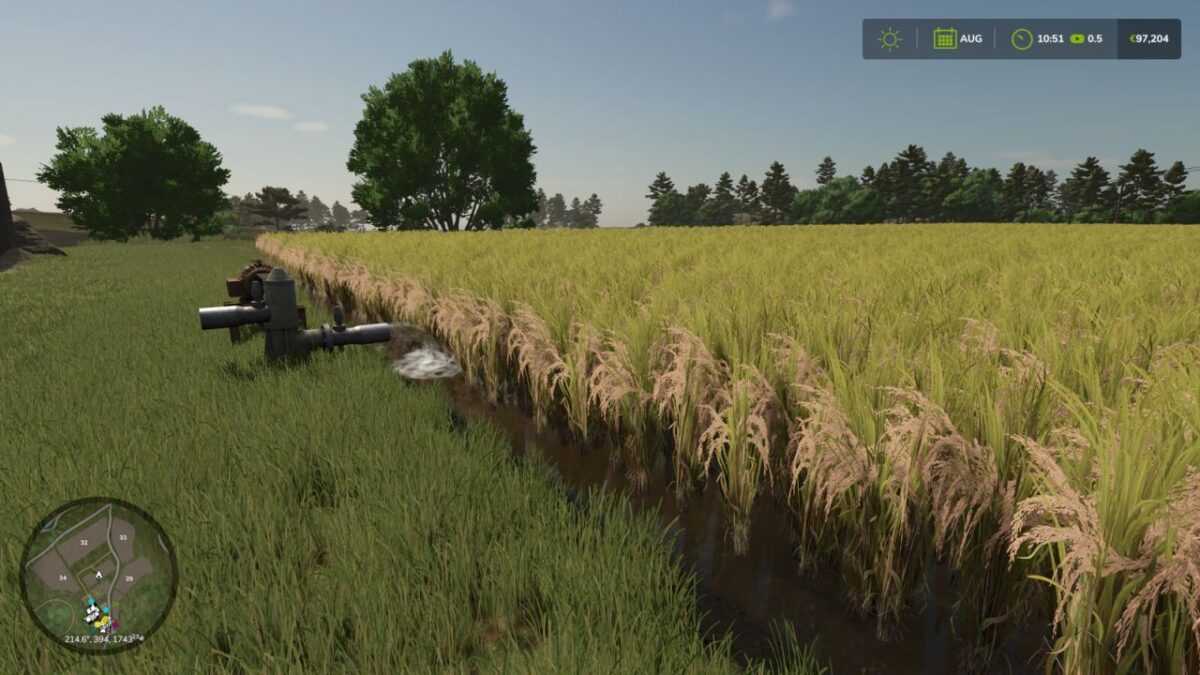
Manage rice-field irrigation remotely in Farming Simulator 25 without visiting every pump.
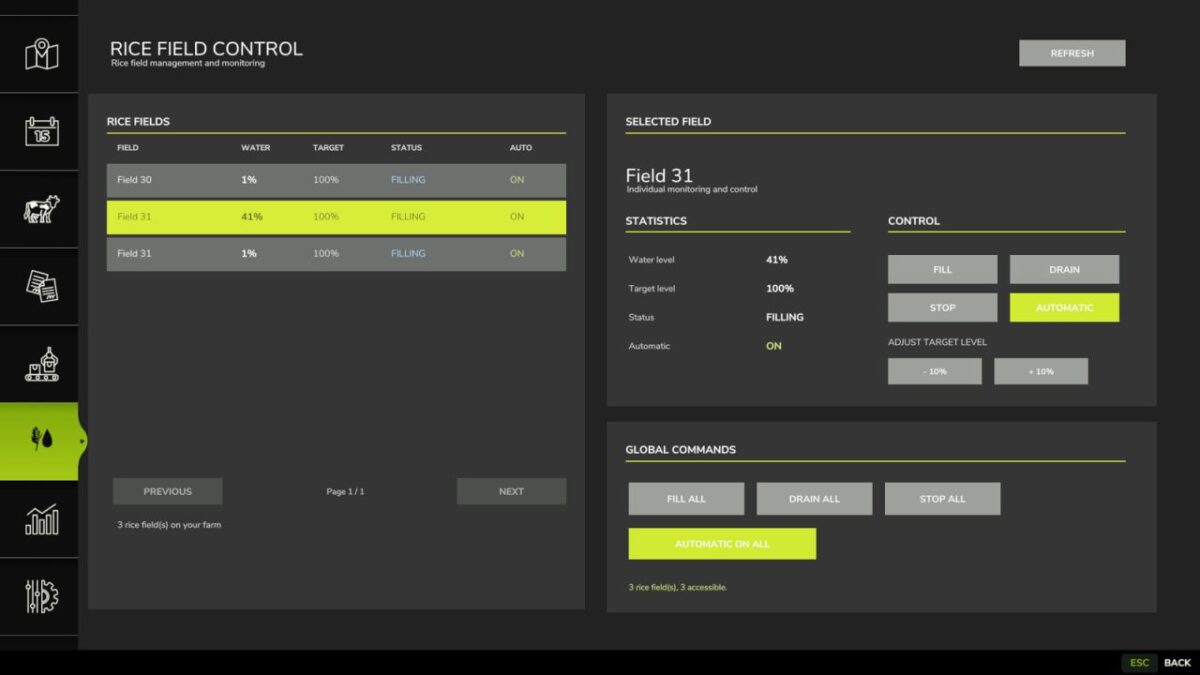
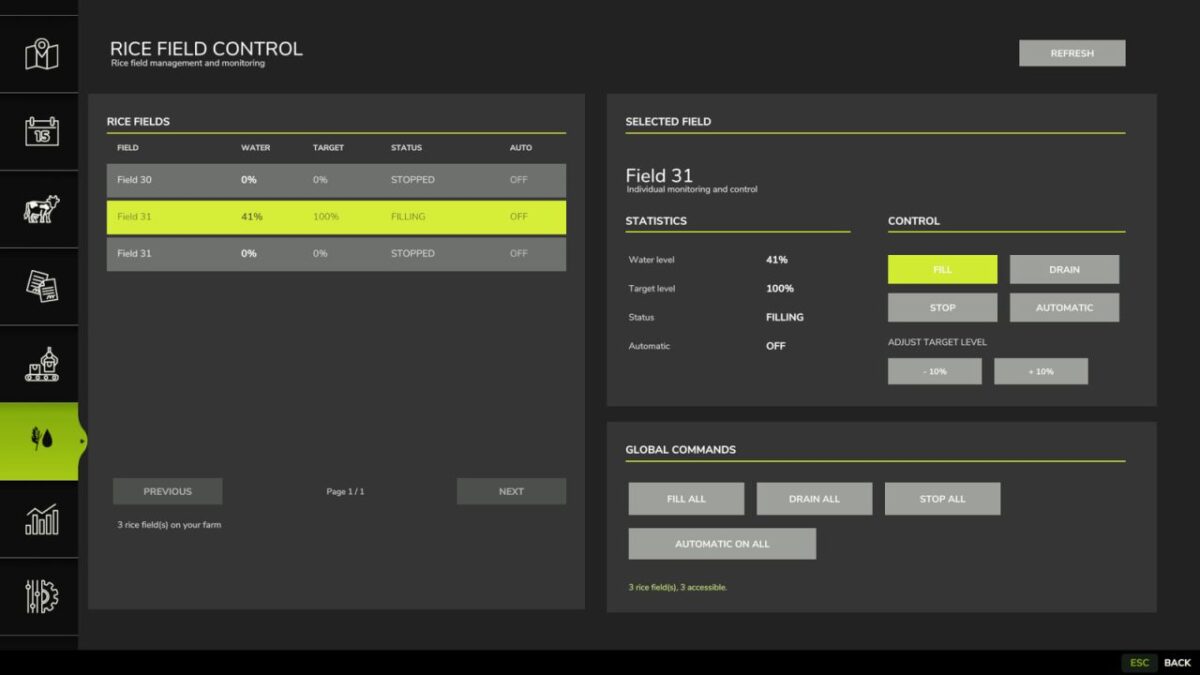
Rice Field Control adds a management panel to the in-game menu. View accessible rice fields, set a target water level, and fill, stop or drain fields individually or together.
Optional automatic refilling helps maintain the selected water level as it drops. The mod uses the game’s native rice-field water system rather than adding water instantly.
All functions are operated through the integrated menu, without additional keyboard shortcuts.

Credits:
BDM Modding

How to install FS17 mods?

Firstly find a mod which you like and want to download. Then download a mod to your PC. Mods are usually in .zip format file. But sometimes it can be in .rar. If a mod file is a .zip format no needed additional actions. If a file is in .rar, then you must unarchive mod with software like WinRar or Zip7. Windows 10 users no need to use software for archives, Win10 itself has a feature to unarchive files.

The next step is to find mods folder in your PC. Usually, it is in Documents/My Games/Farming Simulator 17/2017. Open the "mods" folder and put downloaded .zip archive or unarchived .rar file to this folder.

Last step. Enjoy of FS17 mods!

Leave a Reply

Your email address will not be published. Required fields are marked *