

Vehicle Inspector v 1.2 BETA

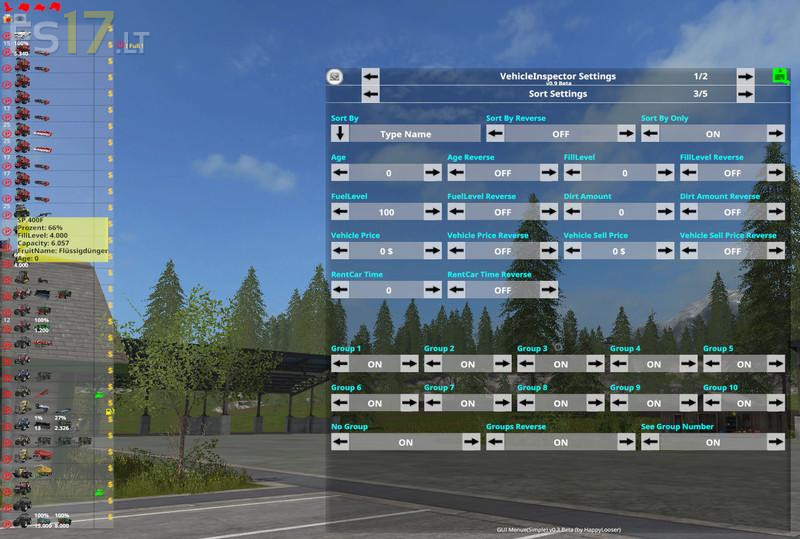
Vehicle Inspector v 1.2 BETA
The VehicleInspector is intended to give you a quick overview of your vehicles. What do they / what they have loaded / which are active etc. etc.
The VI itself has a very comprehensive settings menu. There you can adjust and optimize everything according to your wishes. Easy to test and play with.
If you use the MultiOverlayV2 Hud Mod you need at least v2.9 or higher.
The result is the mod because the old VI integrated in the MultiOverlayHud has already gotten a bit old and therefore something new was needed.
This is an Open Beta version and errors are included.
Key / Mouse Default Settings: VI
VI ON / OFF F2
VI Hiden ON / OFF F3
VI MouseCursor ON / OFF F12 <- MOH v2.9 Multiple via VI Settings Optional
VI Select UP NONE (Optional)
VI Select Down NONE (Optional)
VI Select Action NONE (Optional)