

Massey Ferguson 9S v1.1.0.0

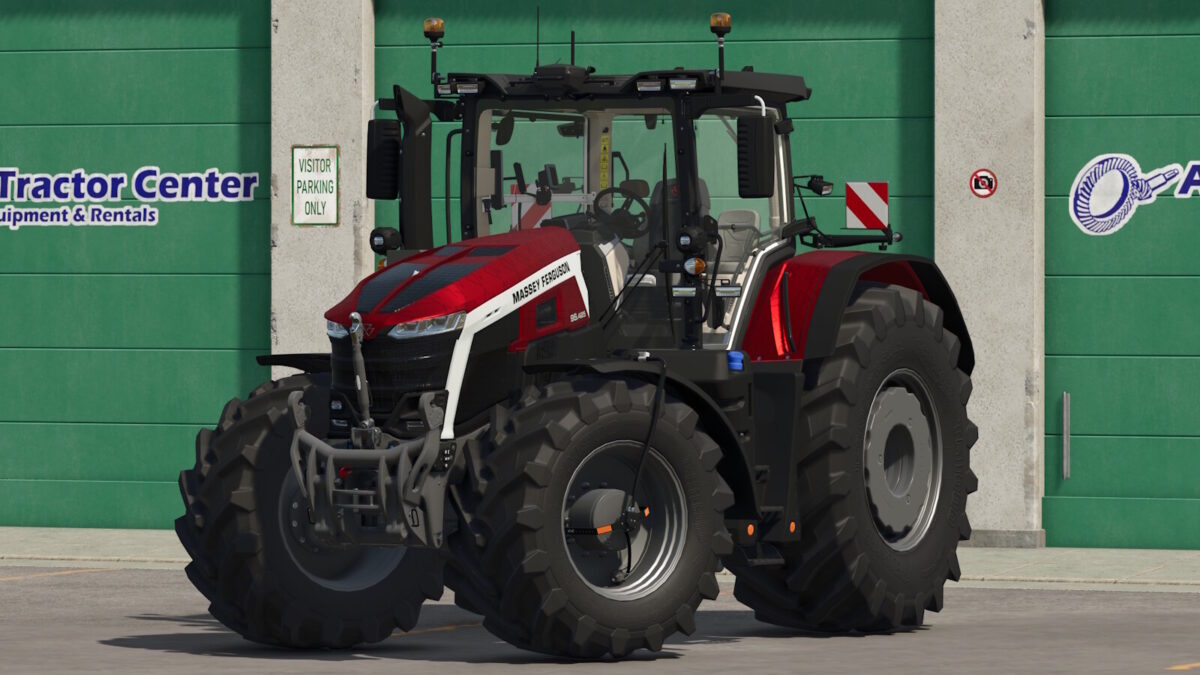
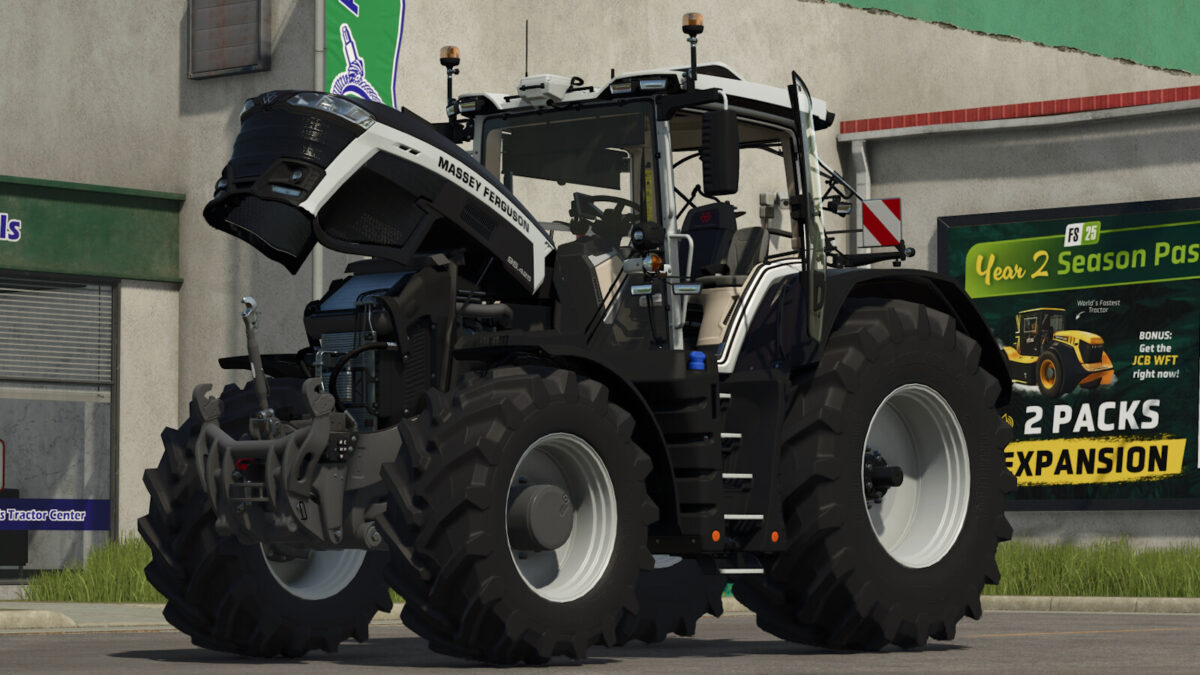
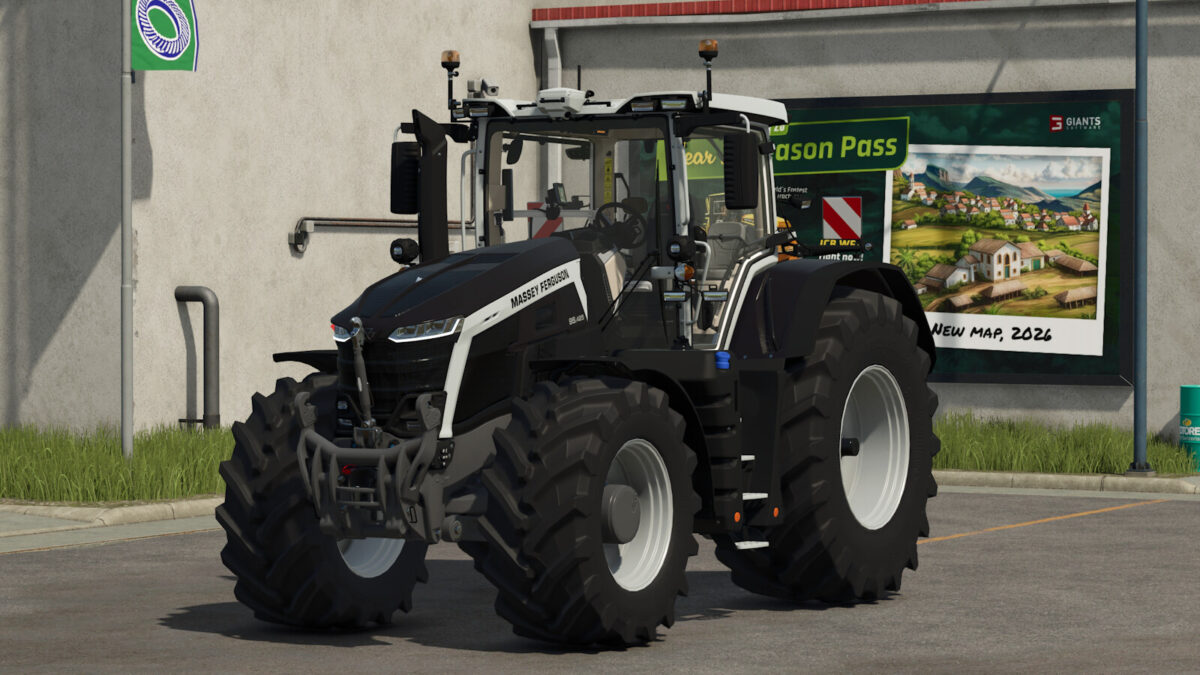
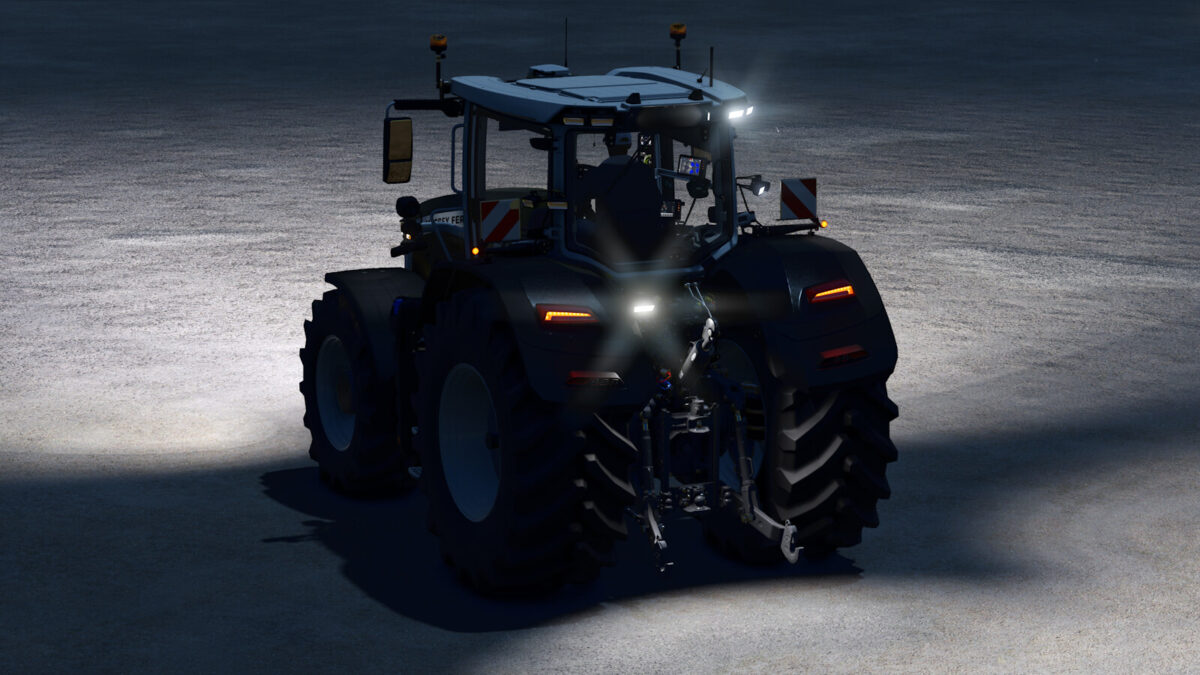
Massey Ferguson 9S v1.1.0.0
Shop Category: Large Tractors
Price: €259,000 – €335,809
Power: 285 hp – 425 hp
Top Speed: 50 km/h
Massey Ferguson 9S with extensive enhancements:
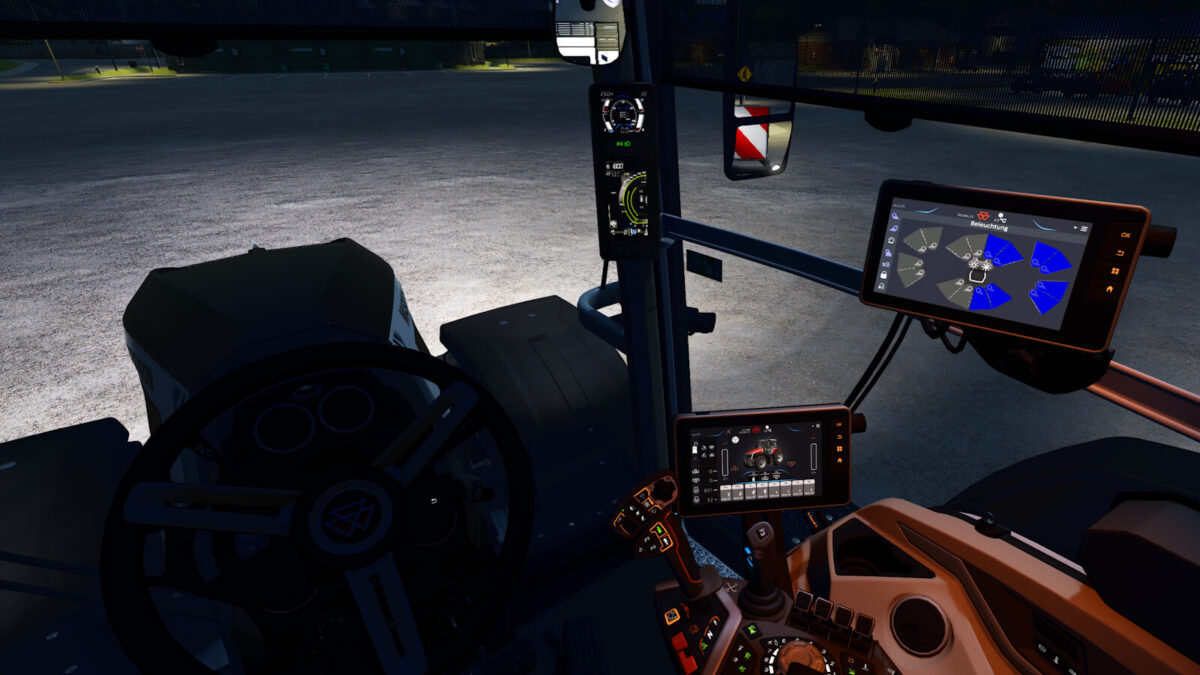
– Interactive Control (interior & exterior)
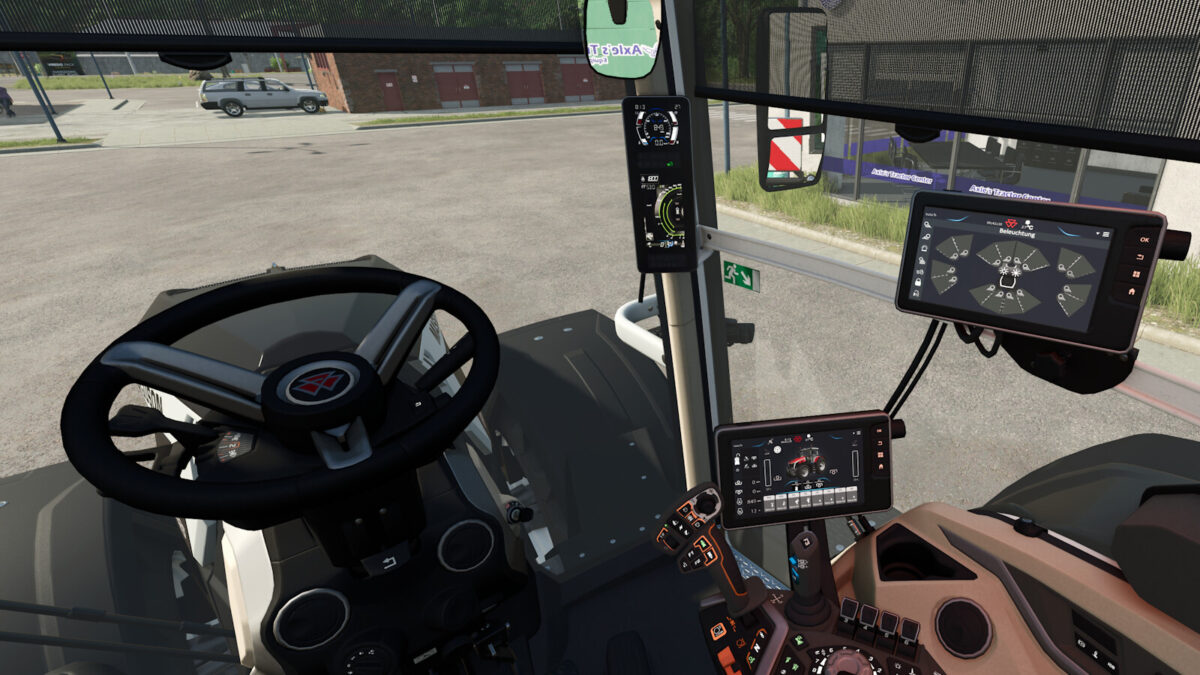
– Advanced work light control via IC and the DBL terminal (page 4)
– Cameras, work cameras, and monitors installed; controllable via IC on page 3 of the DBL terminal
– Color options added for hood, fenders, roof, and rims
– Configurable warning signs
– Configurable work lights
– Configurable terminal types
Recommended mods for the best experience with the 9S:
– Dashboard Live
– WorkLightControl
– Interactive Control
– Mercedes-Benz DLC
– AgraGPS
– AgraMonitor
– Tire pressure control system
Changelog 1.1.0.0
New:
– Added another special paint
– Added PTG tire pressure control system
– Added AgraGPS configuration
– Added AgraMonitor configuration
Fixes:
– Revised configuration options
– Revised camera screen page 3
– Fixed visual issues
Special thanks to: Paul and BloodyRulez for allowing me to use the PTG system.