

Fendt 300 Vario Gen4 v1.0.0.0

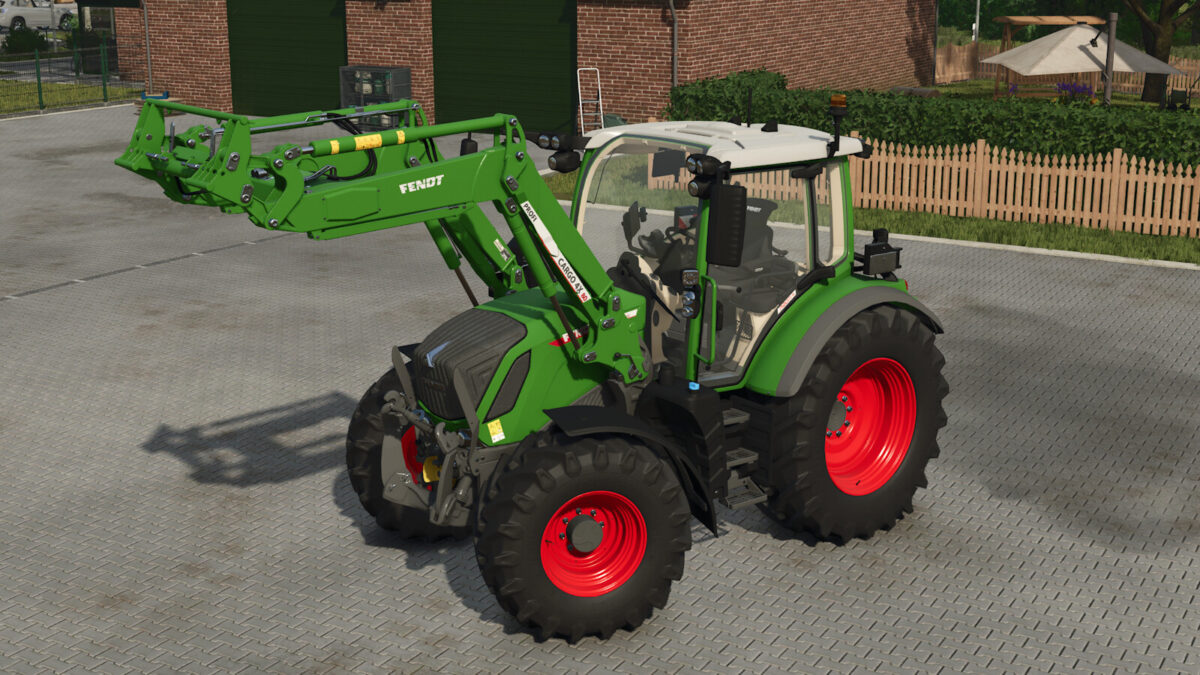
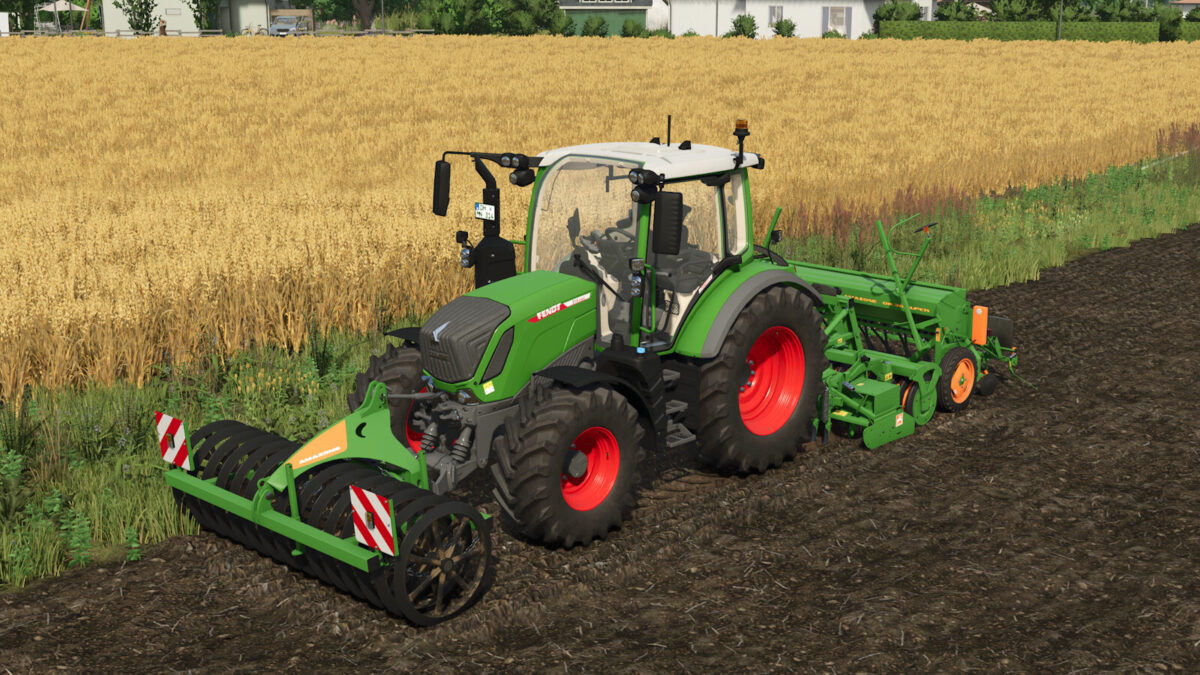
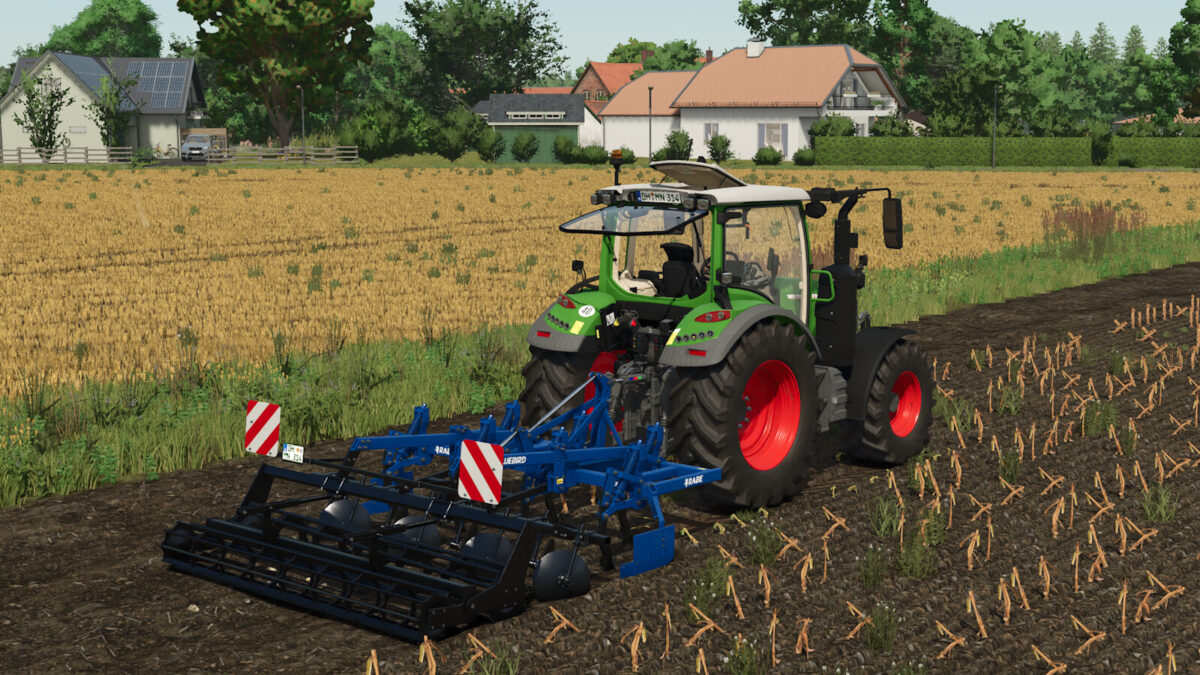
Fendt 300 Vario Gen4 v1.0.0.0
Fendt 300 Vario Gen4
Category: Small Tractors
Price: $154,400
Power: 113 – 142 hp
Max. speed: 40 kph
Configurations:
– Line Setting
– Version for cabin
– Infotainment
– Terminal 12″ Roof
– Universal bracket for mobile phone
– Steering wheel incl. knob
– Floor mat for cabin
– Backlights
– Mirrors
– Interior Mirror
– Warning Signs
– Beacon Lights
– Fenders Front
– Isaria Crop Sensor
– Color Configurations
Features:
– Doors, windows, and other components can be controlled via Interactive Control or, alternatively, using the mouse.
– Integrated, customized vehicle physics for more realistic handling.
– New, authentically recorded sounds.
– Support for Dashboard Live with authentic Fendt displays, usable with or without the DBL function.
– Equipped with a Fendt Cargo front loader console, compatible with the FS25_FendtCargoPack.
– Prepared for the Precision Farming add-on.