

Combine Harvester Powergrid + GPS v 1.1

Combine Harvester Powergrid + GPS v 1.1
About the mod:
Version 1.1:
* Added GPS version (importing can now be done between the normal version and the GPS version, but both can be imported and used simultaneously)
* Tab graphics revised
* Please read the instructions included with the archive. Otherwise GPS will not work
* Rotating luminaire has been changed to the CTRL + T shortcut in 1.1. Please adjust this in the game options
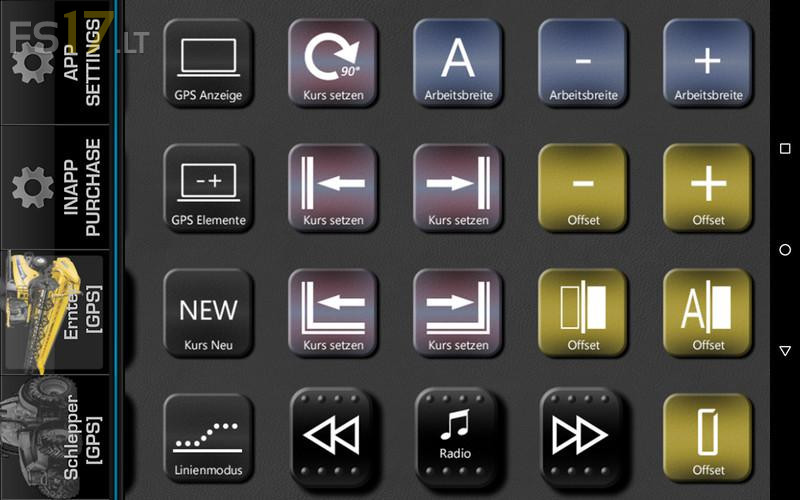
* On the left-hand side of the screen is the conventional grid with the basic functions of the tractor and the 3 most important GPS functions. By wiping to the right you can reach the GPS settings
Credits:
Endless Dark