
Tipper Reverse Assist v1.0.0.0

FS25 mods

Tipper Reverse Assist v1.0.0.0

Tipper Reverse Assist v1.0.0.0
Tipper Reverse Assist v1.0.0.0
About the mod:

Reverse Assist For Tippers
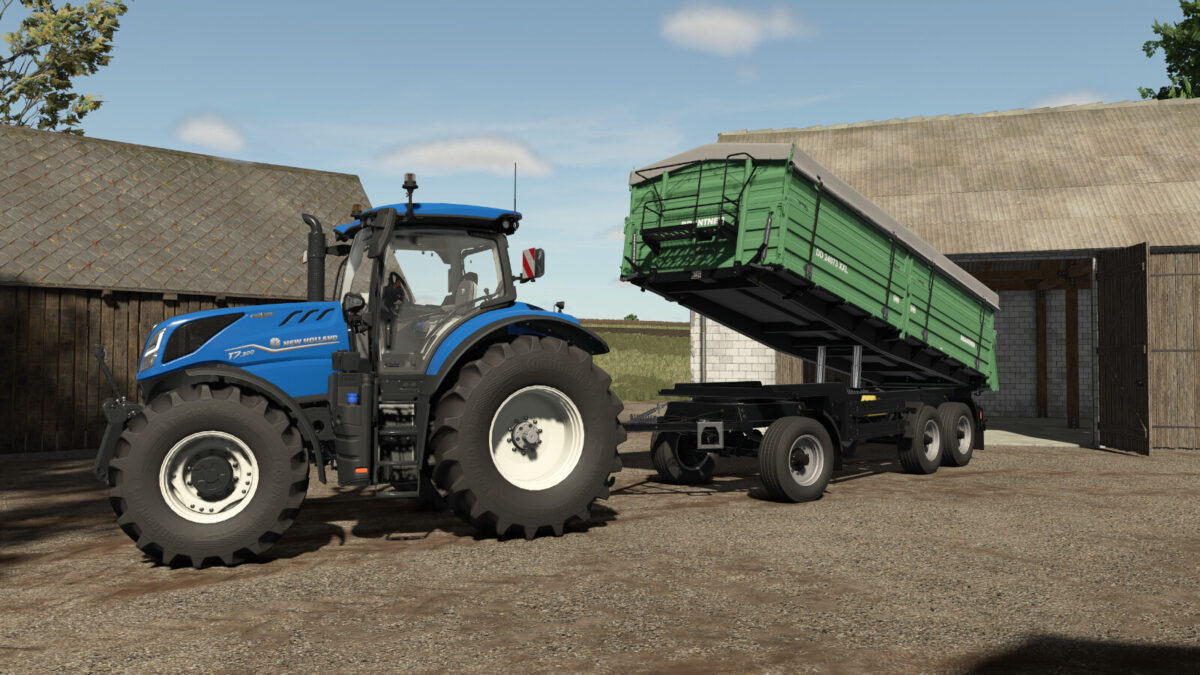
This script allows trailers with a tipping function to be tilted for easier reversing and positioning.
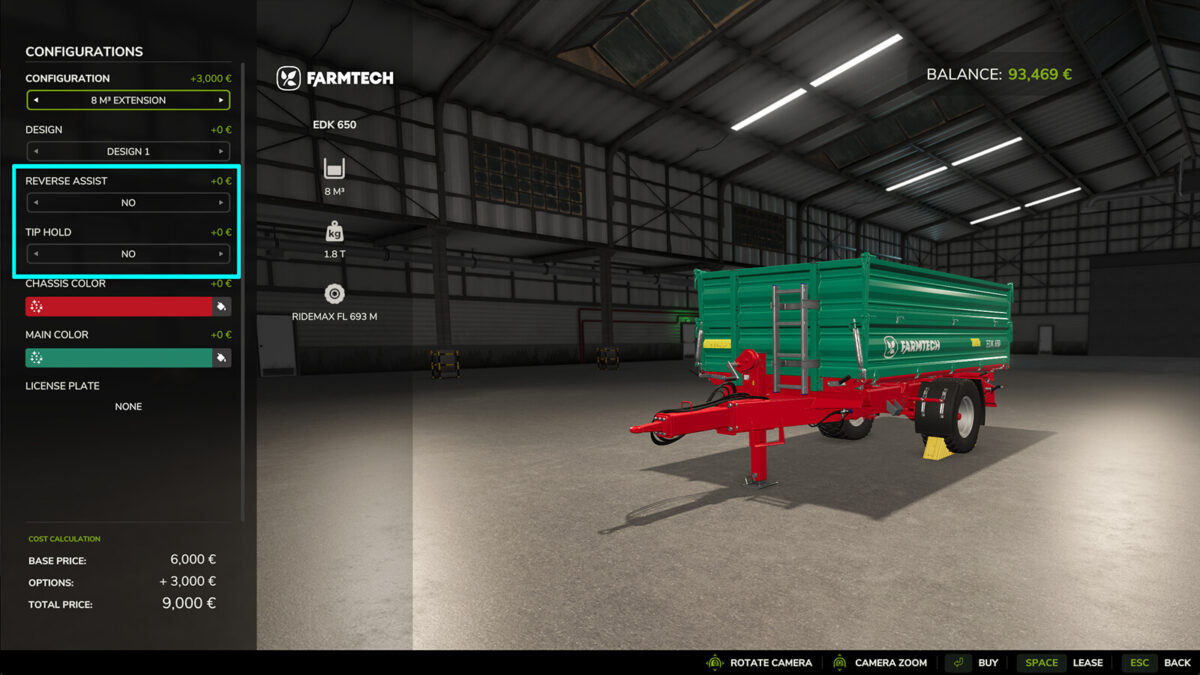
The script adds the configurations “Maneuvering Mode” and “Tip Stop” to all tipper trailers.
Maneuvering Mode:
Three options are available in the shop: No, Automatic (15° tipping angle) and Precision (adjustable tipping angle of up to 25° using a joystick axis).
Automatic mode requires the rear tipping side to be selected, while Precision mode works independently of the selected tipping side.
Tip Stop:
The script detects low barn ceilings and automatically stops the tipping process to help prevent collisions with the roof.
Only works when tipping, not in Maneuvering Mode!

Credits:
Farming Dud's - hammazbald

How to install FS17 mods?

Firstly find a mod which you like and want to download. Then download a mod to your PC. Mods are usually in .zip format file. But sometimes it can be in .rar. If a mod file is a .zip format no needed additional actions. If a file is in .rar, then you must unarchive mod with software like WinRar or Zip7. Windows 10 users no need to use software for archives, Win10 itself has a feature to unarchive files.

The next step is to find mods folder in your PC. Usually, it is in Documents/My Games/Farming Simulator 17/2017. Open the "mods" folder and put downloaded .zip archive or unarchived .rar file to this folder.

Last step. Enjoy of FS17 mods!

Leave a Reply

Your email address will not be published. Required fields are marked *