

Work Plan App for FarmingOS v1.0

Work Plan App for FarmingOS v1.0
FARMINGOS – Work Plan
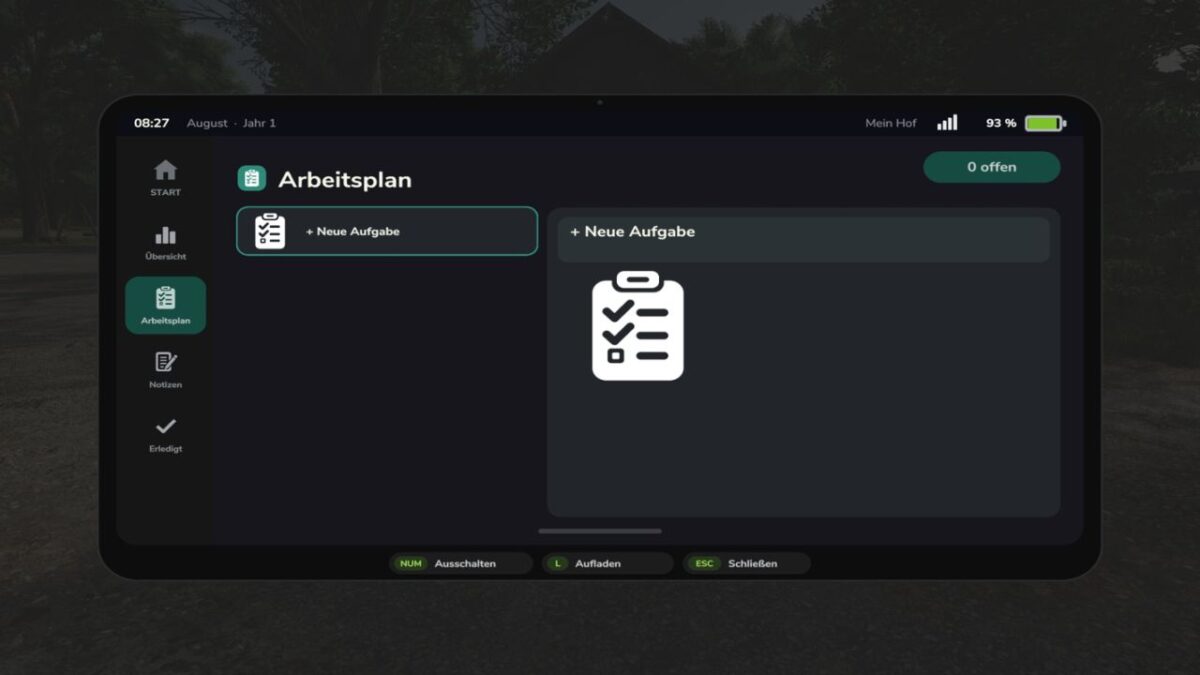
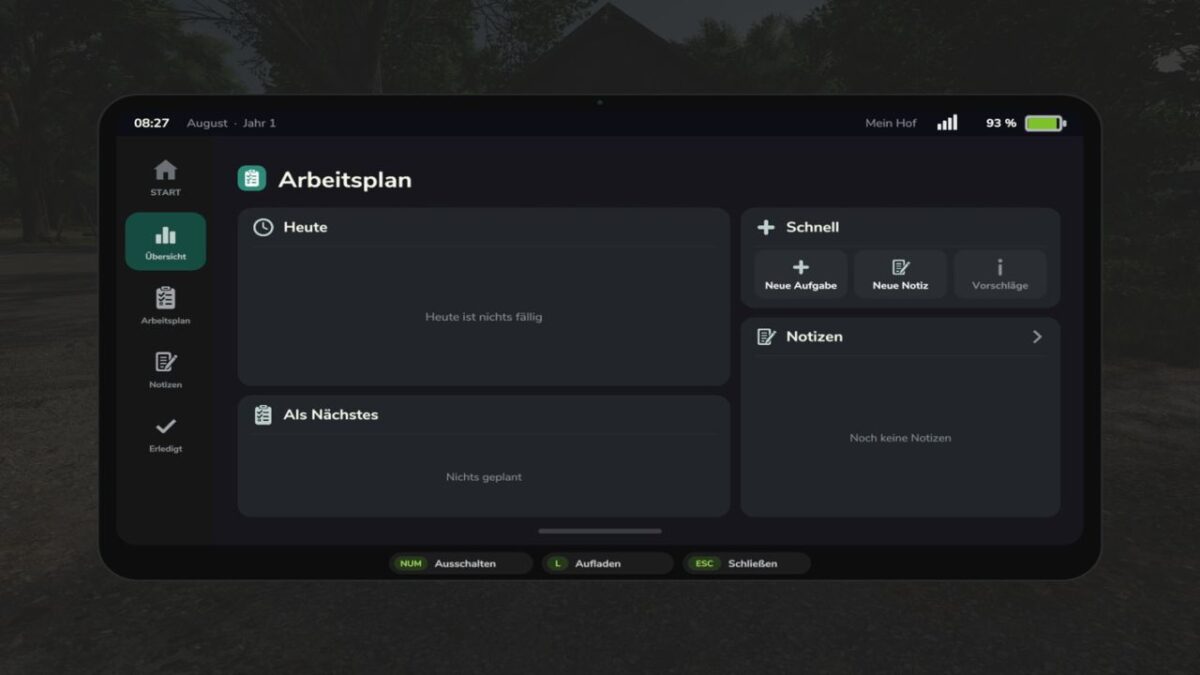
With the FarmingOS Work Plan, you can organize your daily tasks directly on the tablet.
Keep track of what needs to be done on your farm and maintain a clear overview of upcoming work.
FEATURES AT A GLANCE
Create tasks: Create your own tasks and work steps for your farm.
Daily planning: Keep an eye on your current and upcoming tasks.
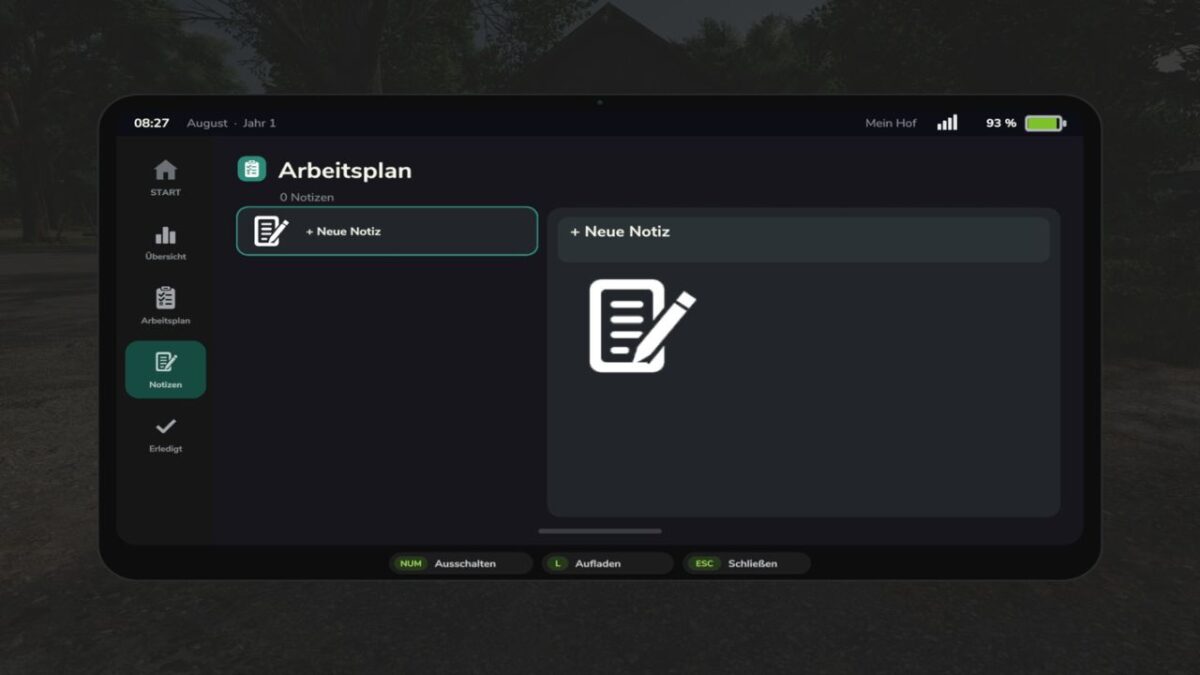
Notes: Add your own notes and information to tasks.
Complete tasks: Mark completed work directly in your work plan.
Archive: Completed tasks remain stored in the archive and can be viewed again later.
STANDALONE EXPANSION
The Work Plan is an optional expansion for FarmingOS.
It is not included in the FarmingOS main mod and must be downloaded and installed separately.
AVAILABLE LANGUAGES
German, English, French, Polish, Hungarian, Russian and Czech.