

Porta Westfalica Map v 3.0

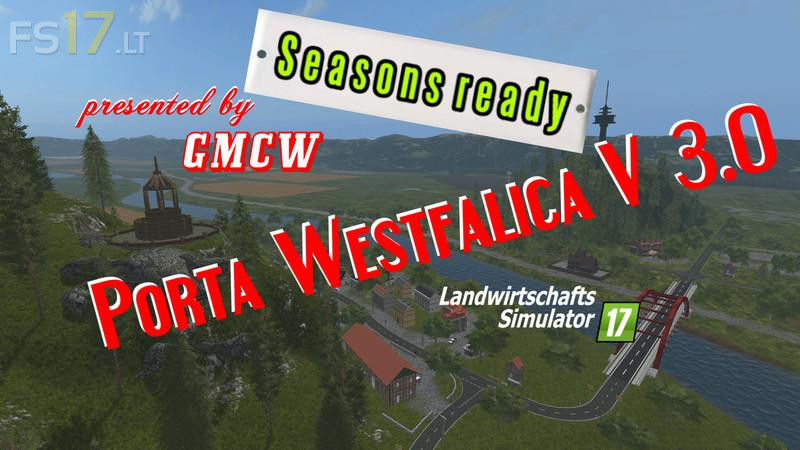
Porta Westfalica Map v 3.0
About the mod:
Version 3.0:
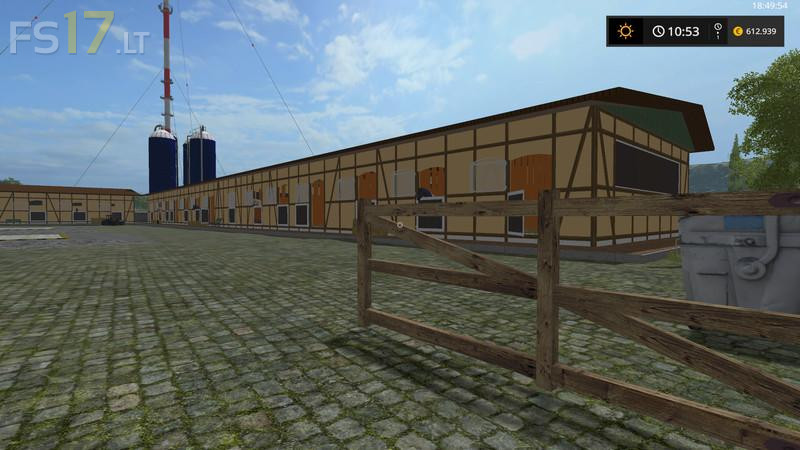
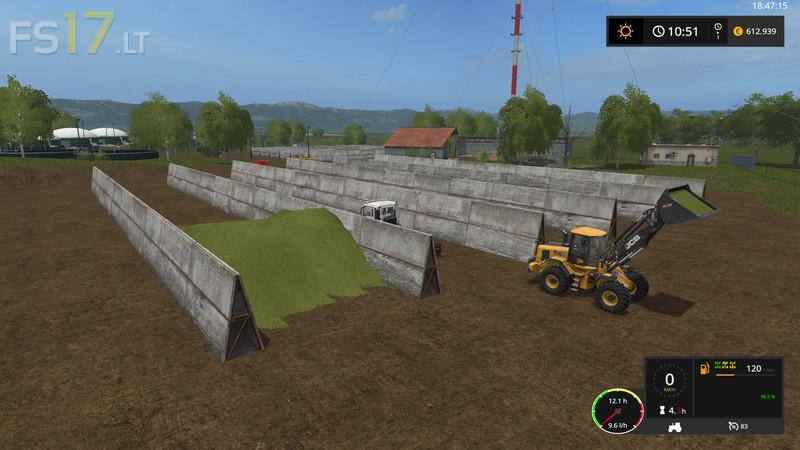
* The map now supports the Seasons Mod, a SnowMask is installed, as new fruits are white cabbage, red cabbage (storage in the barn of the other feathers at the farm) and tobacco, as new productions are a Krautsalproduction, a cooking oil mill, a cigar factory and An egg farm as well as a gravel drying, all with new buildings, the warehouse and industrial displays are correspondingly supplemented, the fodder does not accept grass, but hay, the mistakes reported so far are fixed, a selling point for the Eierpaletten of the Eierhof is at the Sparmarkt in Hahlen, a new sales point for other products has also been set up, warehouses have been set up for all products and new fruits.
Credits:
GMCW
Do not leave the entrance ramp to produce fertilizer and seeds, lettuce, carrots, cabbage and red cabbage have no ripening texture.After this map is great. Correct errors and it will be ok. Regards and thanks