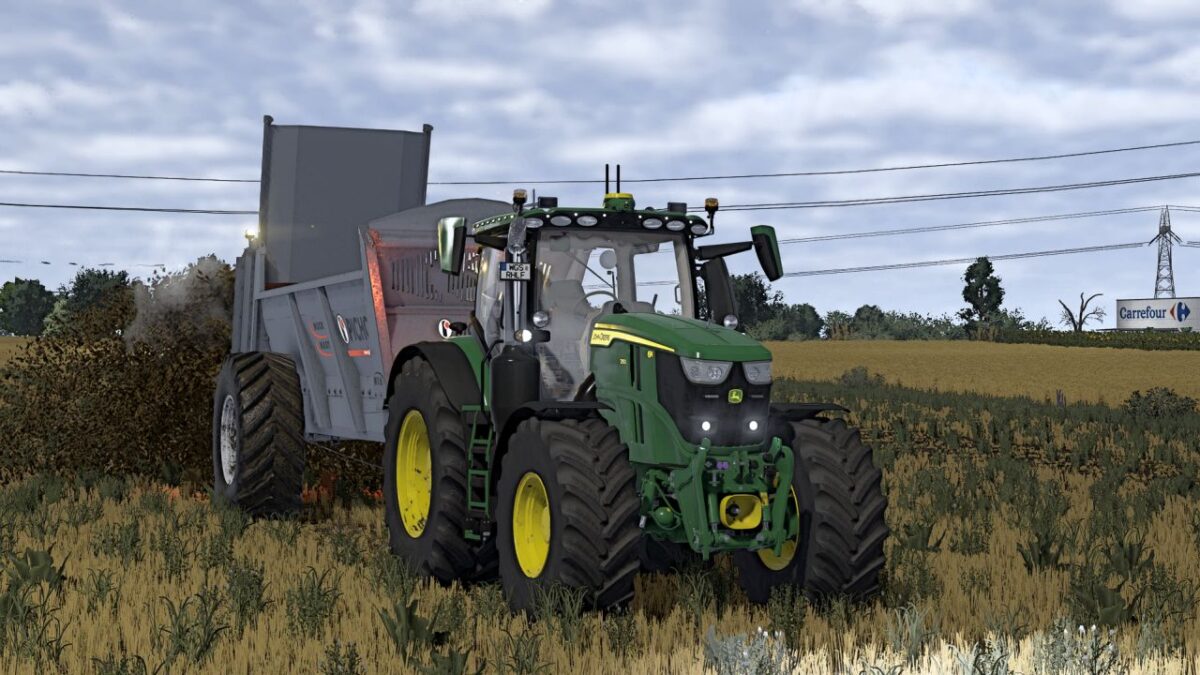
John Deere 6R Extra Large v1.0

FS25 mods

John Deere 6R Extra Large v1.0
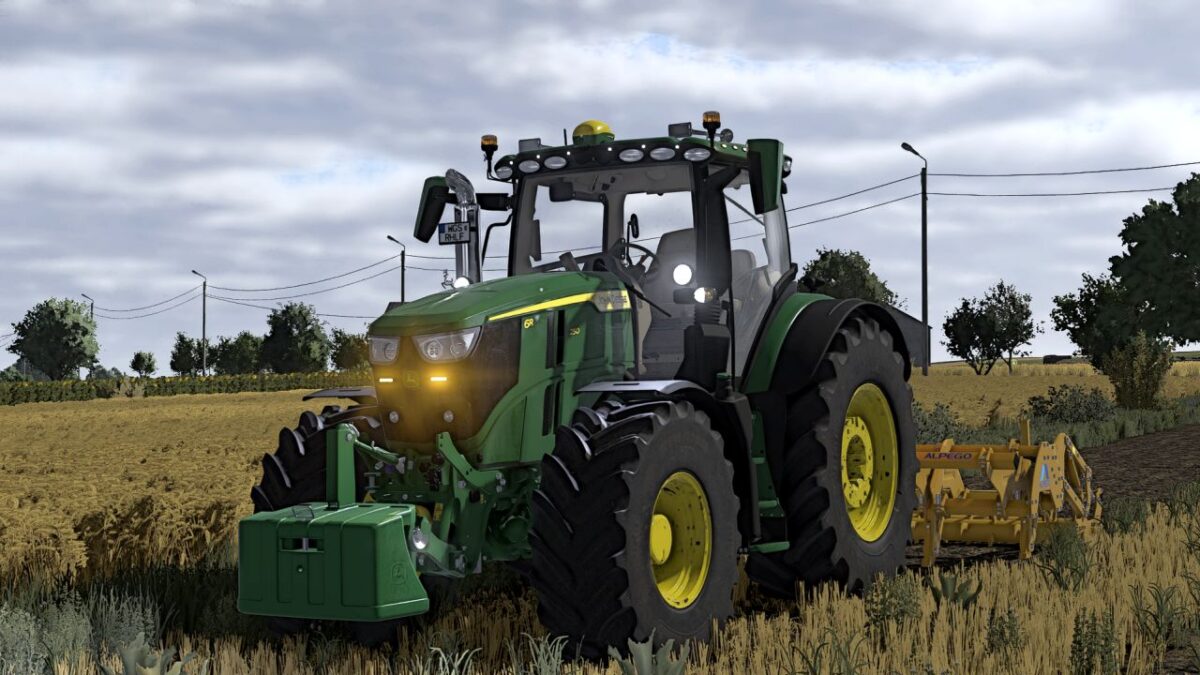


About the mod:

Added:
Clearance lights
Horns + sound
Strobe lights
Enjoy playing. I recommend the configurations shown in the screenshots below.

Price: 268000
Power: 253-301
Max speed: 53

Required mods:
Interactive Control
RealGPS

Credits:
Nares55

How to install FS17 mods?

Firstly find a mod which you like and want to download. Then download a mod to your PC. Mods are usually in .zip format file. But sometimes it can be in .rar. If a mod file is a .zip format no needed additional actions. If a file is in .rar, then you must unarchive mod with software like WinRar or Zip7. Windows 10 users no need to use software for archives, Win10 itself has a feature to unarchive files.

The next step is to find mods folder in your PC. Usually, it is in Documents/My Games/Farming Simulator 17/2017. Open the "mods" folder and put downloaded .zip archive or unarchived .rar file to this folder.

Last step. Enjoy of FS17 mods!

Leave a Reply

Your email address will not be published. Required fields are marked *