

Road Papers (Mot/Insurance) v1.0

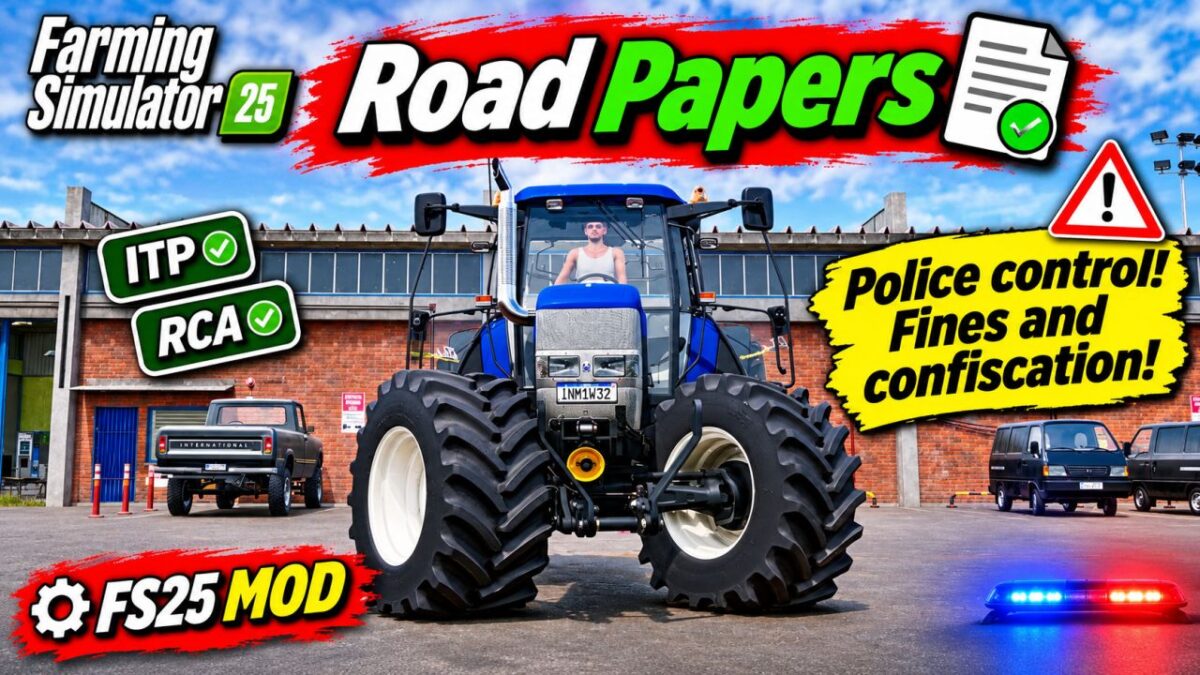
Road Papers (Mot/Insurance) v1.0
Your farm vehicles now need papers.
Inspection and mandatory insurance for every vehicle, with country-specific names (ITP / RCA in Romanian, TUV in German, …).
Features
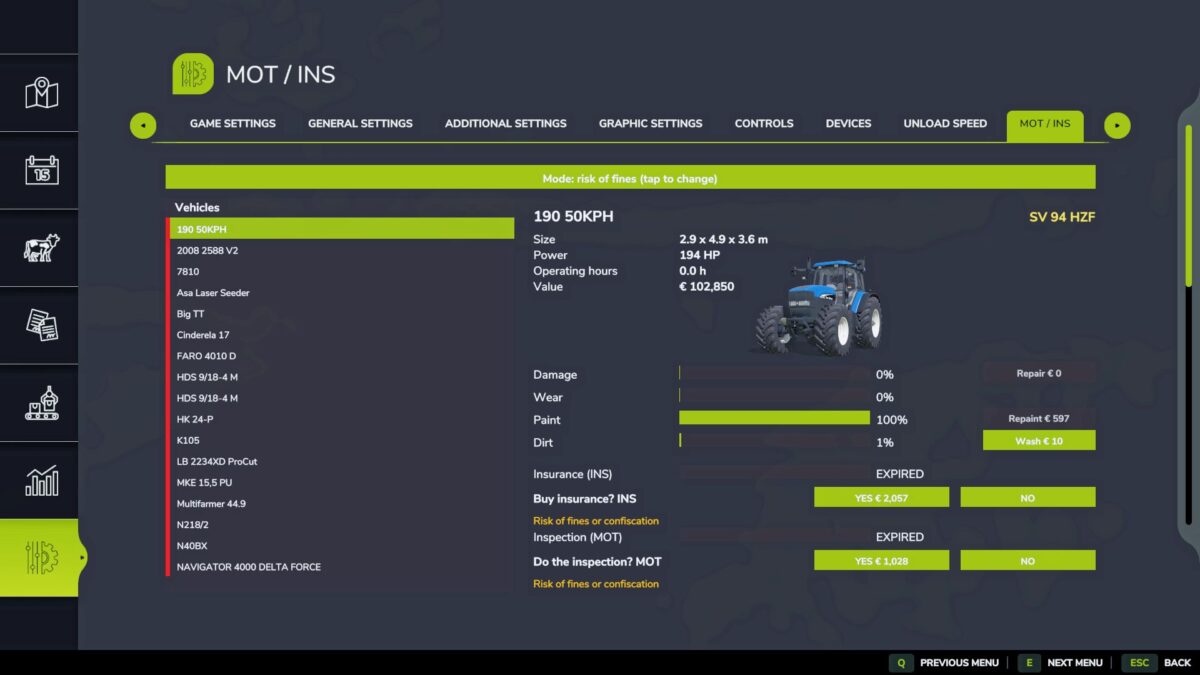
New tab in Settings (ESC > Settings) with all your farm vehicles
Select a vehicle to see size, HP, operating hours, value, damage, wear, paint, dirt, insurance and inspection status
Repair / Repaint / Wash buttons for each vehicle
Expired or missing insurance: buy it, or risk fines on public roads
Inspection: drive to a workshop, it takes 2 in-game hours (skip time available)
New vehicles need a plate registration
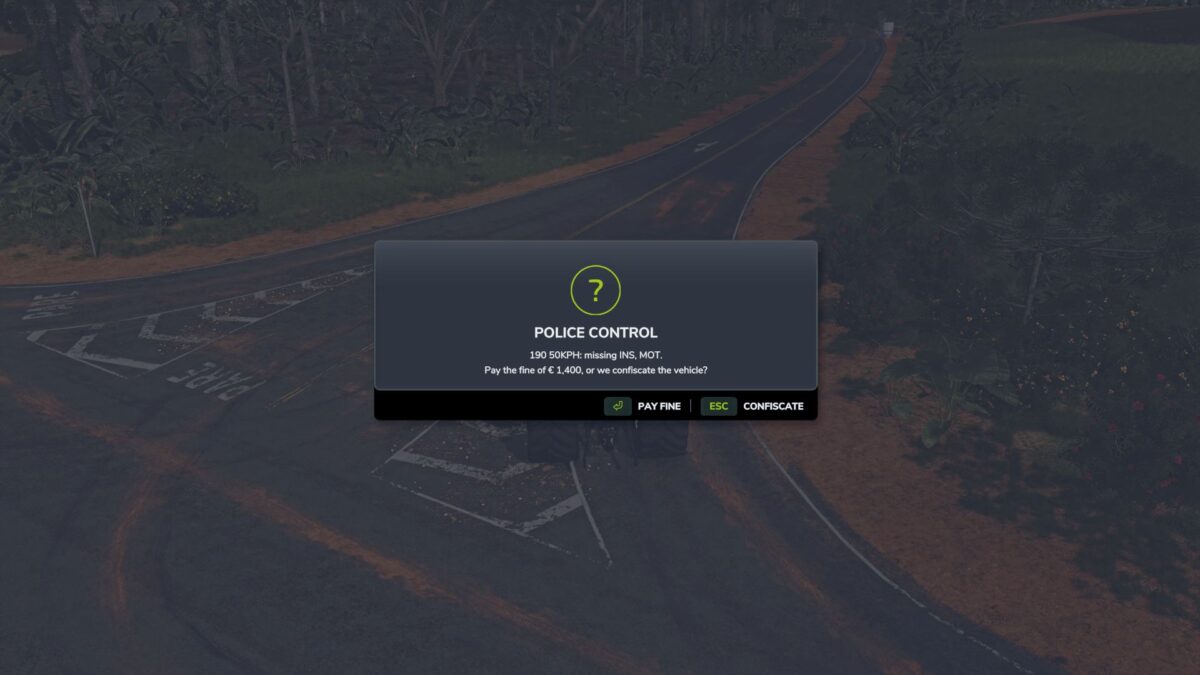
Police controls on public roads, one random day per in-game week
Pay the fine, or the vehicle is confiscated and sent back to the farm together with its attached implements and weights
Two modes, switch with one tap in the tab: strict (vehicles without papers cannot start) and risk (fines and confiscation)
Nothing is shown in the HUD
Multiplayer-ready