

DTM Video Studio v1.0

DTM Video Studio v1.0
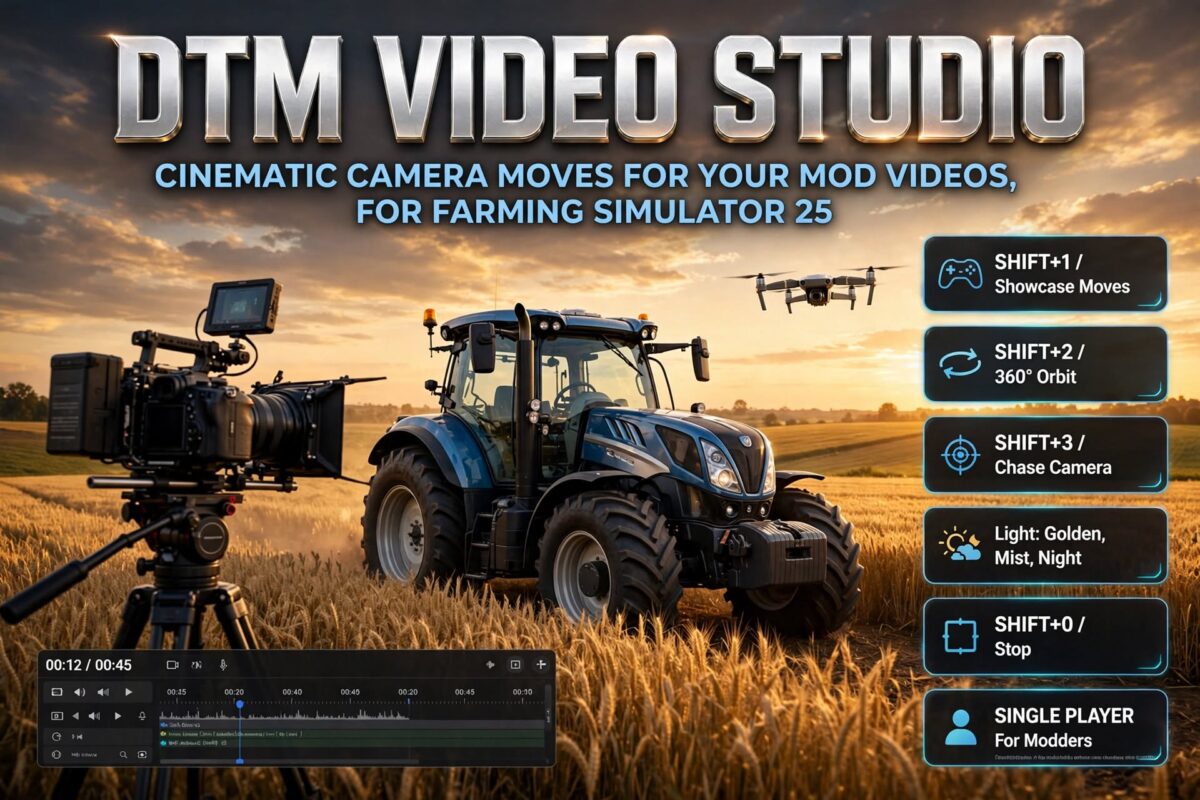
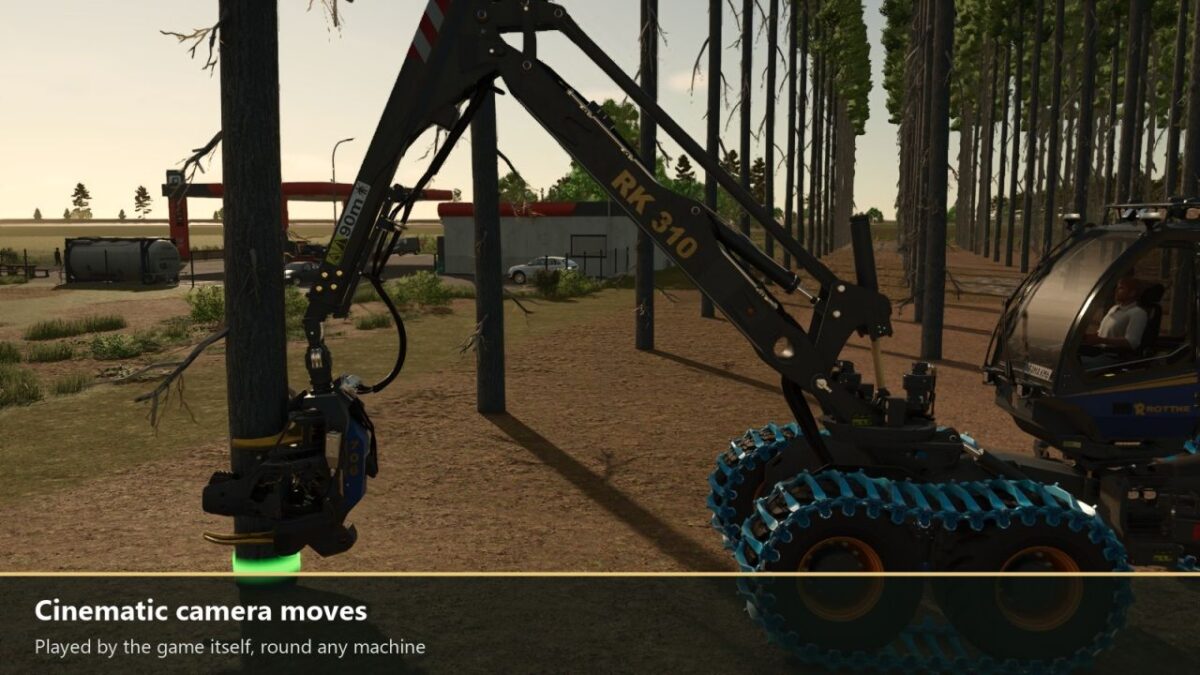
A tool for modders: cinematic camera moves for videos of your mod (YouTube, your website), played by the game. Single player only.
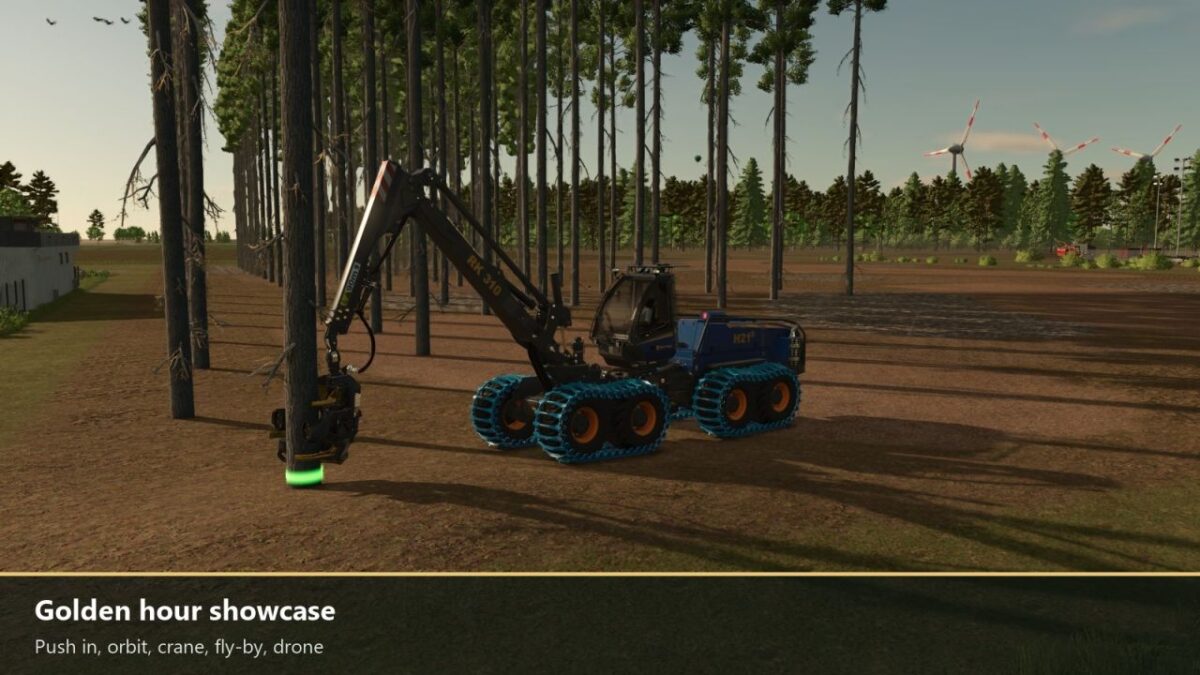
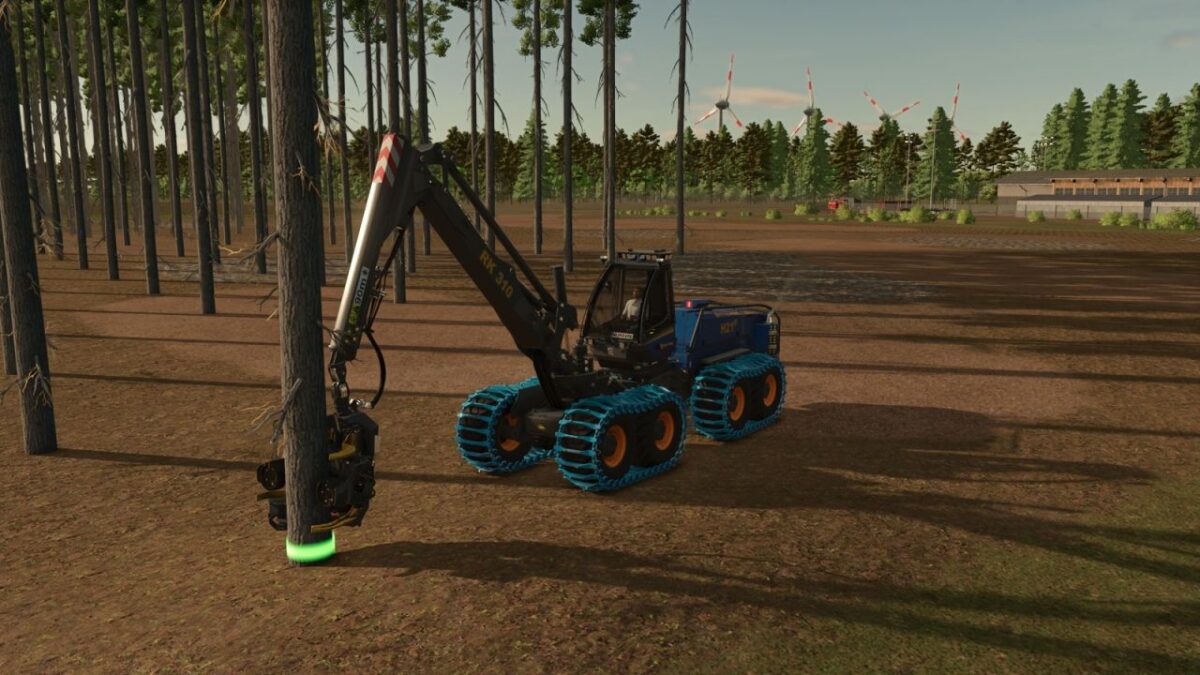
Right Shift + 1: showcase. A set of camera moves around what you sit in (with everything attached), the target, or the nearest building.
Right Shift + 2: one slow 360 degree orbit.
Right Shift + 3: chase camera while you drive; again to stop.
Right Shift + 4: light. Golden hour, morning mist, midday, overcast, dawn, night; after the last one the old time comes back.
Right Shift + 0: stop.
The game doesn’t record video: the Video Studio tools record the game window and cut the clips. Each clip starts and ends with a colored card the tools find in the recording.
Console: vsShot [options], vsShots, vsShowcase [vehicle|quick|building|work], vsStop, vsLight [preset] [hour], vsWeather, vsVehicleLights, vsDrive |stop, vsWork on|off, vsTarget [name], vsList [name], vsEnter [name], vsMenu [name], vsKeys, vsFolder, vsFov, vsQuiet, vsClear, vsRadius.