

Searchables v1.8.2.8

Searchables v1.8.2.8
Search boxes right on the shop, construction and map screens. Click the box and type: the list updates as you type. Where’s My Stuff is built in.
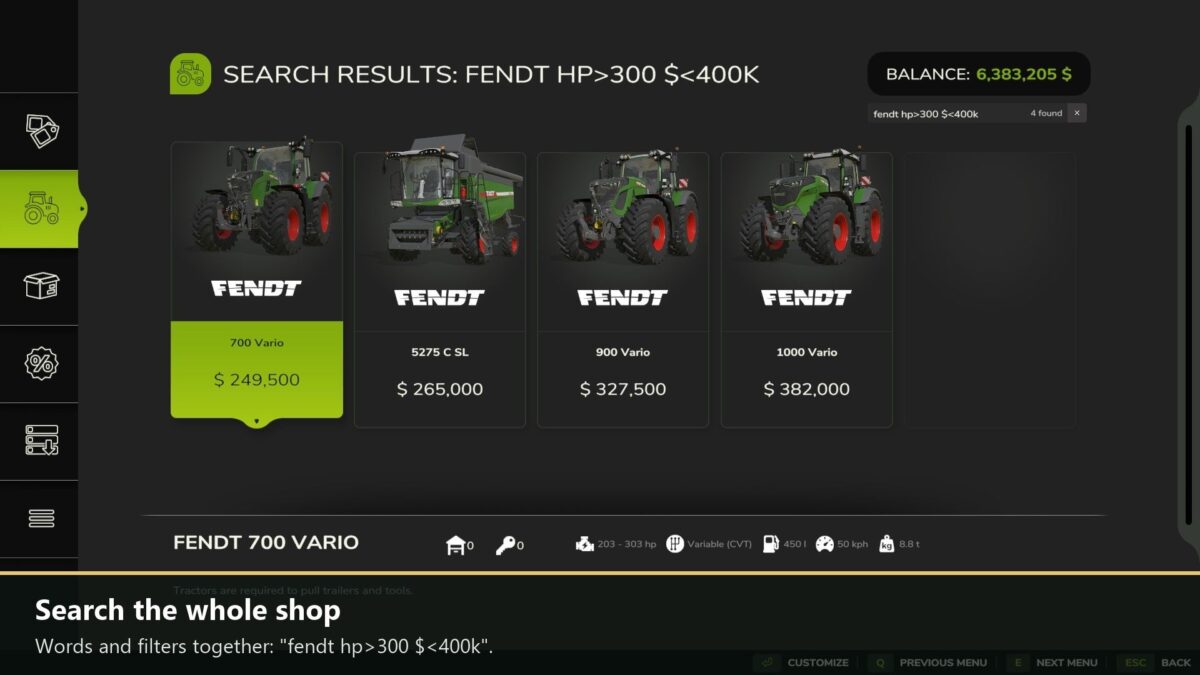
Shop: filter a category or brand, or search the whole shop, also by brand, DLC, mod name and mod author.
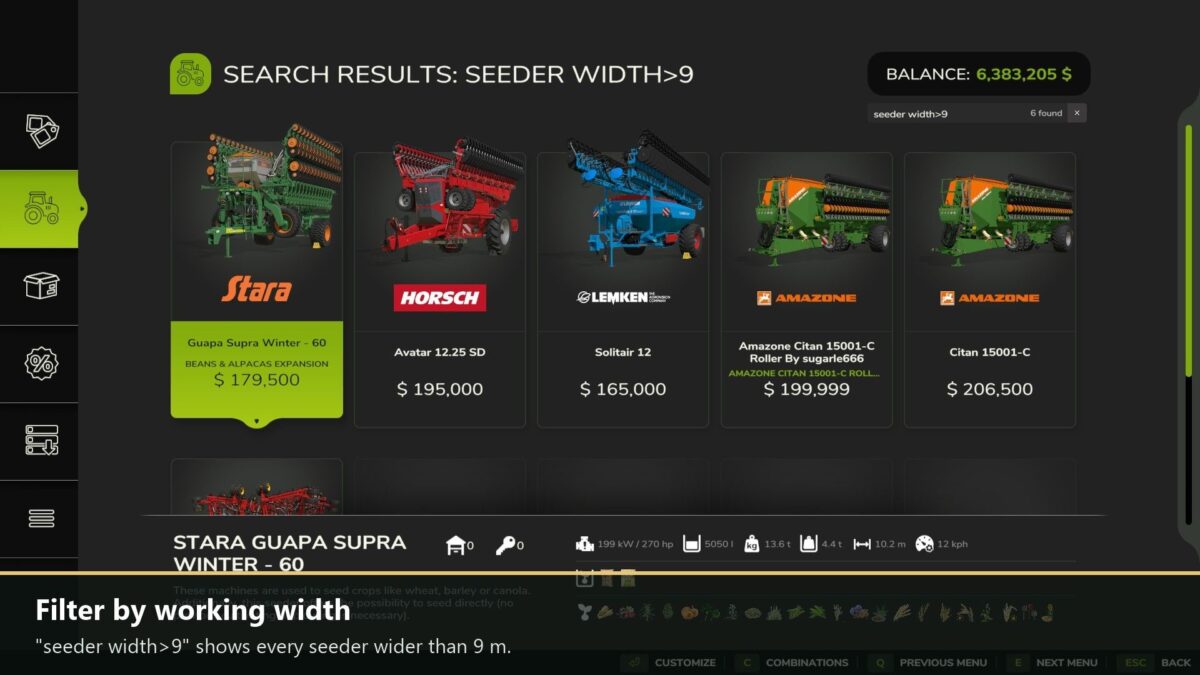
Spec filters: price ($200), working width (width>9), capacity (l>30000), weight, speed, power needed and “affordable”, mixed with words: “fendt hp>300 $<400k”.
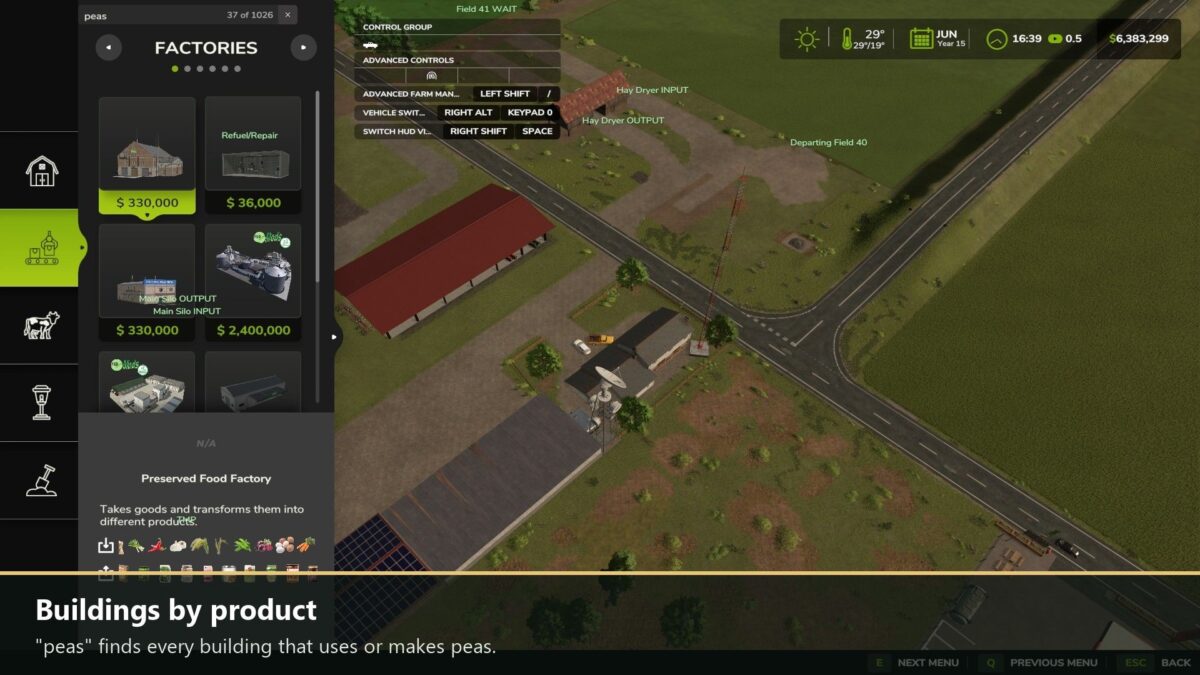
Construction: filter the buildings in every category and tab by name or product: “peas” finds every factory that uses or makes peas.
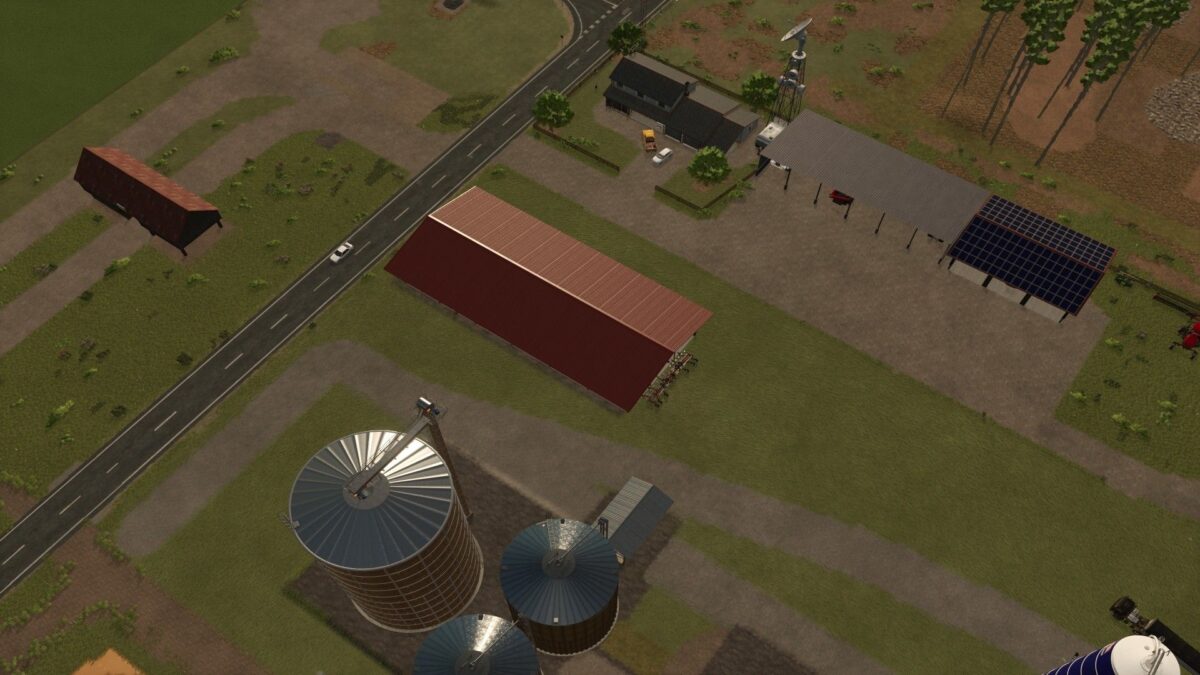
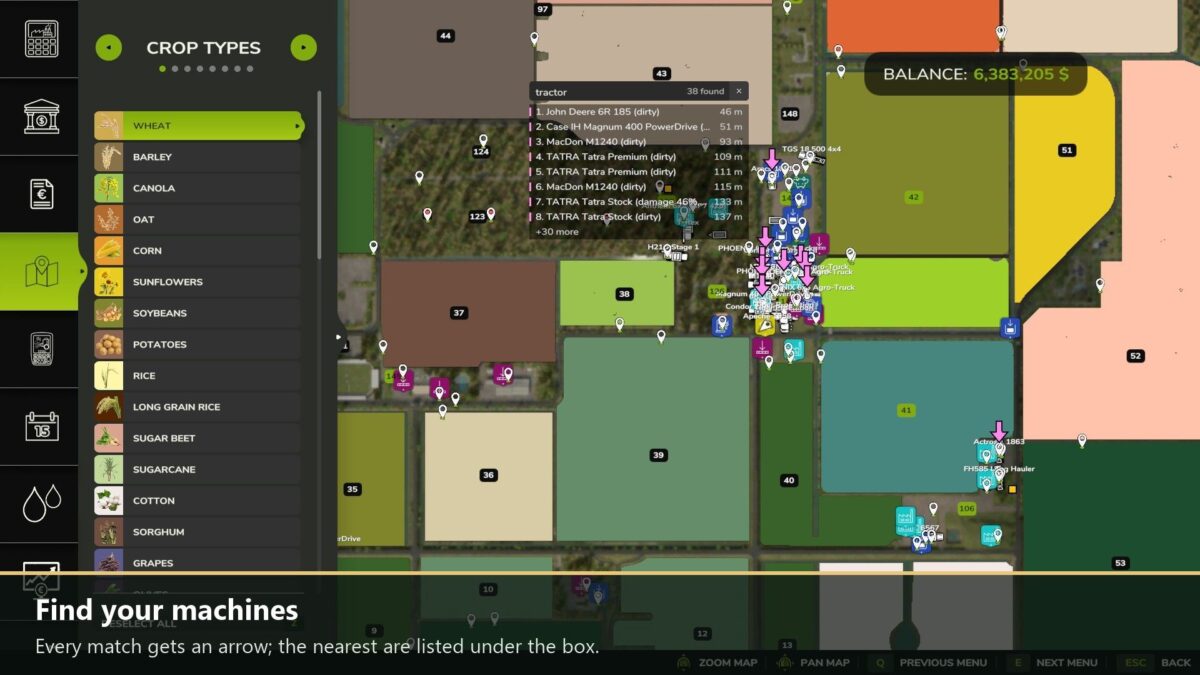
Map: find your vehicles (also by license plate), bales, pallets, buildings, fields and properties. Every match gets an arrow, and the nearest are listed under the box.
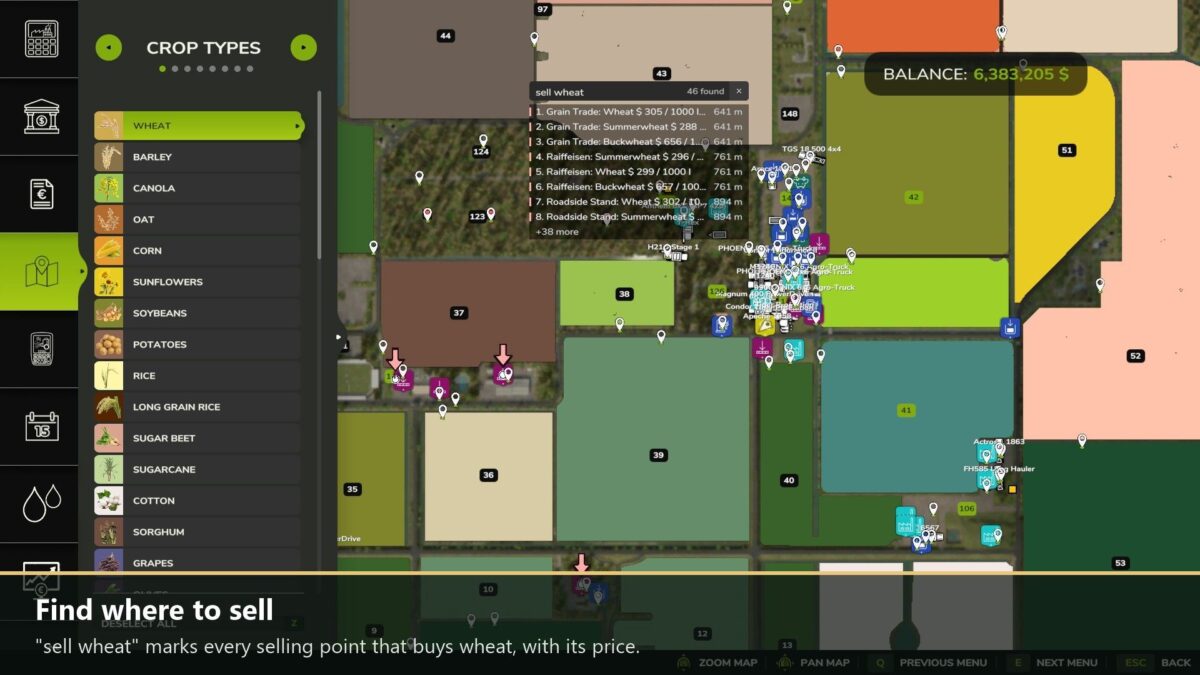
Map searches like “wheat ready”, “sell wheat” (best price marked), “for sale $5”, “contract”, “fuel Controls gets a search box too.
How to use: Ctrl+F (or a right stick click on a controller) jumps into the search box. Enter keeps the search, Esc clears it. Everything is explained in the game’s Help menu under Searchables.
V1.8.2.8
Fix: model names such as T7, 6M or L 538 are found by name. The short units t, l and m only act as weight, capacity and width filters with a comparison or a range (`t>7`, `l4,5` means 4.5 and `$<1,5k` means 1,500. A comma before exactly three digits is still a thousands separator (`$144,500`).
Fix: a search box that opens with a search already in it (the map box showing your last search) shows only the X, not the pen underneath it.
Offline tests (`tests/test_offline.py`, 33 tests), run by every build.
Also: brought up to date for the current game version and GIANTS’ ModHub checks.