

Animal Exchange v1.0

Animal Exchange v1.0
Trade animals with other players in multiplayer
Offer & manage (seller):
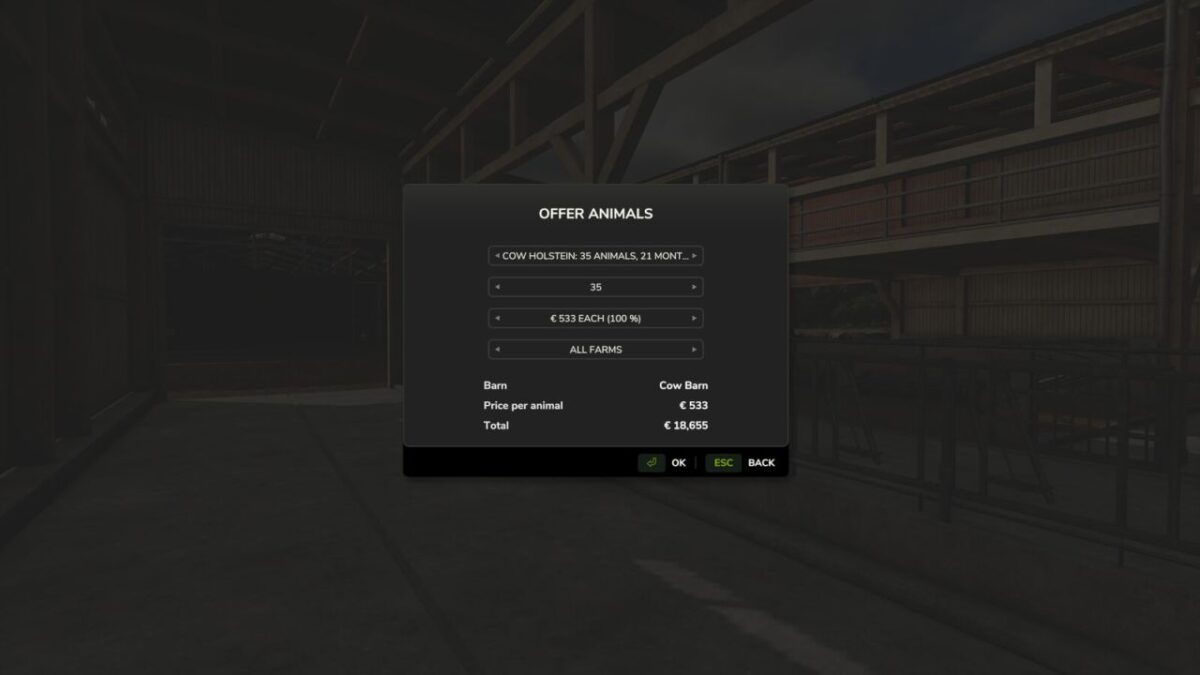
Stand at your barn and press Shift(L) + J to offer animals.
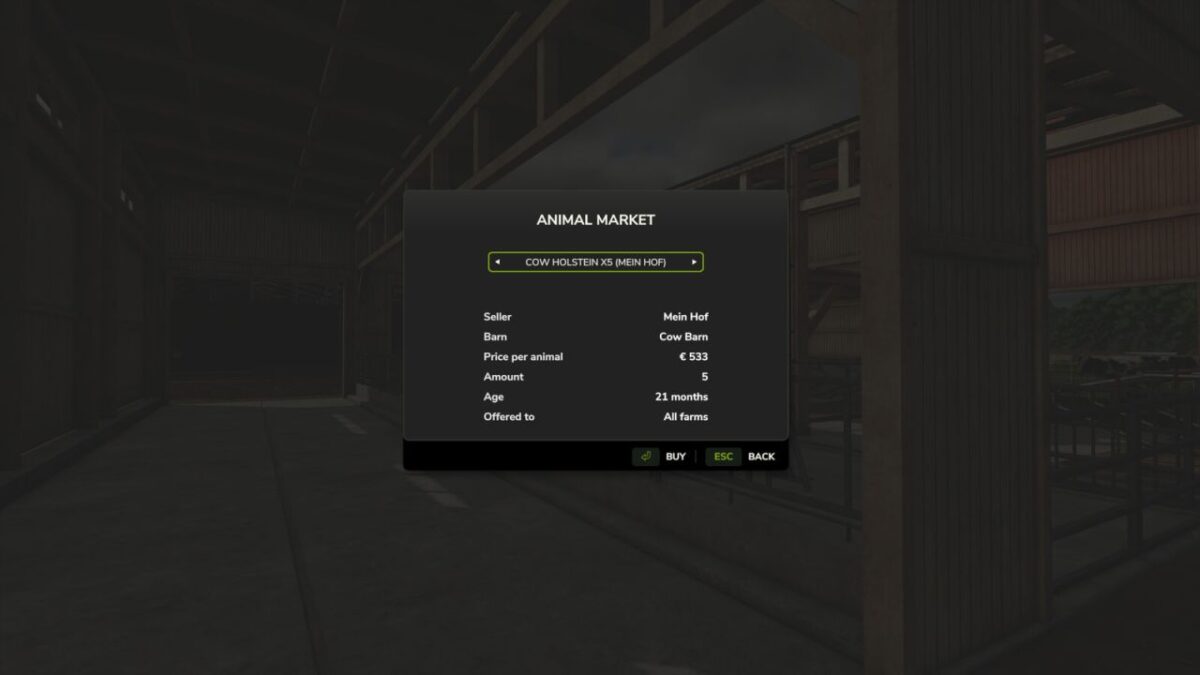
Choose the animal group, the amount and the price per animal. You can make the offer to all farms or to one specific farm.
With Shift(L) + K you can withdraw your own offers at any time.
Buy & transport (buyer):
Go to the seller’s barn and press Shift(L) + U to open the market.
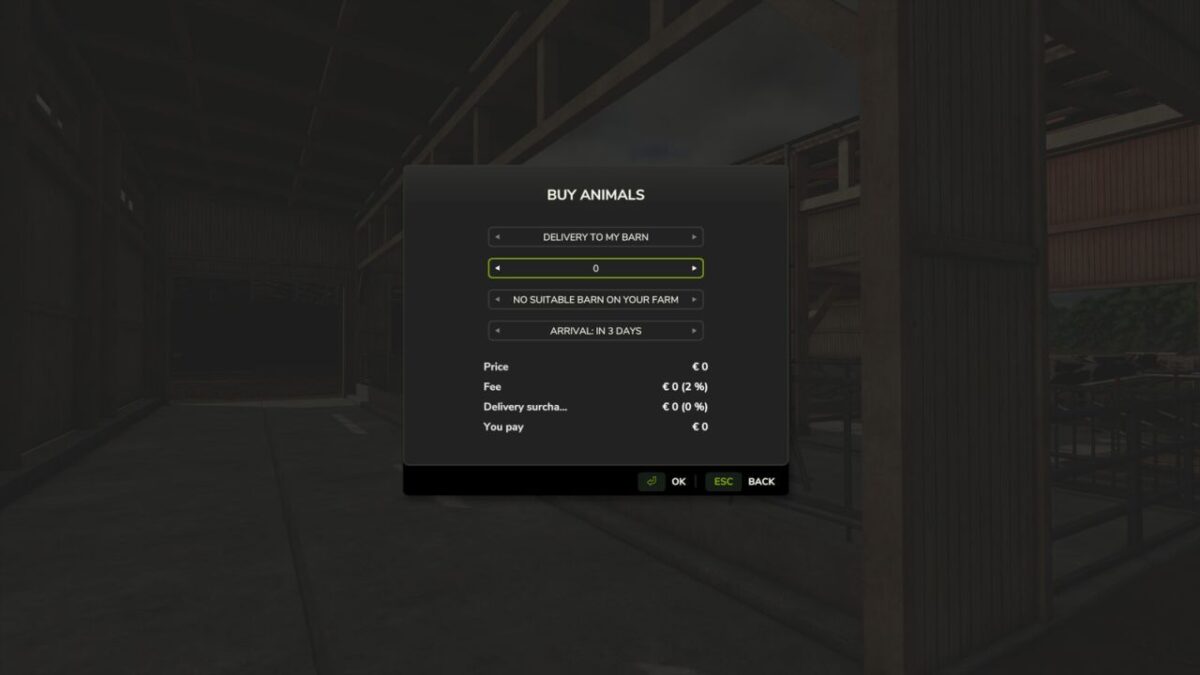
Delivery: The animals are delivered straight to your barn. The faster it should go, the higher the delivery surcharge (immediately: +10% | 6h: +6% | 24h: +3% | 48h: +1% | from 3 days: free).
Pickup: You collect the animals from the seller yourself with a livestock trailer. Only the market fee applies.
Fees:
The seller receives the full sale price. The buyer pays an additional 2 % market fee (plus any delivery surcharge).