Pöttinger MERGENTO F 4010 ALPIN v1.0.0.0

FS25 mods

Pöttinger MERGENTO F 4010 ALPIN v1.0.0.0

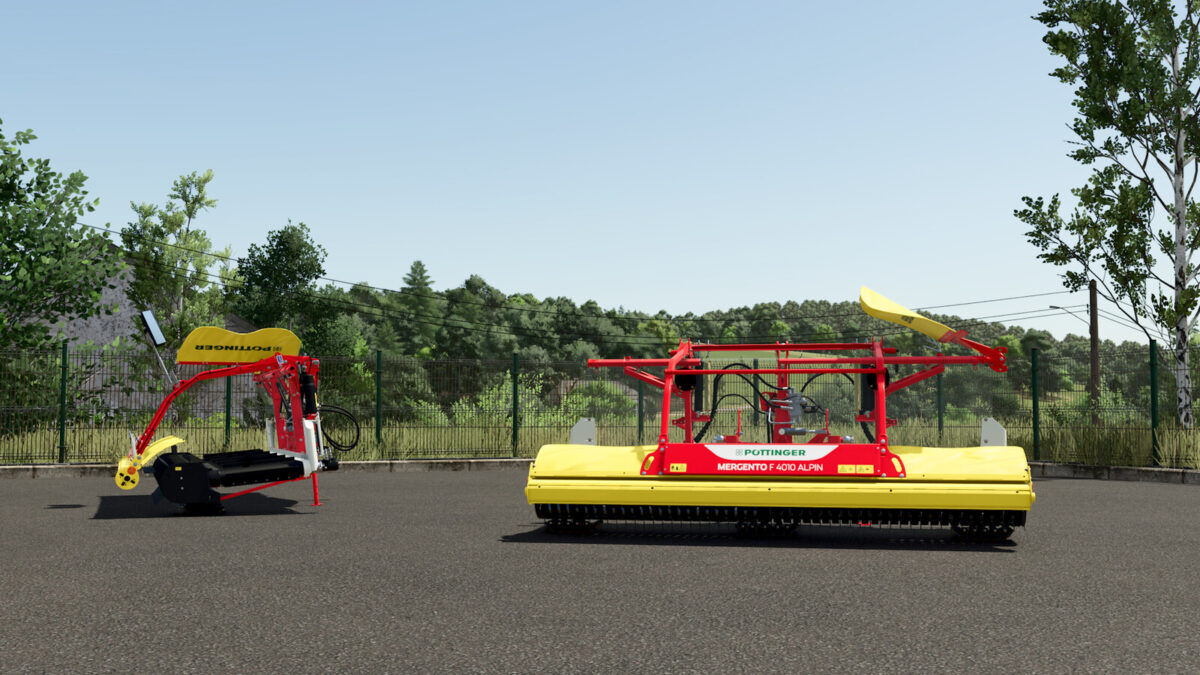
Pöttinger MERGENTO F 4010 ALPIN v1.0.0.0
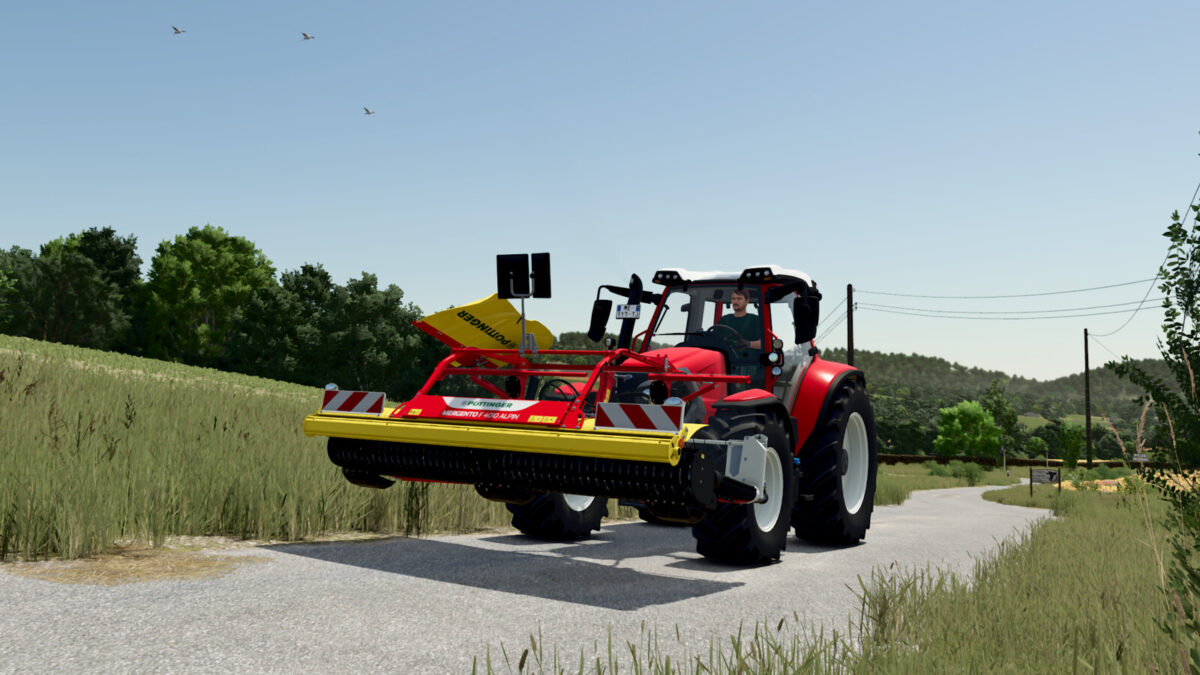
Pöttinger MERGENTO F 4010 ALPIN v1.0.0.0
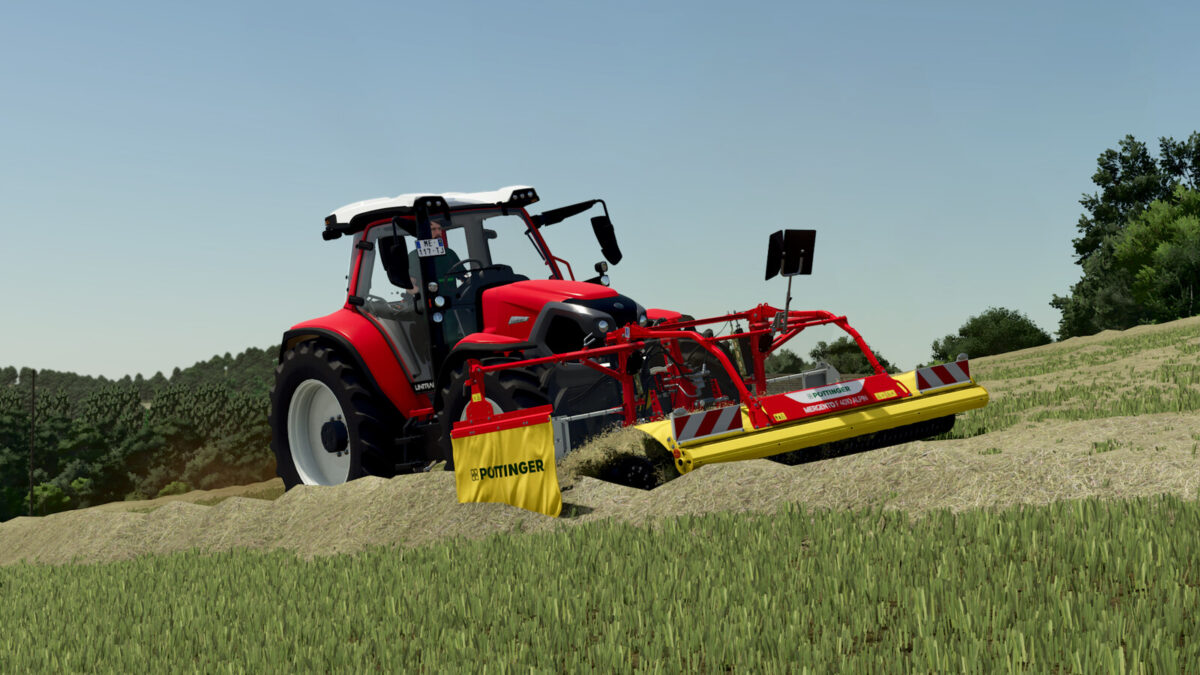
Pöttinger MERGENTO F 4010 ALPIN v1.0.0.0
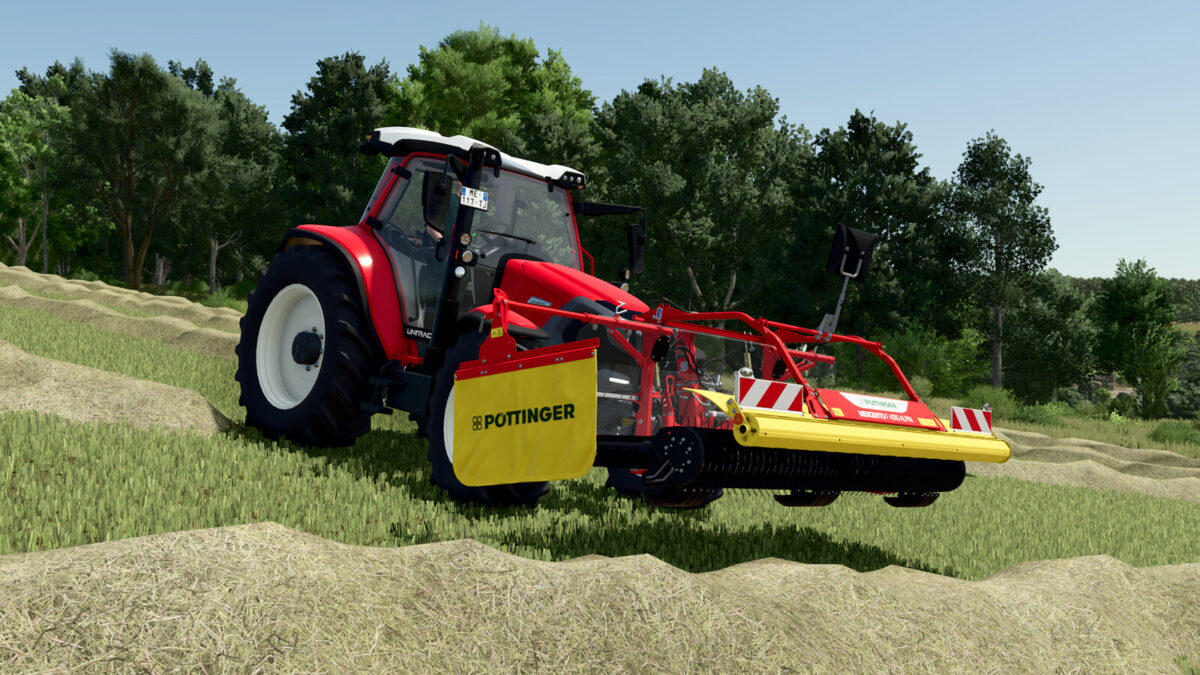
Pöttinger MERGENTO F 4010 ALPIN v1.0.0.0
Pöttinger MERGENTO F 4010 ALPIN v1.0.0.0
About the mod:

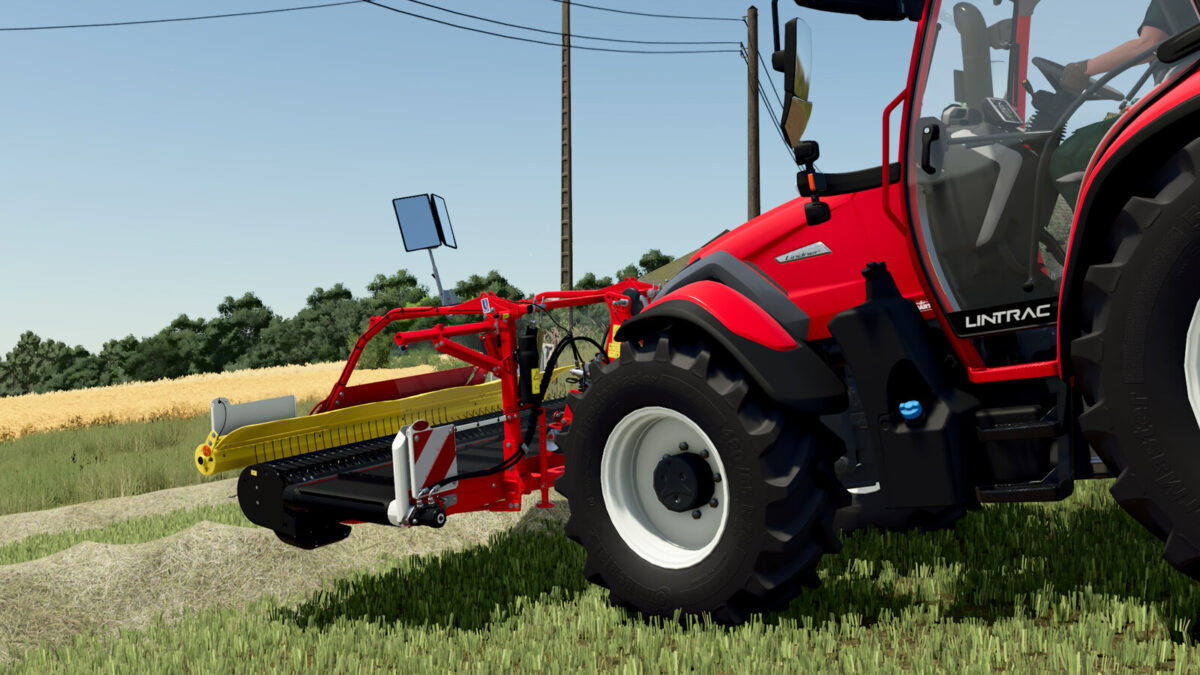
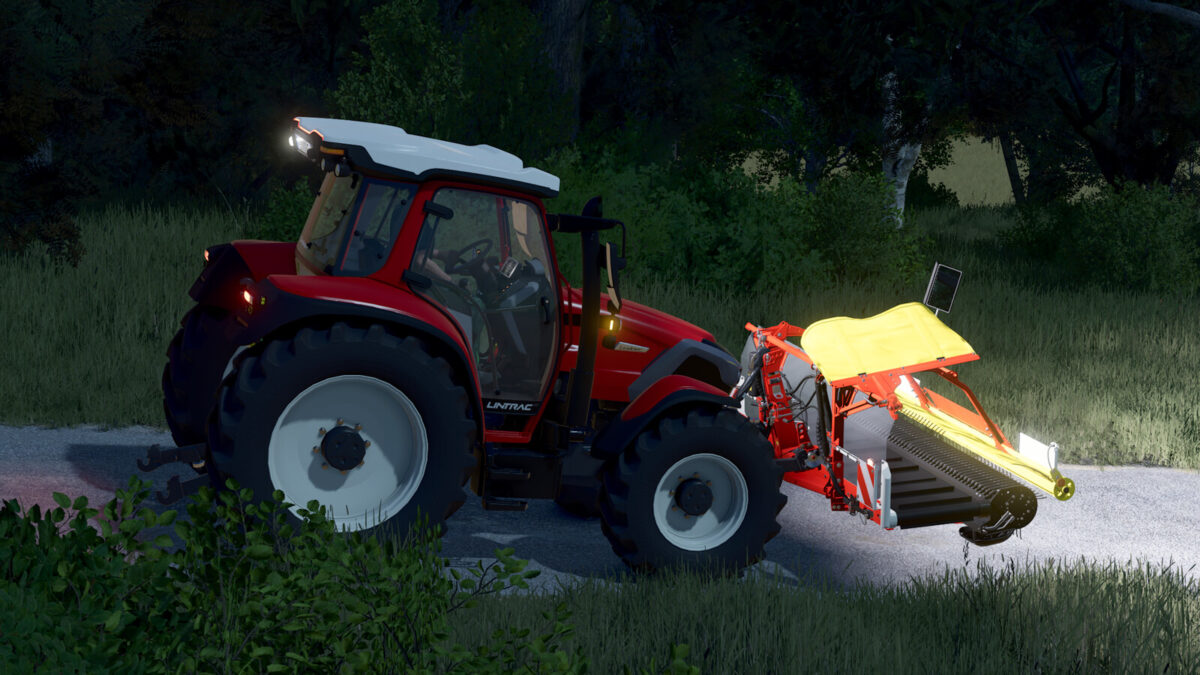
The MERGENTO F 4010 ALPIN is the lightweight among alpine front-mounted belt mergers. Its low weight and centre of gravity close to the vehicle ensure maximum safety on steep slopes – even with light tractors and small two-axle mowers.
The guided pick-up collects the forage cleanly and places it gently in the swath via the cross conveyor belt without further ground contact – for top forage quality in alpine terrain.
– Category: Windrowers
– Price: 23,696 $
– Working speed: 15 km/h (9 mph)
– Required power: 60 hp
– Working width: 3.45 – 4.00 m
– Weight: 575 kg
Configurations:
– Position of the lower link ball
– Position of the top link ball
– Warning device
– Swath cover
Features:
– Dynamic swath cloth
– Operating instructions tank can be shown or hidden using Interactive Control (Only for PC!)

Credits:
Agrar Design Austria

How to install FS17 mods?

Firstly find a mod which you like and want to download. Then download a mod to your PC. Mods are usually in .zip format file. But sometimes it can be in .rar. If a mod file is a .zip format no needed additional actions. If a file is in .rar, then you must unarchive mod with software like WinRar or Zip7. Windows 10 users no need to use software for archives, Win10 itself has a feature to unarchive files.

The next step is to find mods folder in your PC. Usually, it is in Documents/My Games/Farming Simulator 17/2017. Open the "mods" folder and put downloaded .zip archive or unarchived .rar file to this folder.

Last step. Enjoy of FS17 mods!

Leave a Reply

Your email address will not be published. Required fields are marked *