

Villgraten Map v 1.0


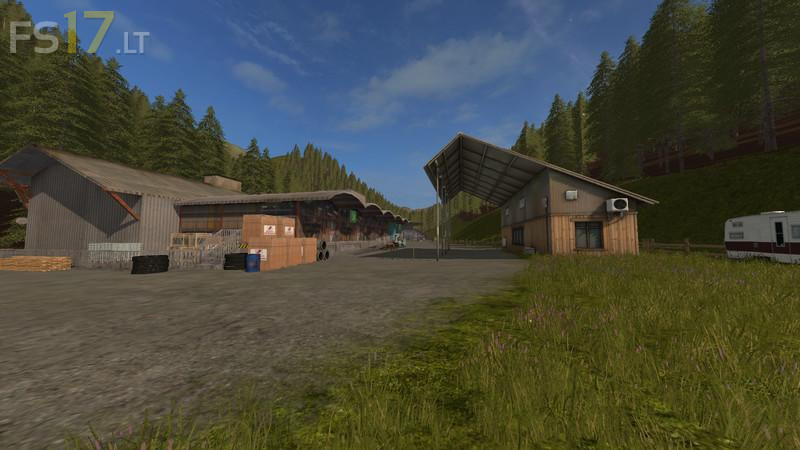
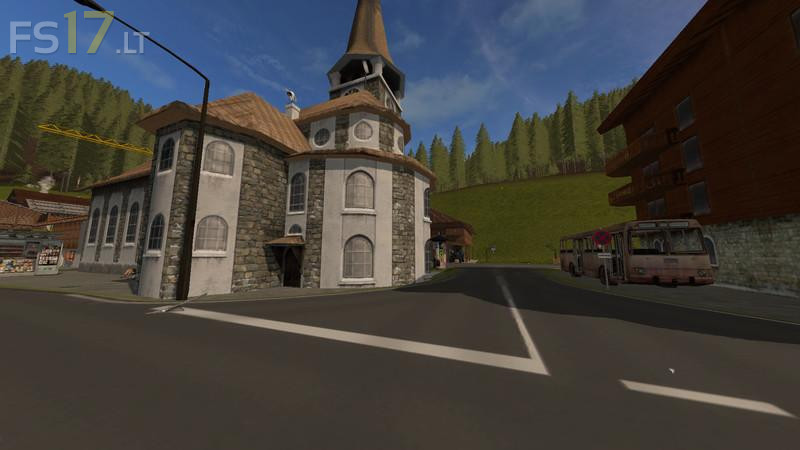
Villgraten Map v 1.0
– Fruits: wheat, barley, maize, rape, sunflower, potatoes, sugar beet, soybeans, oil rind, poplar
– Goods: firewood, boards
– Animals: cows, sheep, chickens, pigs
– Other animals: horses, dogs, cats (animated animals)
– Fields: 4 fields from 0,15 ha to approx. 2,80 ha
– Meadows: about 50 meadows of different sizes
– Forests: over 29 forests with different sizes from about 50 trees to about 3500 trees
– Standard functions: very large courtyard with all animals at the farm (silo also), sales stations of every kind
– New features: High ropes course, walk-in house with a lot of interactions such as toilet flushing, bathing in, cooking, movable stables, hay storage in the shy storehouse, and much more
– On the map, a lot of different triggers were installed which made the game more interesting, these were marked by a blue character (can be switched off on interaction markers)
– Very many sales points of all kinds which accept all goods and fruits for purchase
– Many new scripts like Fabrikscript, TelescopeTrigger, and many more
– Switchable lights and doors that can be opened
– Special animations like cat stroking, harmonica play, toilet flush, TV switch, etc.
– Very much forest that can be cleared
– Very very many details that enrich the game