

Steyr 8130A SK2 Turbo v 2.0

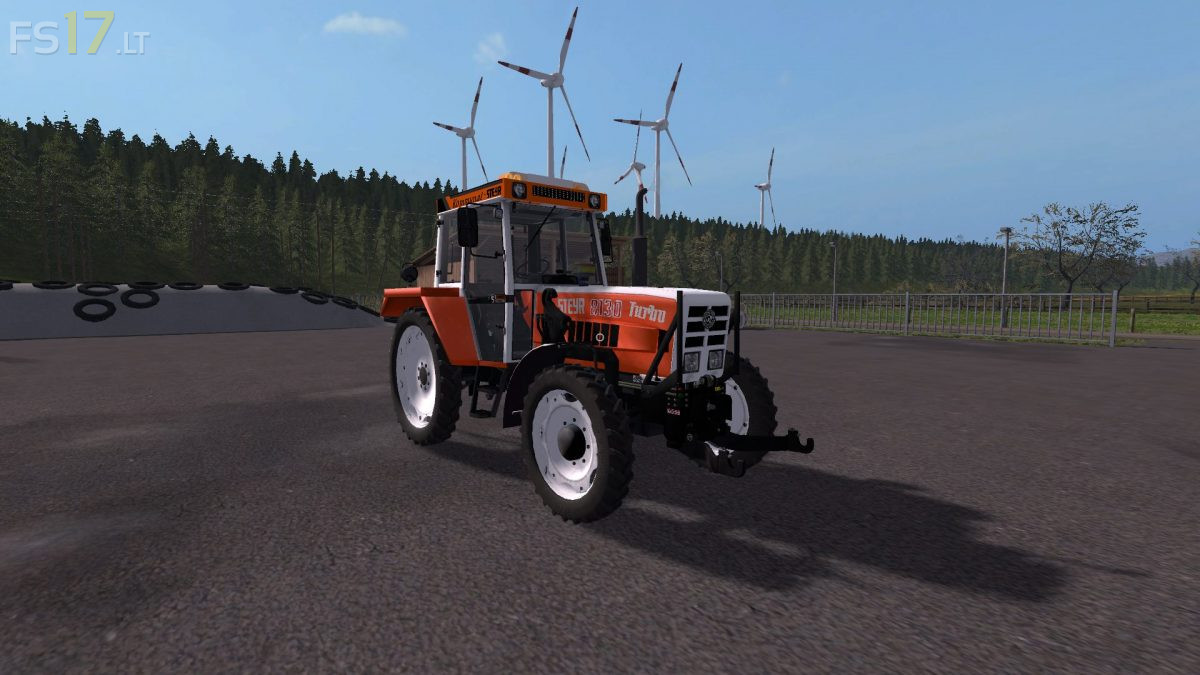
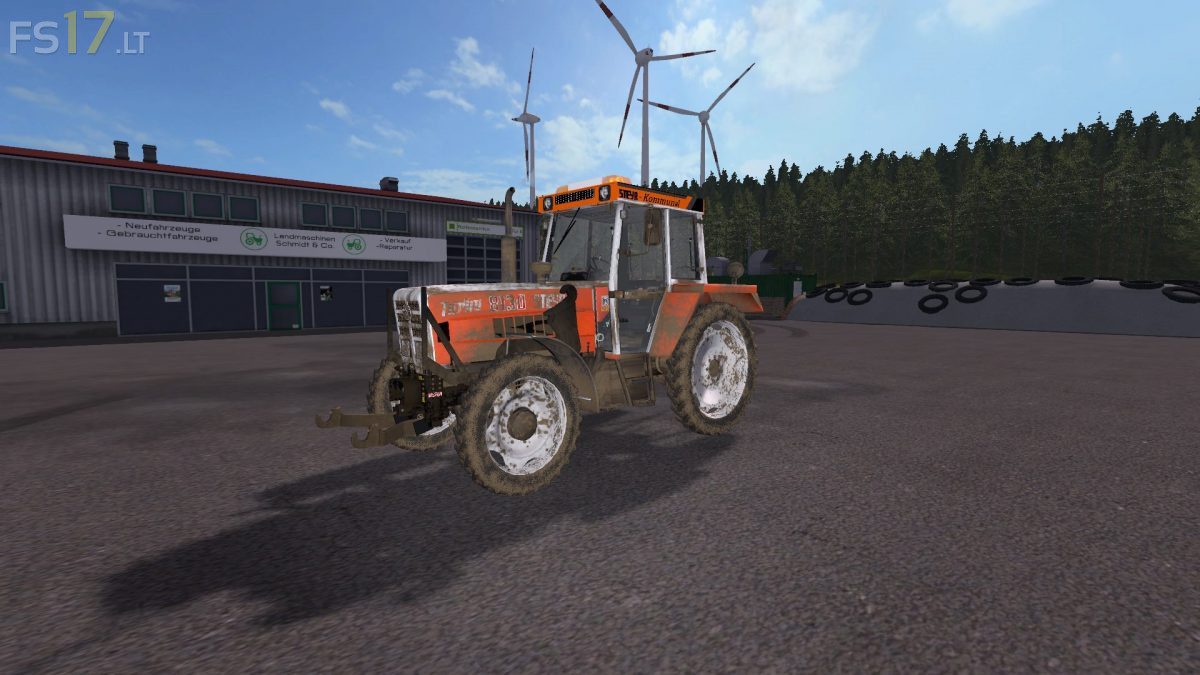
Steyr 8130A SK2 Turbo v 2.0
About the mod:
Version 2.0:
* Model has been revised
* 3 selectable tachos (anolog round, anolog, digital)
* 6 selectable engine upgrades (exhaust + exhaust damper, exhaust pipe, rear cotis, rear kottis)
* Interior Textures reworked
* FL Console replaced (which was added by the Plus 768) + Dynamic Hose ready
* FH is also Dynamic pants ready
* Siloking terminal installed
* Girmme terminal installed
* Exhaust wiggle script installed
* Light used look was gamcht (stickers scratched)
* Steyr Infomat installed (IC control)
* Door opener V3 script installed, (right door can now also be opened from the outside)
Credits:
MB3D Modelling, STEYR Modding Team, forbidden-mods, Bremi456, CebuljCek Modding