

Tautoro District Map v 1.0


Tautoro District Map v 1.0
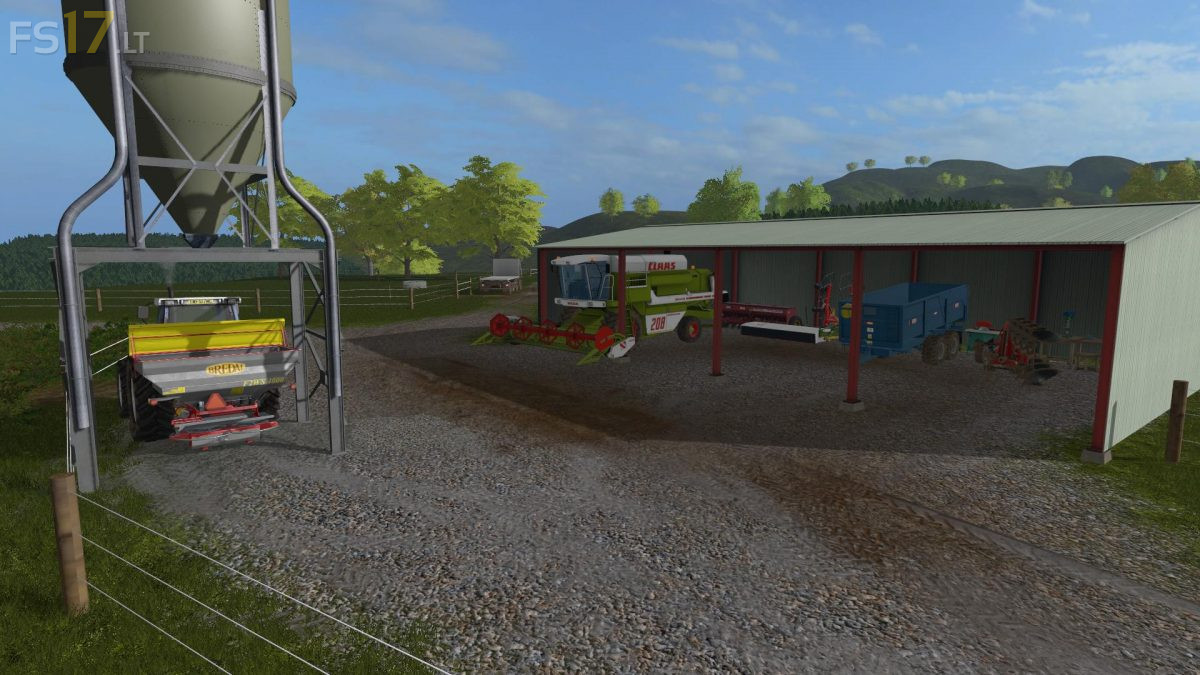
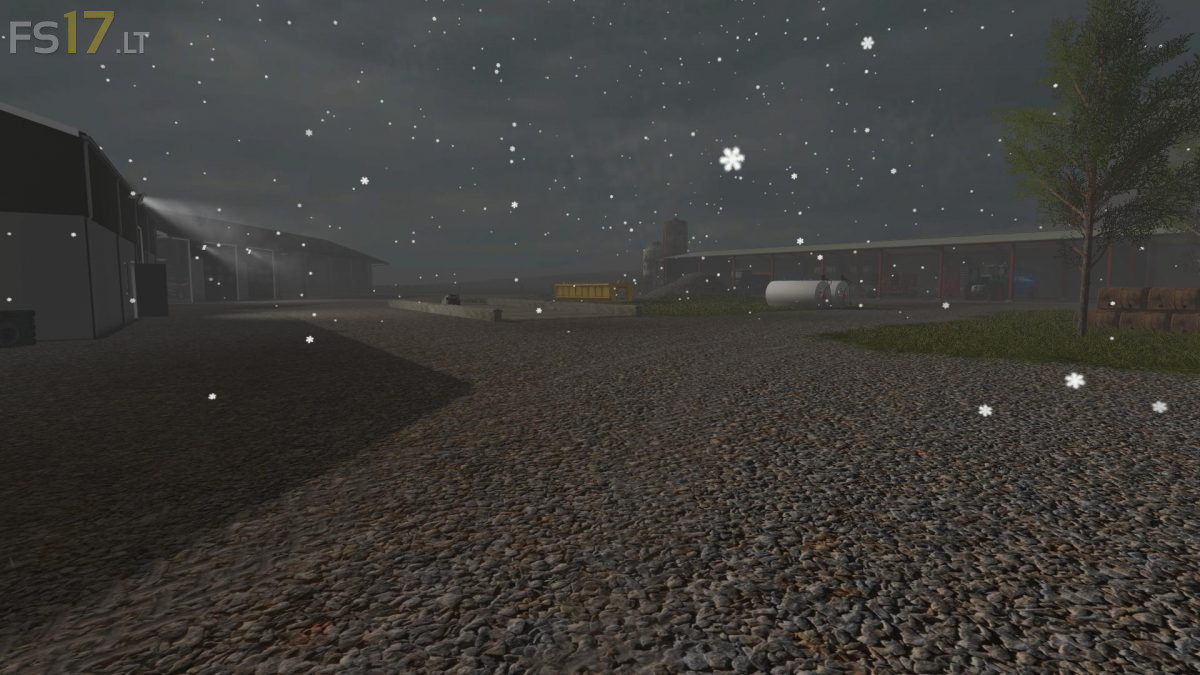
The district of Tautoro has plenty of land to fulfill your needs, with a fully operational Dairy Farm, Sheep Farm and Cropping Operation there is always something to do.
Of course there is extras like the Dairy Farms Run Off for growing maize, grass silage and plenty of bales.
The Bio Gas plant and the Sawmill are also good ways to make money.
The Map is styled off real New Zealand terrain with mostly hilly undulating terrain it may be a challenge for some people who are used to more flat land,
all I can say is it is realistic to New Zealand landscape.
There is half a dozen already worked up cropping paddocks near the cropping farm but it is in my intention for players to work up more land as they progress and need to plant more crops
All the animal loading triggers are at the loadings ramps at the farms and the animal “dealer” trigger is up the wooden yards oposite the cropping farm
Pigs are not in this map
All collisions are on fences hedges etc for 100% realism
Additional scripts include Mud mod, pallet sawmills(fabrik), woodchipper(fabrik), milk sell, seasons mod integration.