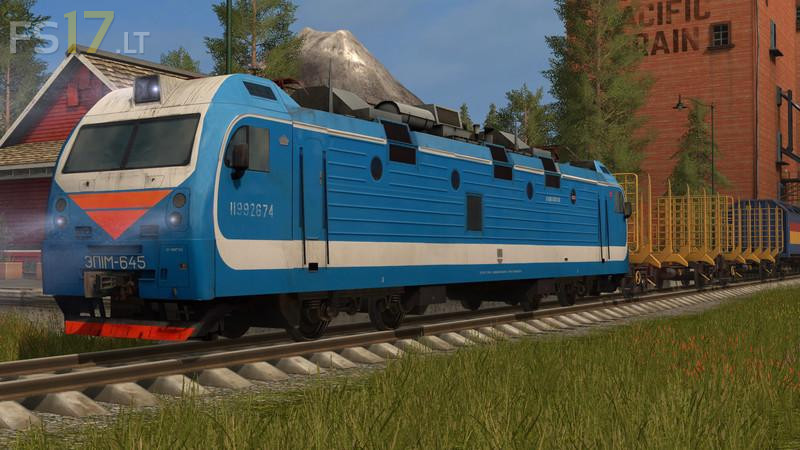
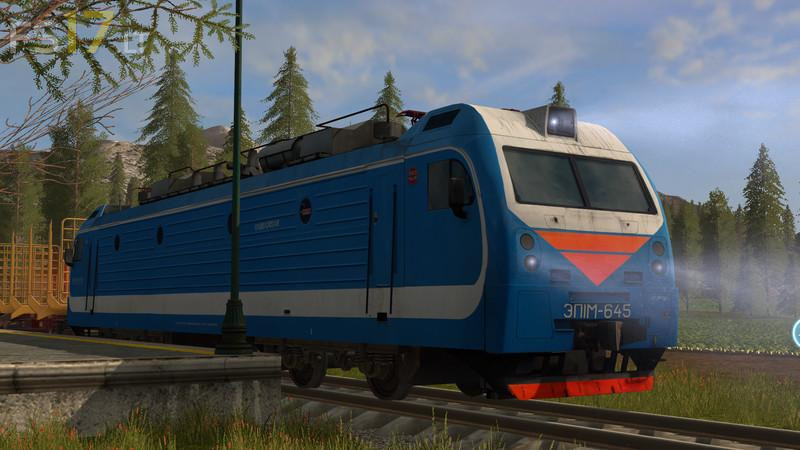
Electric Locomotive with Animated Cockpit v 1.0

FS19 mods

About the mod:

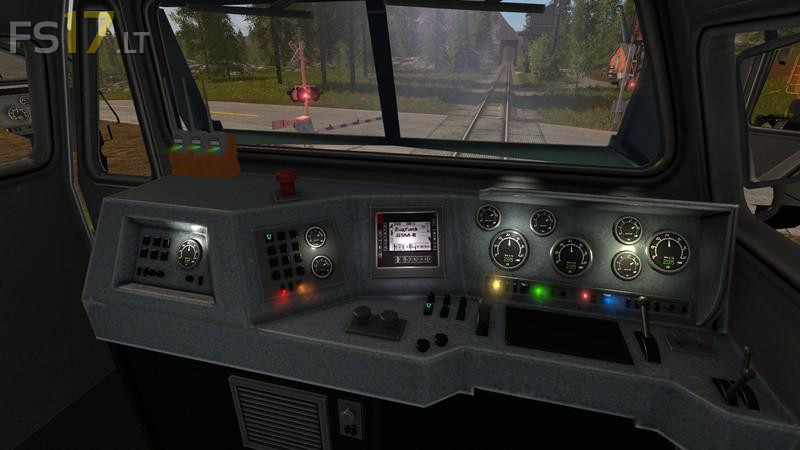
This is a New electric locomotive with animated cockpit and new sound for heavy loads that can drive.
It is only necessary to unpack the Zip file and replace the folder Train in the main game, then everything should go.
To the new train there are some new decoration in the cockpit Zb radio, train radio, new start sound when the engine on makes much more.
It was once again checked that the camera perspective is not back on the head then it should go.

Credits:
Tosser187, Kaki power 29

How to install FS17 mods?

Firstly find a mod which you like and want to download. Then download a mod to your PC. Mods are usually in .zip format file. But sometimes it can be in .rar. If a mod file is a .zip format no needed additional actions. If a file is in .rar, then you must unarchive mod with software like WinRar or Zip7. Windows 10 users no need to use software for archives, Win10 itself has a feature to unarchive files.

The next step is to find mods folder in your PC. Usually, it is in Documents/My Games/Farming Simulator 17/2017. Open the "mods" folder and put downloaded .zip archive or unarchived .rar file to this folder.

Last step. Enjoy of FS17 mods!

7 thoughts on “Electric Locomotive with Animated Cockpit v 1.0”

  • zbyszek300 says:
    2017-09-05 at 18:50

    game crash

    • Forester says:
      2017-09-06 at 00:01

      You can’t put the file in the mods folder.

  • zbyszek300 says:
    2017-09-06 at 05:45

    we install hereForming Symulator 17\data\vehicles we change files

  • Forester says:
    2017-09-08 at 00:03

    The game crashes.

  • MK says:
    2017-10-28 at 08:53

    game crash

  • Sixty-Four Bits says:
    2017-11-28 at 20:16

    https://www.youtube.com/watch?v=dI9MMdpF8Qs

  • Berlik Nándor Pál says:
    2019-02-14 at 14:56

    Játék összeomlik

Leave a Reply

Your email address will not be published. Required fields are marked *