

Hagenstedt Productions Map v 1.0

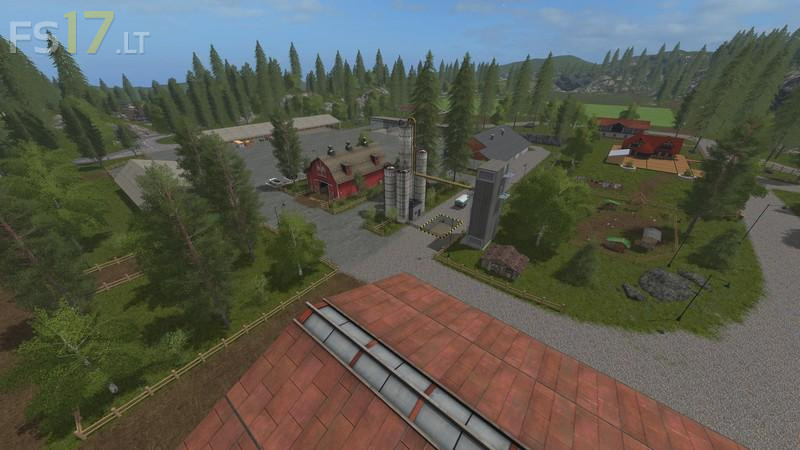

Hagenstedt Productions Map v 1.0
Productions:
– Brewery to produce beer to be sold at the pub
– Greenhouses to produce cauliflower, lettuce, tomatoes, redcabbage, pumpkins, melons, strawberry, raspberry
– Compostmaster to produce compost in pallets
– Potato washer to produce washed potatoes
– Milk station to produce cans of milk
– Sawmill to produce blanks
– Palletwork to produce empty pallets
– Flour mill to produce pallets of flour
Storage:
– Storage for all greenhouse pallets
– Storage for empty pallets
– Storage for flour pallets
– Storage for milk pallets
– Storage for compost pallets
– Storage for washed potato pallets
– Storage on farm for straw and grass
– Storage on farm for sugerbeet and potatoes
– Storage racks for wool pallets in sheep zone
Goods Train:
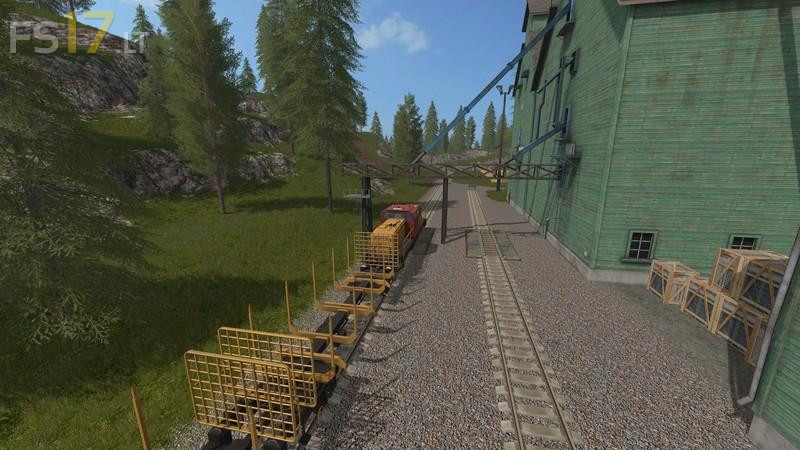
– There is a train to use to move your crops to be sold which goes though nearly every sell point
– Train start at the port then goes over the big viaduct past your farm fields up to the mill hub then to the big top field and round the sawmill area and down to the village past the flour mill over the island and back to the port