

Stappenbach Map v 1.0

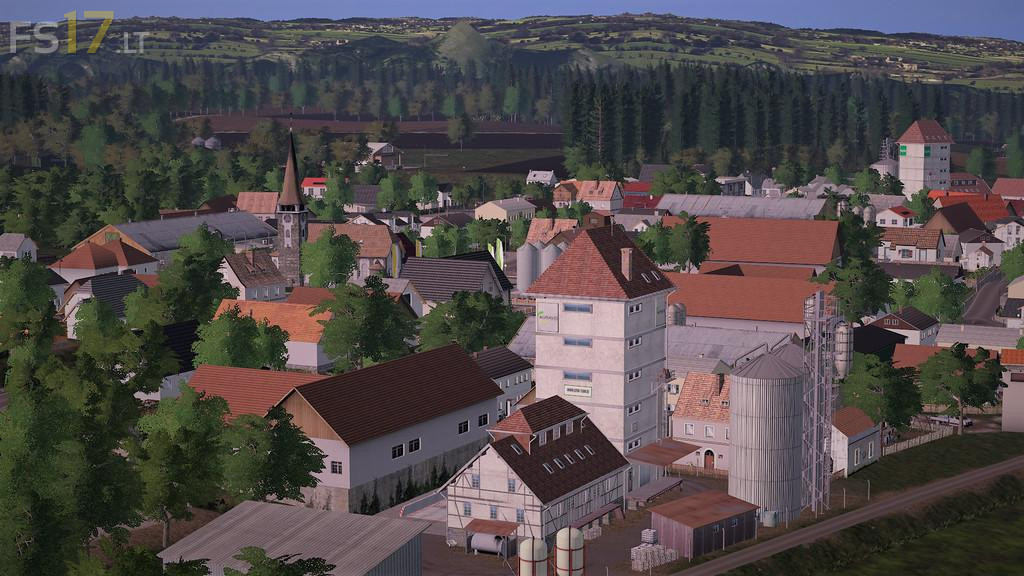
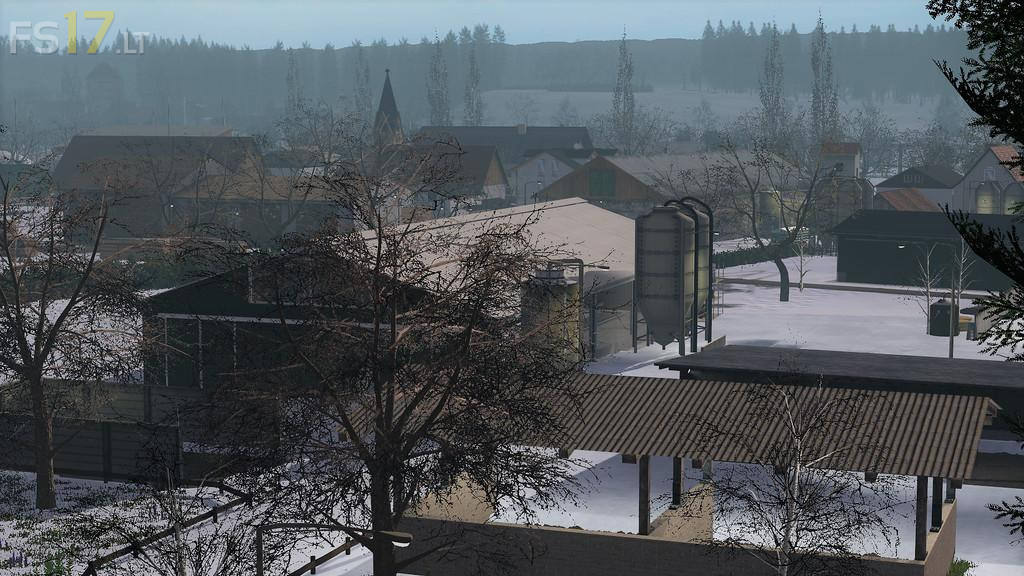
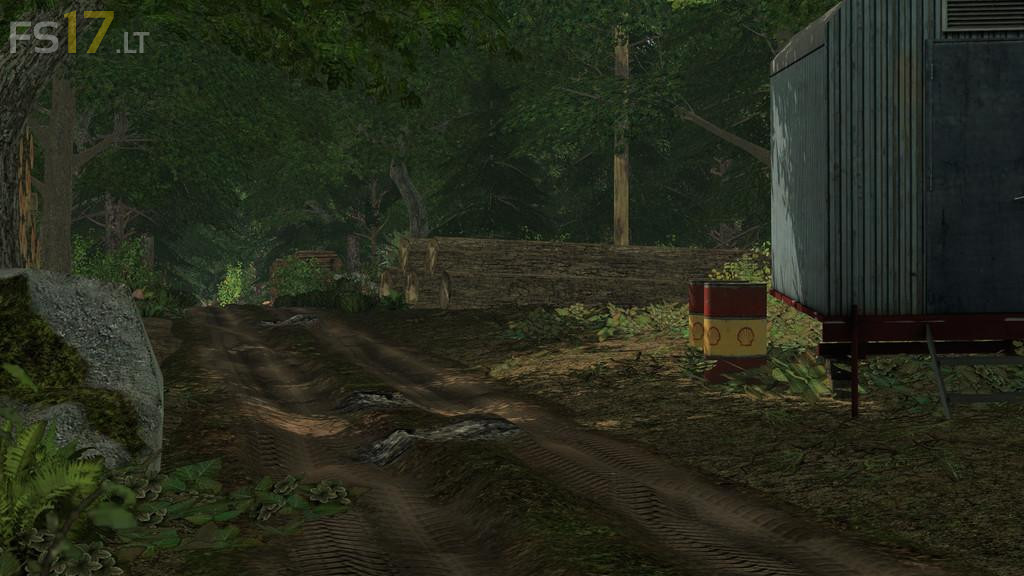
Stappenbach Map v 1.0
About the mod:
ExtendedPlaceable:
– Additional options when placing a placable object from the Store. This Script turns off collision so you can place everywhere.
– You also can change the height of the placable (Keyboardbindings in the F1 Menu)
mCompanyGraphics:
– Visual Mod for buyable Objects and Productions
TreeMarker:
– Because the tree textures are different on the Stappenbach this mod was included into the map
Mini Van(Transit):
– This is the transit from Giants Modhub that was moddified and is your starting vehicle on every farm
Credits:
LS-Modcompany - k1ckz, kevink98, Eribus, slowtide63
Bonjour.
Il y a des fermes que l’on peut acheter ou y a les cochons,vaches, et mouton.
Mais ou trouver le code pour les acheter?
Merci
Test video – Review Map: https://youtu.be/_Qw_JpxNhmo
If I have to learn German just to play a map… thanks but no.
Aber Alle Welt muss Angelsaechsisch sprechen?!