

Snow Tile Plant v 1.0

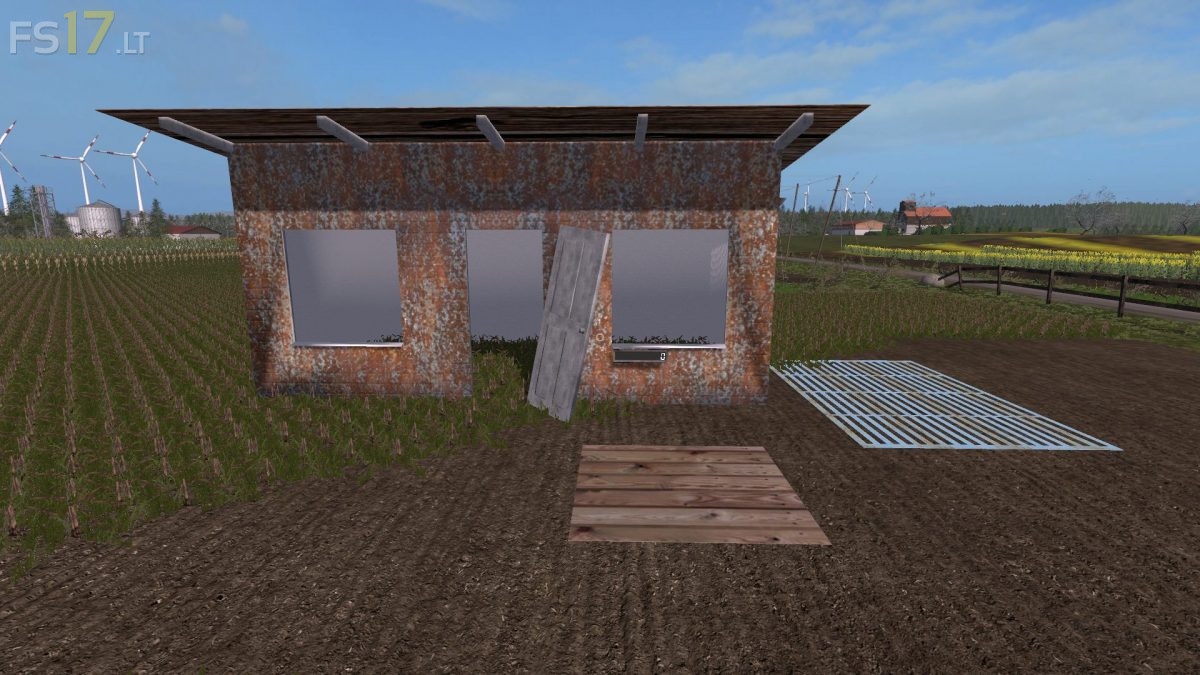
Snow Tile Plant v 1.0
About the mod:
The following resources are required for the operation of the charcoal plant:
1. Snow (you´ll find it in winter)
As products come:
1. Snow tile on pallet.
The following mods are highly recommended:
1. Svapa Agro Central Trading V 1.2.0 (so you can also sell what is (over) produced)
The products can be sold in the Svapa Agro Central Trading (NOT included in the mod), or used in our upcoming mods.
The Snow tile plant is to be found in the category “Svapa Agroproduktion”, or via brand.
The mod is 100% compatible with all our mods, is tested on standard maps of LS (on the screenshots “Sosnovka”).
Credits:
Caesus_Regno, Zews, Ifko[nator]