

Case Maxxum MXM 190 v 2.0

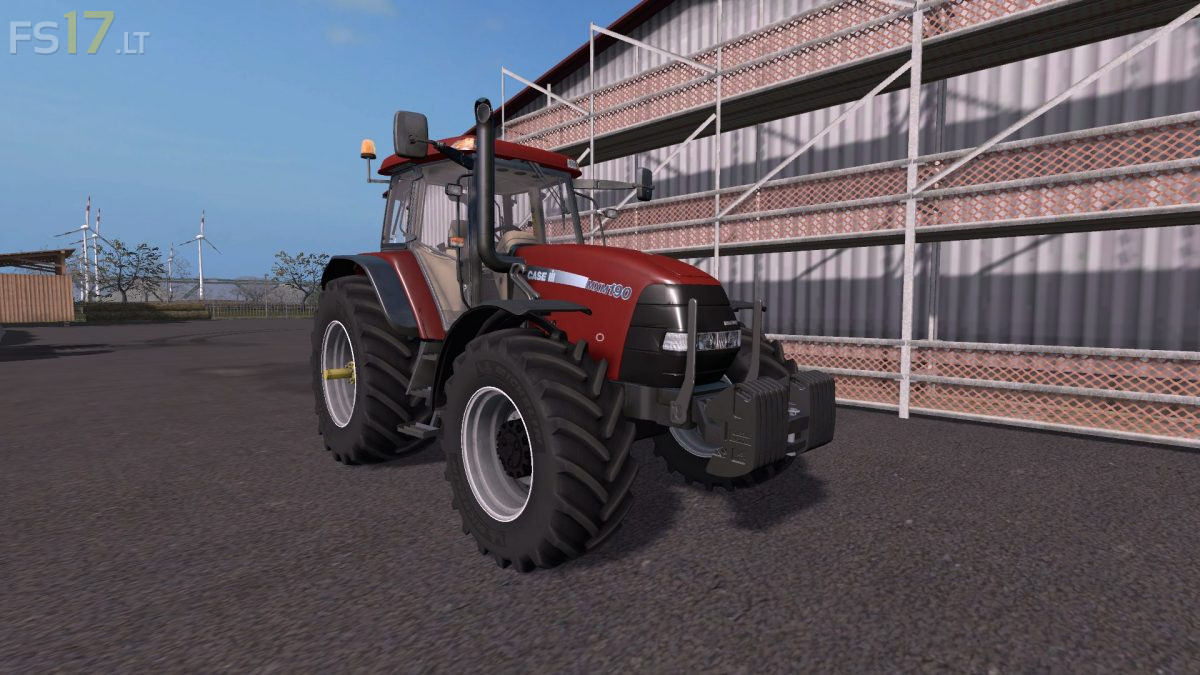

Case Maxxum MXM 190 v 2.0
About the mod:
– Engine Setup: 190 hp, 230 hp
– Selectable Wheels
– Selectable Attachers
– Frontloader Attacher
– IC Control
– Washable
Version 2.0:
* New specular Textures, new dirt in game
* New Gloss in Textures
* Fixed Texture on back mudguards
* Added new wheels Configuration
* Fixed front lights. When you lift the mask do not stay in place
* Compatible with Dynamic Hose
* Added Michelin wheels. They have bending under load
* All rims Corrected
* New Engine with more power, 230 hp
* Added Dynamic Exhaust
* Added Passenger Script
* Slightly improved optimization but the model is still very detailed
* New store pictures, price and many other
Credits:
Marthu, STv-Modding
Test Video HD: https://youtu.be/VBisAGVQV04