

Genthin the Pearl at the Canal Map v 1.0


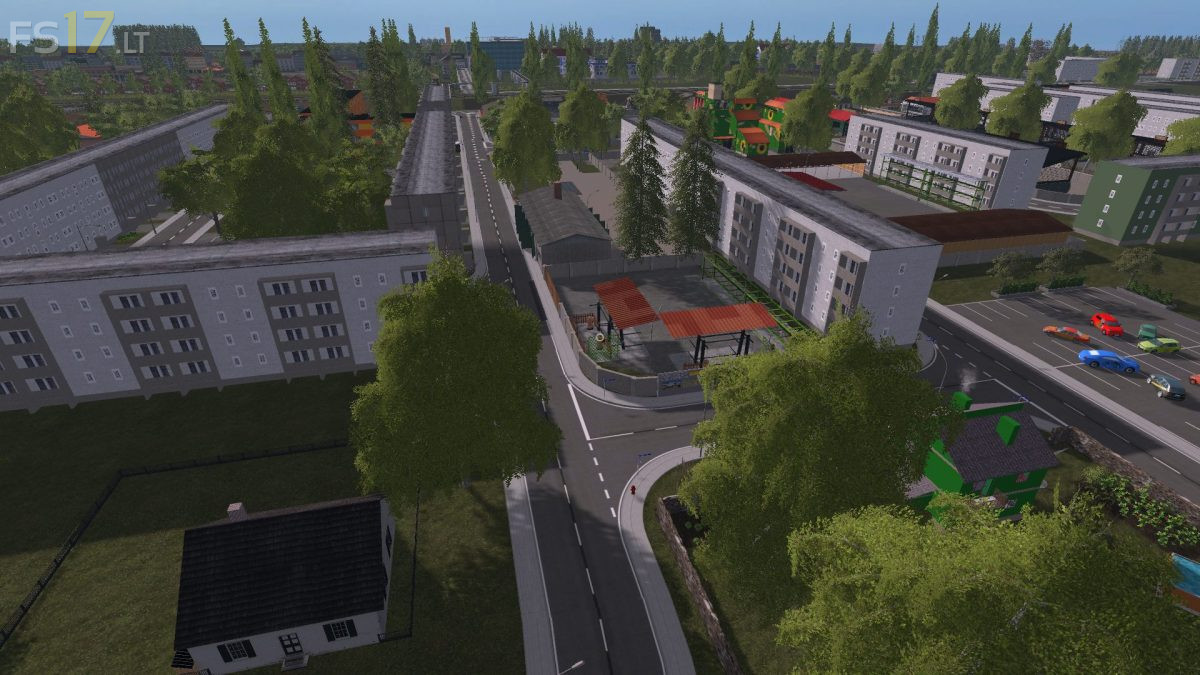
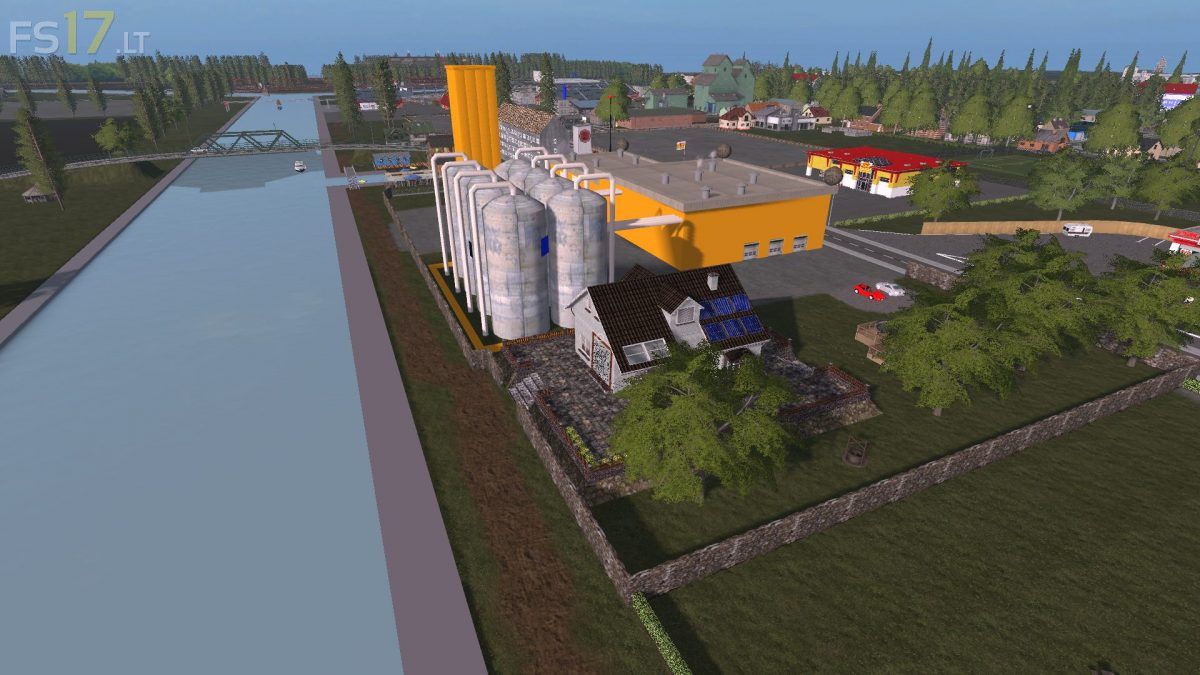

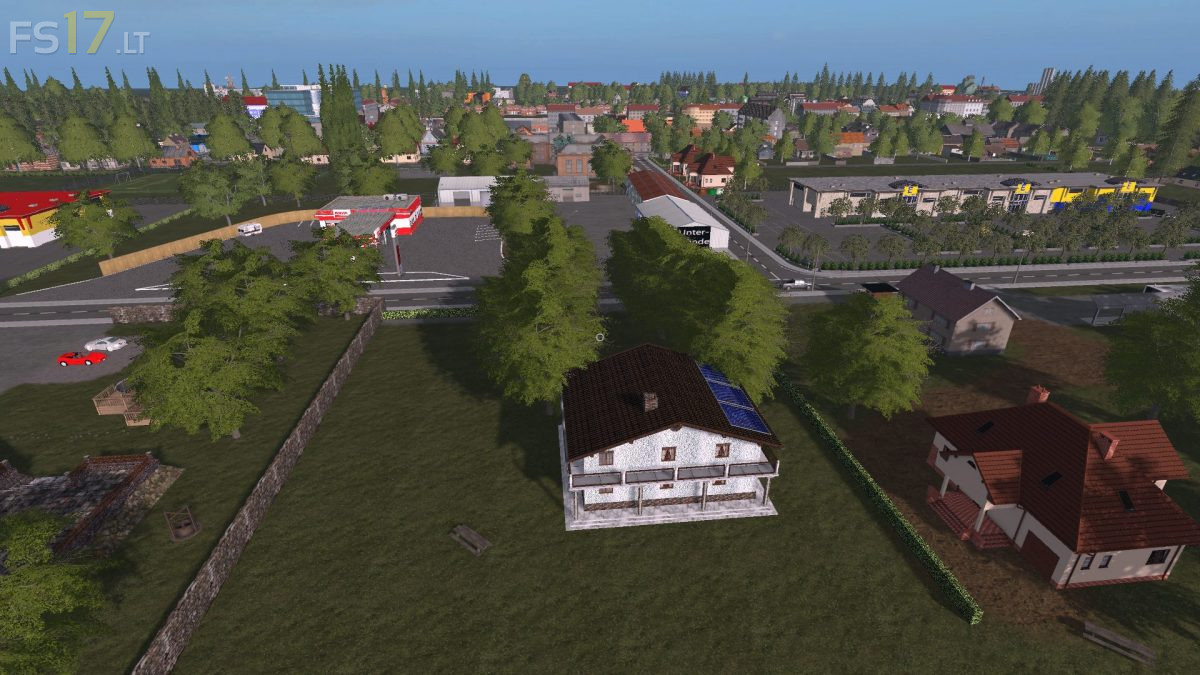

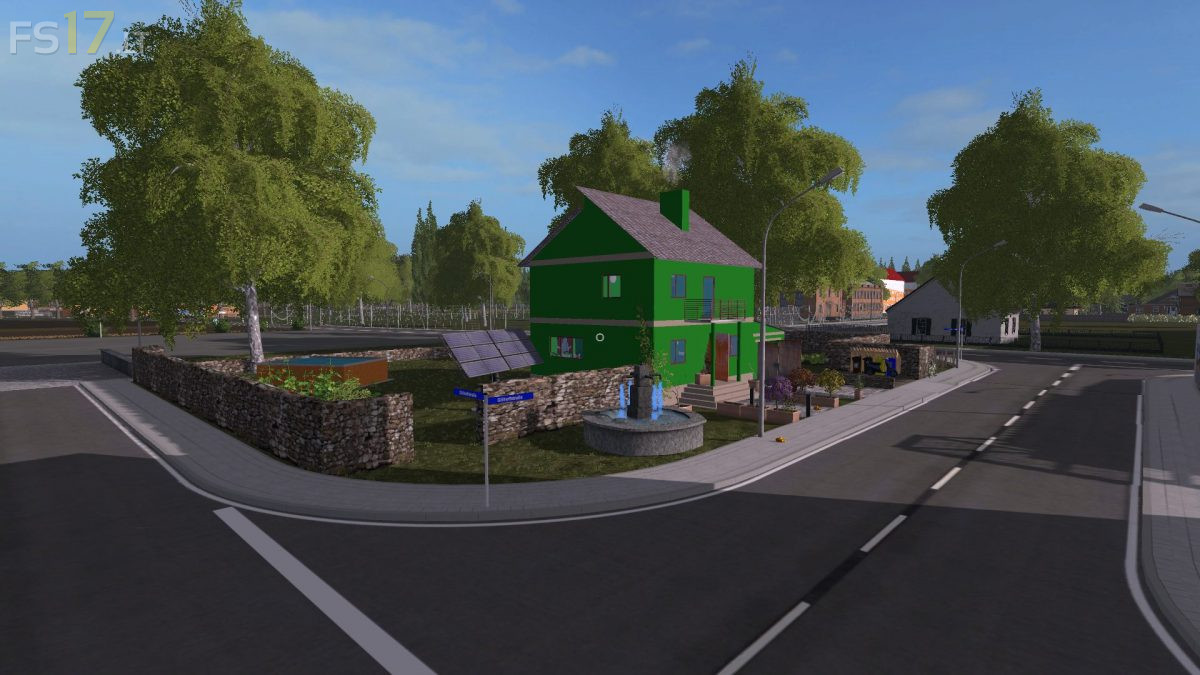
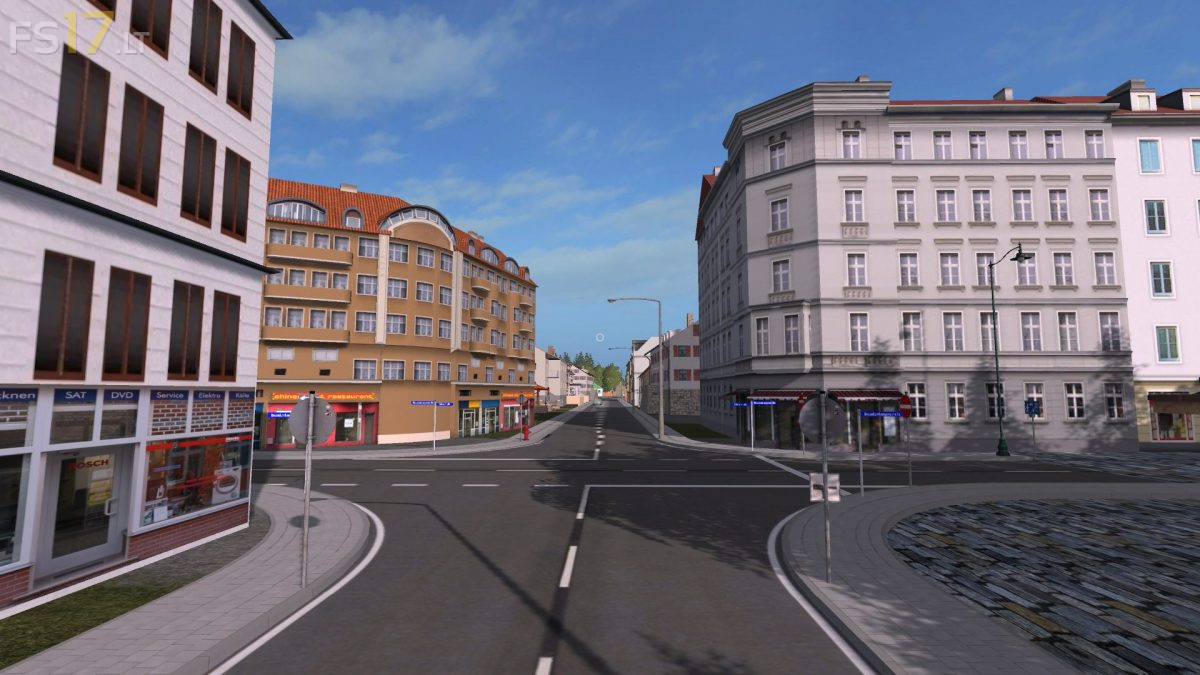
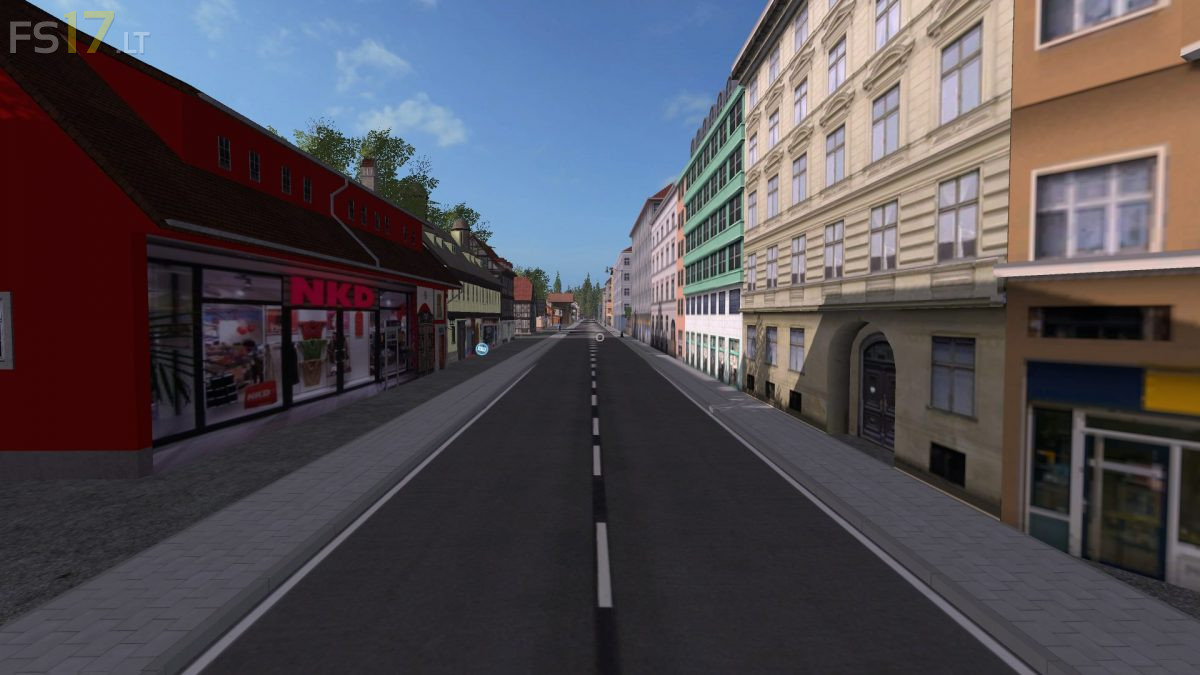
Genthin the Pearl at the Canal Map v 1.0
About the mod:
– 47 Fields between 0.6 and 12 ha
– 3 Courtyards
– The Main House
– All Farms have storage and seed / fertilizer facilities, as well as shelters, the main house still a gas station and a wash place
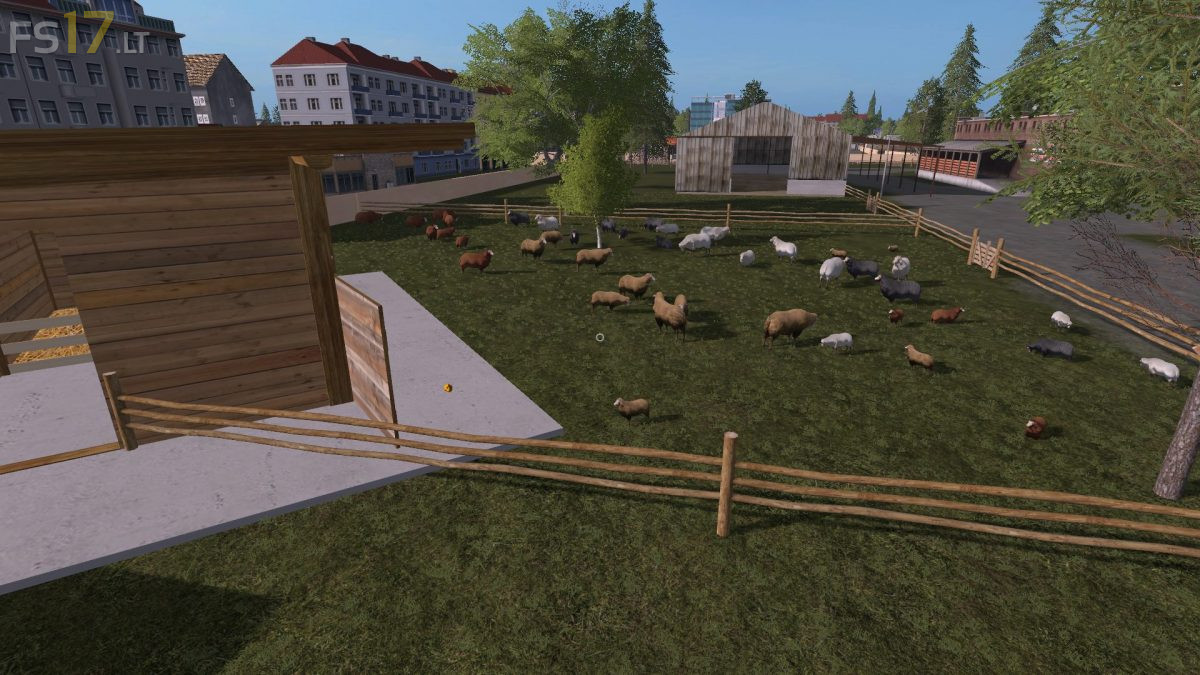
– All animals and a feeding farm can be found in the village of Mützel. There is also a feed store at your disposal
– There are no blocked productions on the map, but you have 16 areas with about 170 000 m² available for everything
– The following sales points are installed: Bakery, Bockwindmühle (Brewery), Brewery, Garden Center, Manure Shop, Ingograss, Potatohans, Lenas Beet, BGA, Manure, Mill, Sawmill, Carpenter
– In addition to these are animated gates and light, traffic and pedestrians and the gold nuggets
Credits:
Papaherz