

Missouri River Bottoms Map v 4.0


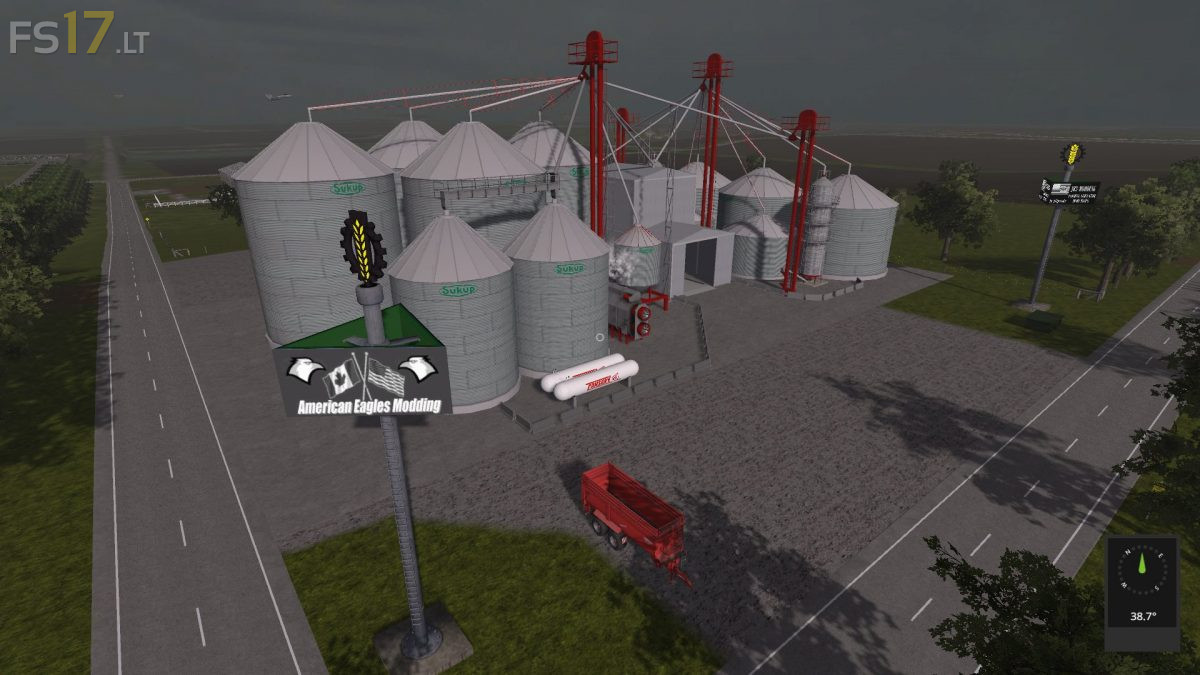
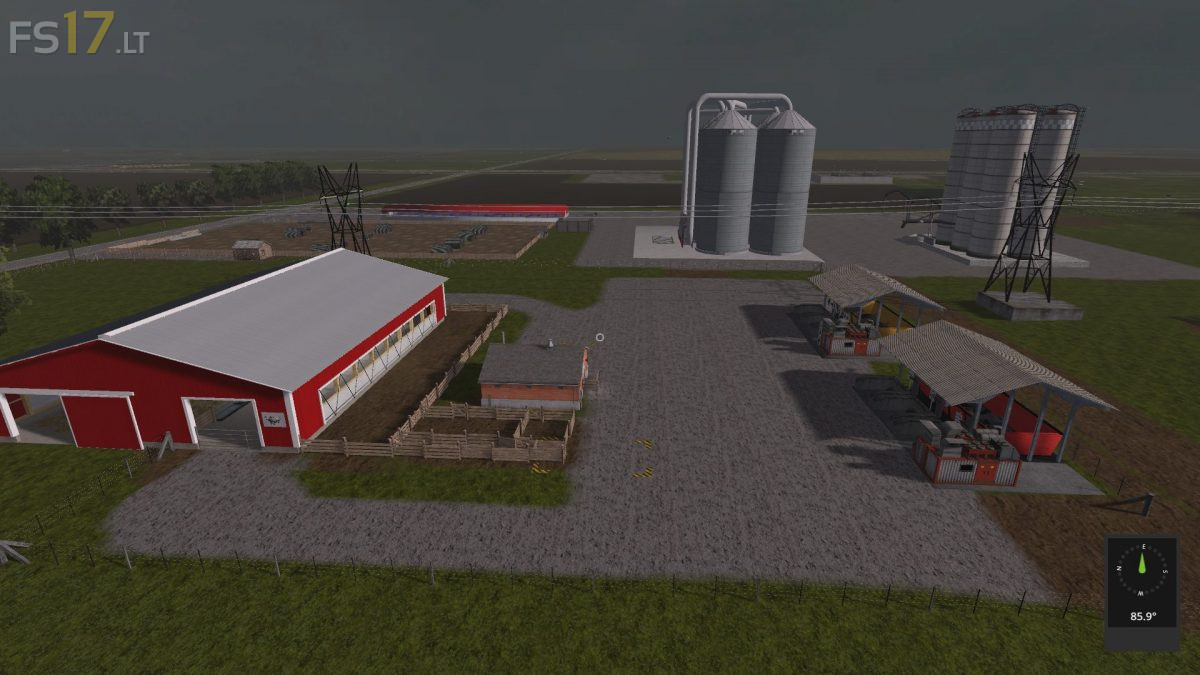
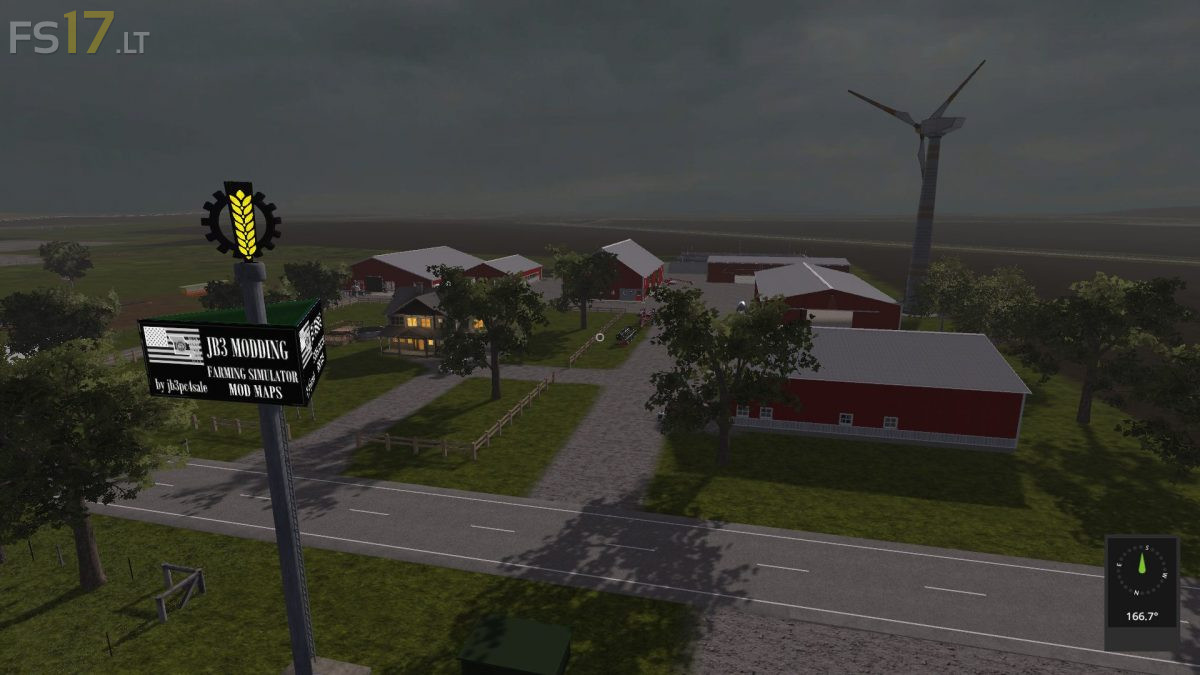
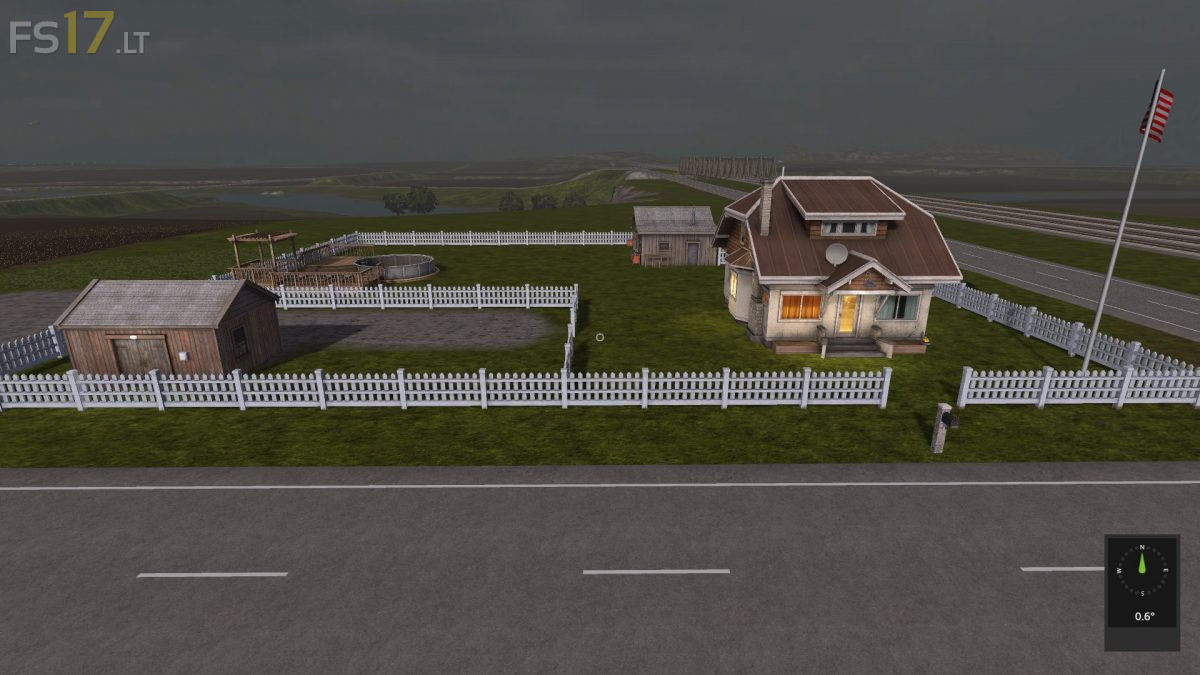

Missouri River Bottoms Map v 4.0
Version 4.0:
* Added Season Mod
* Added Compost Master
* Added a new Main Farm
* Added more Fields numbered now 53 Fields, only 9 fields you can purchase, the rest is owned by you
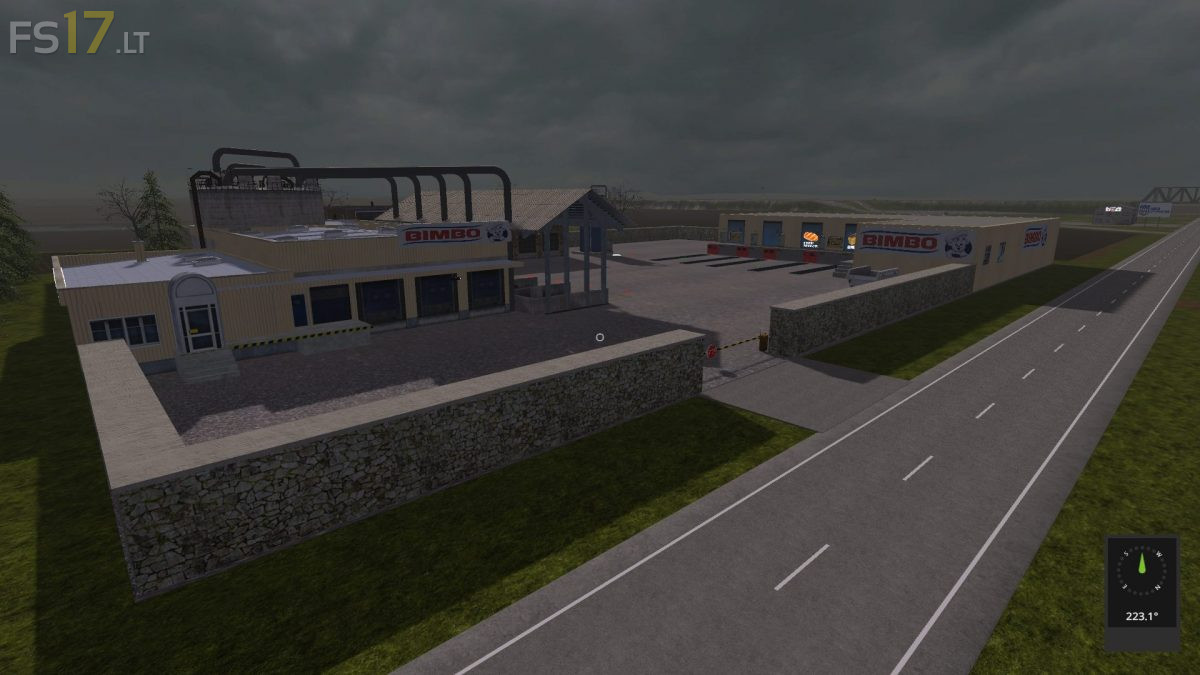
* Added bakery, brewery, sugar factory, winery and wool factory
* Removed 3 crops, corn2, hops, black bean
* Removed the Brewery
* Removed the winery and grape crop and added back in cotton
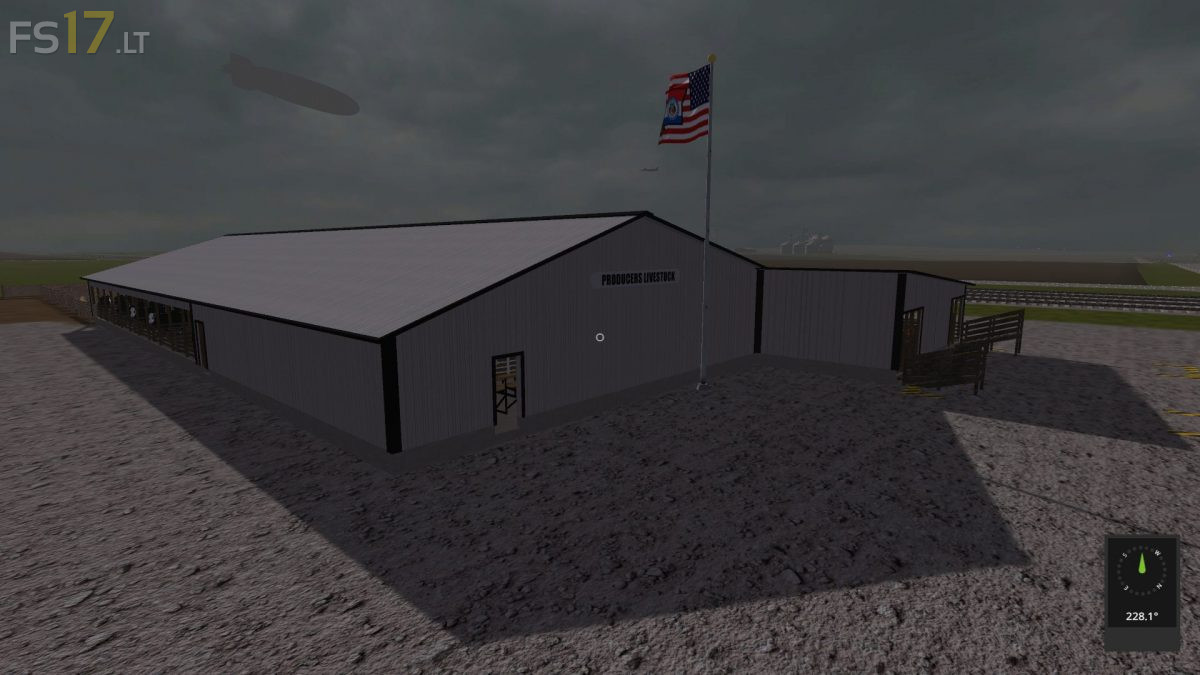
* Moved the Livestock Barn to east of Farm, you now can find on Map
* Fixed Gates
* The wind turbines are from game and now you have income from them
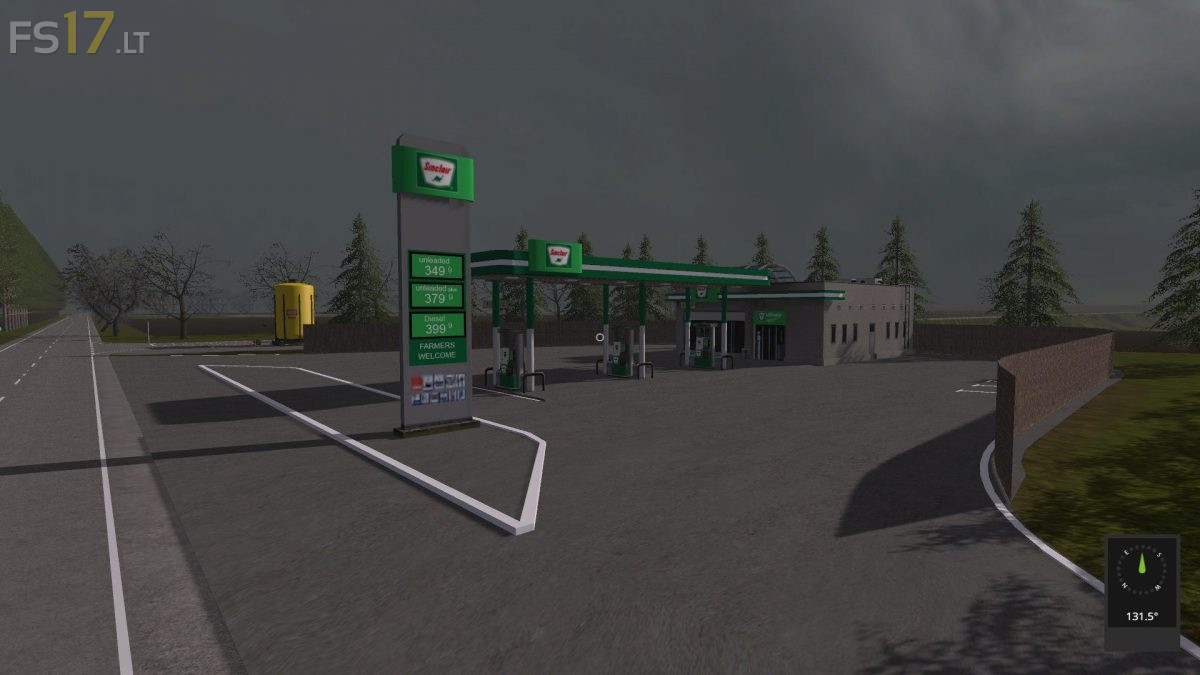
* New sell points, Walmart’s, Lowes, Price Chopper and the Turkey Roust
* Added more animation to map: You have new birds, snakes, chickens, cows, horses, farmers and sheep
* Added butchery where you can sell livestock to
* Added the immediate hogs and sheep to
* Hogs are at farm 5 and sheep is at the south farm, just east of Walmart’s
* The Turkey Roust is a bar and grill dance floor, bar, pool tables, juke box. etc.
* Downsized the trains from 6 to 2
* There is one spline train at each set of tracks