

Deutz Fahr Series 9 v 1.2

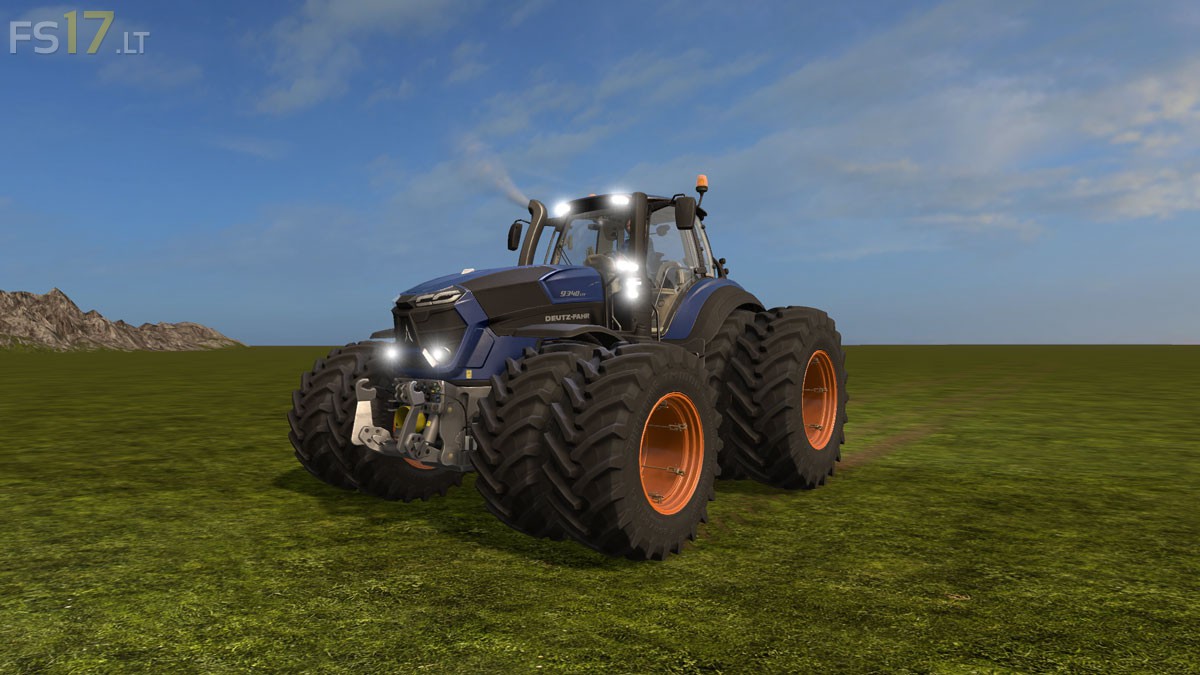
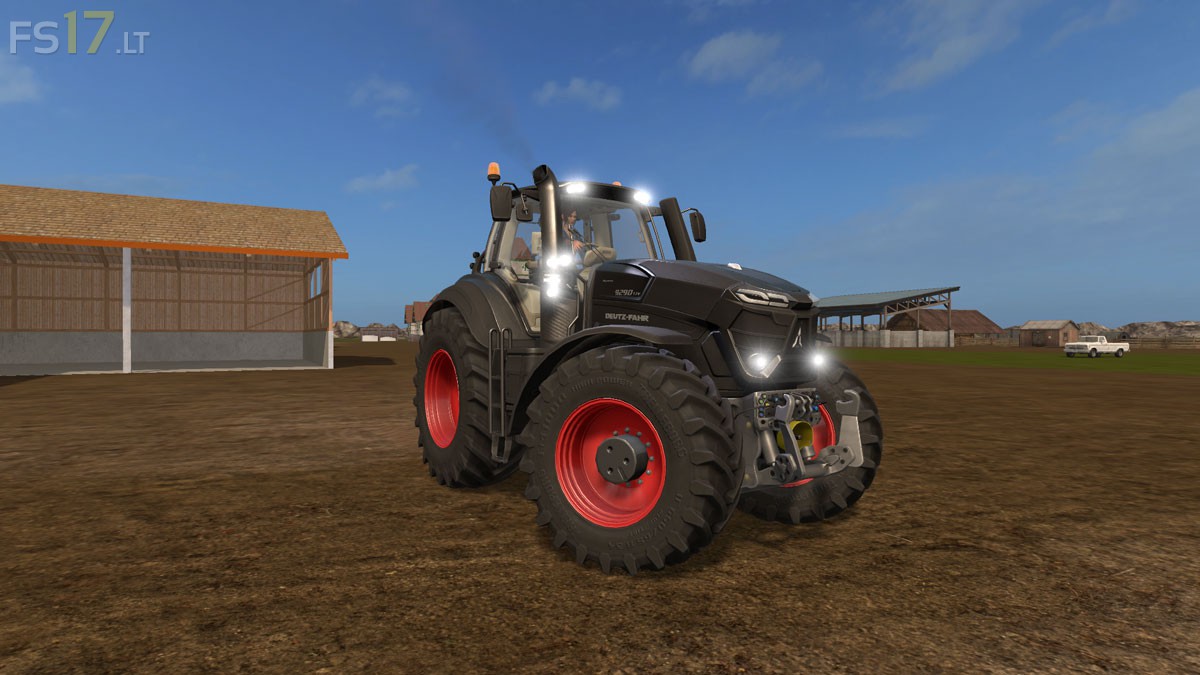

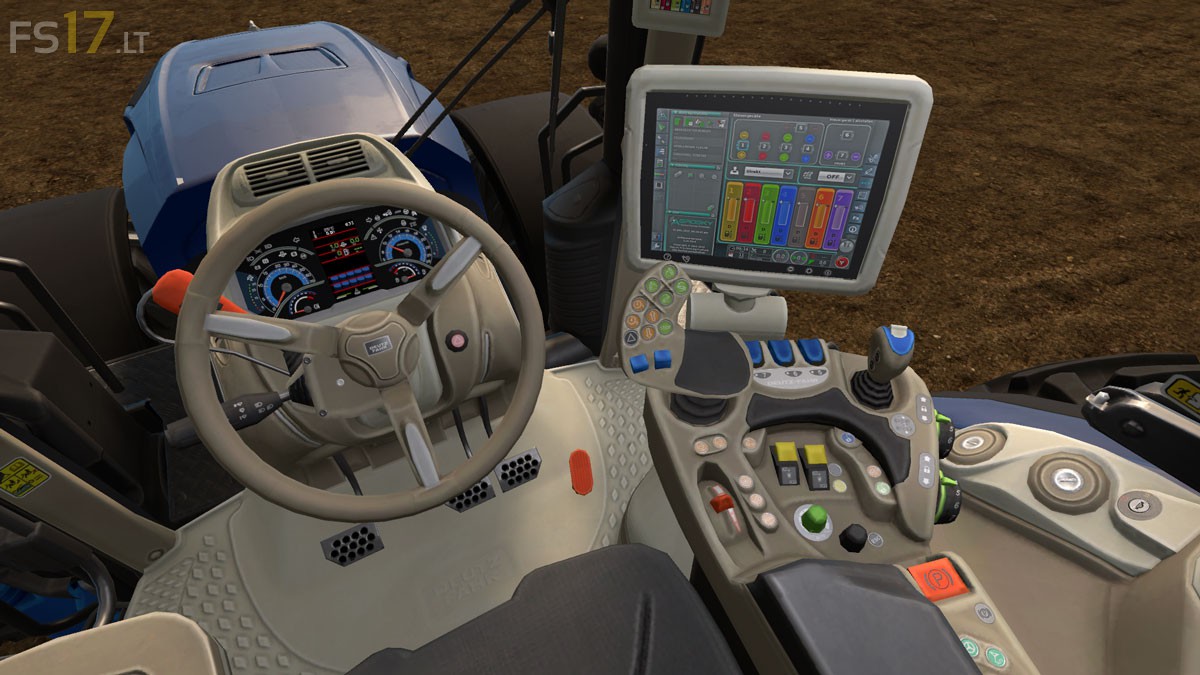
Deutz Fahr Series 9 v 1.2
About the mod:
– Engine Setup: 295 hp, 312 hp, 336 hp
– Wheels Setup: Standard Wheels, Twin Wheels, Wide Tires, Wheel Weights, Broad with Weights
– Design: Standard, Steel Green, Black, Light Orange, Steel Blue, Fir Green, Wine Red, White, Red
– Selectable Rim Color
– Cab Light
– Modified Exhaust Smoke
– Color Windows
– Brought Outside Camera closer to the Vehicle
– Lighting
– Working Mirrors
– Dust from the Wheels
– Traces of Wheels
Version 1.2:
* Added Painting in white and red
* Light Addon (daytime running lights)
* Without Shine
Price: 245.000 €
Credits:
Giants, [FSM] Chefkoch