

Clover Creek Map v 1.0


Clover Creek Map v 1.0
About the mod:
You will need to carefully plan to be successful.
This map has chopped straw installed and also has field missions on 6 fields to help you earn money.
It has all the default crops and animals installed.
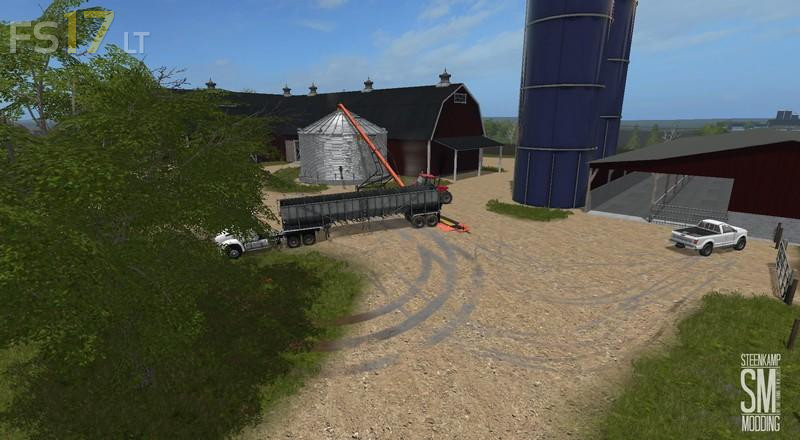
Each farm has it own crop storage bins, you will need augers to fill the bins up. (They are included in the main zip archive.)
The bin with the unloading auger has the fill trigger on it, so fill up your silos there.
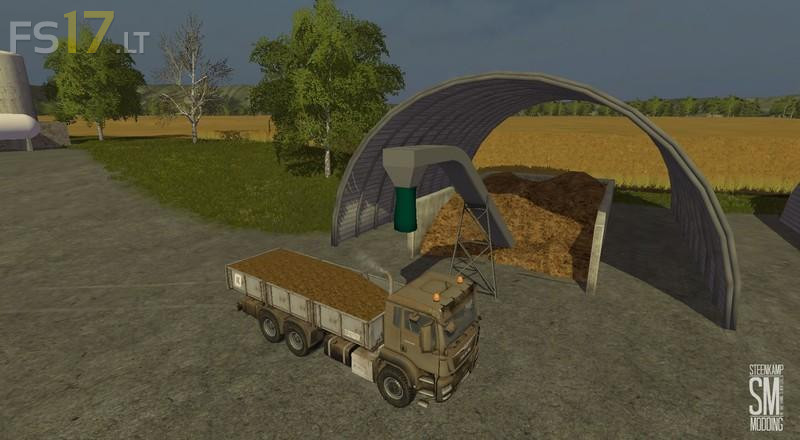
At the CPS you can buy seed, solid fertilizer, liquid fertilizer, liquid manure, and solid manure.
You can also sell liquid and solid manure there.
The white lines on the PDA define the farm boundaries. (Helpful when you want to purchase the farm.)
Credits:
CWJ, Steenkamp Modding