

Complete AR/Frame Pack v 1.1

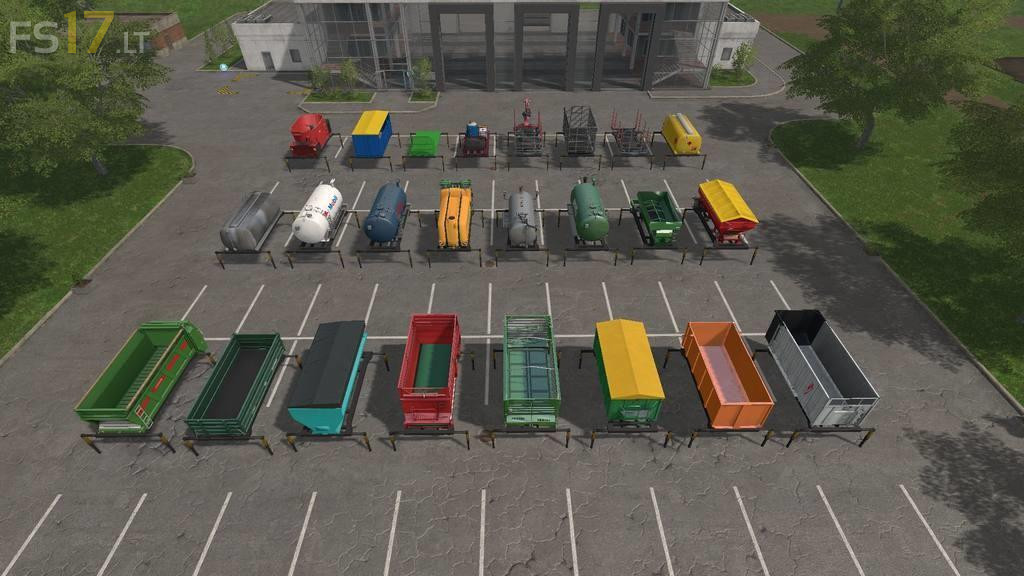
Complete AR/Frame Pack v 1.1
About the mod:
Version 1.1:
* Added new (Day Cab) MAN truck for all AR Equipment. Custom displays and real warning lights are included.
* Fixed issue with Swivel plate trailer when turning.
* Added UAL mode for smaller boxes and pallets.
* Fixed issue with Log UAL turning off after each log was loaded.
* Added updated OverloadPipe script for use with Milk Trigger by Kevink98 (MP Fix)
* Added “emptyMe.lua” to Lizard Tanker & Multi Tanker. This allows dumping of any liquid as required.
* Imporved light brightness on Timber Crane boom.
* Increased Timber Cage size to allow 5 meter logs to fit better, small texture changes and add outside door trigger to right cage doors for use even when not connected to vehicle (Left doors will now only open when tipping).
Credits:
GtX, gnescher