

Mavericks Multifruit Map v 1.0


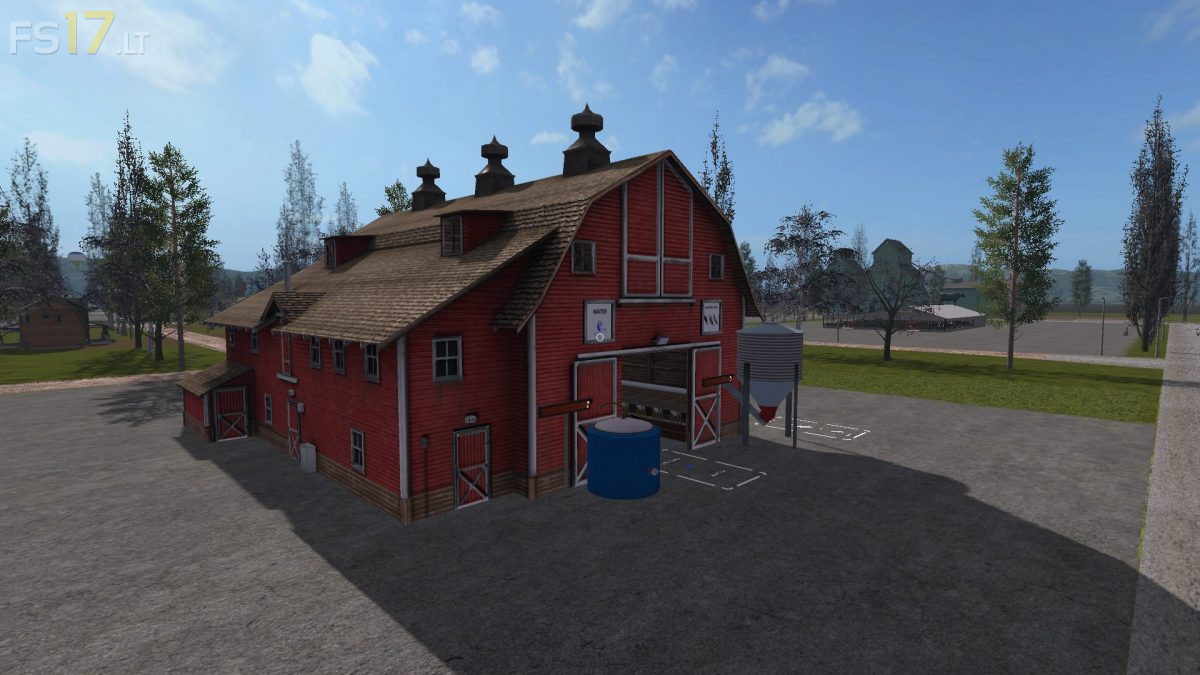
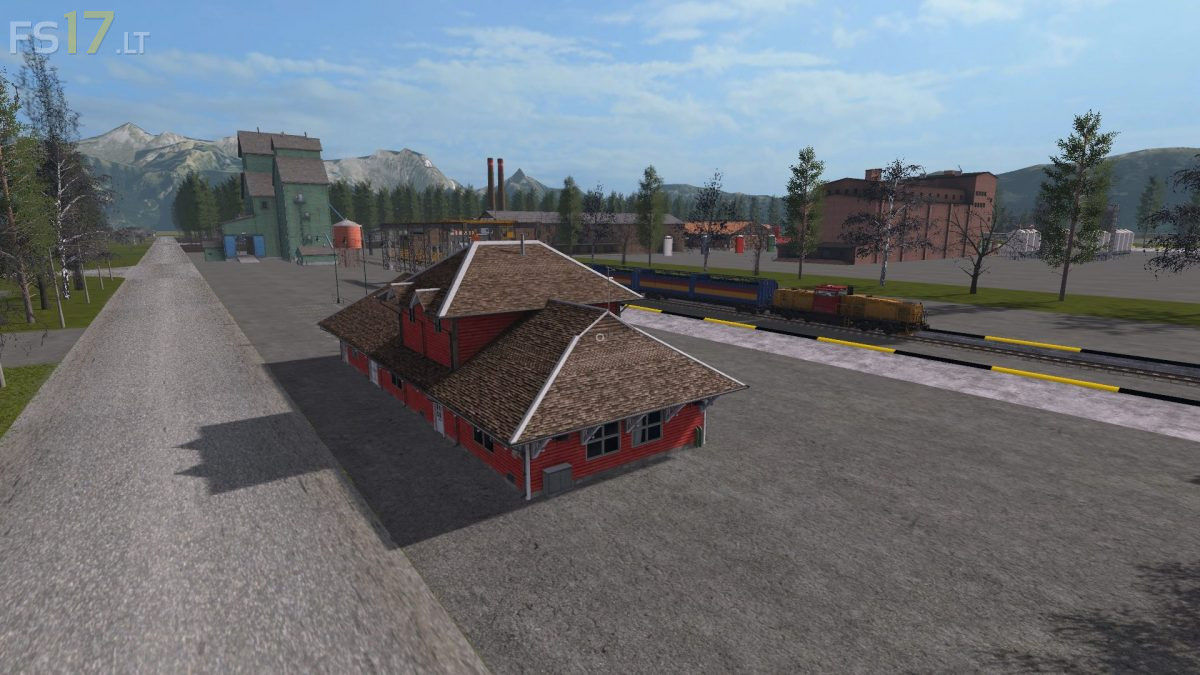
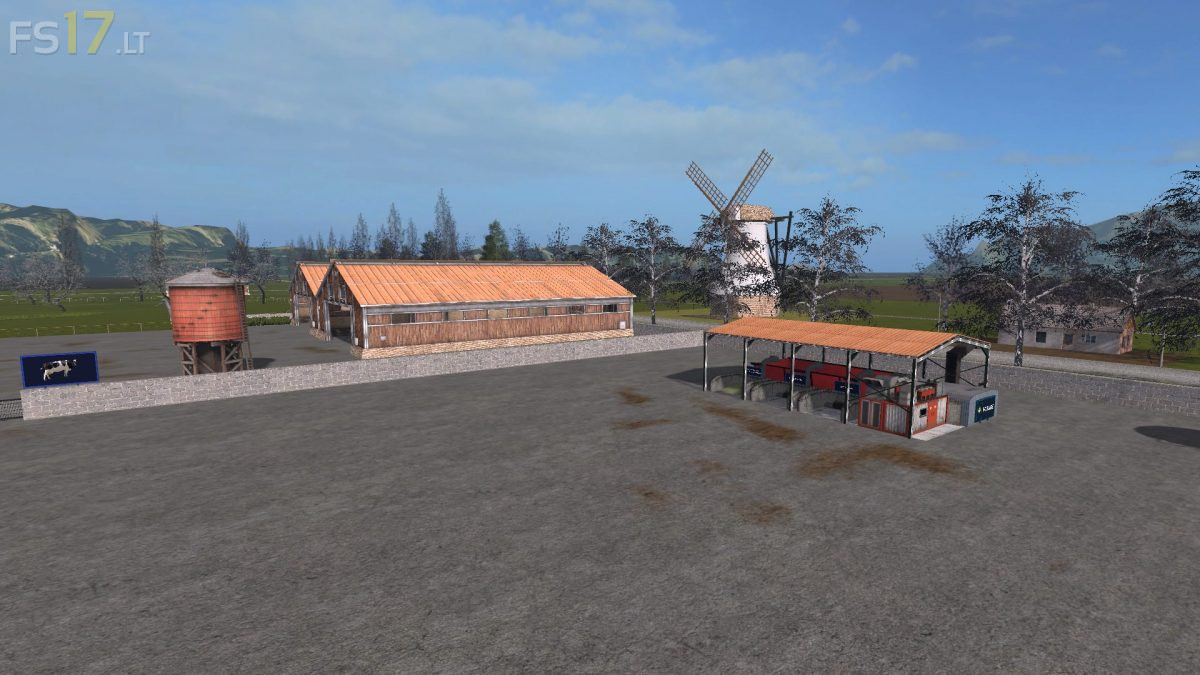
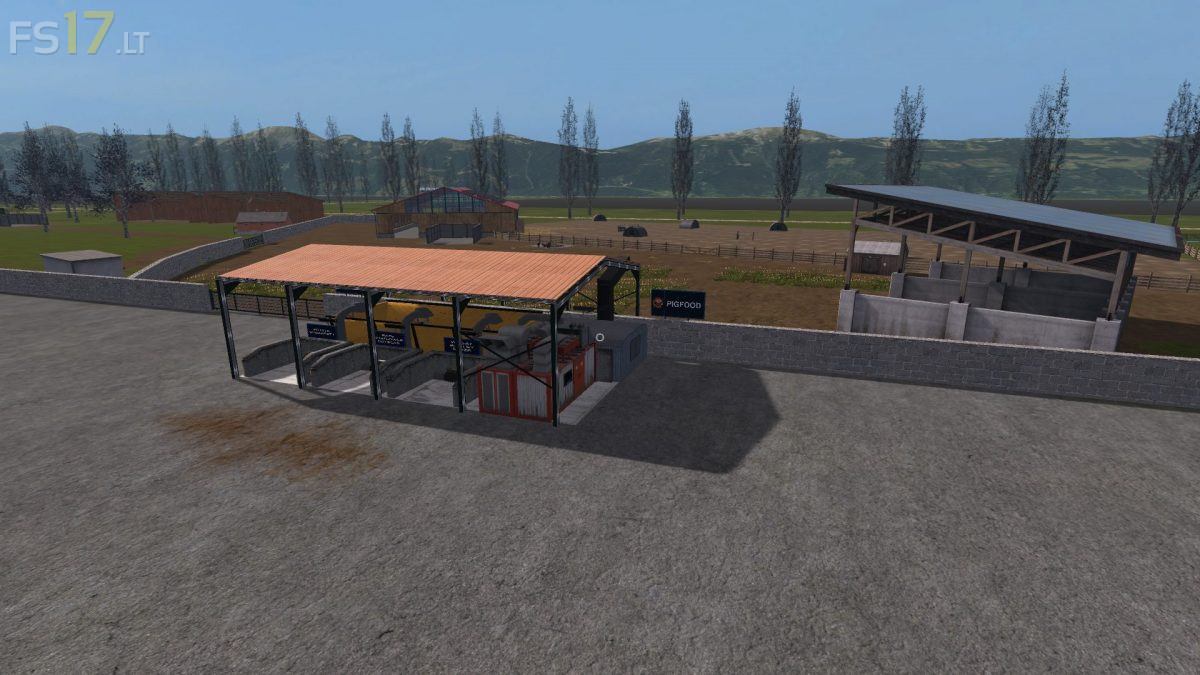
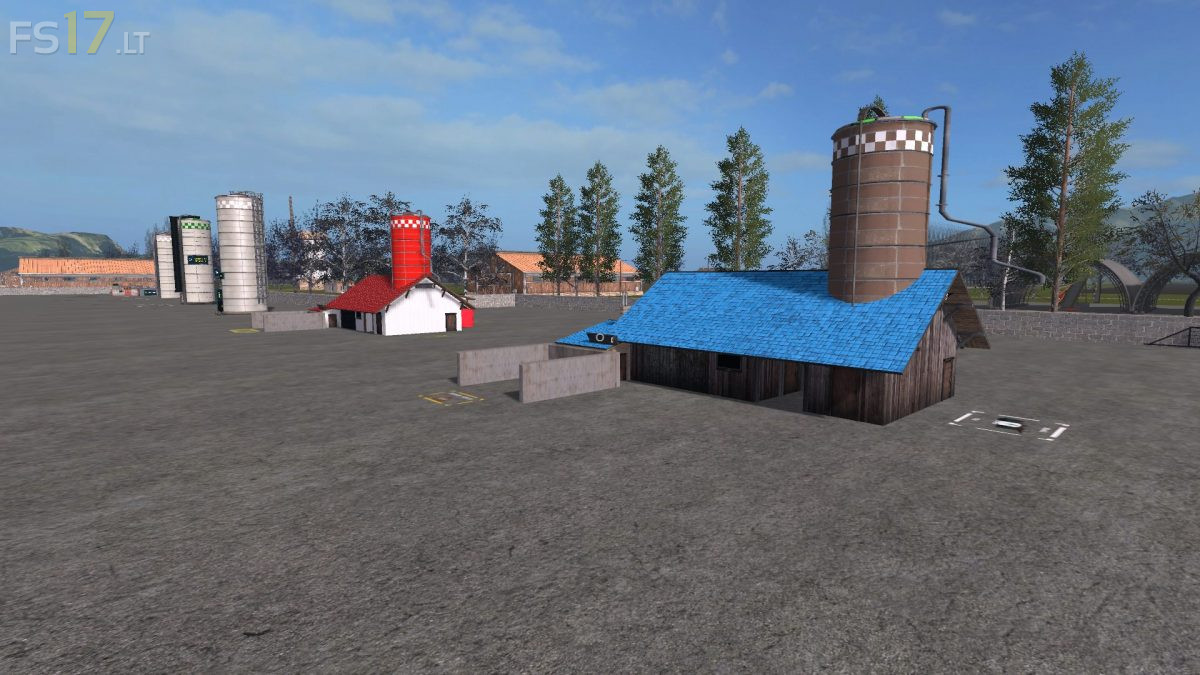


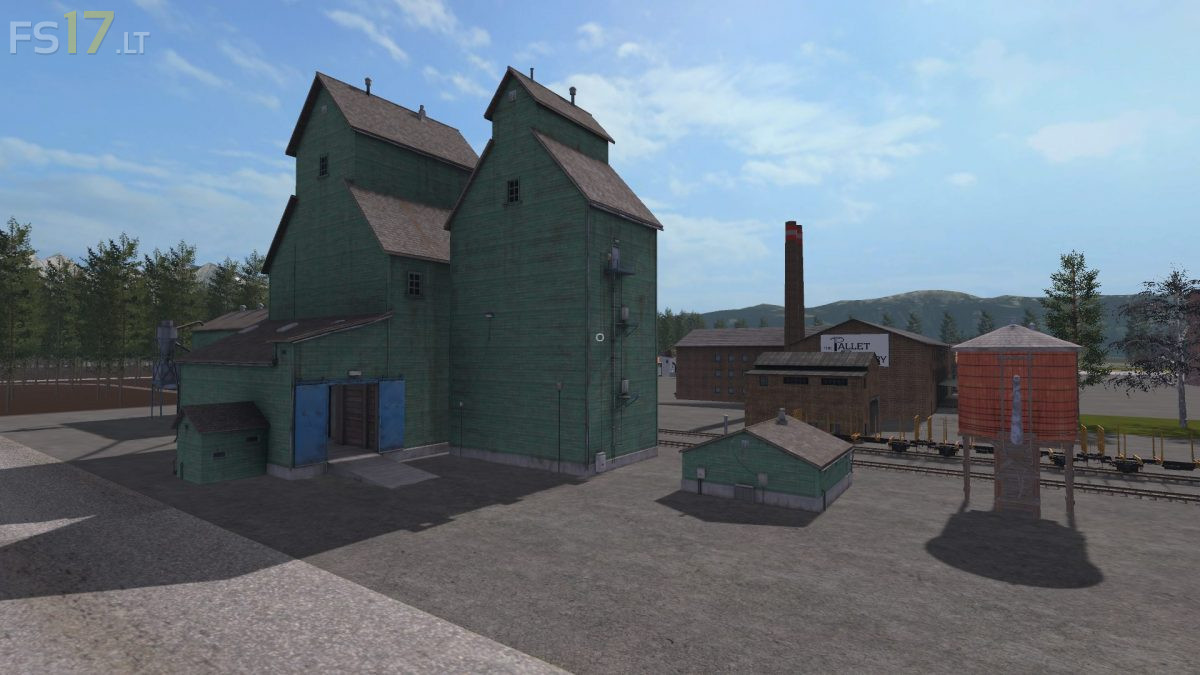
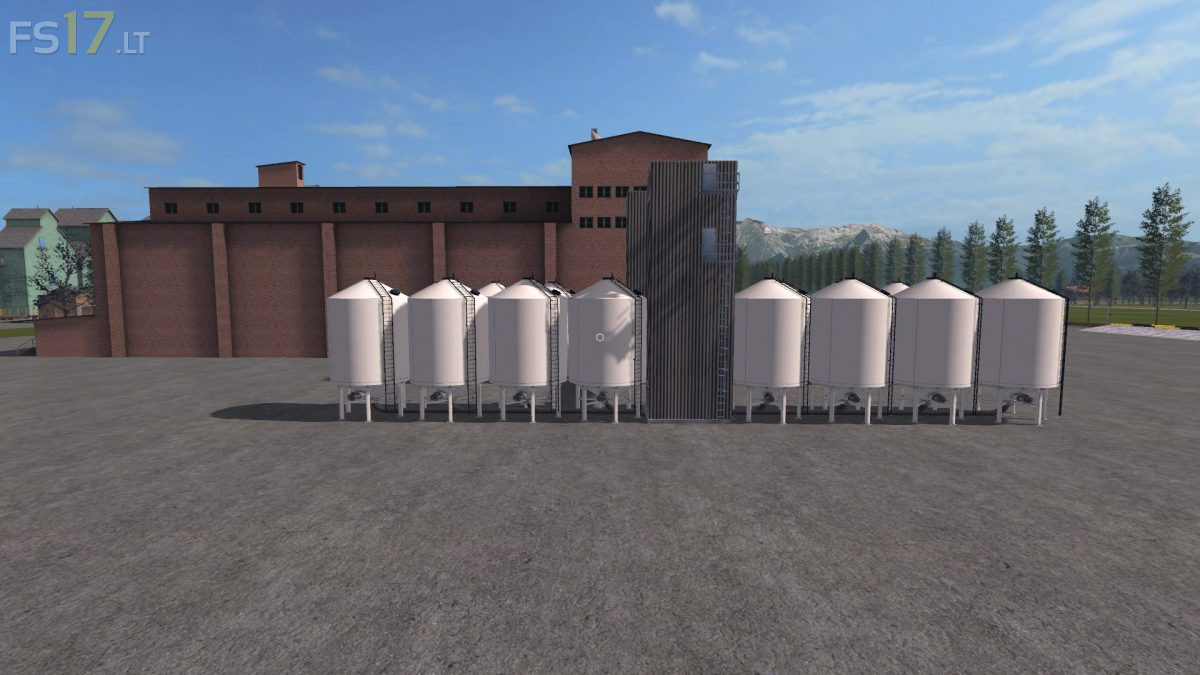
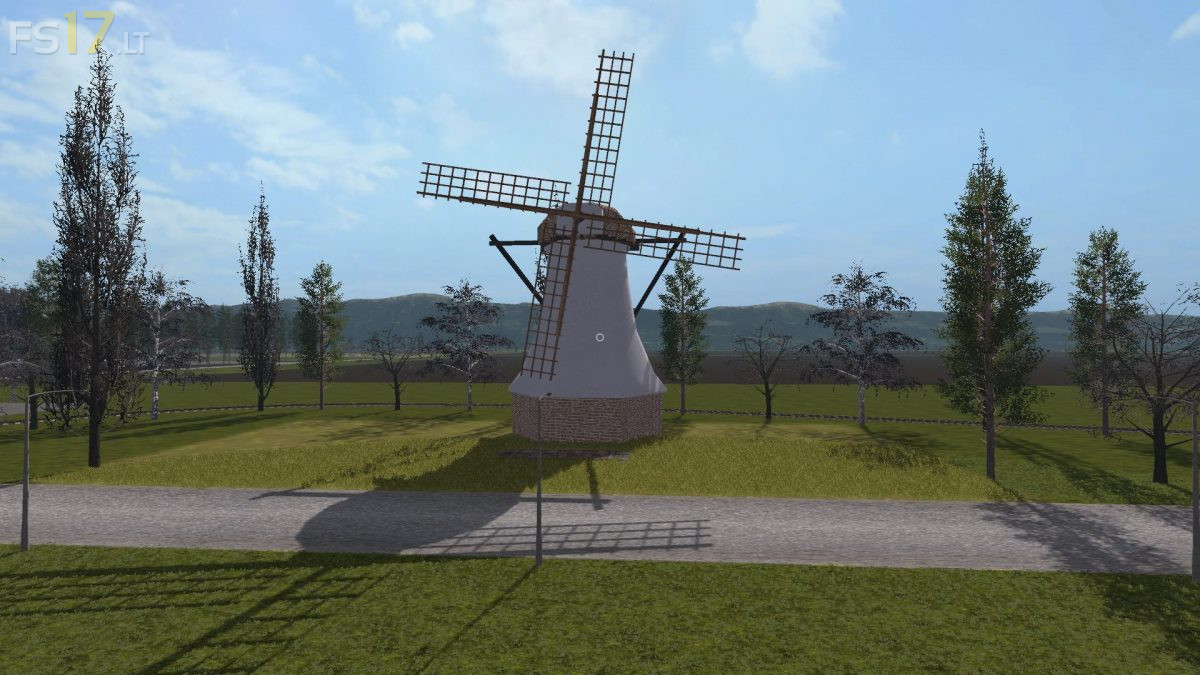
Mavericks Multifruit Map v 1.0
This is the Multifruit edition off Mavericks Farm (not seasons ready).
It’s actually a multifruit and production 4x map.
Additional field fruits: Oat, rye, spelt, triticale, millet, onion, hops, lettuce, red cabbage, carrot, hemp, cotton, cabbage, orchards, plum, pear, orange, apple, cherry, coffeebeans
The factory’s are not working with pallet collectors anymore so they can’t get bugged eather, you will need a special designed trailer to pick up the end products off all pallet based factory’s. 1 trailer made by bdbssb is build in the map, you can find it in the shop to buy. Another one called producttrailer will be included in the zipfile. No other trailer will be able to pick up the products.
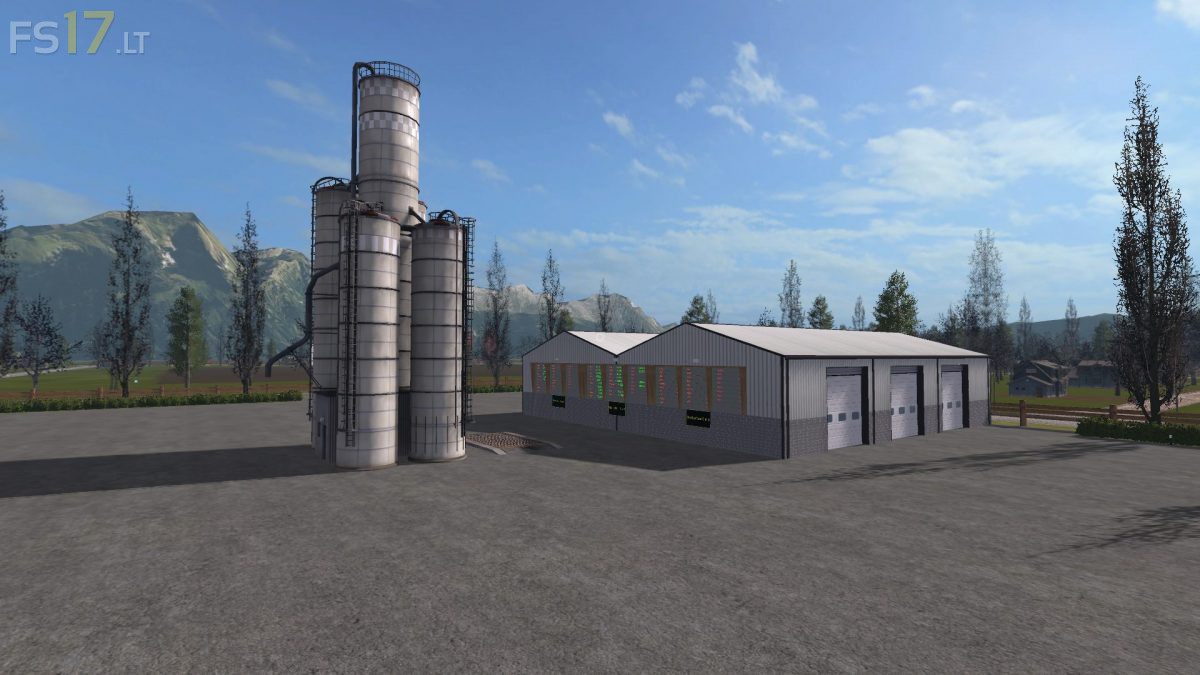
Added allot new factory’s, also builded in the nice factoryPack from BDBSSB.
With over 50 products a list off the factory’s will be included in the zipfile aswell will this explanation.
Also replaced the fertilizer and seeds factory’s with a updated model, you will be able to fill your seeders directly at the factory’s aswell.
I+have+a+trailer+full+of+Hemp,+but+am+unable+to+unload+it+anywhere.
I+can+not+harvest+carrots+or+onions.
Any+help+would+be+appreciated