

Stappenbach 17 Multifruit Map v 1.0


Stappenbach 17 Multifruit Map v 1.0
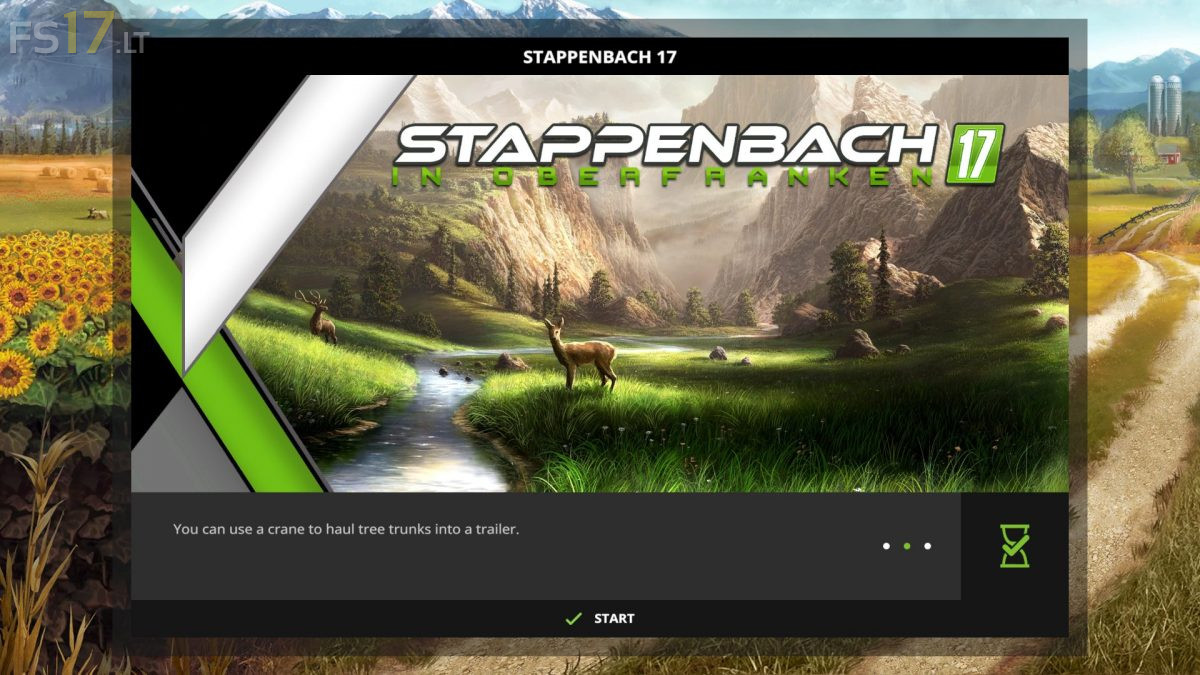
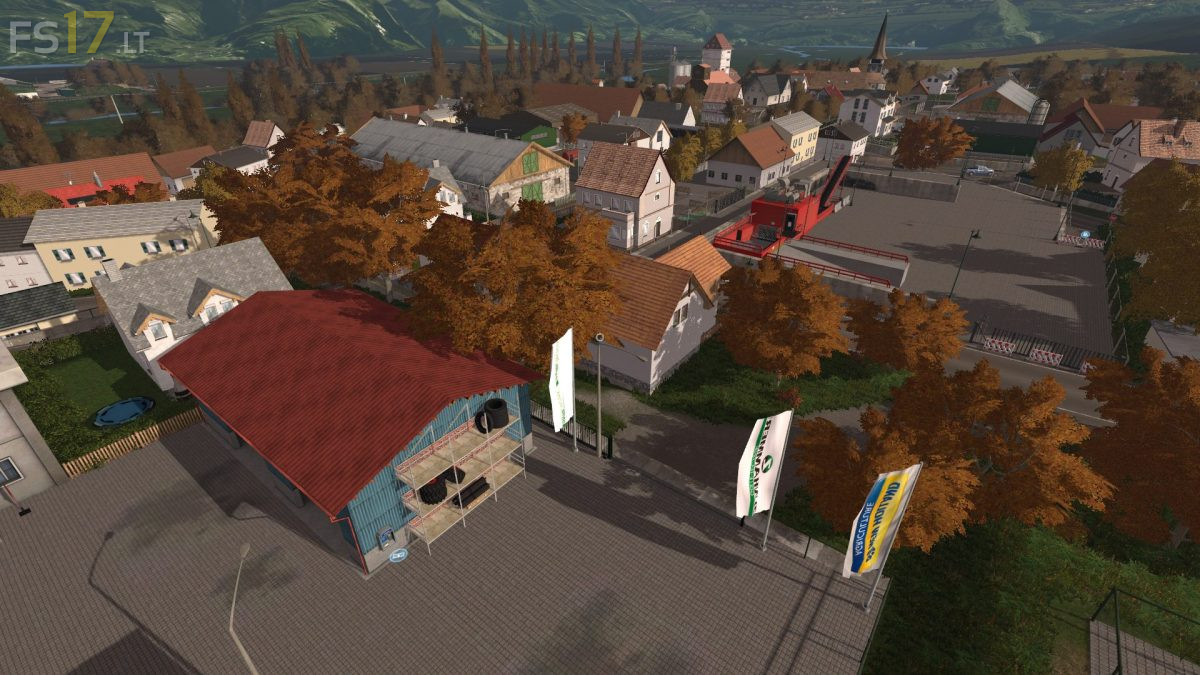
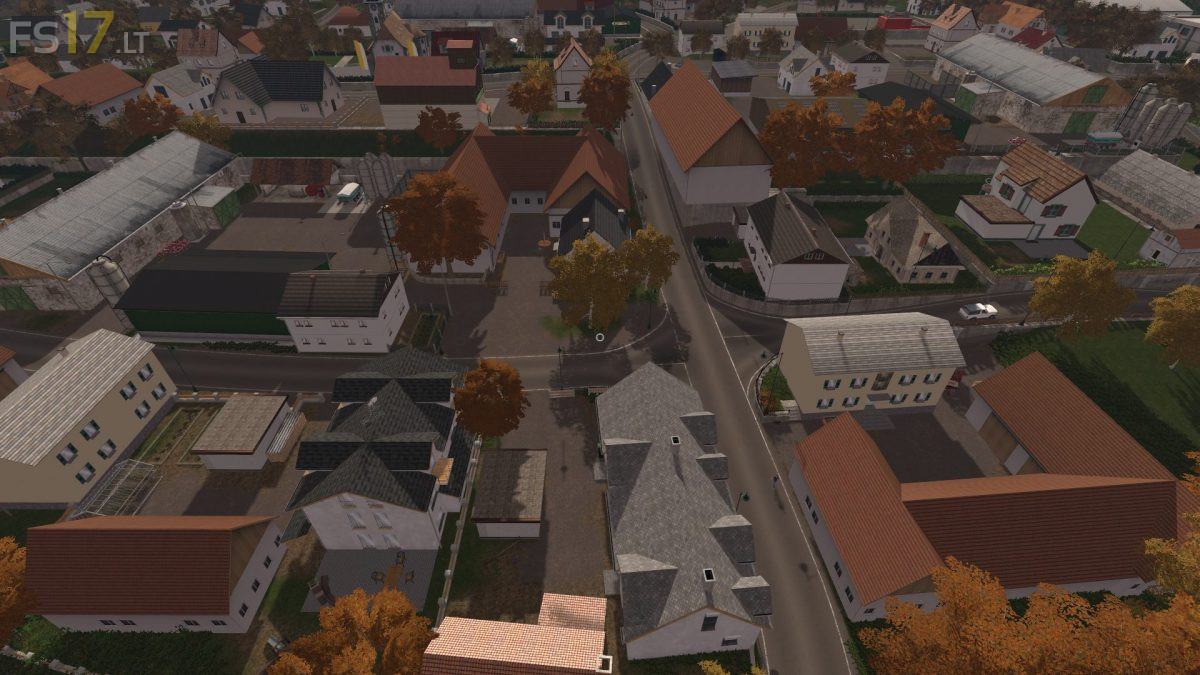
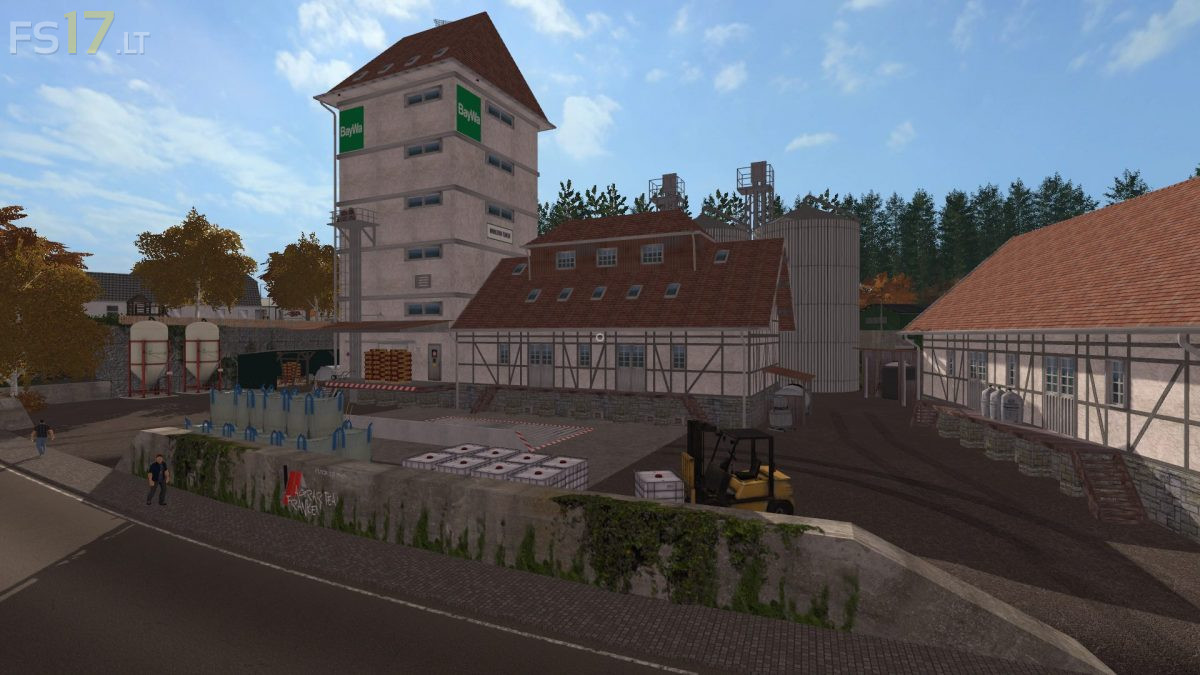
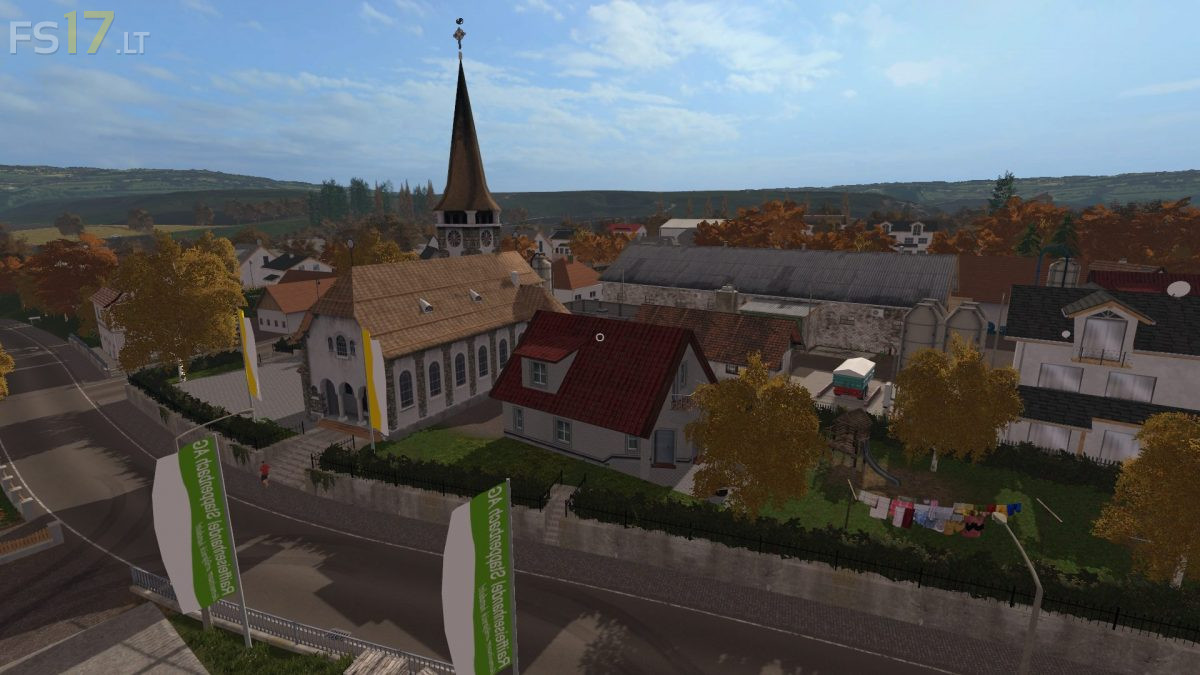
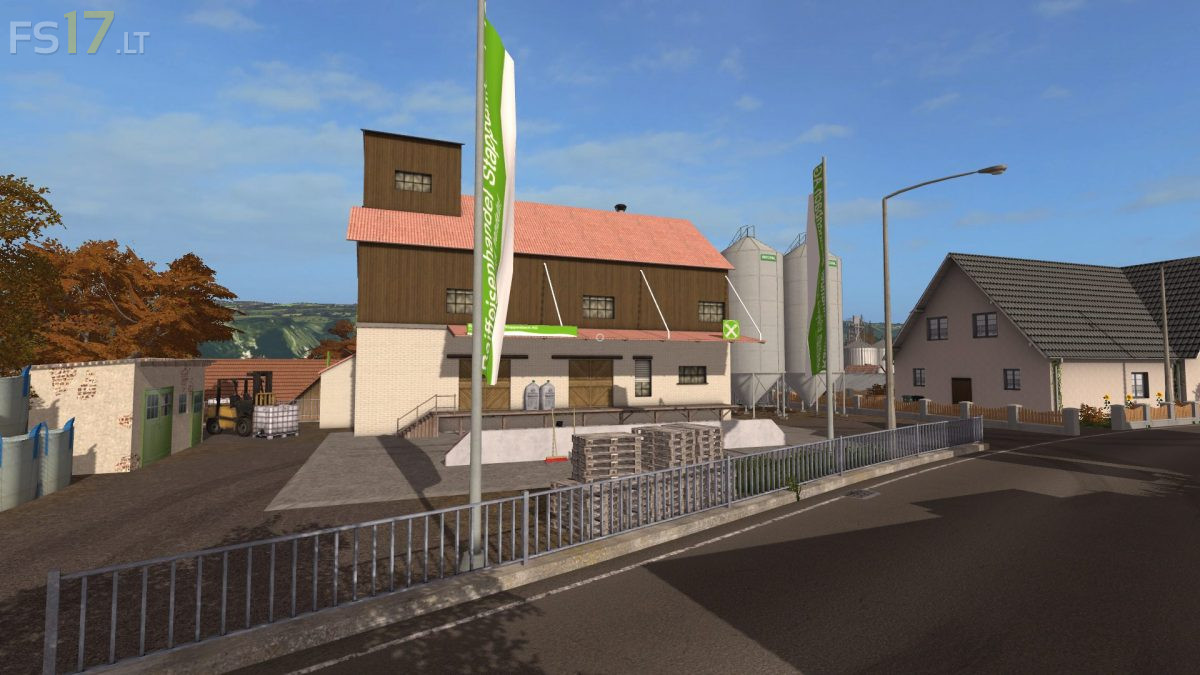
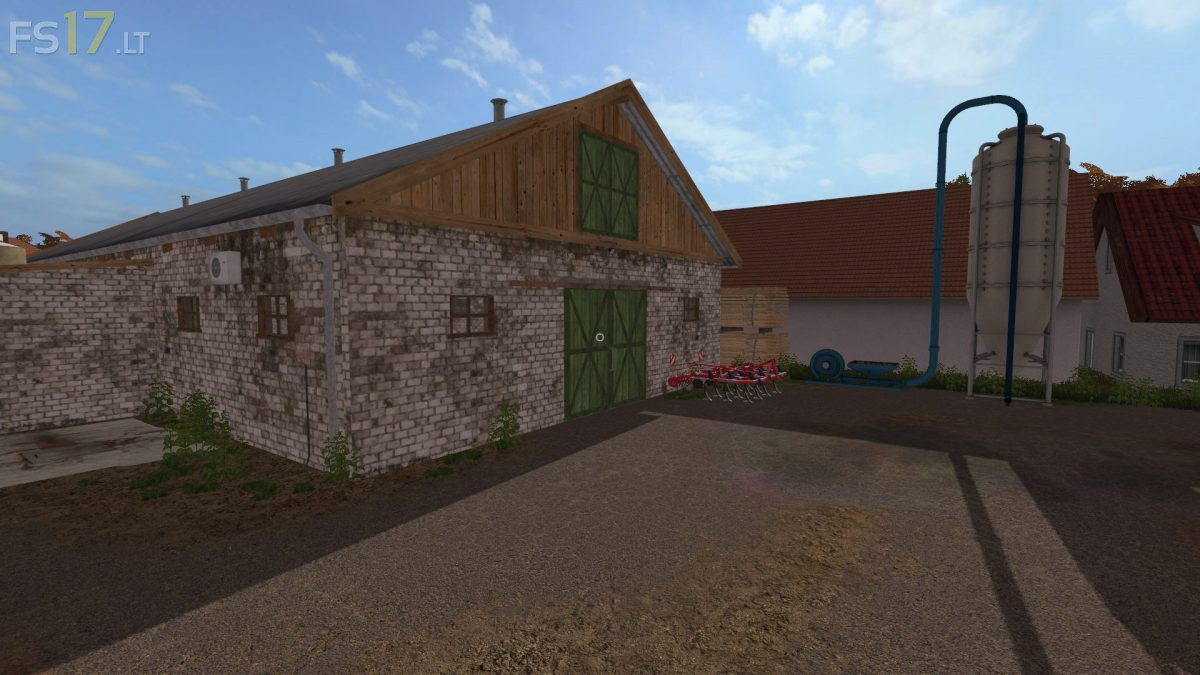
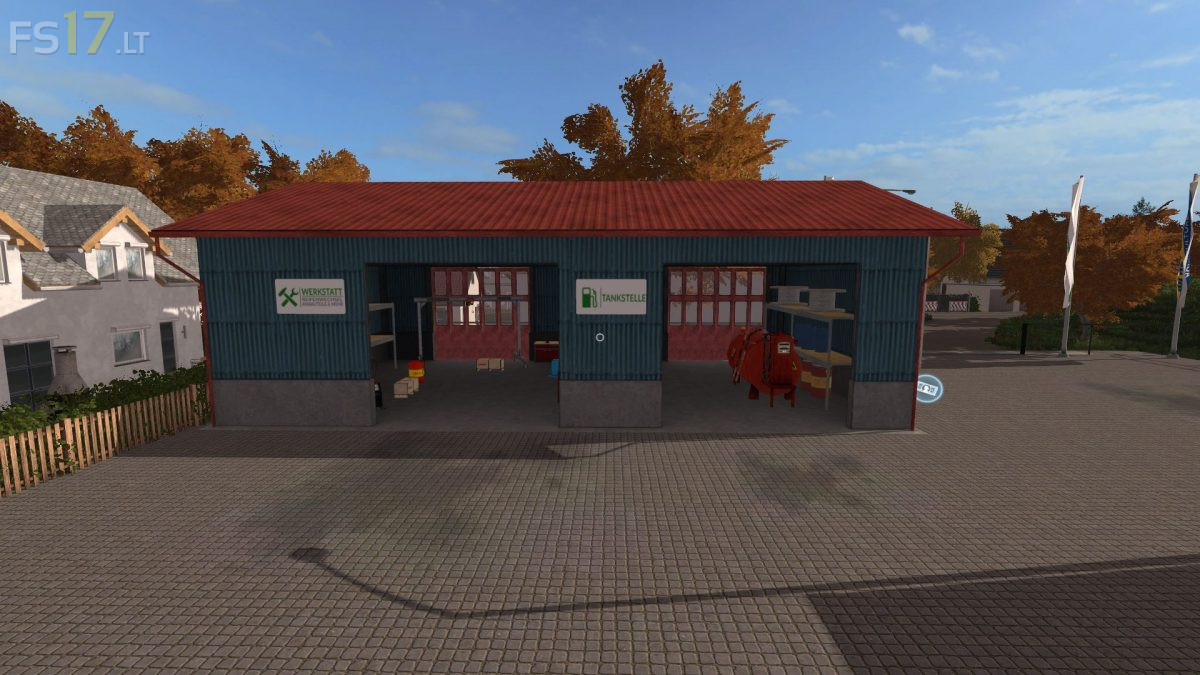
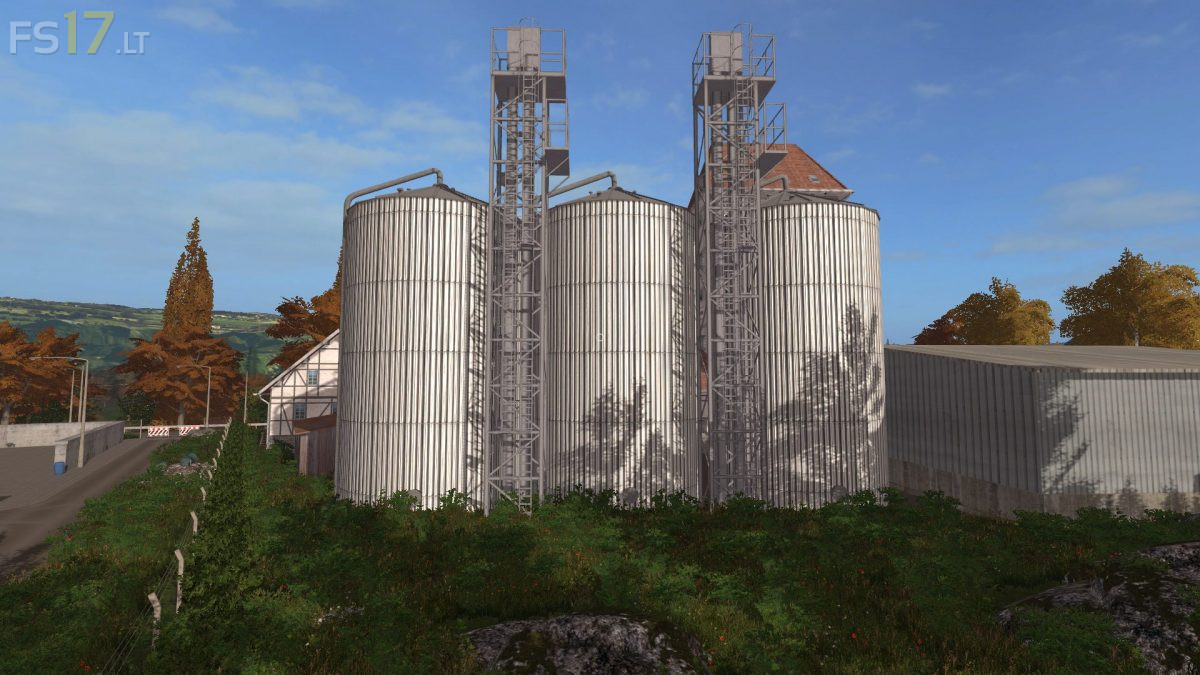
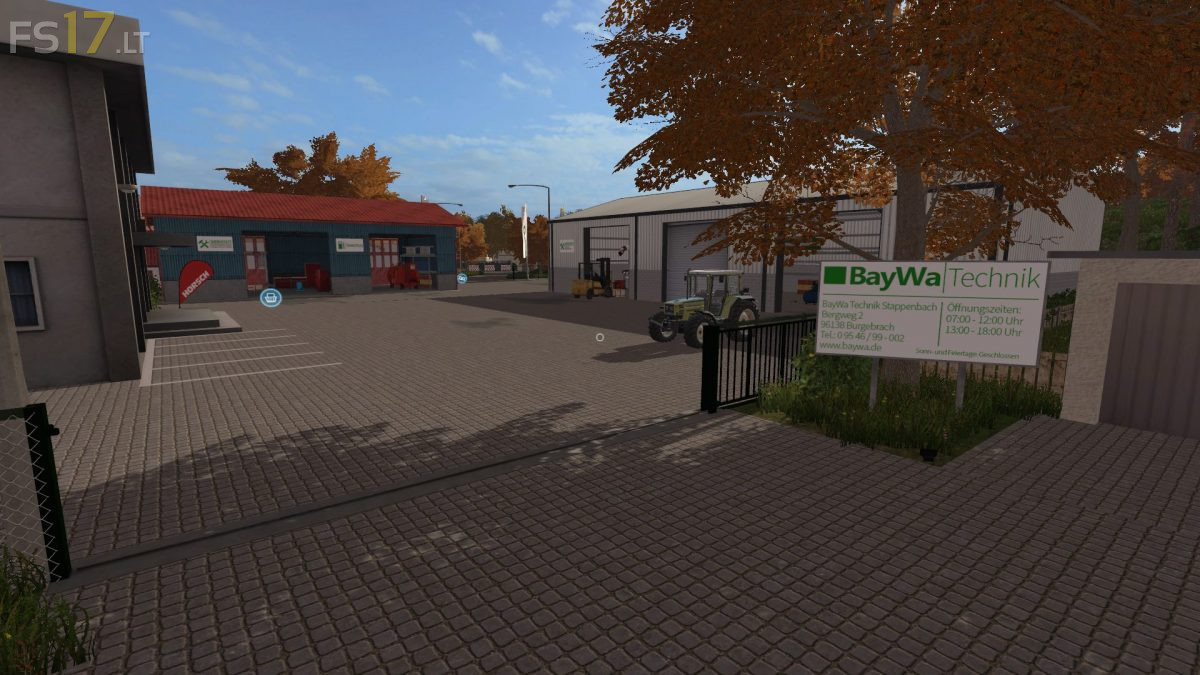
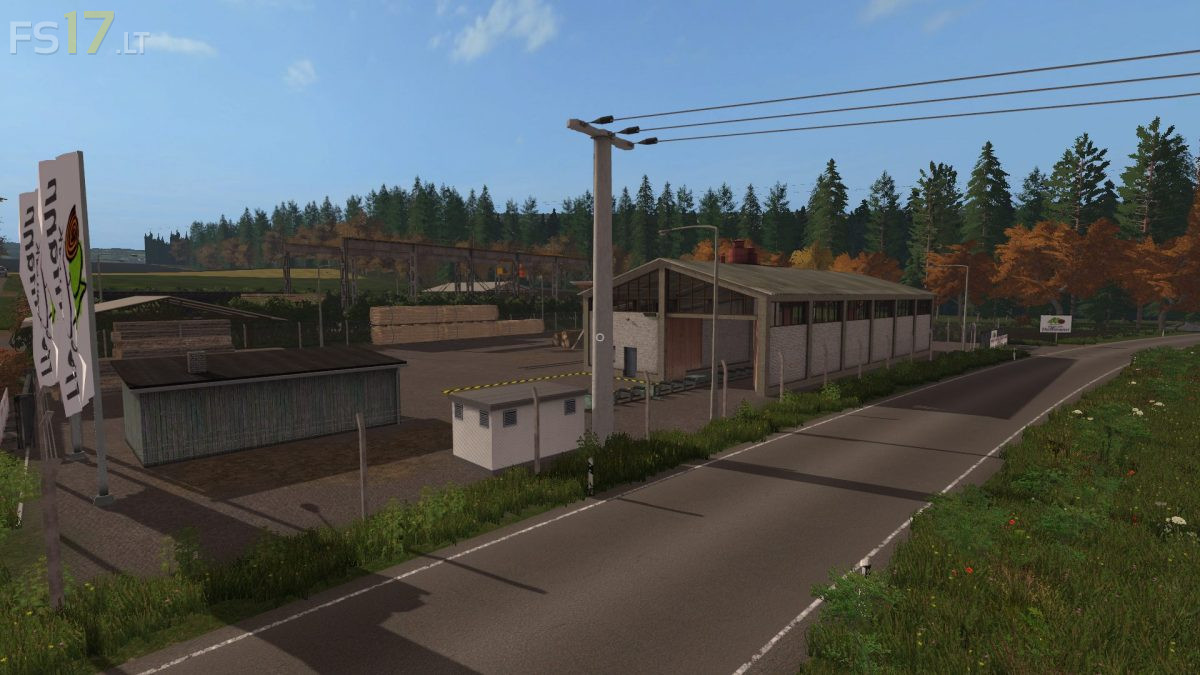
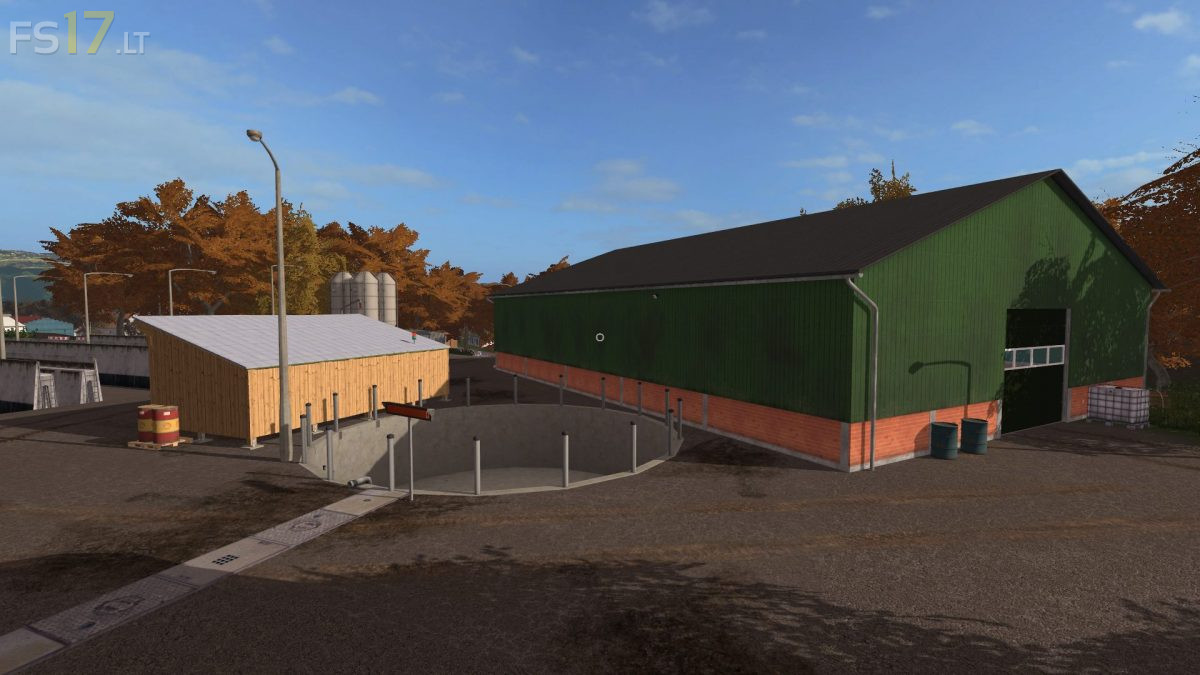
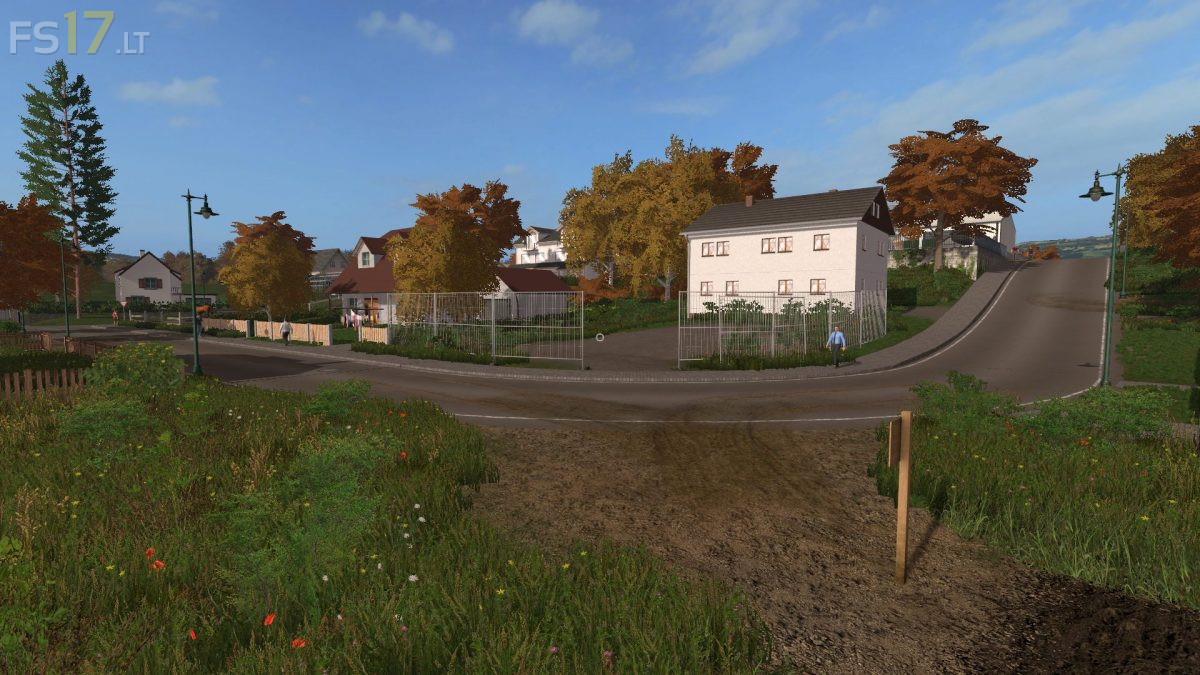
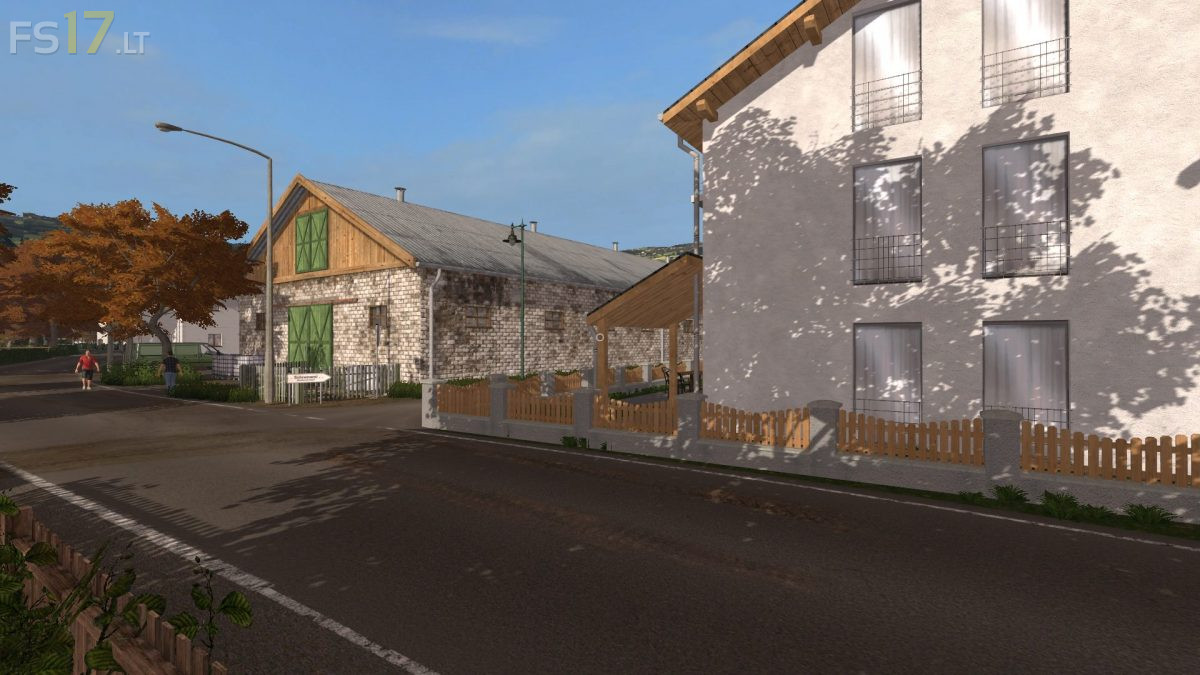
A versatile map, which now has newly designed forestry areas and almost completely new textures made by Eribus (ForgottenPlants). Like you know from the past, you can choose from different farms and Select your favorite farm. You and your friends can work together or everyone on his/her own when playing a multiplayer game. Next to the standard animals (cows, pigs and sheep) you will find pig and cow fattening Farms as option to the standard gameplay. Today, modern biogas plants are also a must have and can be found on the map. You can also find a fair number of fields in the almost in an almost exact replica of the real life area Stappenbach in the Game. In the 2017 version of the map you get the possibility to connect fields and meadows so you can use big equipment if that’s what you like to do. Be inspired by the extraordinary flair of a real replica of the area around Stappenbach in Oberfranken.