

Norgecrest Valley Map v 2.3

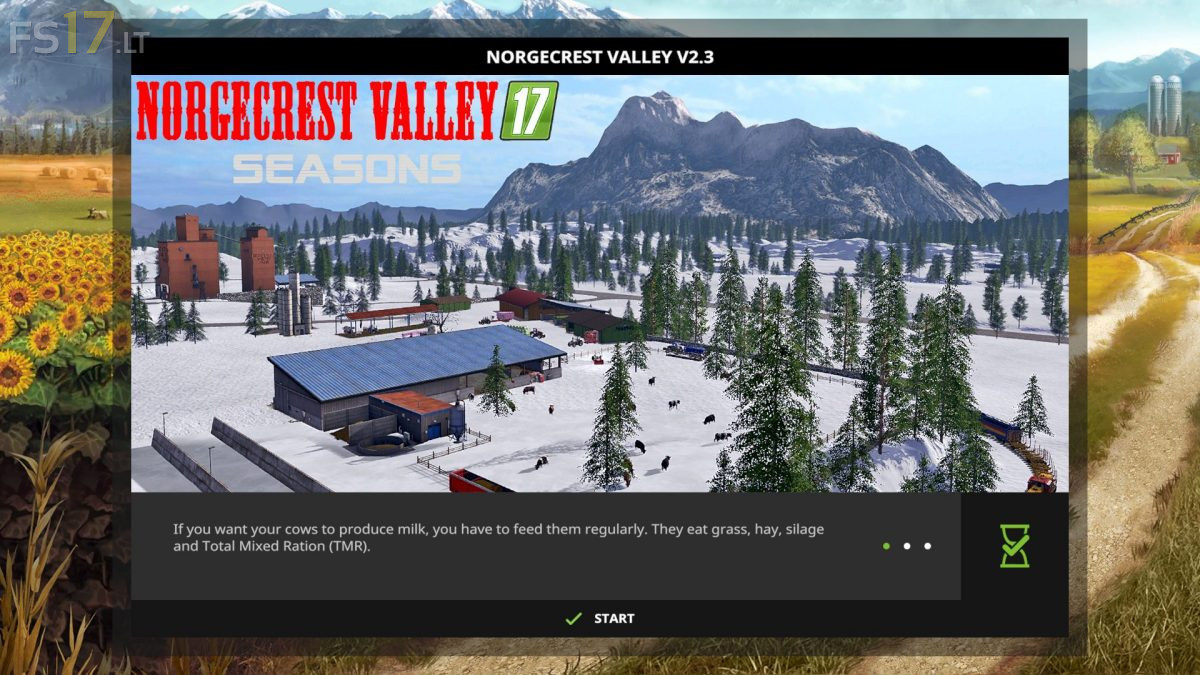
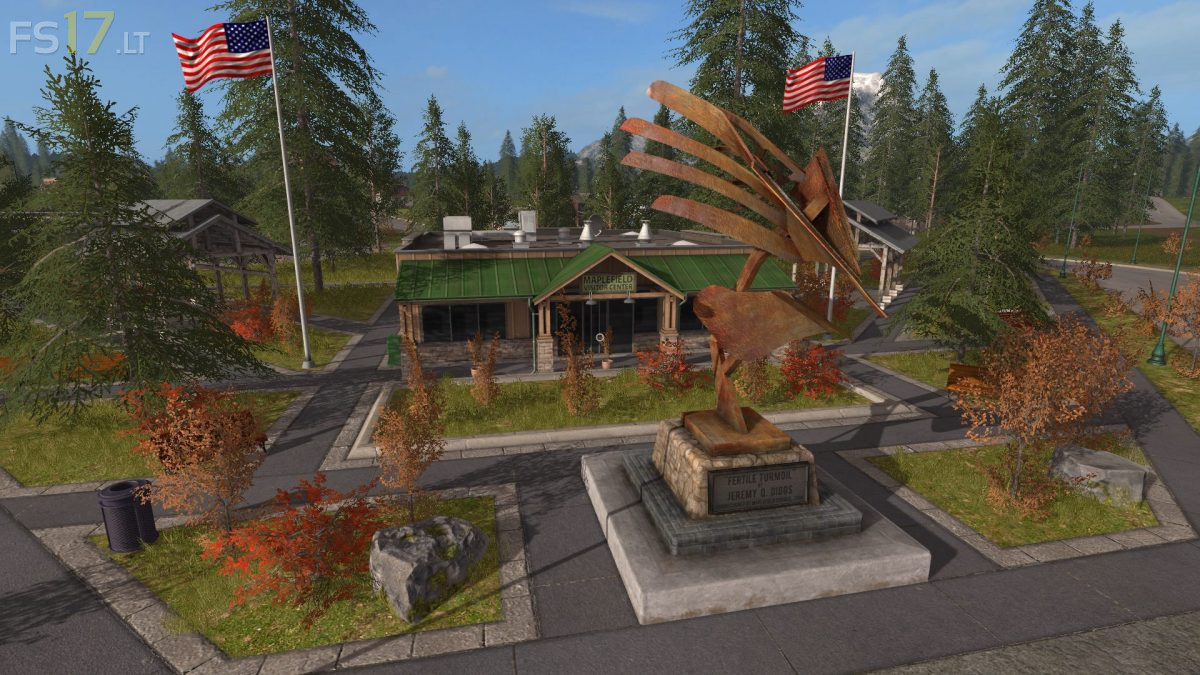
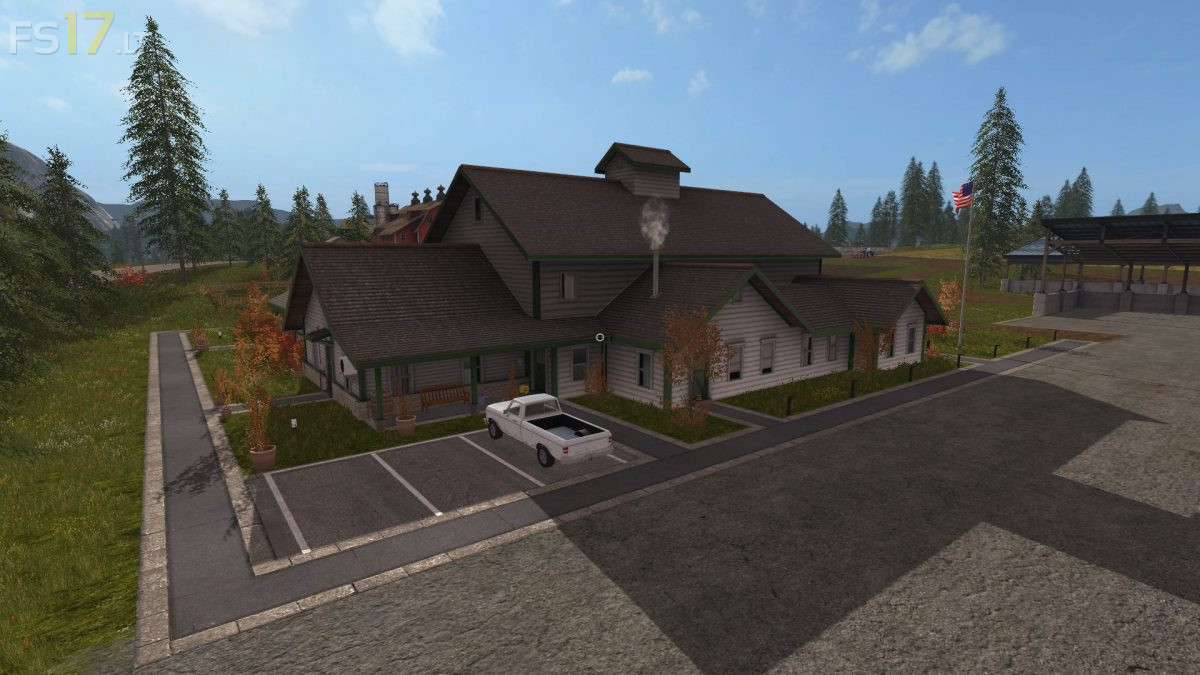

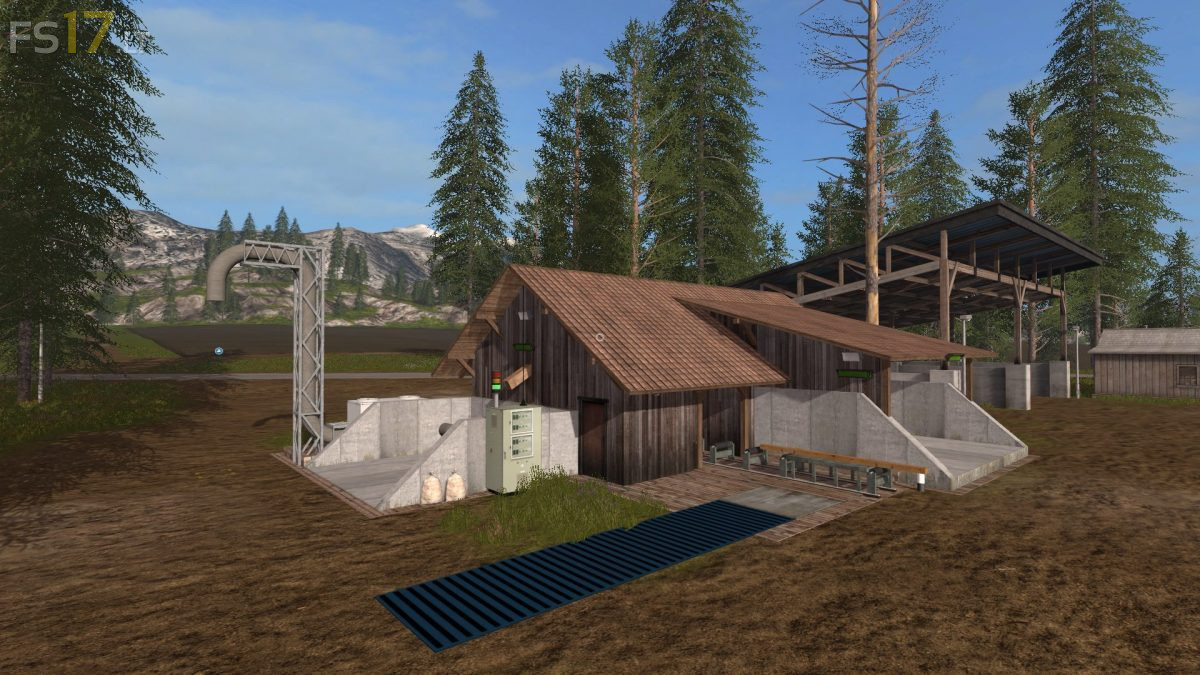

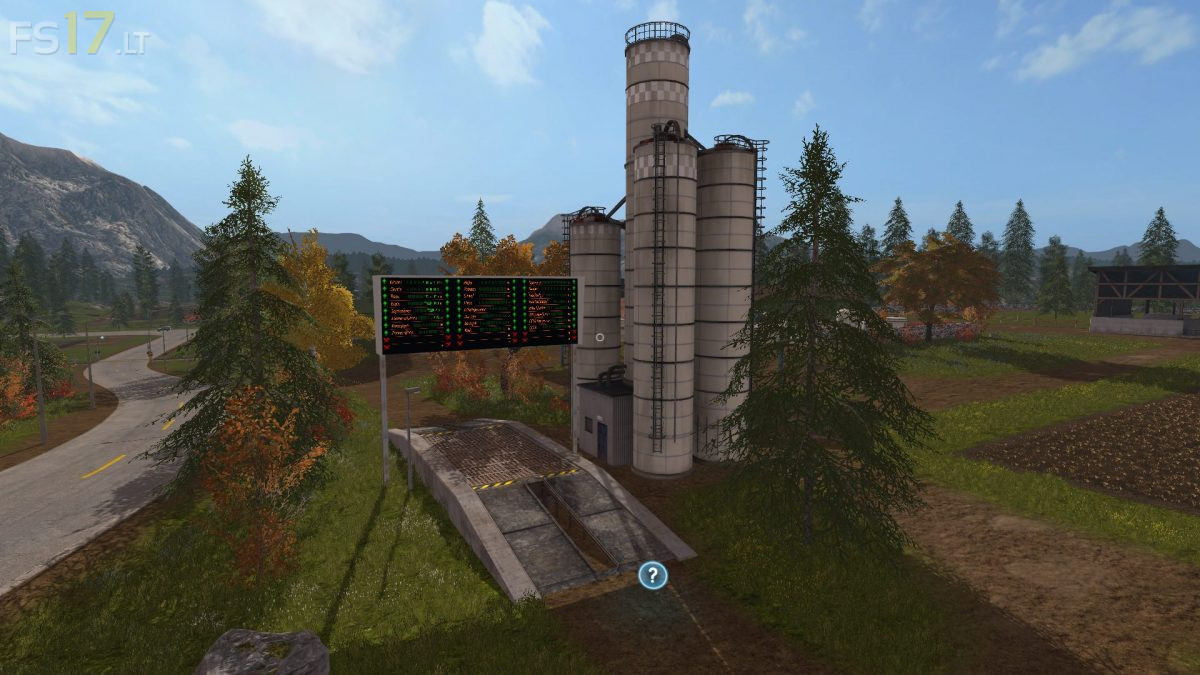

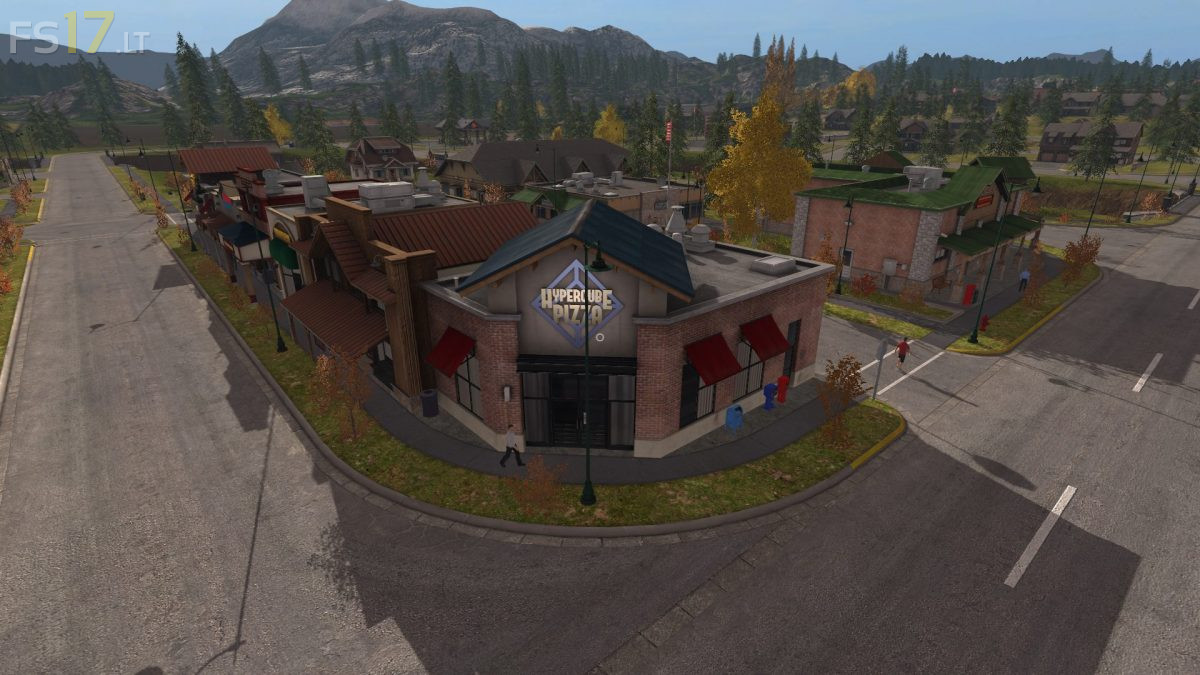
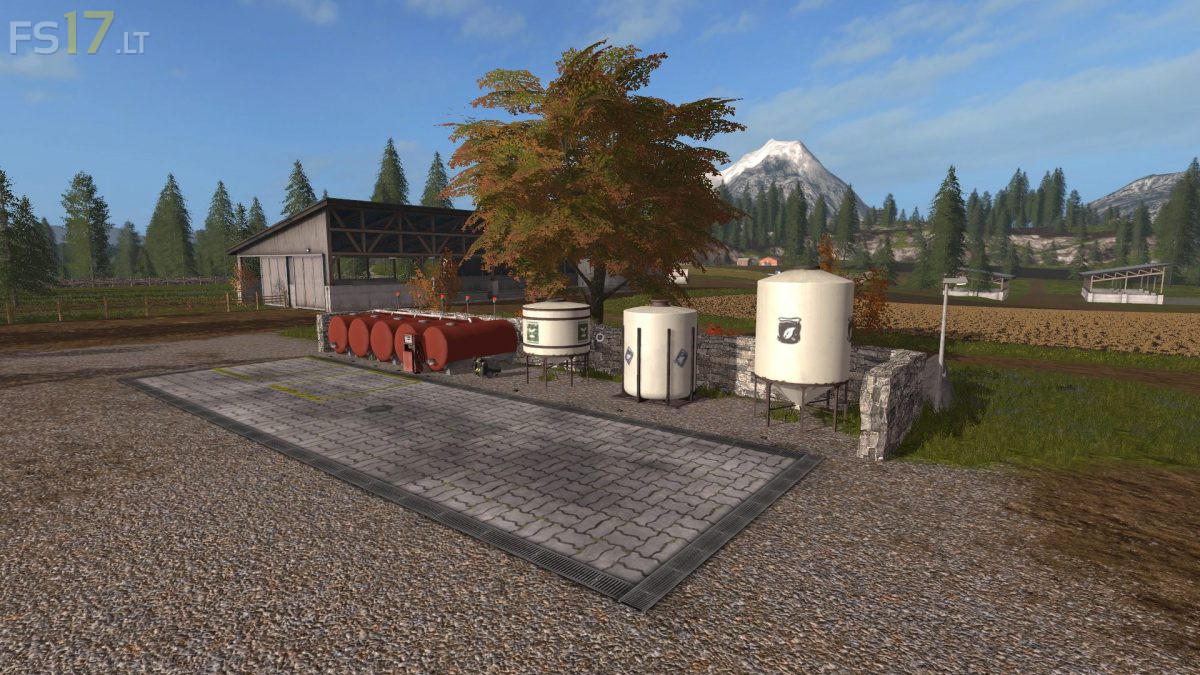
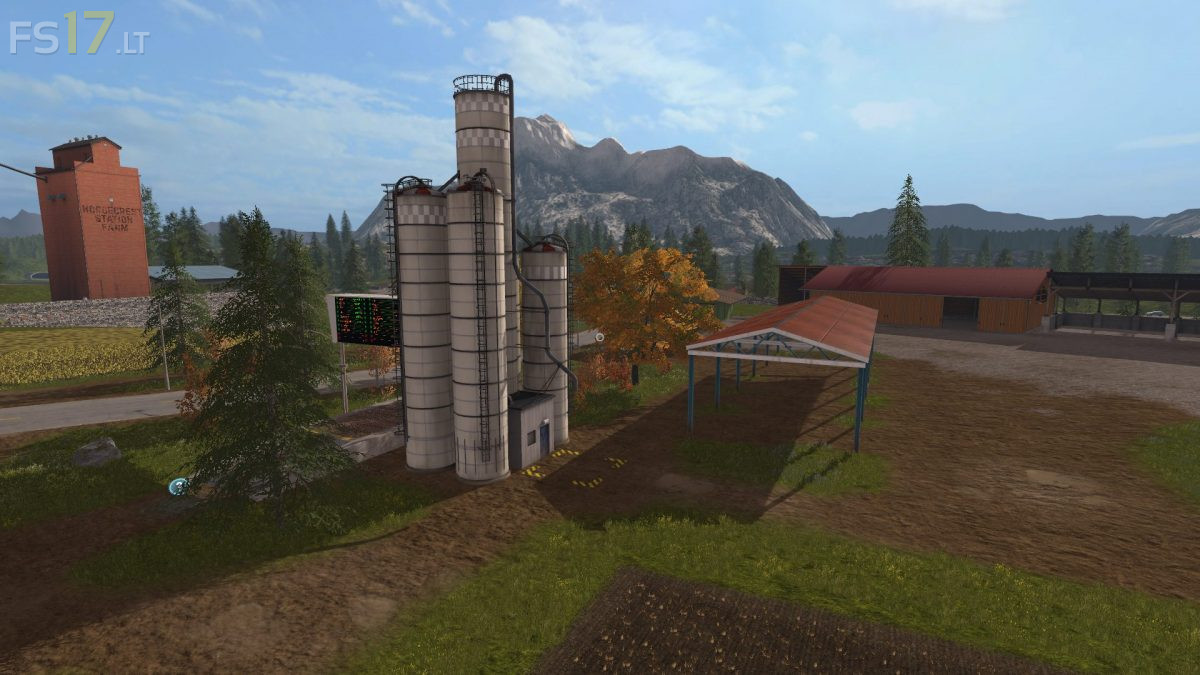

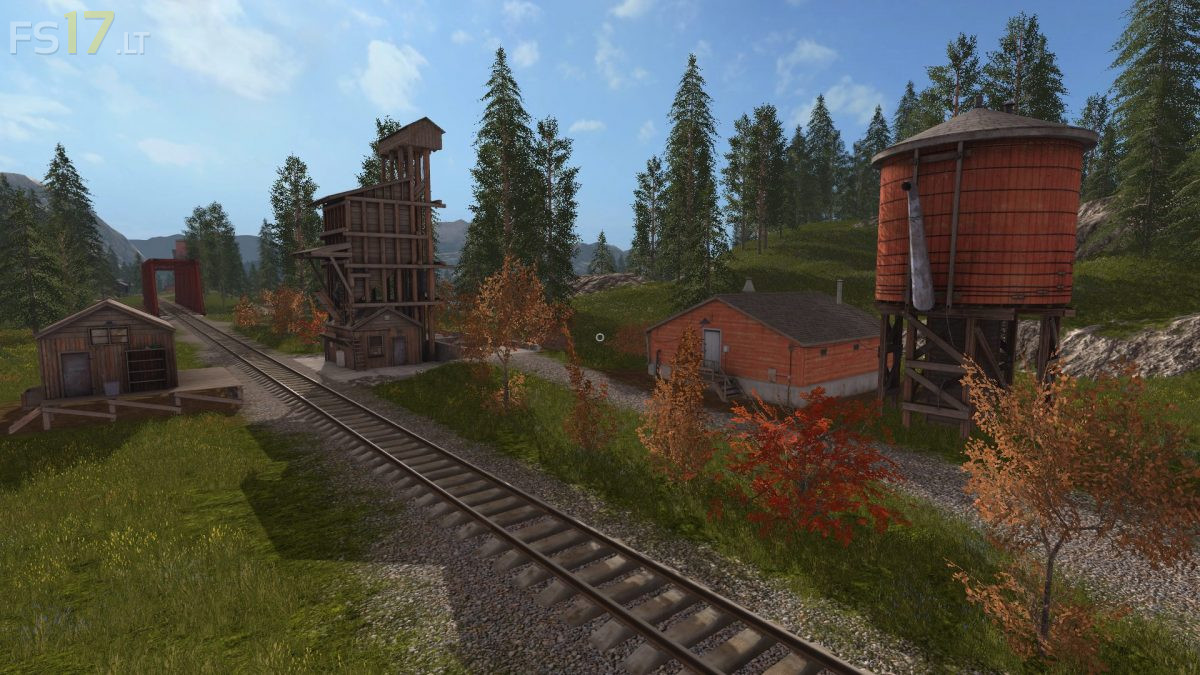


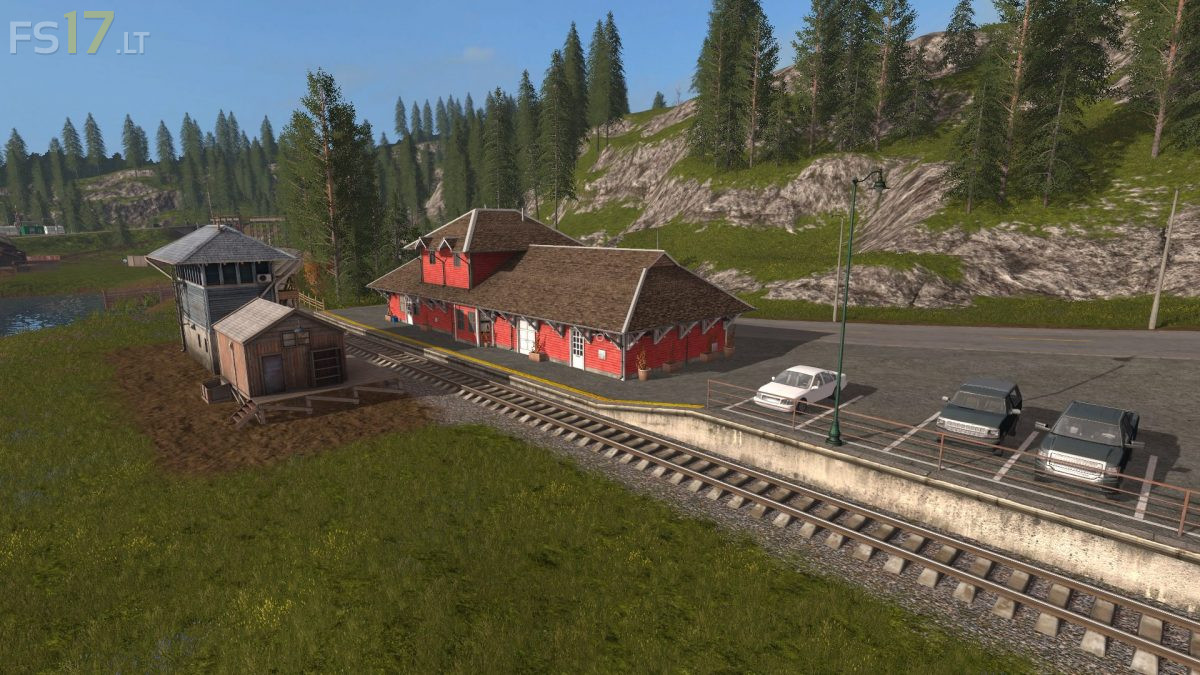
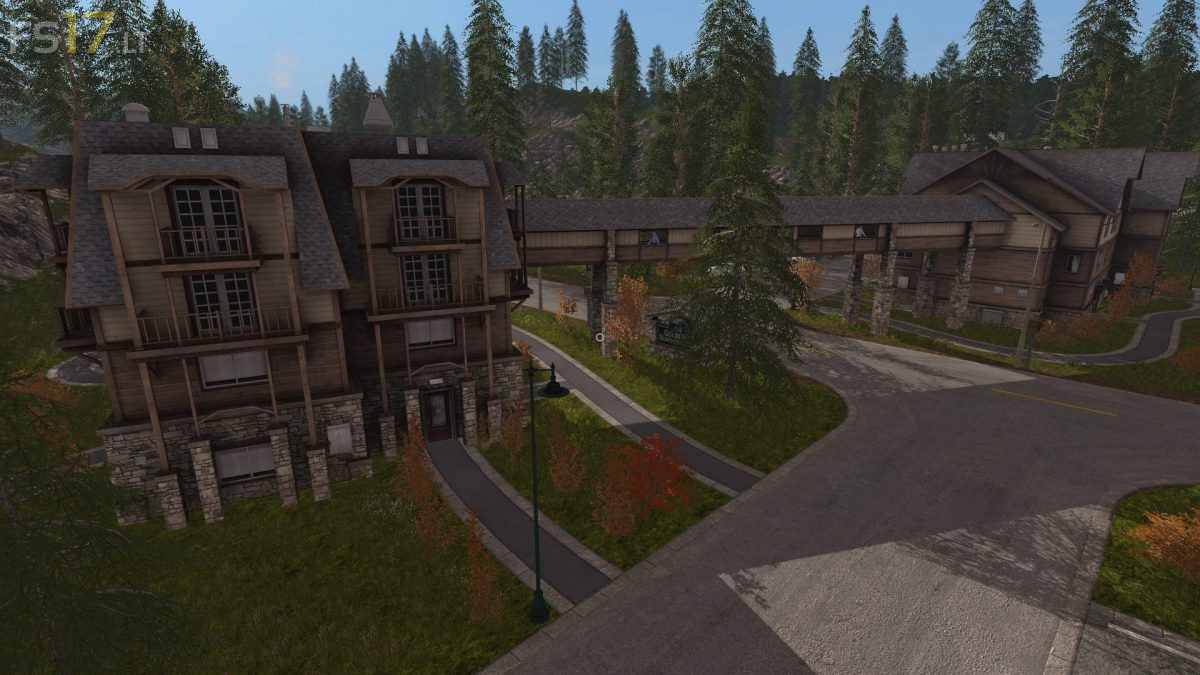
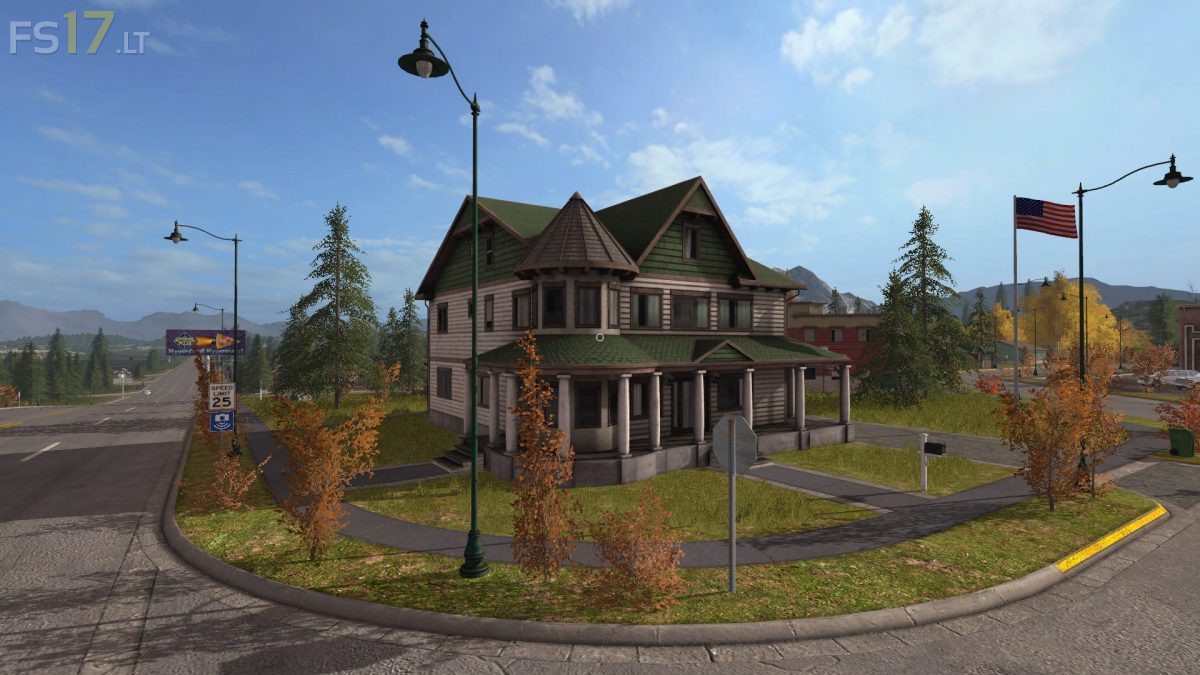
Norgecrest Valley Map v 2.3
About the mod:
Version 2.3:
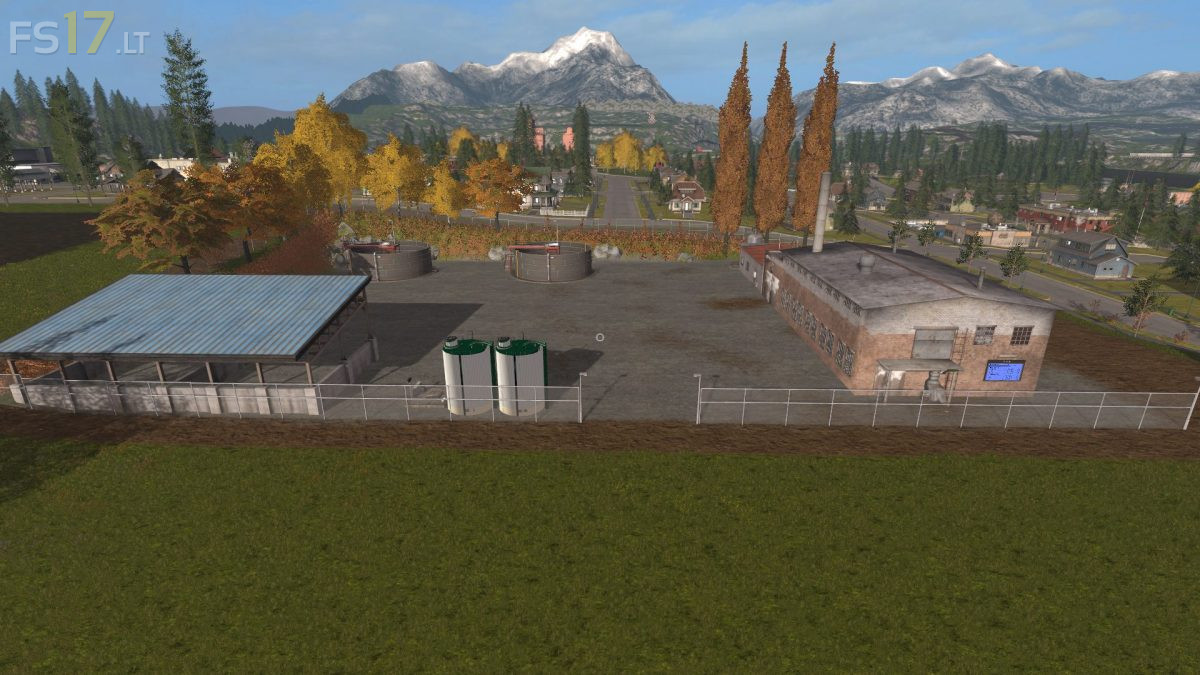
* Sausage and meat factory including the production of sausage and meat plates (at field 26)
* Sausage and meat dishes as a new fruit
* Butcher’s shop for the sausage and meat dishes (at field 18)
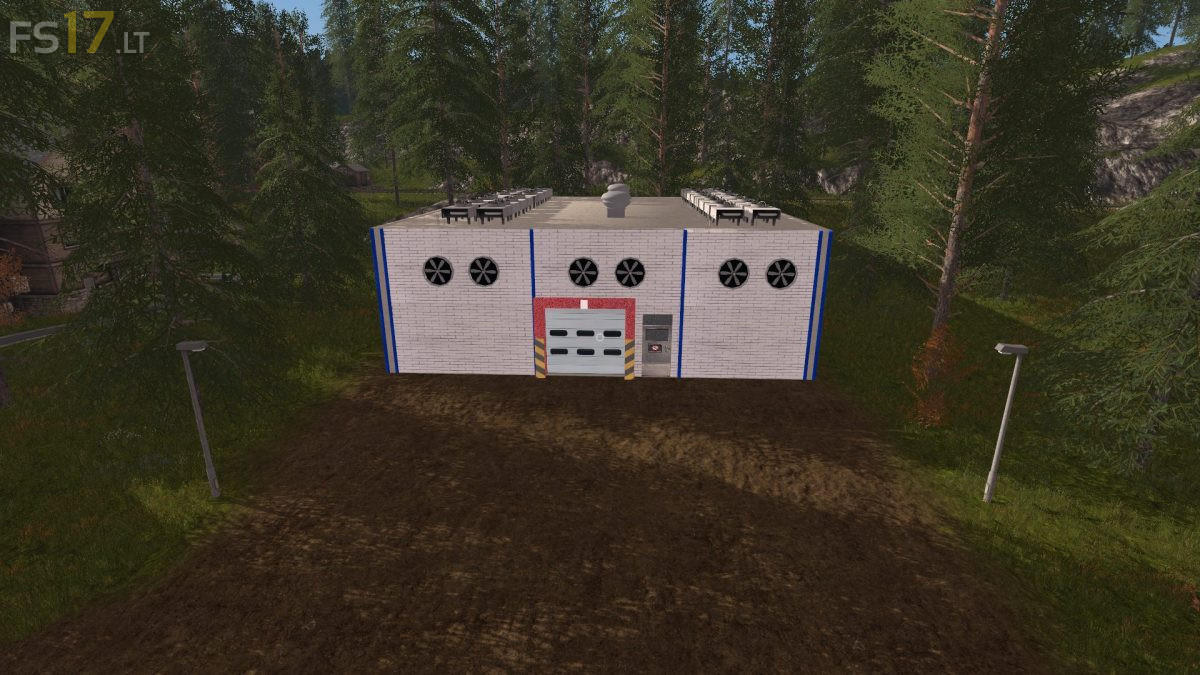
* Cold storage for sausage and meat dishes (at field 10)
* Production rate of the flour mill increased
* Livestock transporter Michieletto AM 19, for the transport of animals from the cattle market or the stables to the sausage and meat factory
* Livestock transporter Betimax RDS 7500, for the transport of animals from the cattle market or the stables to the sausage and meat factory
* PDA map renewed
Credits:
Giants, Pandahma