

Fendt Favorit 800 Series v 3.0 FINAL

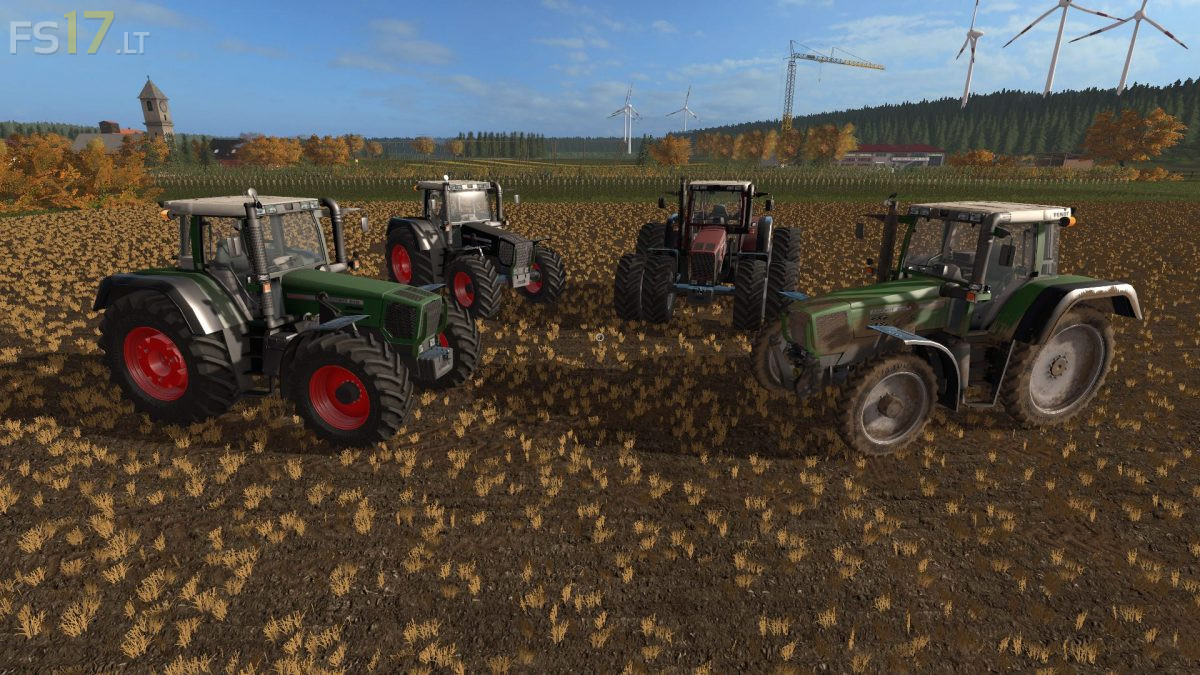
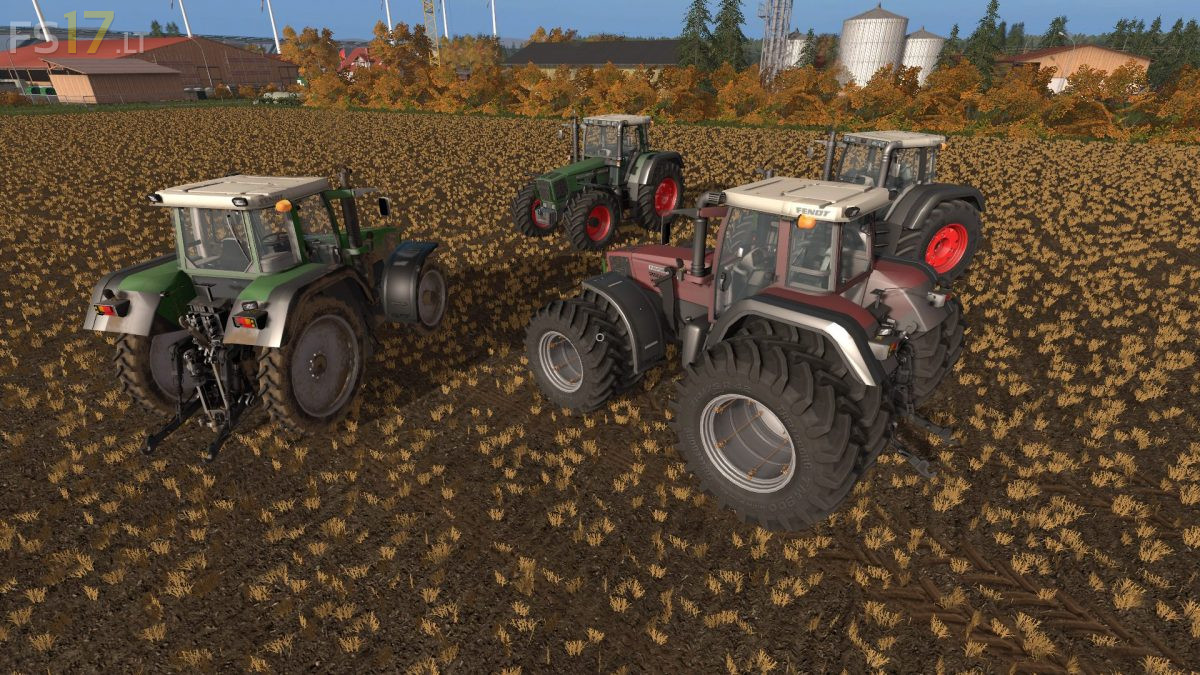
Fendt Favorit 800 Series v 3.0 FINAL
– Engine Setup: 170 hp, 190 hp, 210 hp, 230 hp
– Frontloader Attacher
– Selectable Attachers
– Selectable Wheels
– Selectable Design
– Selectable Rim Color (2 Colors)
– IC Control
– Washable
Version 3.0 FINAL:
* The model is redone and dirt works around the whole model
* New specular texture guarantees better gloss instead of cube
* New center mass and weight so it runs better
* New Interactive Control (IC) buttons
* Added new warnings and also Foldable (IC)
* RDA in wheels (IC)
* Fixed fenders on IC buttons
* Added foldable steering column (IC)
* Unfolding Beaconlights (IC)
* New attacher weights configurations
* Stickers no longer flash
* Added 2 Green texture options (Normal and Special)
* Corrected Lights, back low attacher, wheels and windows rotation
* Now the mod should work on a dedicated server