

NW Texas Unrealistic Series Save Game v 1.0

NW Texas Unrealistic Series Save Game v 1.0
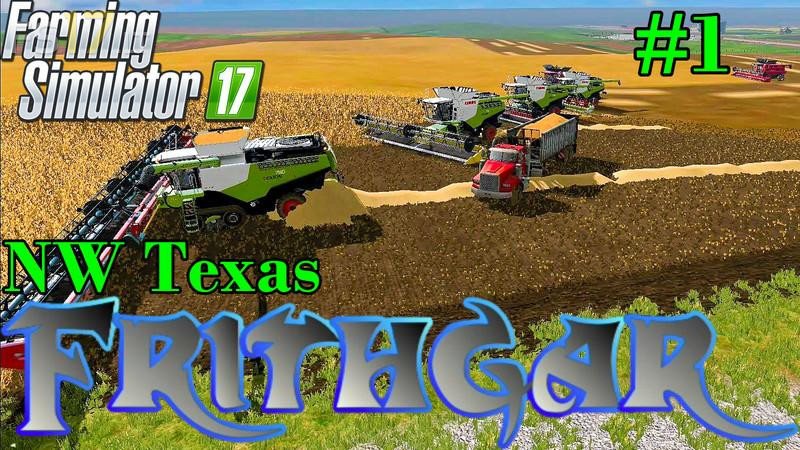
This is the save game file from the end of the NW Texas unrealistic series.
The account balance is roughly $50,000,000. We have 7350 cows and 2532 sheep.
There is a collection of bales near the dealership, these all have a capacity of 4 million litres each, so do NOT put them into standard mixed feed wagons or you’ll lose most of it (if you want to keep the extra). Either place them into the feed areas as they are, or modify a feed wagon to hold the full capacity. The small bales that we had are no longer on the map, all mods were removed and the save game reloaded with no mods present.
There is some barley still left to harvest and most of the map is covered with straw.
Most of the roads have been ploughed up, the north of the map is now one very large field. If you want roads again you’ll have to get inventive with either the ground modification mod or using a cultivator to make dirt tracks.
Please remember that this map was NOT played in a realistic way, and if you’re looking for realism then this save file is NOT for you.
How+do+you+get+this+to+work