

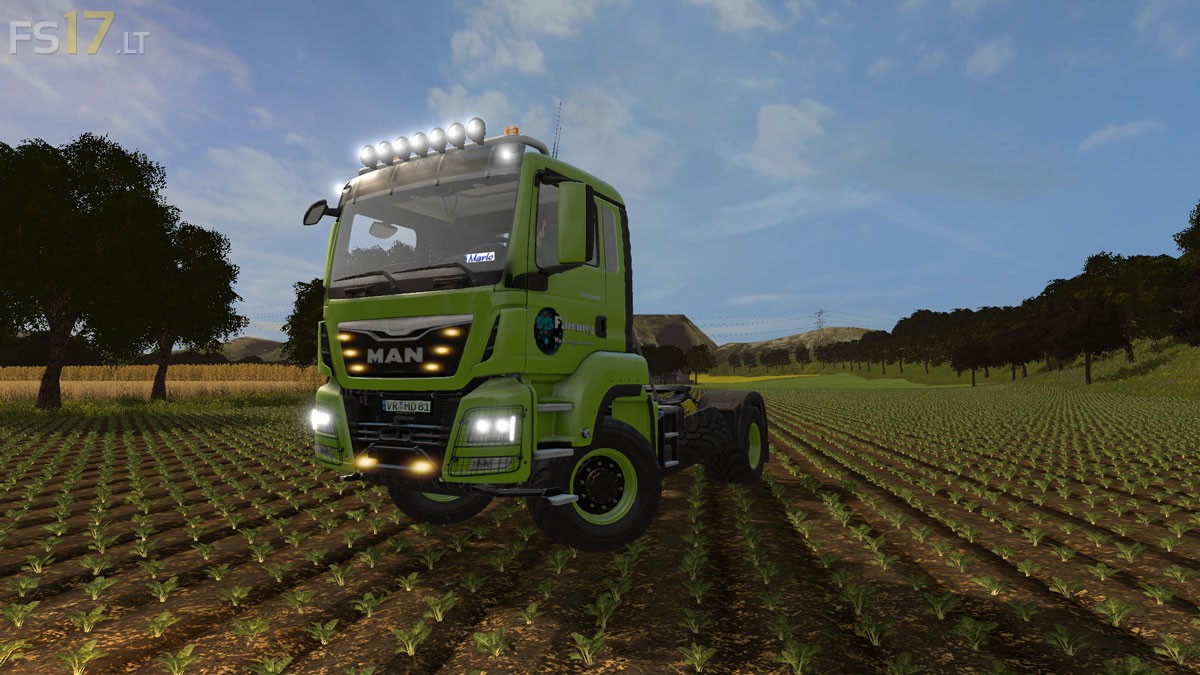
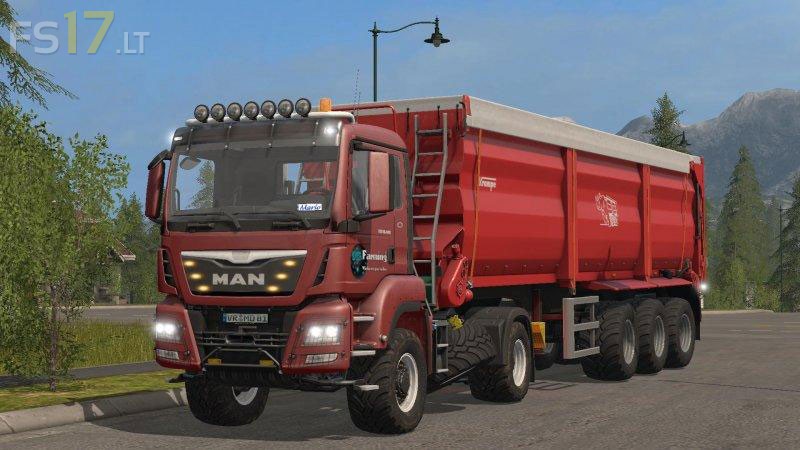
MAN TGS 18.480 v 1.0 Multicolor


MAN TGS 18.480 v 1.0 Multicolor
About the mod:
– Engine Setup: 360 hp, 420 hp, 460 hp, 500 hp, 550 hp
– Standard and back attacher
– Choice of Color
– Selectable Rim Color
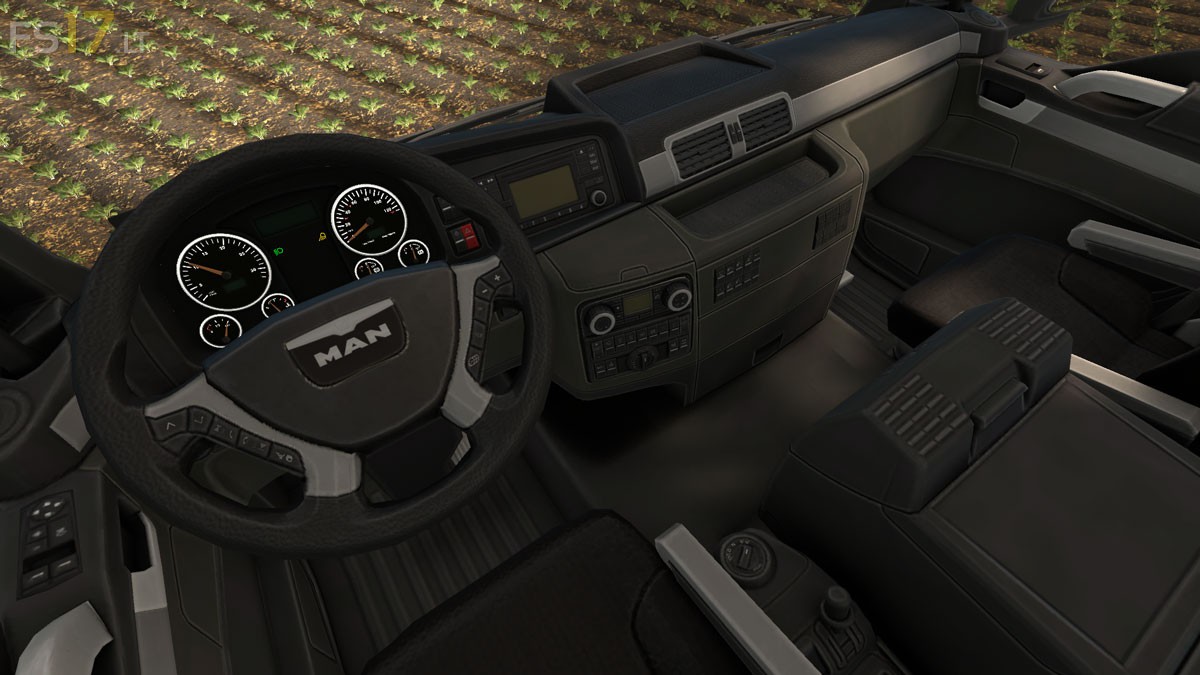
– Instrument Panel (cockpit) animated as well as lamps inserted as eg. turn signal, working light, round light
– Adjusting the Model (drivers cab) remove the Lamps under the Front Disc
– Added Daytime Running Light
– Added Light Addon
– Added position Lights to the Grill
– Added Front & Rear Number Plate
– Added Name Tag (can be changed as desired)
– Added Worklights to the Roof Bars
– Added Antennas
Price: 165.000 €
Credits:
Giants, DtP Mario