

Ponsse Rear Mounted Crane + Lifting Hook Crane v 1.4

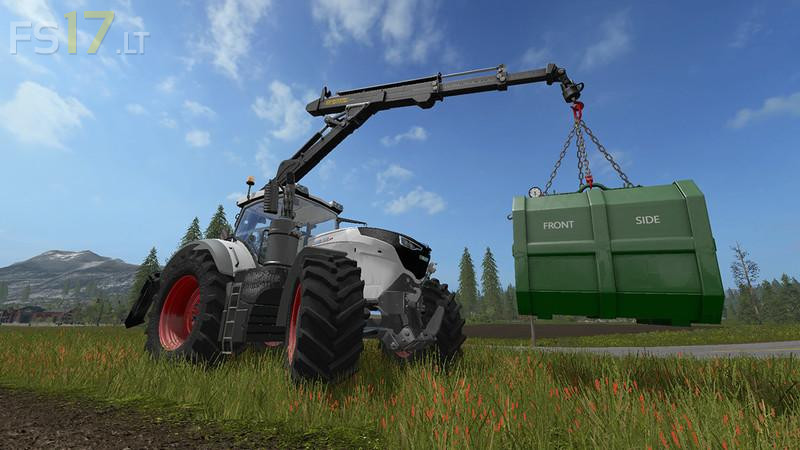
Ponsse Rear Mounted Crane + Lifting Hook Crane v 1.4
About the mod:
Version 1.4:
* Textures have been a little overworked and adapted, reflections have been reduced a bit
* The rotation animation of the rapier head has been fixed, the hoses should not turn anymore
* The crane camera has been fixed and a tool camera has been added to track the gripper
* The front weight now has more height to the ground and does not hang so deep
* The rear crane continues to buckle when it is lowered and turned forward. Optimal for transport
* Configs have been adjusted and minor fixes
* The load hook version has been added. This is capable of e.g. C
Credits:
Giants, Endless Dark