

Fliegl Silage Signs Pack v 1.2

Fliegl Silage Signs Pack v 1.2
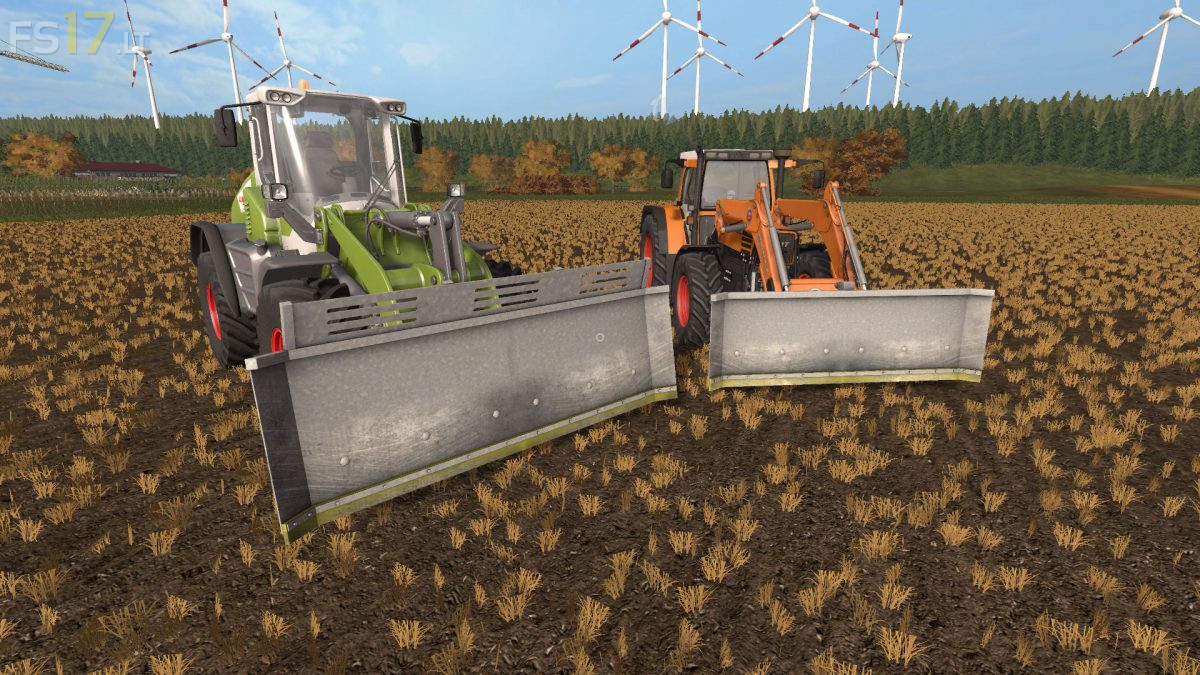
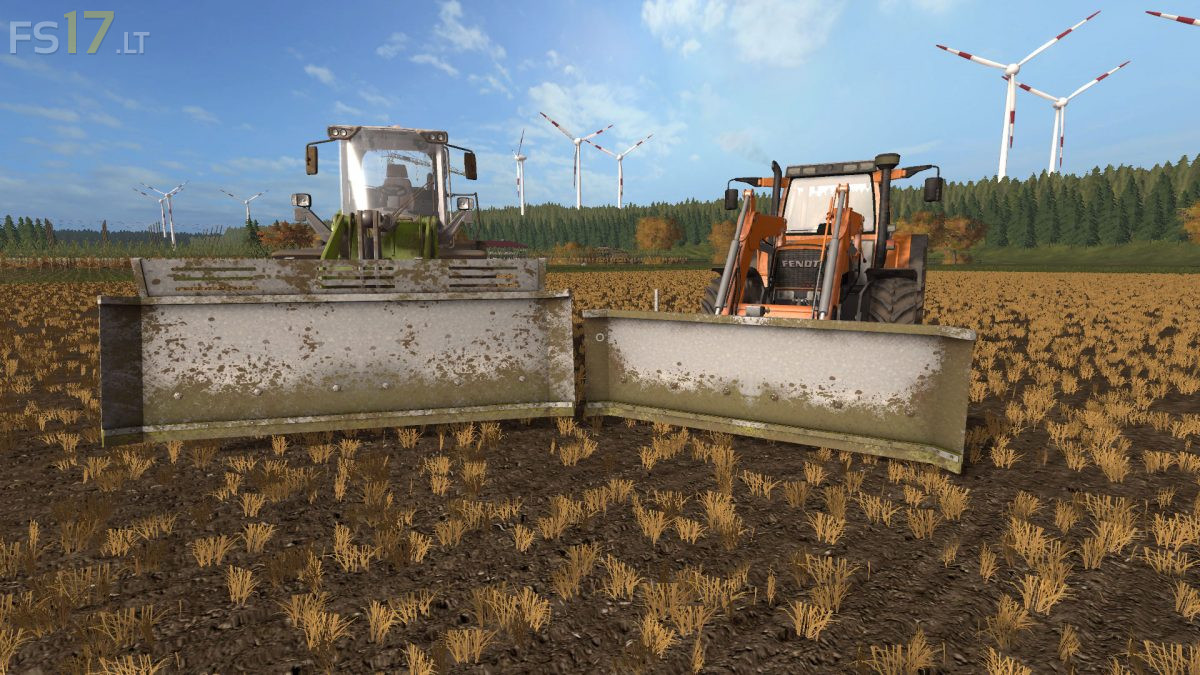
Two Fliegl Silage Signs:
Fliegl Fass 302:
– Capacity 3500 liters
– Working width 3 meters
– Selectable Attacher: 3-Point and Frontloader. Teleloader
– Dirt / washable
Fliegl Fass 401:
– Capacity 600 liters
– Working width 4 meters
– Dirt / washable
The small sign has a three-point and a Euro recording, which can be used without configuration. It is intended for smaller businesses and silos where there is not much space available. The large sign can move more material and therefore has only one receptacle for the wheel loader. (Telelader will probably be added later in an update).It is mainly intended for use in BGA’s. You should be careful with this sign something in the traffic, as it has a width of about 4 meters. Until here everything was still standard and can be used as well.