

Krone Big X 480-630 v 1.0

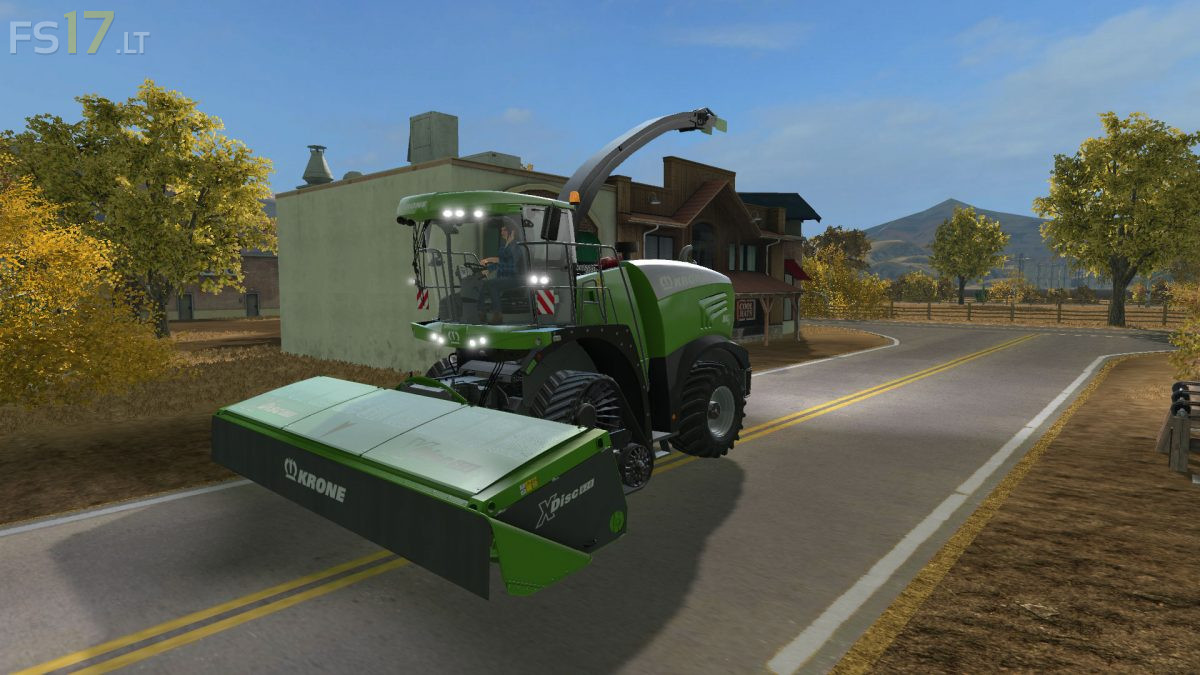

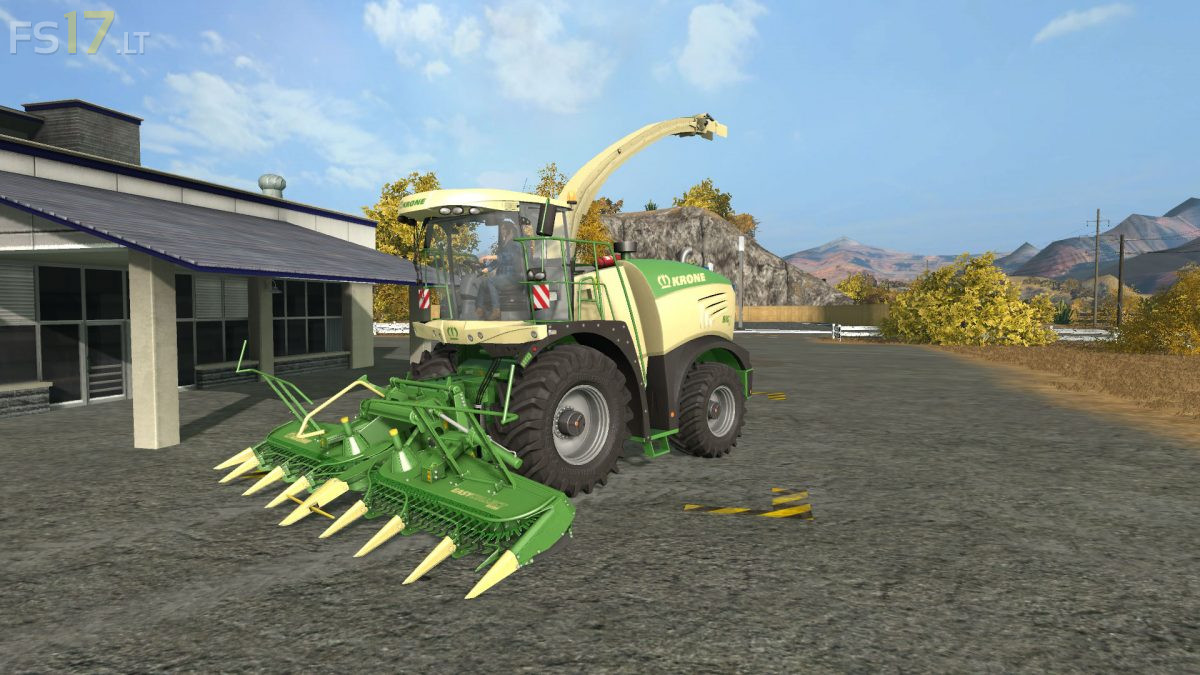
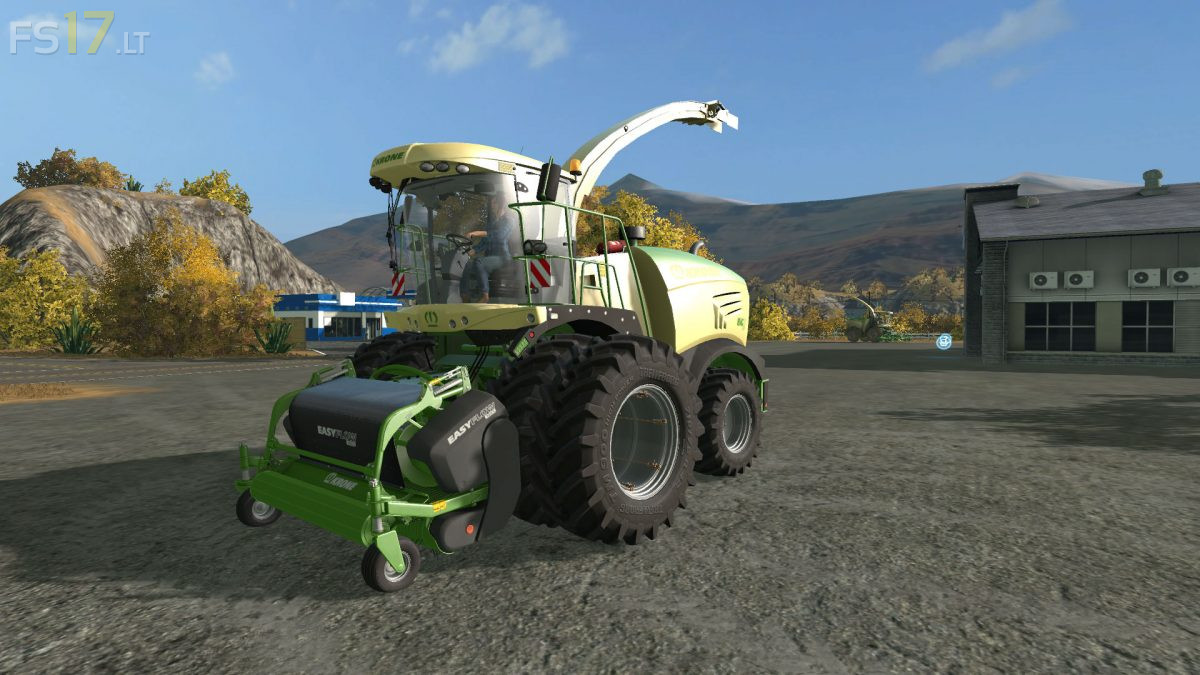
Krone Big X 480-630 v 1.0
– Engine Setup: 490 hp, 530 hp, 585 hp, 626 hp
– Selectable Wheels
– Krone LiftCab Technology
– Animated Cabine suspension
– Animated Seat suspension
– Animated Joystick
– Animated Computer
– Animated Wipers
– Animated Steering column
– Animated Mirrors
– Animated Throttle pedal
– Animated Column pedal
– Animated FuelUsage needle
– Animated Maintenance door
– Animated Vibrating exterior parts
– IC Control (23 functions in total)
– Improved monitor functionality
– Add / Remove interior parts
– New Engine sound
– Realistic Chopping sound
– Illuminated interior
– Dynamic Hoses Support
– Extended Pipe
– DisplayControl Script
– MonitorLoad Script
– Open door from outside
– Optional GPS Monitor w/ IC
– Reworked indoor textures
– Cabinlight for nightwork
– Passenger support
– Dirt / washable
Selectable Design:
– Standard
– Claasic Krone
– Special Edition
Included 3 Headers:
– Krone Easy Collect 600-2
– Krone X Disc 620
– Krone Easy Flow 300 S