

Porta Westfalica Map v 4.0






Porta Westfalica Map v 4.0
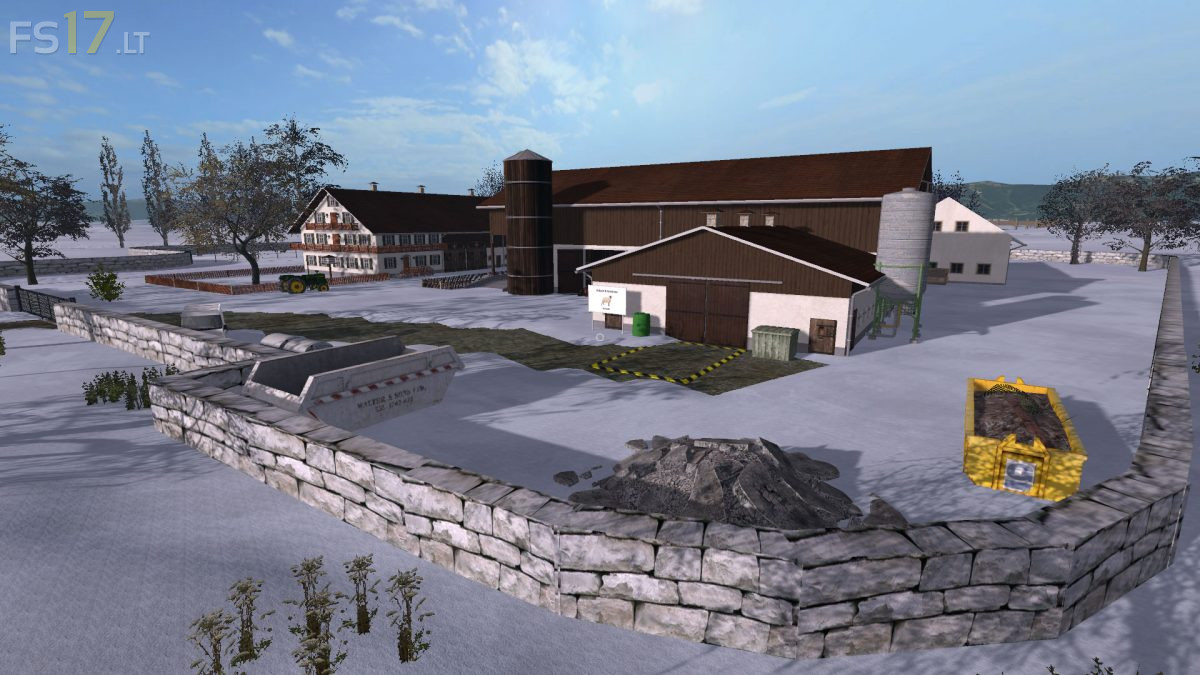
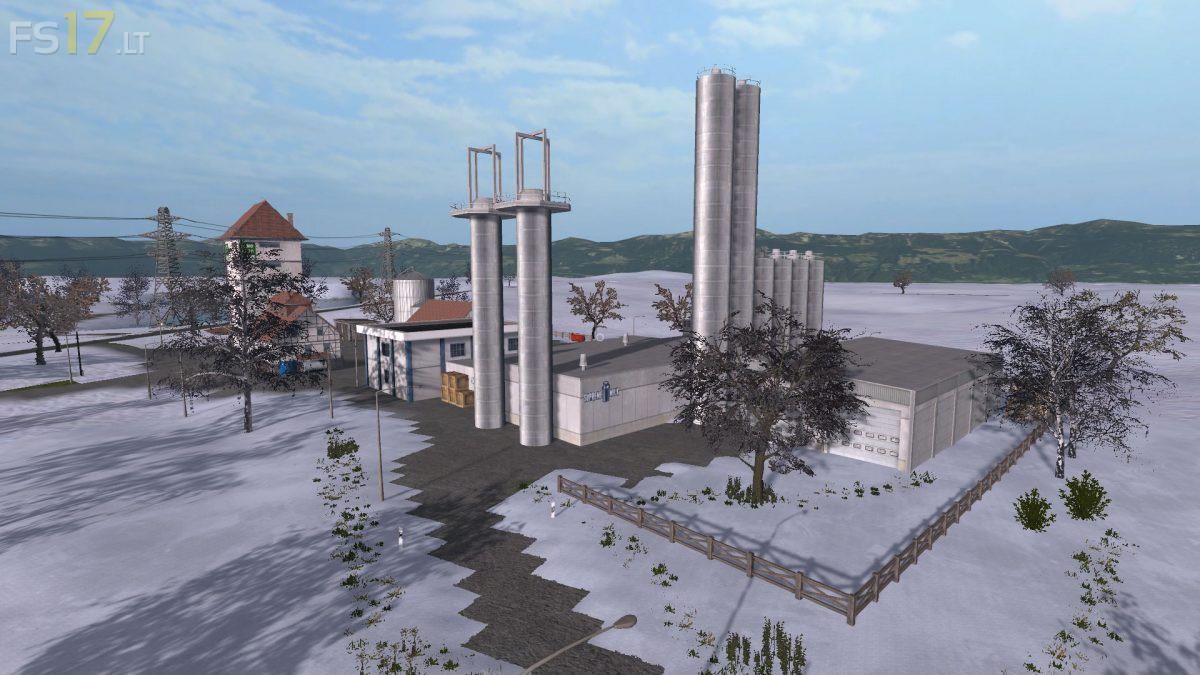
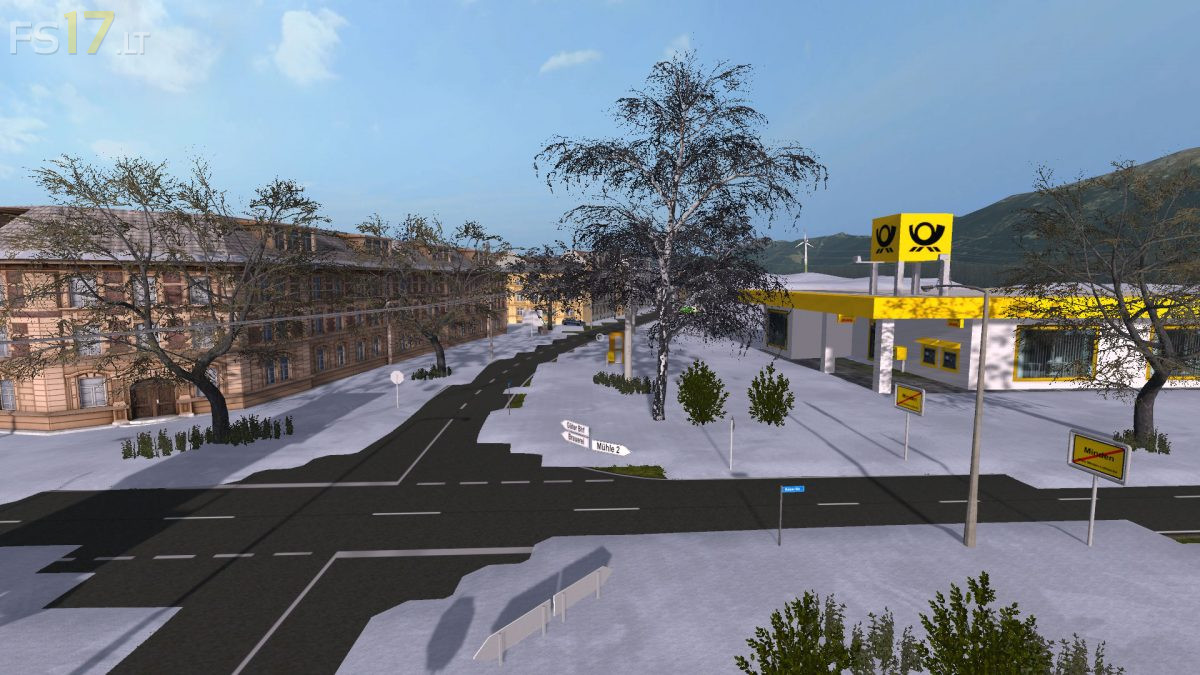
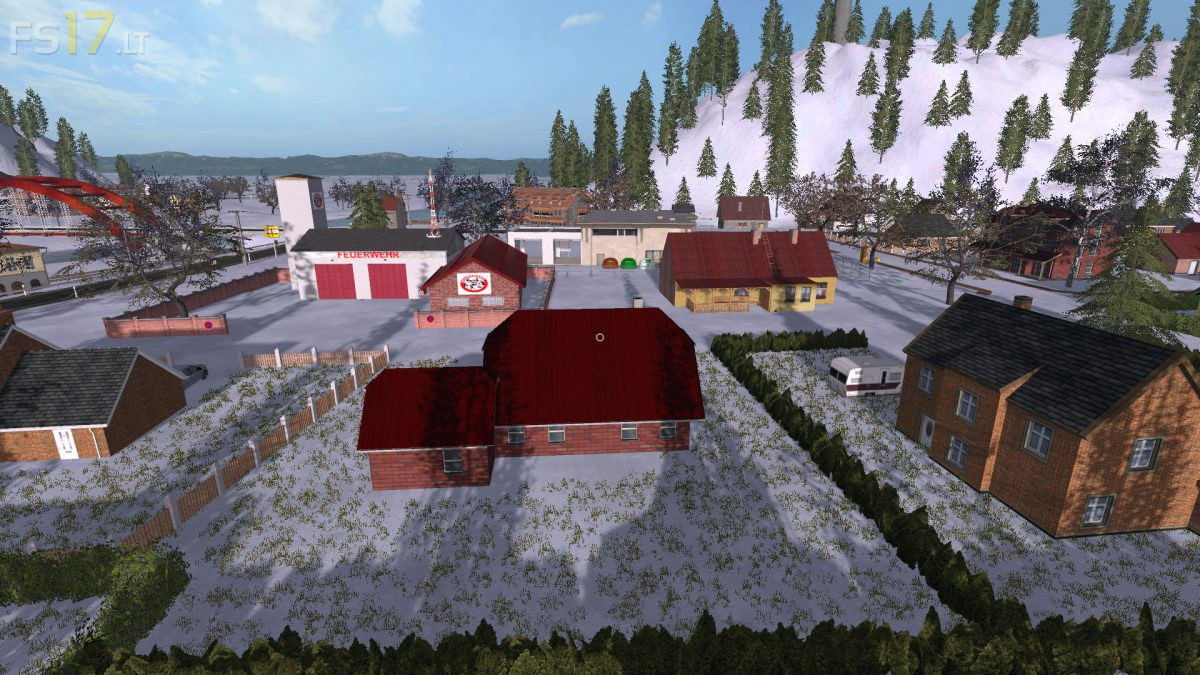
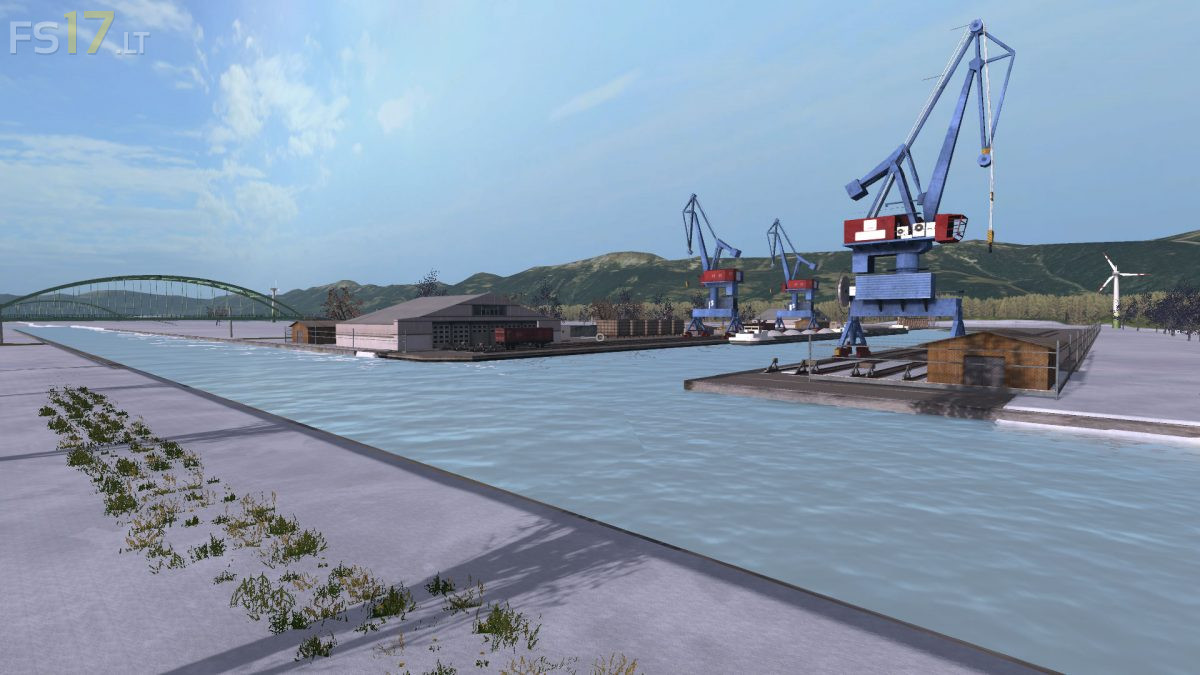
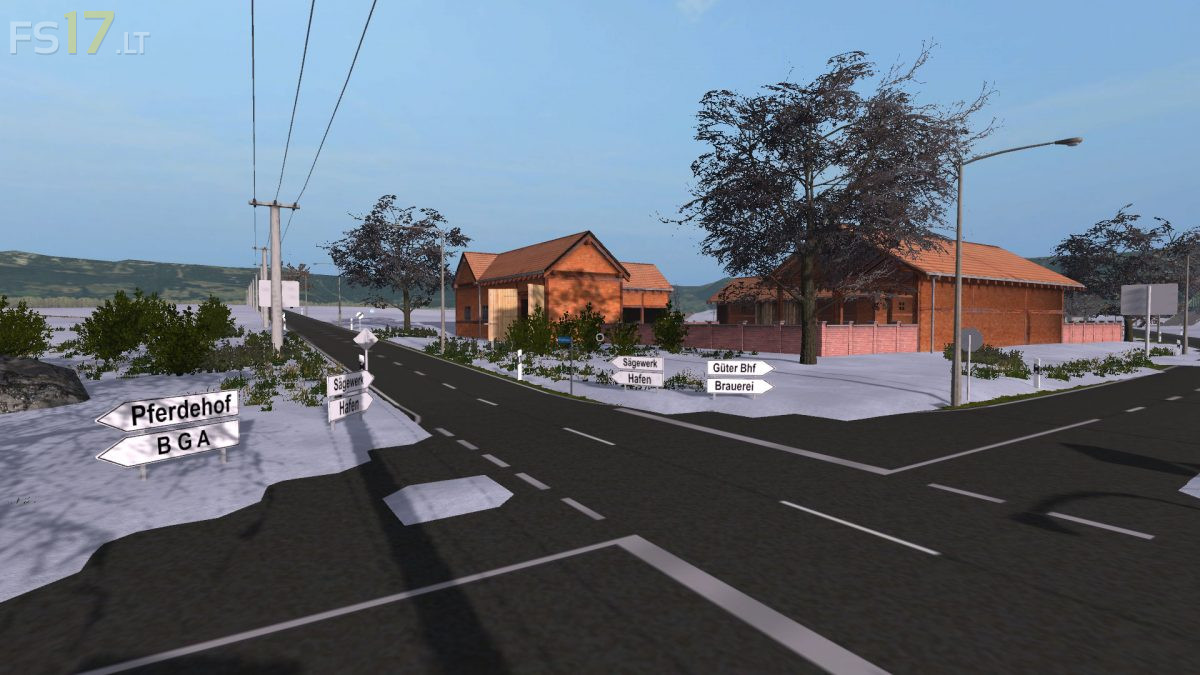
There are 87 fields with a total of over 700 hectares, 3 large meadows, the city of Minden, the city of Porta Westfalica with the hamlets of Barkhausen and Hausberge, the villages of Hahlen, Bergkirchen and Häverstedt.
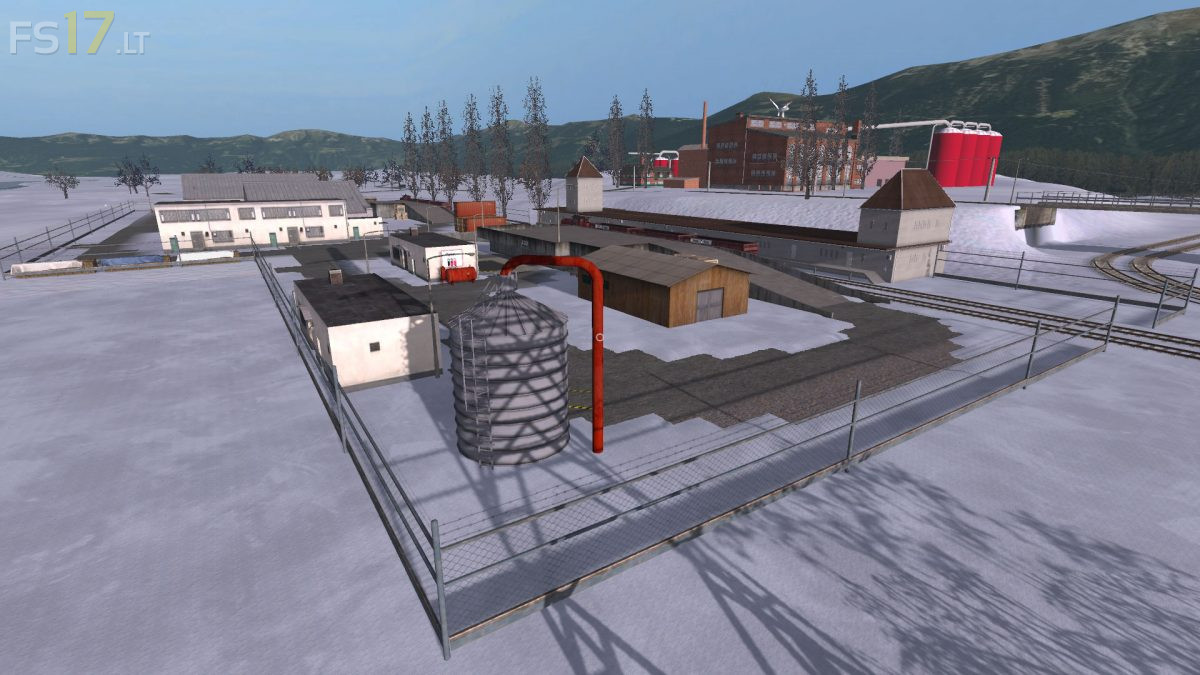
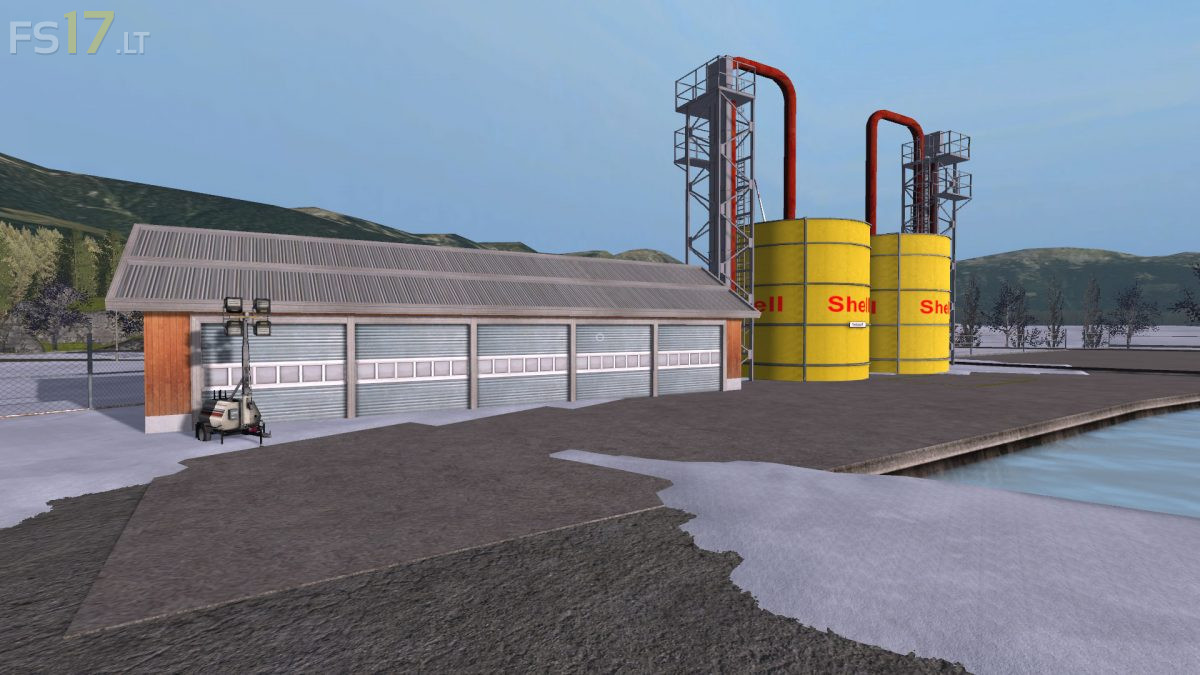
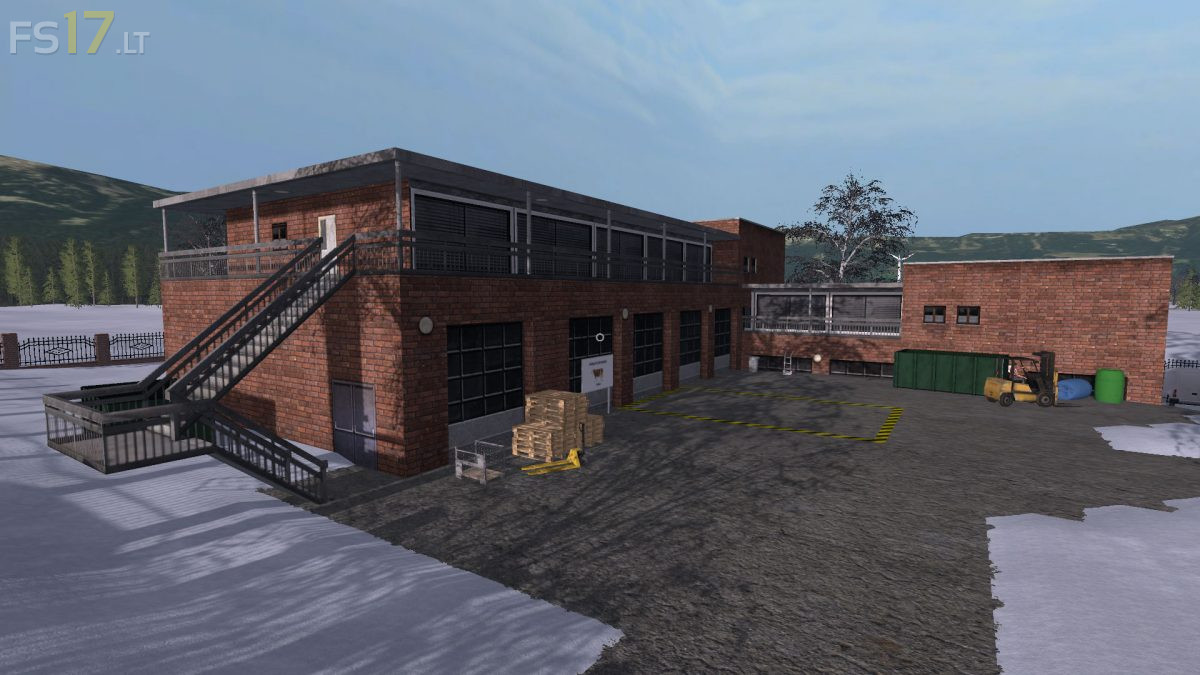
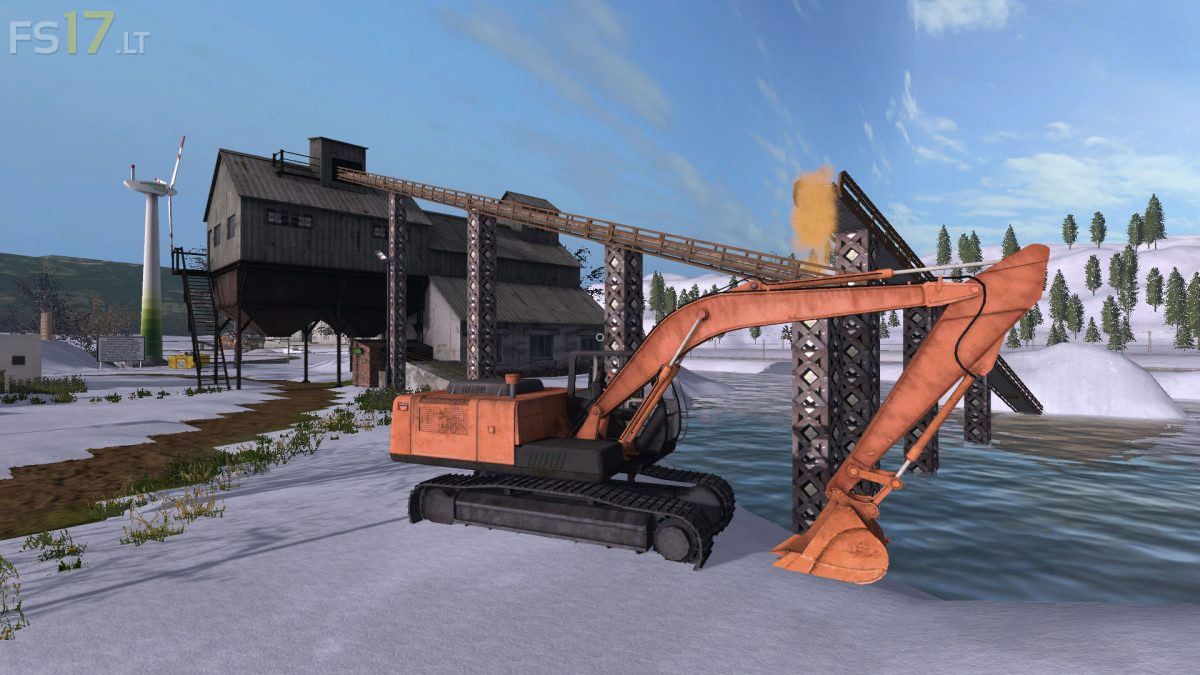
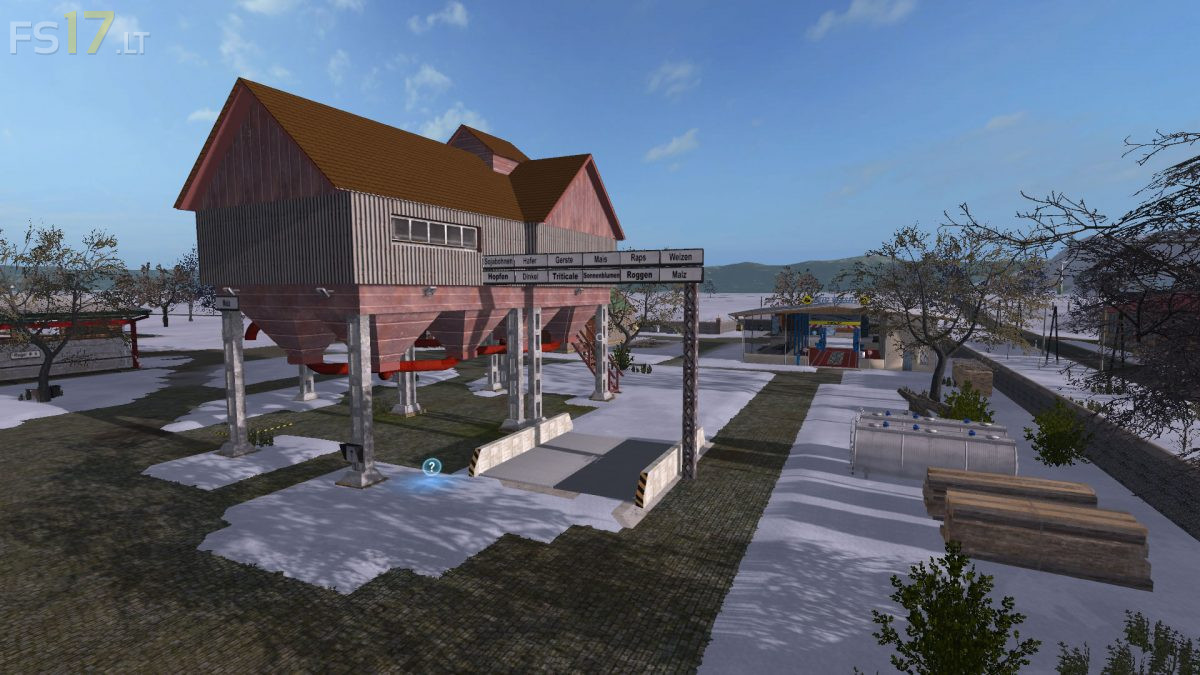
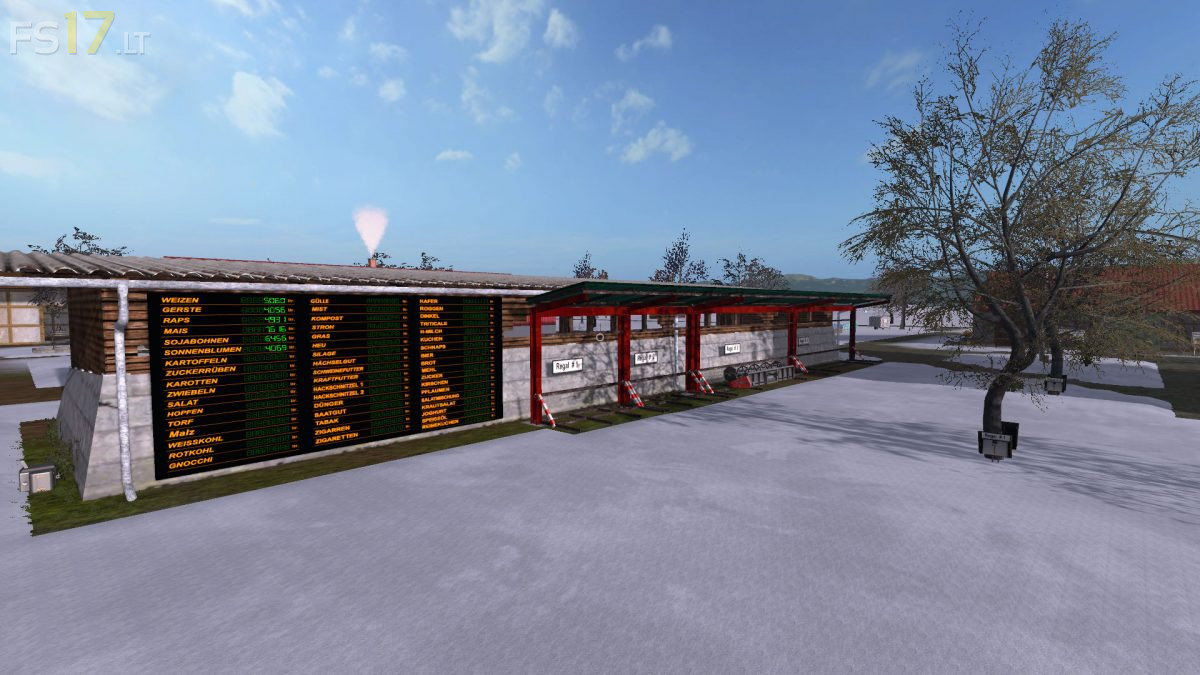
The standard fruits, rye, oats, triticale, hops, carrots, carrots and lettuce are used for fruits. Animals are kitchen, pigs and sheep. Productions include a brewery, a bakery, a pastry shop, an orchard, a peat factory, a sand cow, a sugar factory, a distillery, a malthouse, a mill and a refinery. There are also two sawmills, one for the production of wooden pallets and one with the wooden train of Giants (LS13). Also the grain train (LS13) is installed. On the farm there is a seed production, a fertilizer production, a production for liquid fertilizer, a compost master and a feedmashine for power feed and pig feed. In addition, a silage high silo was introduced for the production of silage. There is a large BGA with throughput silos (about 12 million capacity) and a smaller BGA. The following products can be produced and traded: bread, beer, schnapps, peat, sand, plums, cherries, cakes, compost, malt, flour and sugar. These form partial intermediate products for other productions, but can all be sold directly. The produced fertilizer, liquid fertilizer and the seed can be used or sold themselves (garden centers, agricultural houses). Two digital displays are installed on the courtyard that once show all the inventory levels and display the filling levels of all productions. The map contains two harvesters to harvest the onions, carrots and lettuce. There is KI traffic, pedestrian traffic and many other splines, just look around.
Version 4.0:
* Trains with train bearings and barriers installed
* Office with overview of train routes and stock of train bearings inserted
* Paper mill installed (wooden logs and water become paper pallets)
* Paper sale at the Amtsgeriht
* Cigarette factory installed at the cigar factory (paper pallets and tobacco become cigarettes for sale)
* Potato washing plant installed (from potatoes, water and diesel produced pallets with washed potatoes and compost)
* Gnocchi built in (gnocchi for sale from flour, egg pallets, paper pallets, washed potatoes, edible oil and water)
* Circus with point of sale for pallets with washed pallets inserted
* BaleMaster installed (straw bales can be turned into loose straw, new mobile cowshed with movable gates installed (you can feed inside and outside)
* New dung heap and manure pots in the cows
* New pigsties
* New piles in the pigs
* Increased filling volume of the bearings
* Filling volume of the productions increased and unified (basically 100,000 in the productions, only at Torfwerk and Sandwerk, the products have been set to 250,000)
* Various new decoration
* Small bugs, as far as known, resolved
* Level indicators for the bearings and productions added