

Metaltech DB Pack v 2.0


Metaltech DB Pack v 2.0
About the mod:
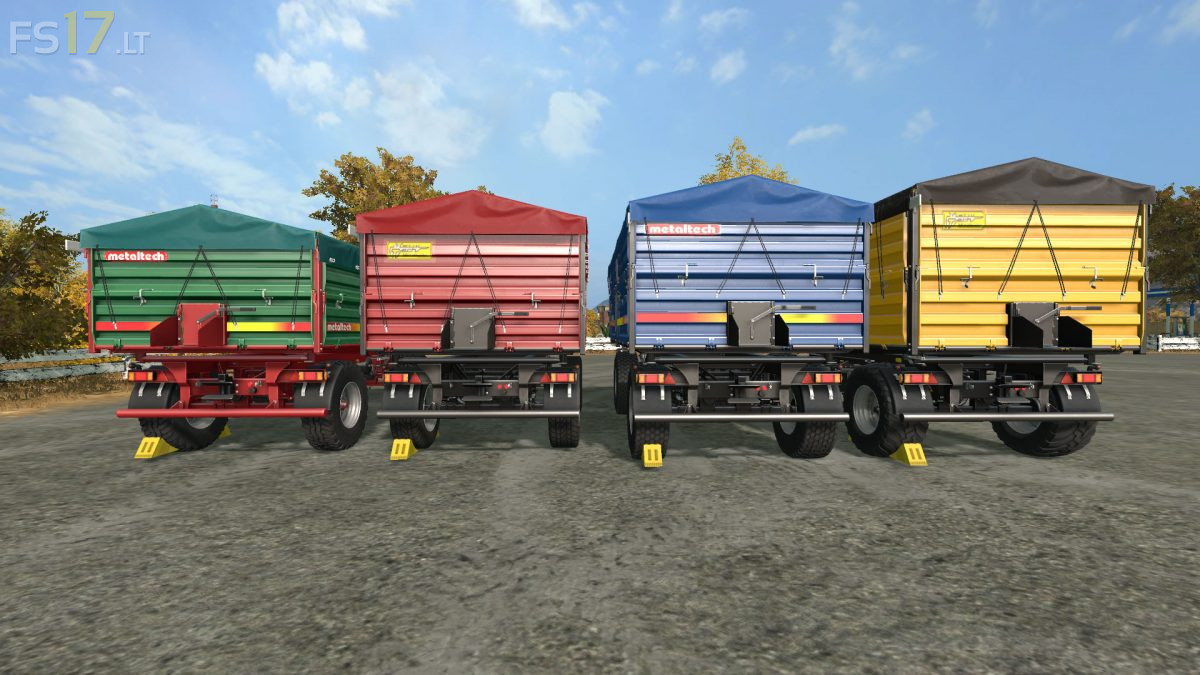
4 Metaltech DB Trailers:
– Metaltech DB 10: capacity 13000 liters
– Metaltech DB 12: capacity 15200 liters
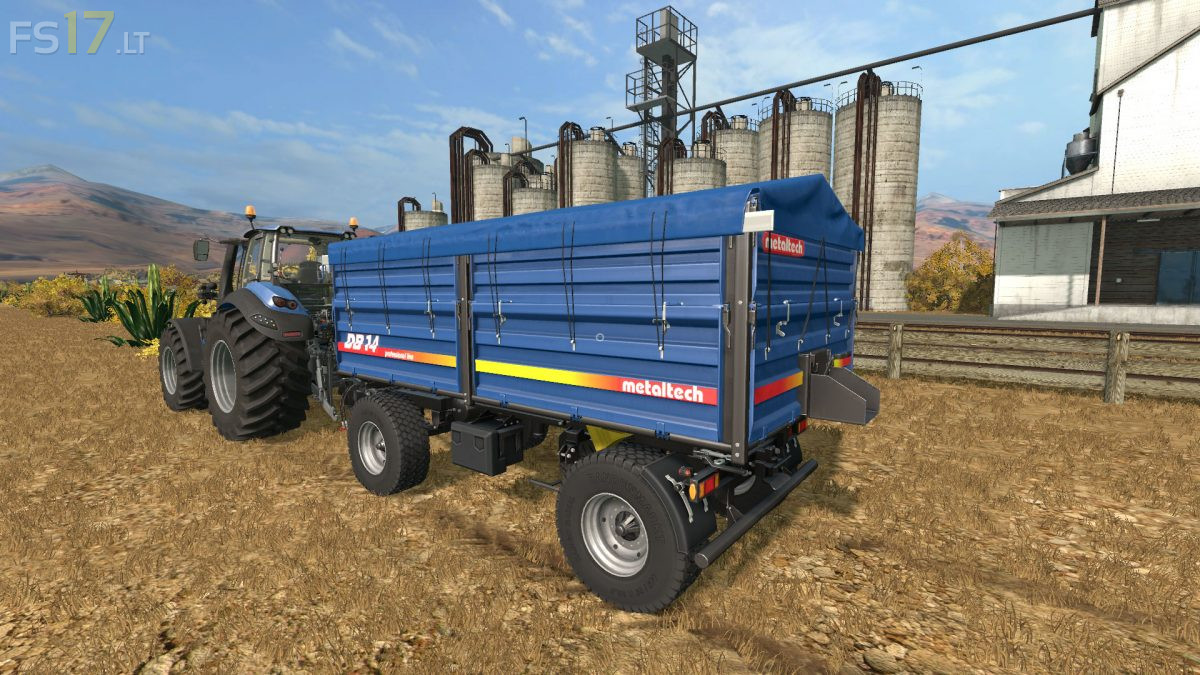
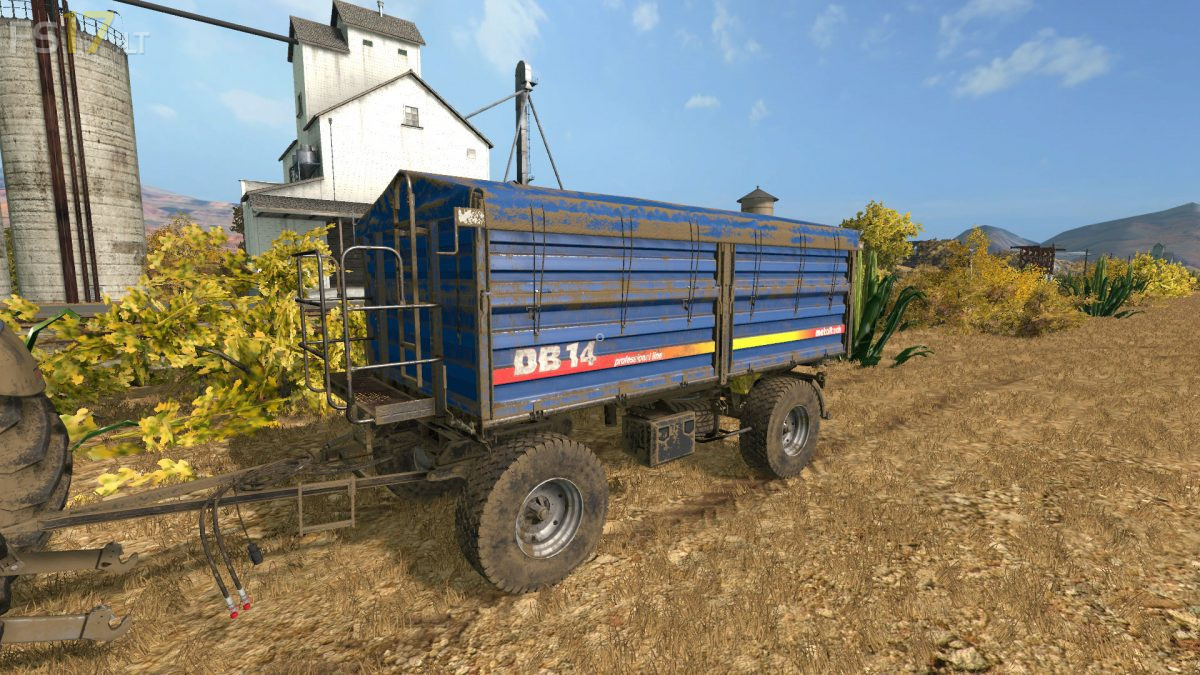
– Metaltech DB 14: capacity 17000 liters
– Metaltech DB 14 Premium: capacity 19300 liters
Version 2.0:
* Fixed Textures
* Added New Trailer: DB14 Premium
* Fixed Lights
* New Wheel configuration
* Fixed bugs and errors
* Added Dynamic Hose
Credits:
MrZixon
mod is good but it makes my game lag sooooo bad 🙁 and no I don’t have a bad pc.
Don’t know what is wrong but something about this mod makes the frames drop incredibly fast when you look directly at these trailers.