

More Realistic Game Engine v 1.0

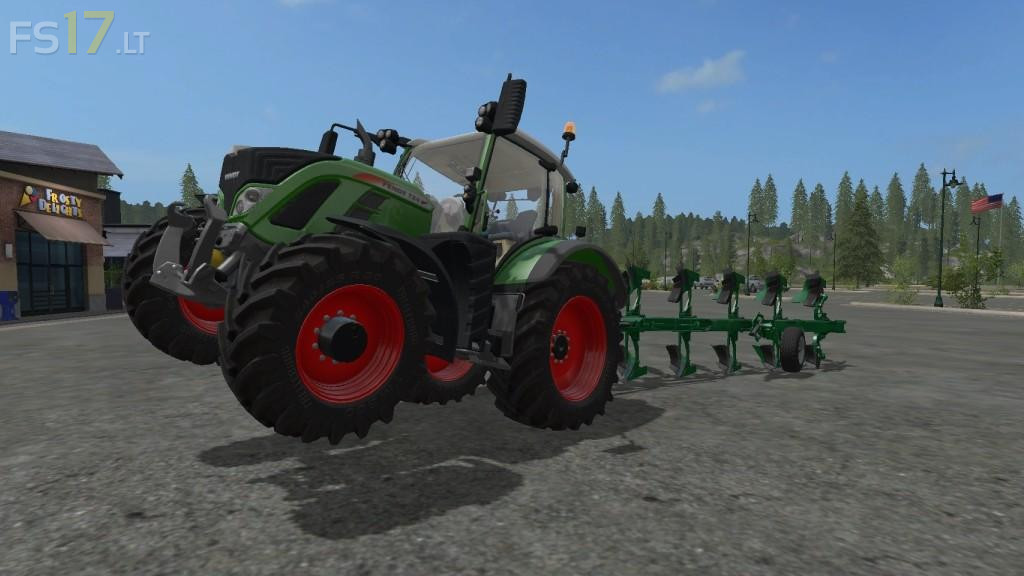
More Realistic Game Engine v 1.0
MoreRealistic mod or “MR” greatly modifies base game’s scripts so that players get a more realistic feeling when driving the different vehicles of the game. Same forces as IRL are now applied to vehicles : variable rolling resistance, air resistance, gravity. Implements make use of draftforces or PTO powers that are dependant on the actual use of them.
Buying a more powerful tractor, using wheel weights, duals-wheels or tracks will all have a more sensible effect in the game. Even the type of tires could make the difference in hard conditions (street tires really not recommended in wet fields).
Each product’s mass is now based on real life data : pulling a trailer full of wheat is harder than when filled with sunflower. Even bales feature different masses depending on the baler and the product (straw, hay, grass, silage).
For further information on MoreRealistic mod, there is a “moreRealistic (MR)” section available in the in-game help or you can browse the wiki website.
Note: all default machinery are already “MR” ready. If you want to use your favorite mods converted to “MR”, please look at the converted mods database website.
It is recommended to use the “moreRealisticGameplay” mod when playing “MR”. This mod balances some apsect of the game to take into account the MR engine (yields, prices, fertilizer uses…).
В какую папку размещать мод?
This mod crashes the game.