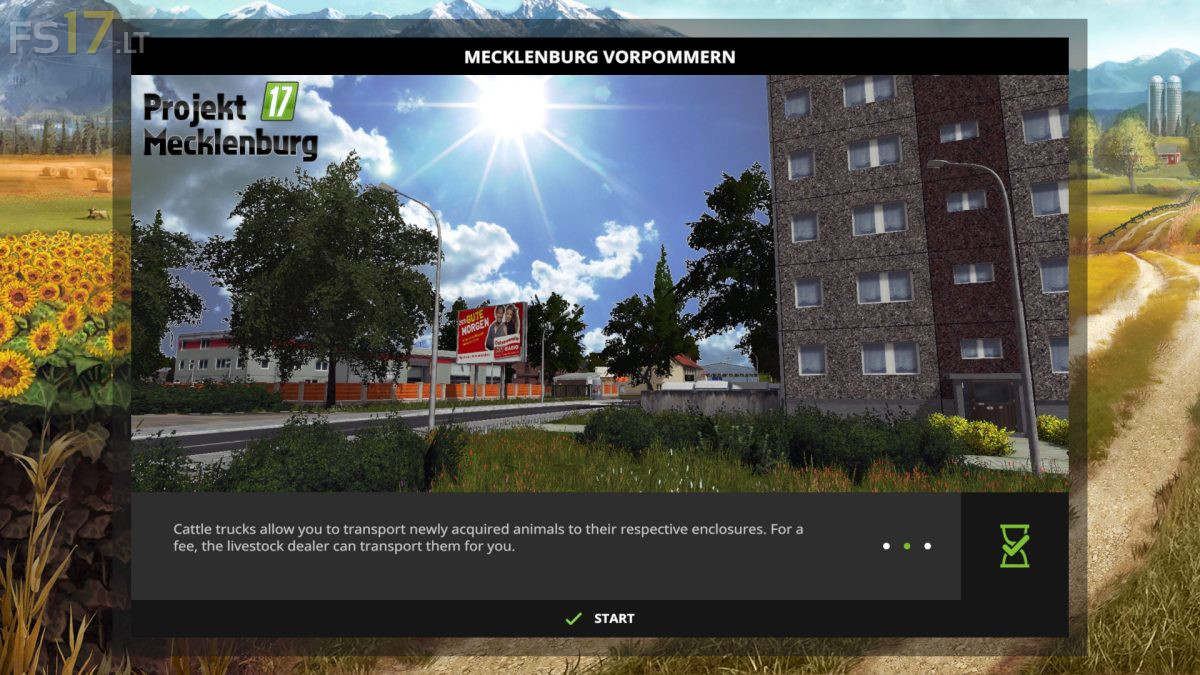
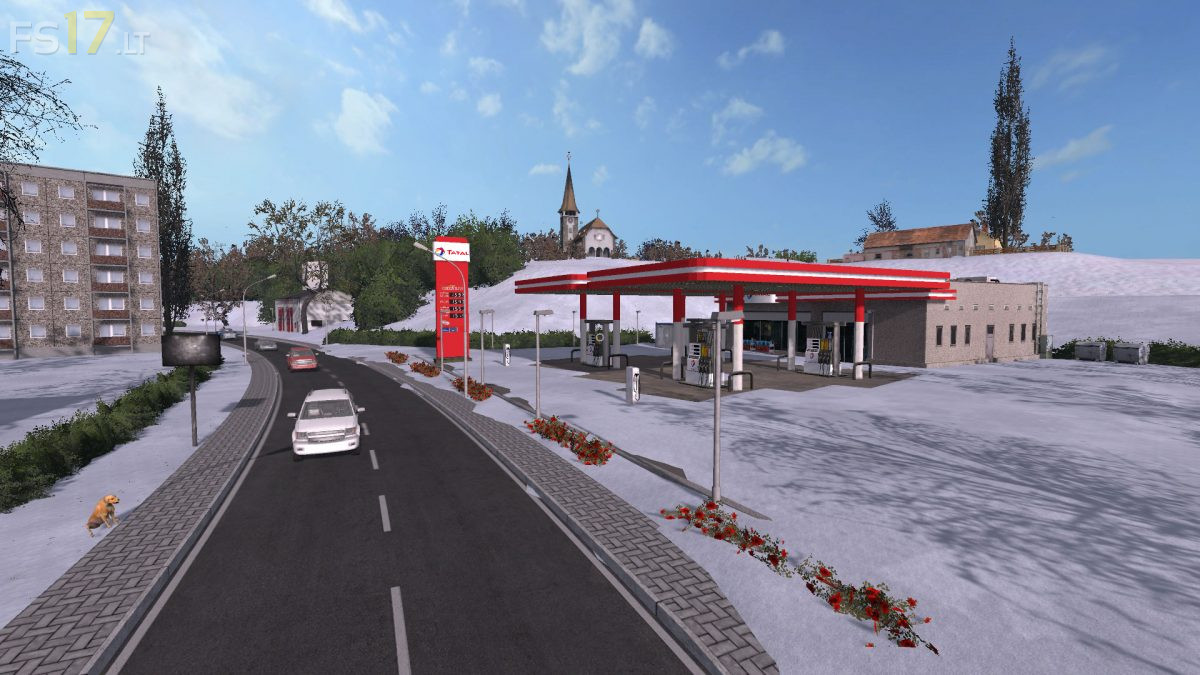
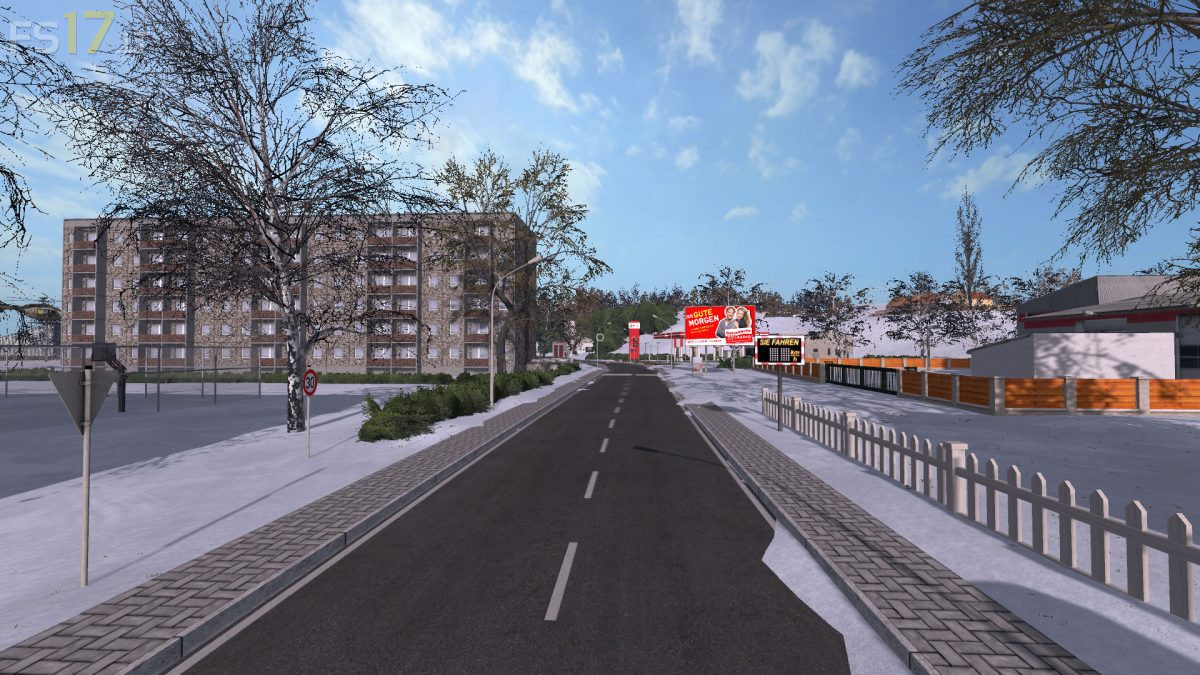
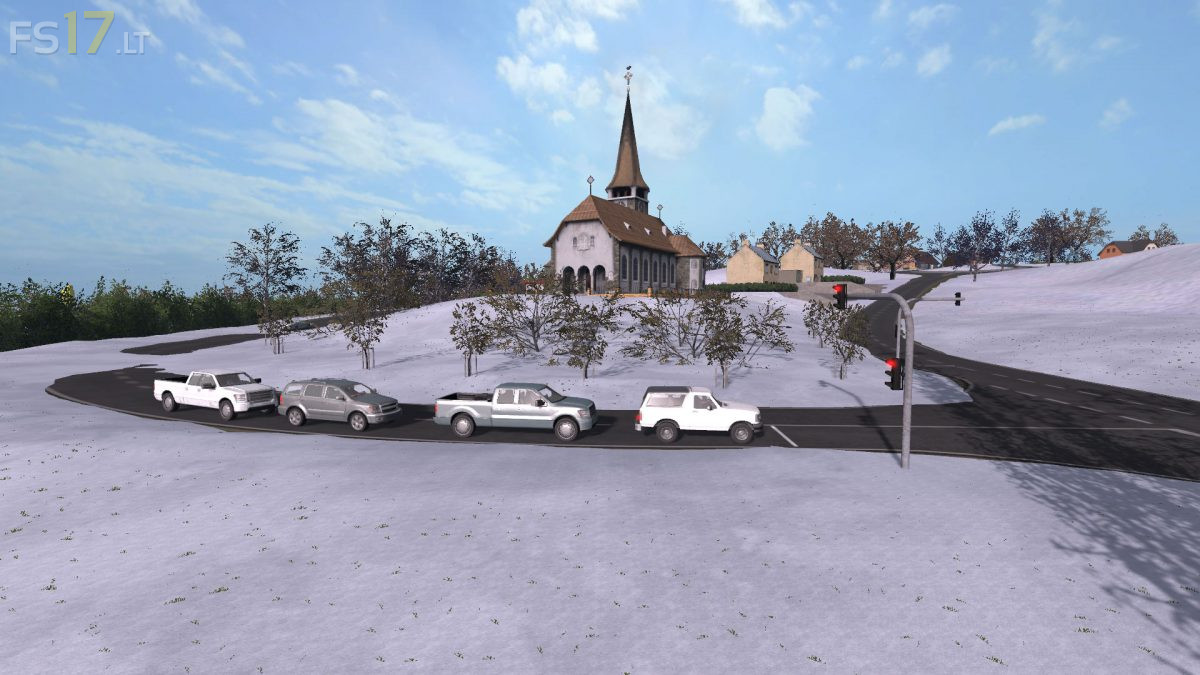
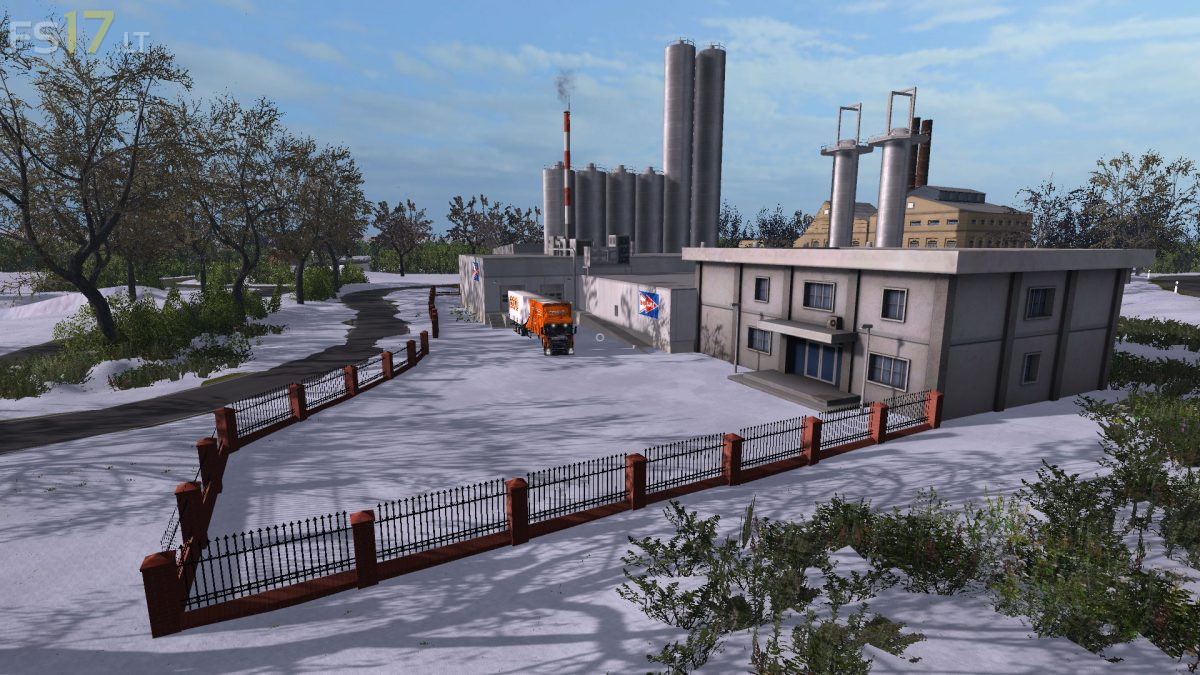
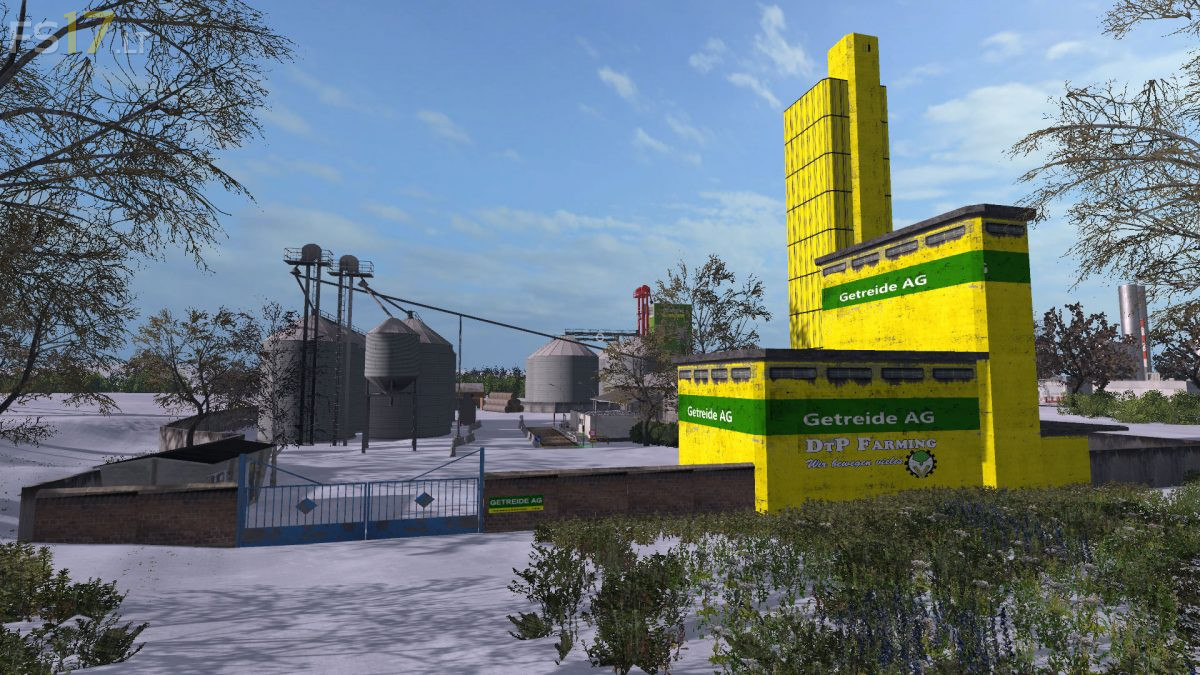
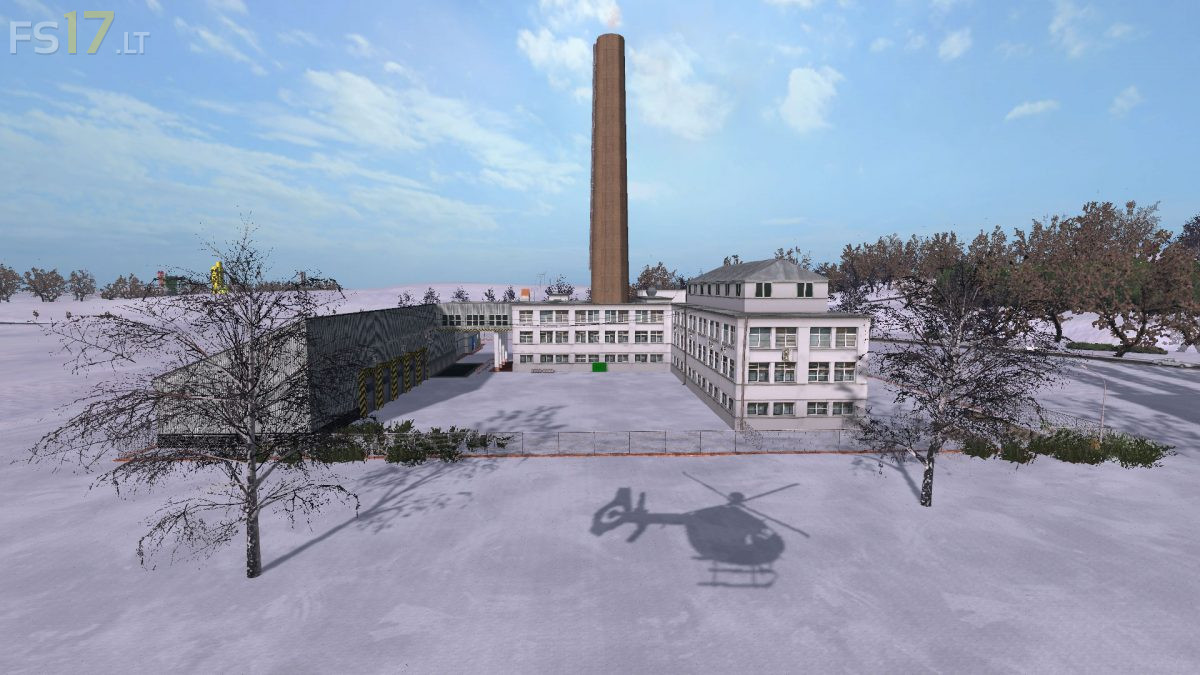
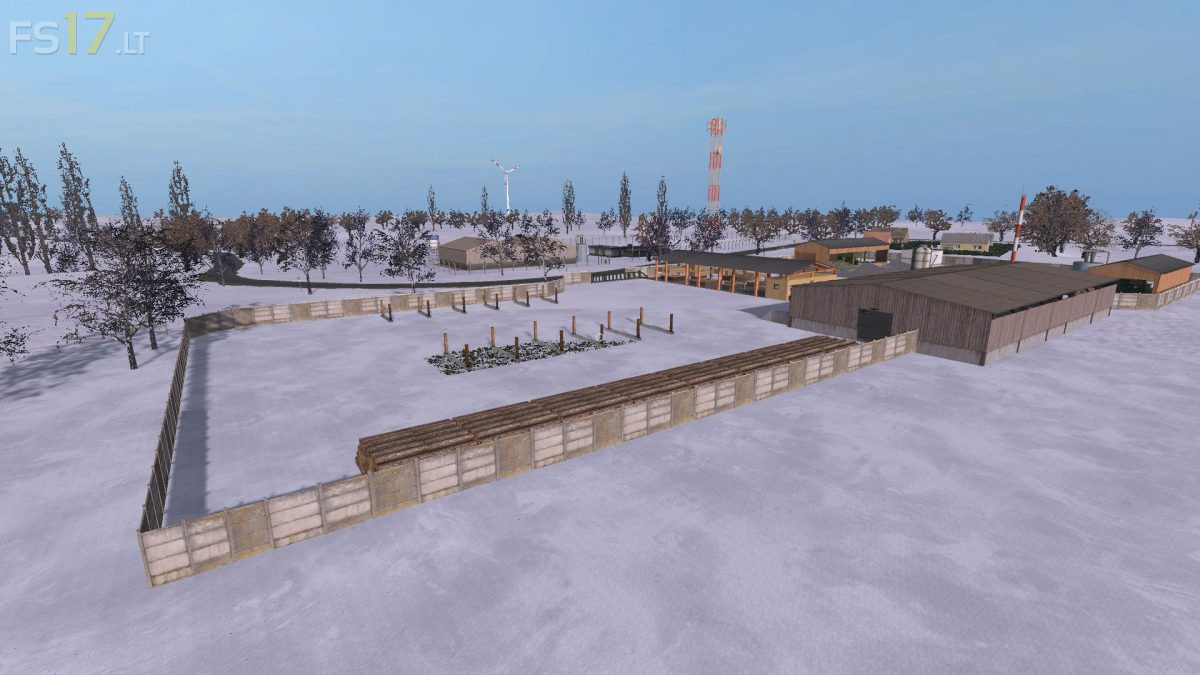
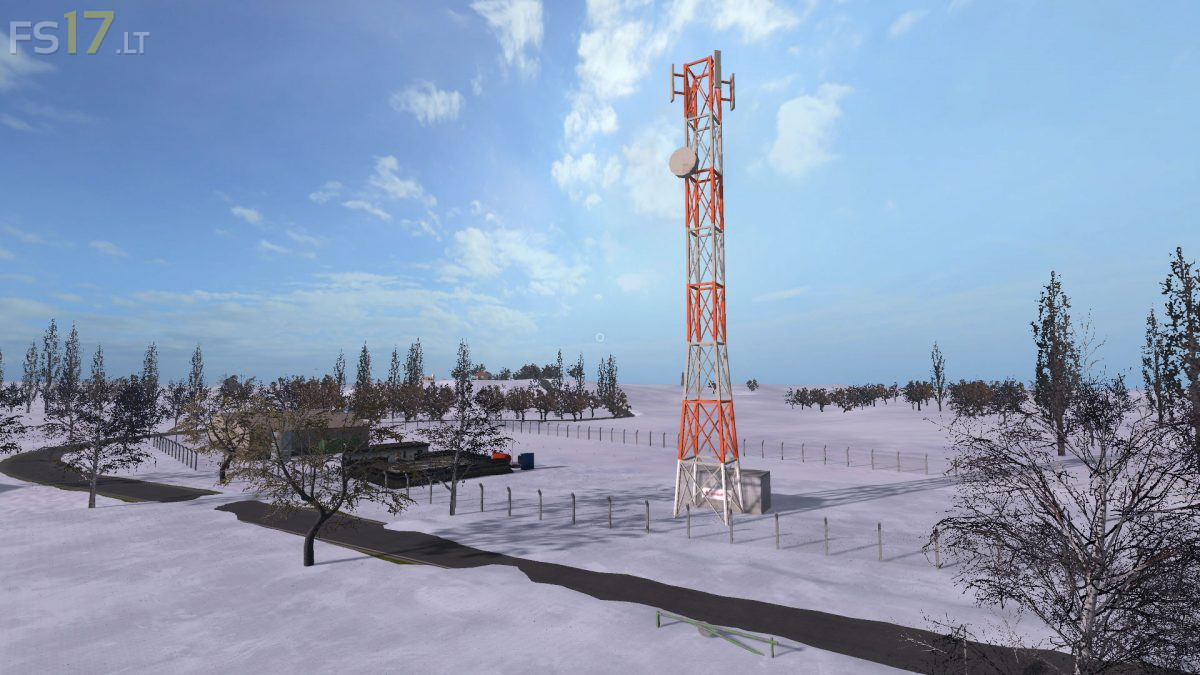
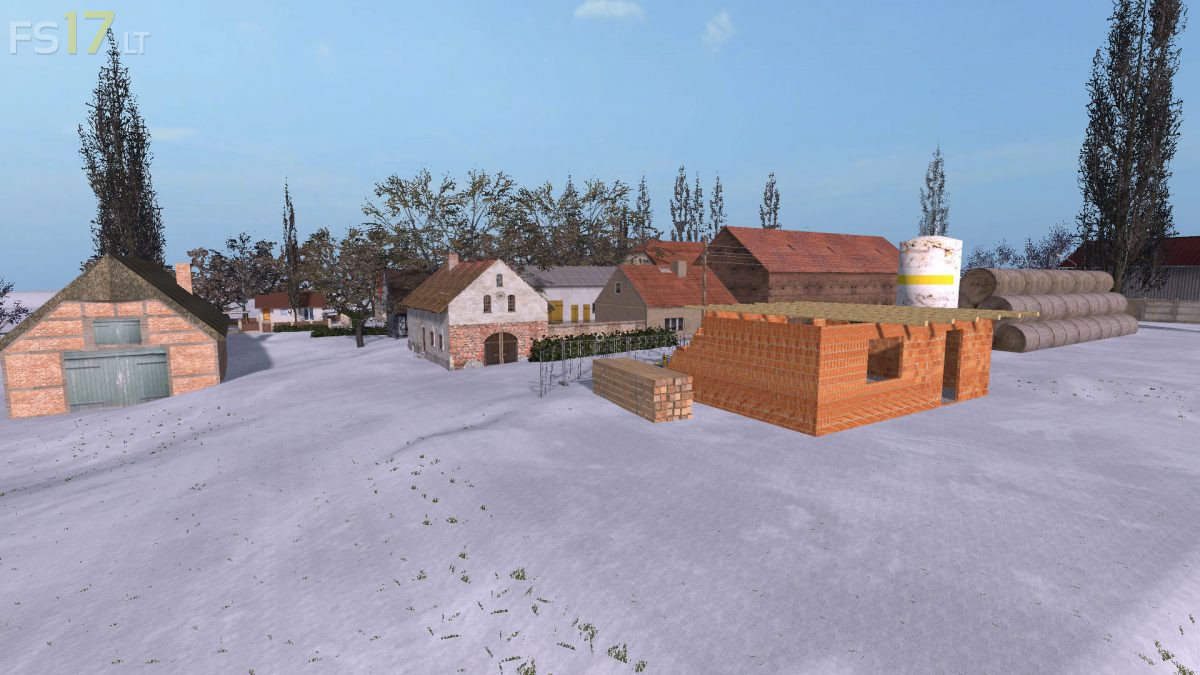
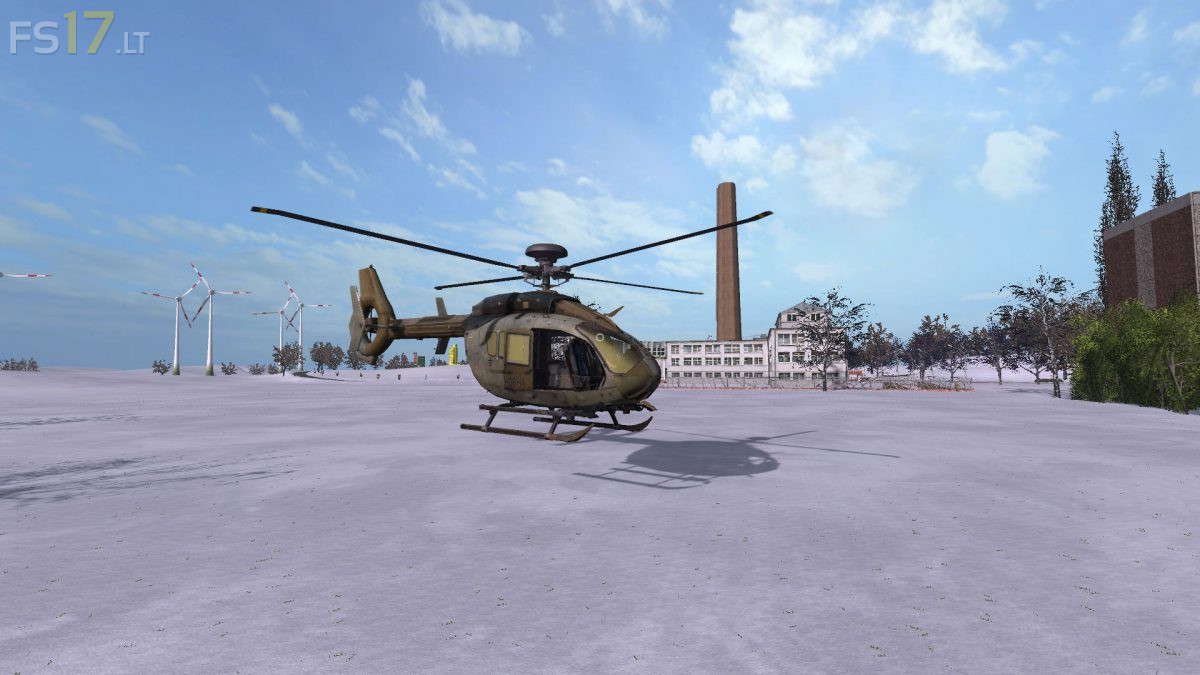
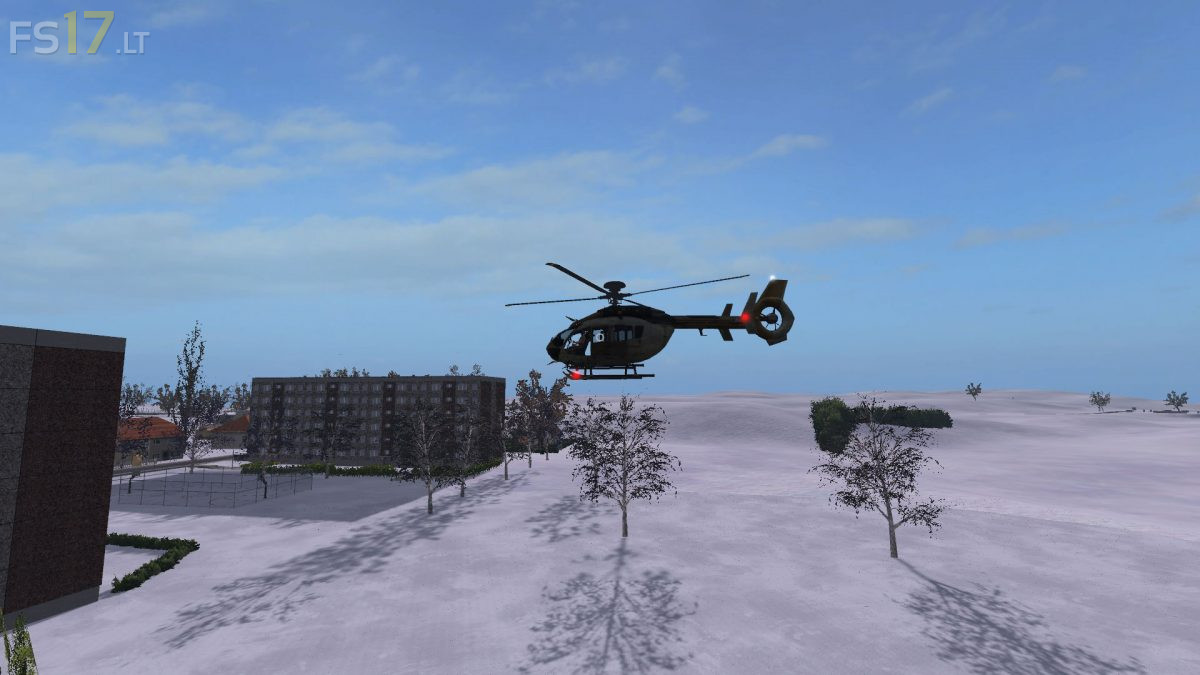
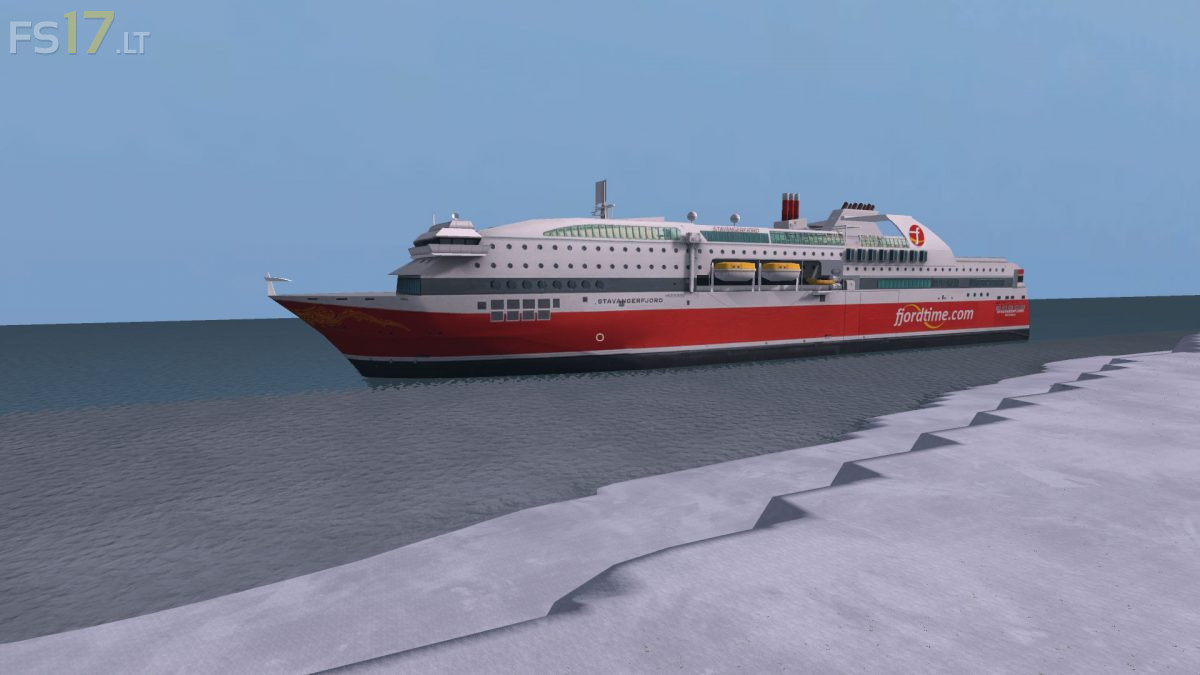
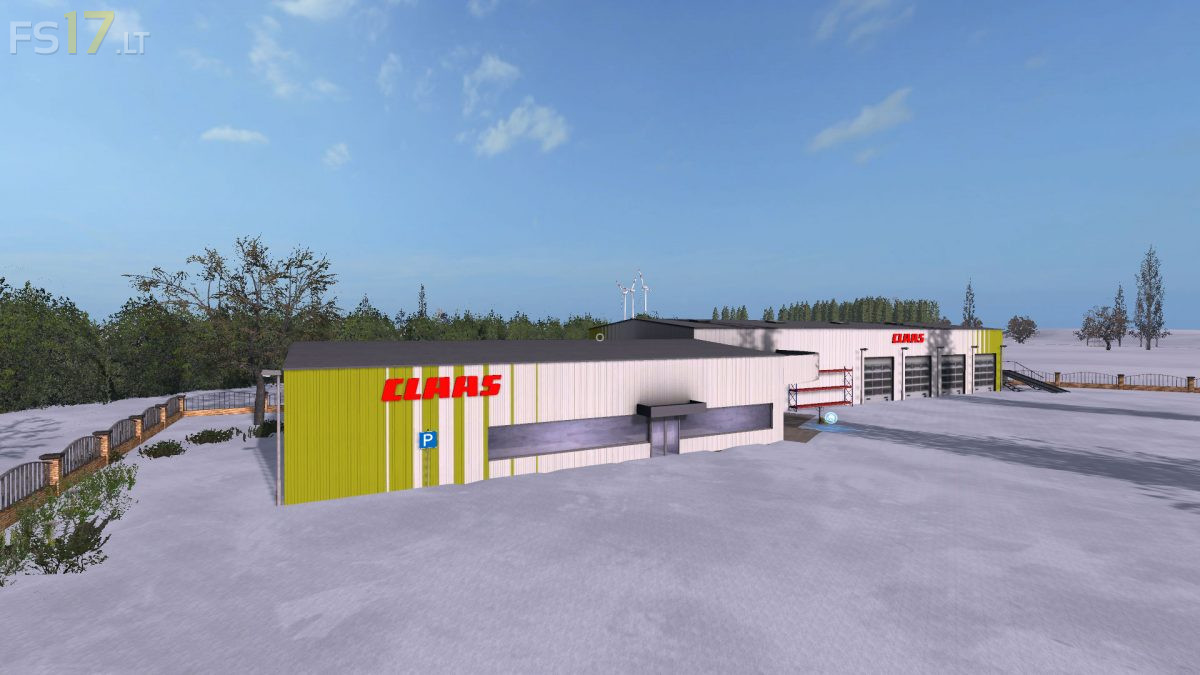
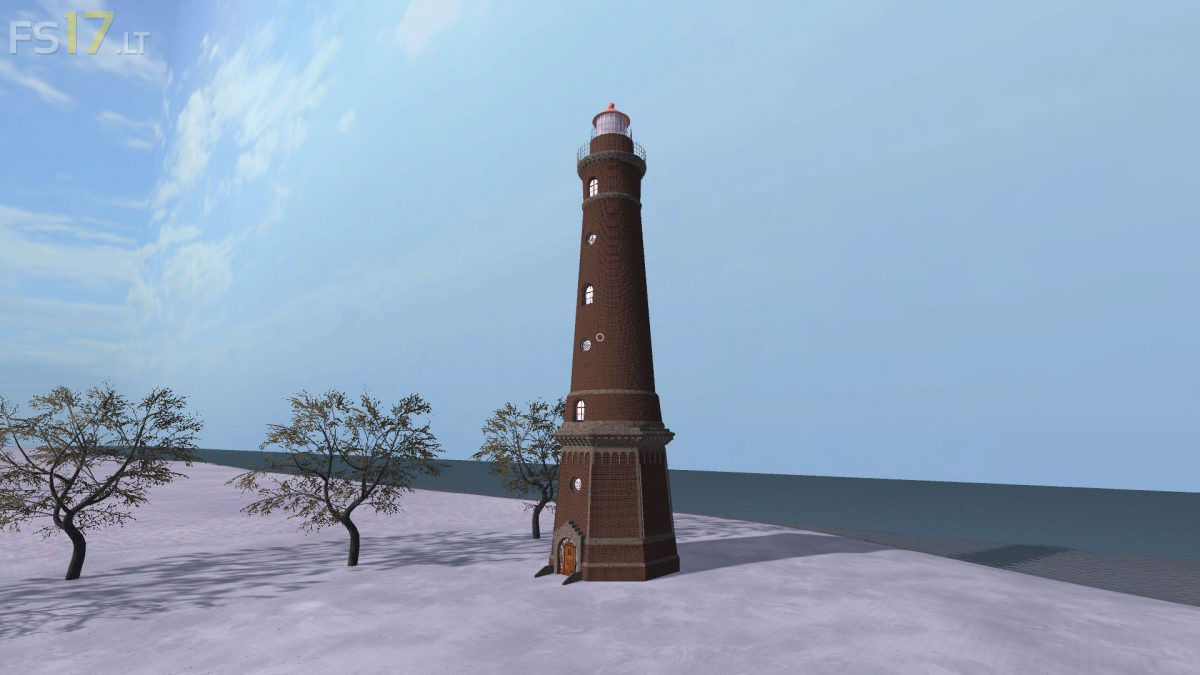
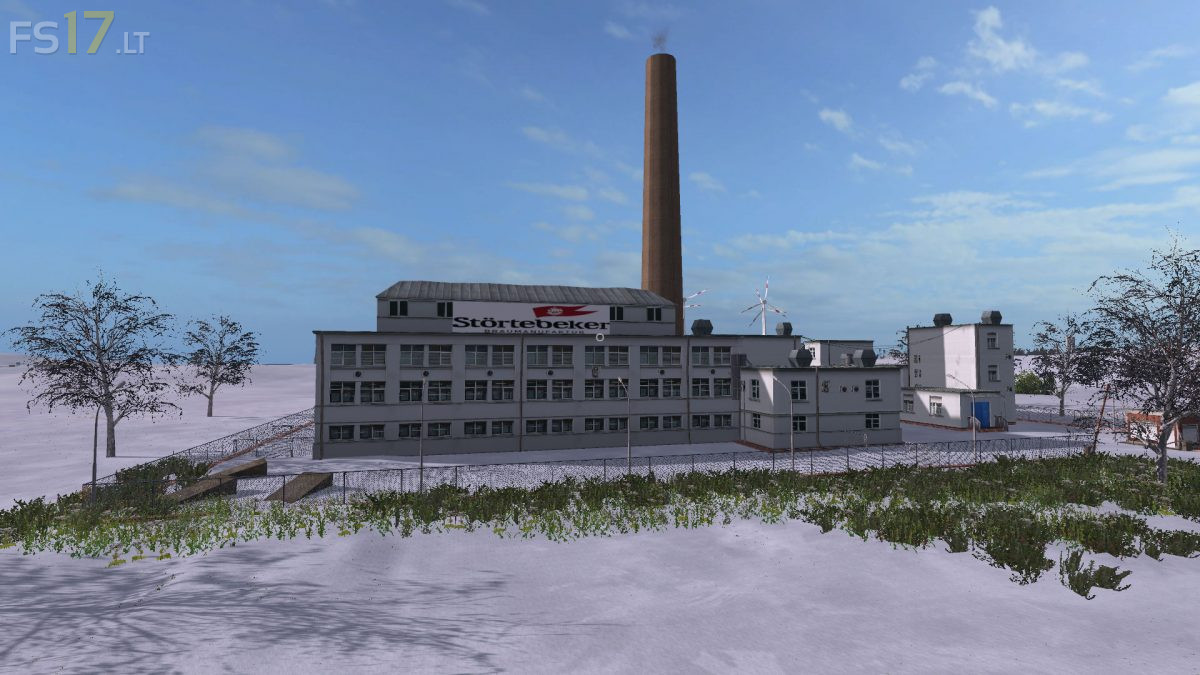
Mecklenburg Vorpommern Map v 2.2.3
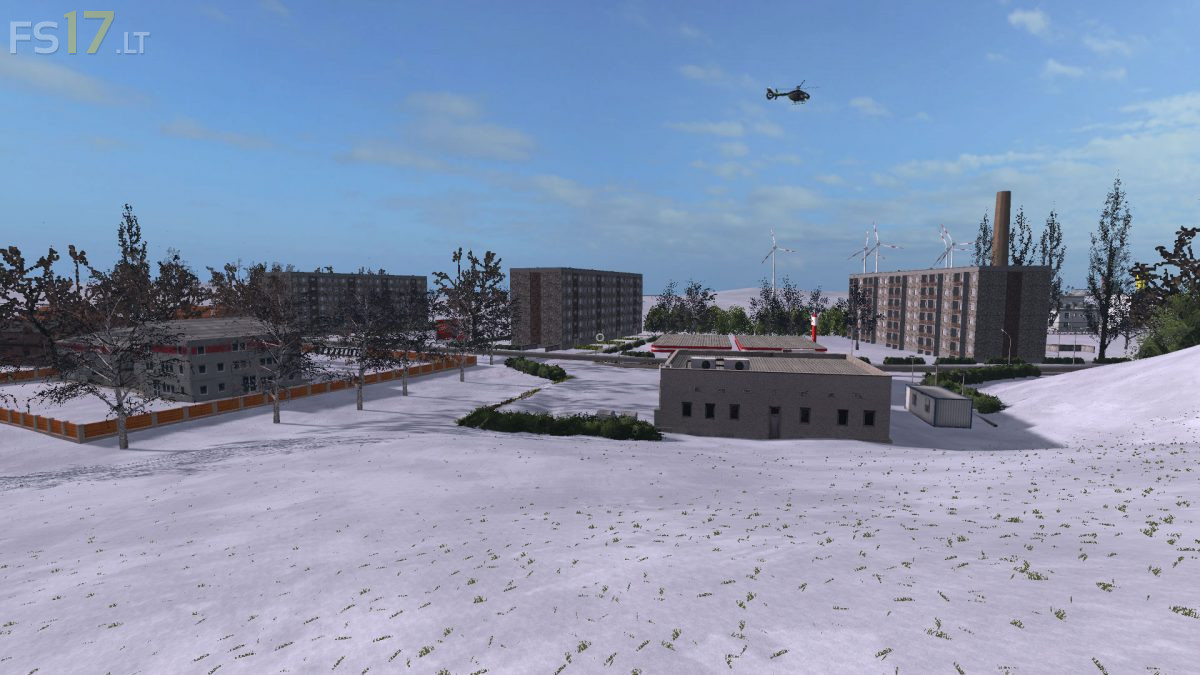
FS19 mods

About the mod:

Version 2.2.3:
* Seasons ready (Snow Mask)
* GMKFC installed (manure, lime, fertilizer, compost)
* AdBlue ready
* modDesc.xml customized
* map01.xml customized
* Traffic Light System installed
* Dealer store places moved
* Cow yard “Dekosilo” removed
* Cow yard turn fence gate (inside)
* Cow yard deco cows collisions removed
* Lamps grain AG replaced
* Replace the speed camera on the hedge
* Silos Kuhhof and BGA fixed (Collision Mask)
* Purple baked goods gutter renewed (cover)
* Lilac pastry scales added
* Purple baked goods truck light now controlled
* Nordzucker scale adjusted
* Various speed cameras installed

Credits:
der-ls-treffpunkt.de

How to install FS17 mods?

Firstly find a mod which you like and want to download. Then download a mod to your PC. Mods are usually in .zip format file. But sometimes it can be in .rar. If a mod file is a .zip format no needed additional actions. If a file is in .rar, then you must unarchive mod with software like WinRar or Zip7. Windows 10 users no need to use software for archives, Win10 itself has a feature to unarchive files.

The next step is to find mods folder in your PC. Usually, it is in Documents/My Games/Farming Simulator 17/2017. Open the "mods" folder and put downloaded .zip archive or unarchived .rar file to this folder.

Last step. Enjoy of FS17 mods!

One thought on “Mecklenburg Vorpommern Map v 2.2.3

  • scaniagek says:
    2018-03-02 at 16:15

    maybe the mud mod

Leave a Reply

Your email address will not be published. Required fields are marked *