

Chevrolet Pickup TT v 1.0.1 Multicolor

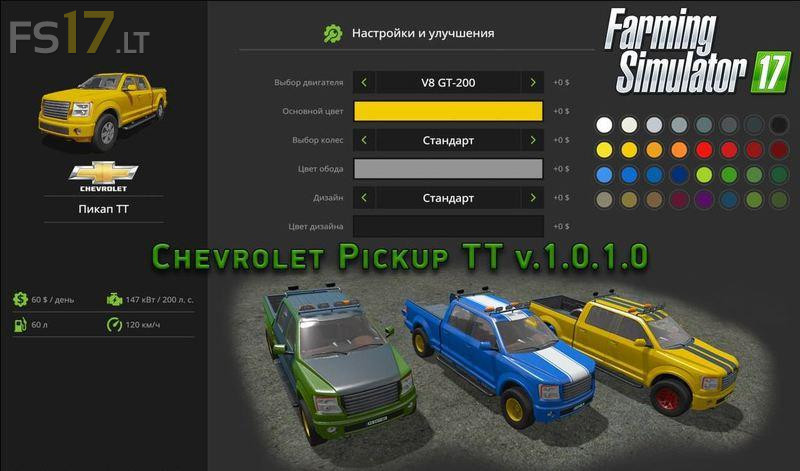
Chevrolet Pickup TT v 1.0.1 Multicolor
TT pickup of Chevrolet brand has excellent technical characteristics. Equipped with sensors: speed, speed, and fuel (analog and digital), light devices such as: dashboard illumination, parking lights,
direction indicators, emergency stop, flashing beacons, near and far light, additional powerful front and rear lights to ensure safe movement in poor visibility and off-road conditions. It gets dirty. There are mirrors and watches. Behind the towbar for the transport of trailers and semi trailers and the lugs under the front bumper can be used to tow this pickup. There is dust and road marks. The pickup allows you to transport not loose piles: pallets with seeds, fertilizer, wool, etc., round and rectangular bales, logs, and opening the tailgate, you can load and oversized cargo. Safety and security, transported cargo, is guaranteed by three powerful slings. For an additional free, when purchasing you can set individual settings and improvements: select the engine, the main body color, design of wheel disks, color of wheel disks, body design, color design.
not+a+chevrolet+dumbass
LOL