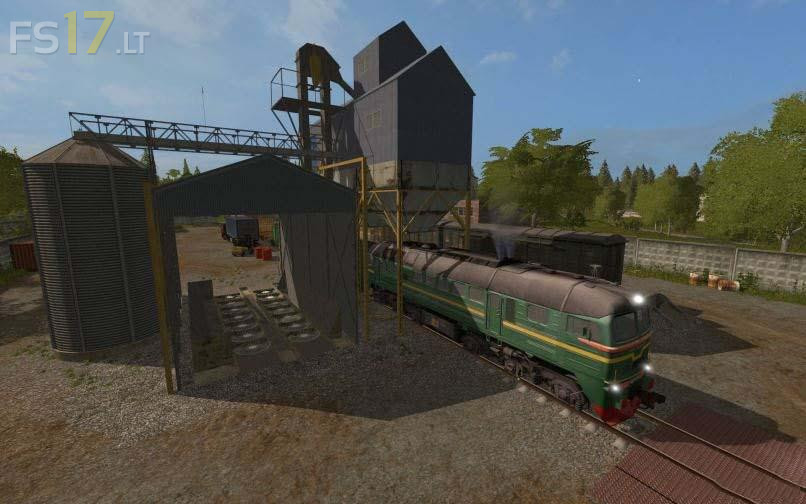
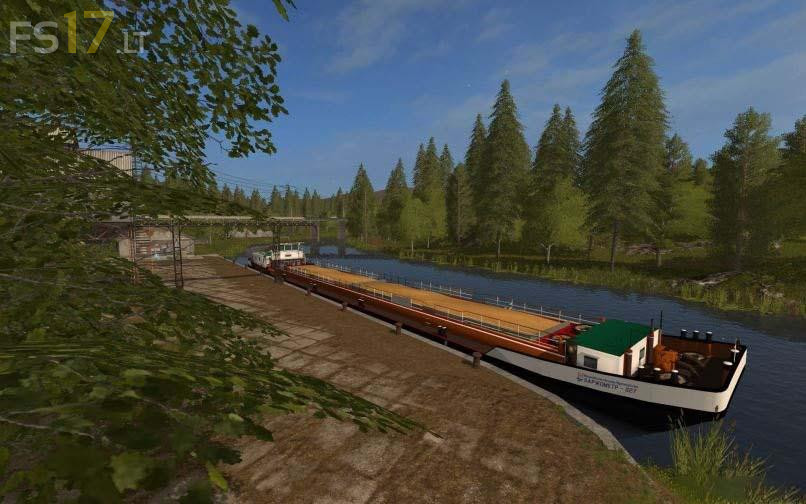
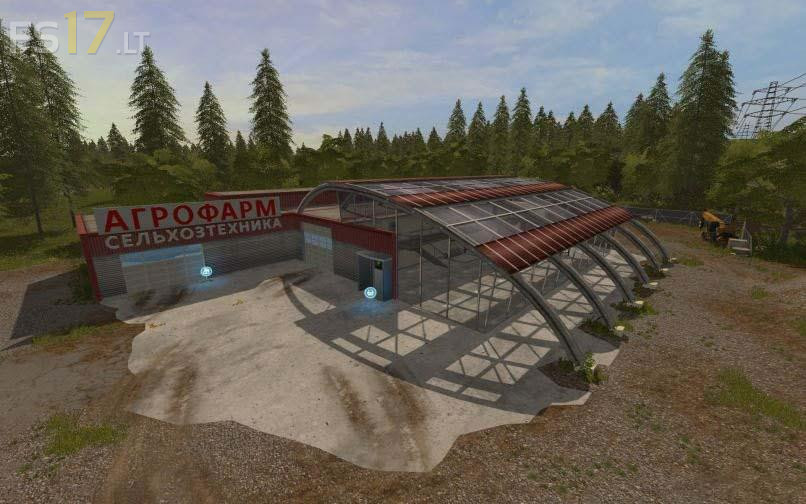
Village of Molokovo Map v 0.1.8.2

FS19 mods

About the mod:

Version 1.0.8.2:
* Fixed errors with collisions of gates, boxes and other useless, but atmospheric objects
* Now when combining the fields only the most harmful weeds will stick out
* The combine will be easier to work on the combined fields
* The map is adapted for Seasons mod
* The ssSnow layer is registered. Snow falls only where it is supposed to, and where it is not allowed to fall, you can hide bales of hay for the winter.
* The combine now leaves behind itself a thin layer of substance during harvesting
* The map is adapted for the Chopped Straw mod

Credits:
KonstantinVU

How to install FS17 mods?

Firstly find a mod which you like and want to download. Then download a mod to your PC. Mods are usually in .zip format file. But sometimes it can be in .rar. If a mod file is a .zip format no needed additional actions. If a file is in .rar, then you must unarchive mod with software like WinRar or Zip7. Windows 10 users no need to use software for archives, Win10 itself has a feature to unarchive files.

The next step is to find mods folder in your PC. Usually, it is in Documents/My Games/Farming Simulator 17/2017. Open the "mods" folder and put downloaded .zip archive or unarchived .rar file to this folder.

Last step. Enjoy of FS17 mods!

Leave a Reply

Your email address will not be published. Required fields are marked *