Growth Manager v 2.0

FS19 mods

growth-manager-1 growth-manager-2

About the mod:

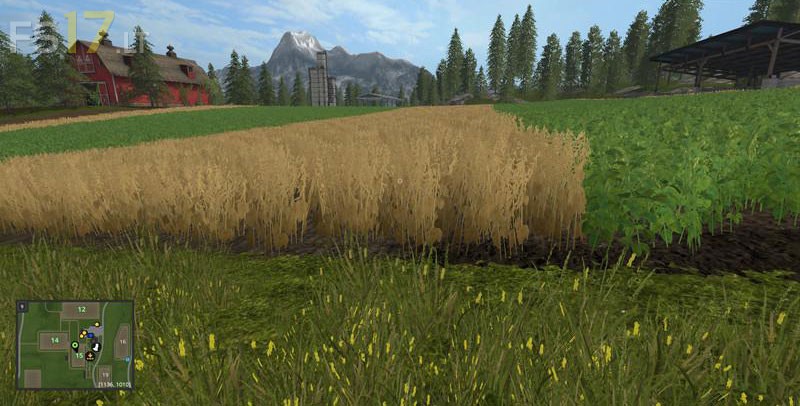
The growing fruits and progress are displayed graphically. However, the whole thing also takes on a 4x map only a few seconds.
Loading / saving during such growth is harmless and also an MP join during the growth is covered by the script. Otherwise, the growth is hard clock-driven and thus deterministically robust and without further need for MP support.
The dripping can still be switched on and off in the game menu. The growth speed selector is disabled when the growthManager is enabled.

Credits:
upsidedown

How to install FS17 mods?

Firstly find a mod which you like and want to download. Then download a mod to your PC. Mods are usually in .zip format file. But sometimes it can be in .rar. If a mod file is a .zip format no needed additional actions. If a file is in .rar, then you must unarchive mod with software like WinRar or Zip7. Windows 10 users no need to use software for archives, Win10 itself has a feature to unarchive files.

The next step is to find mods folder in your PC. Usually, it is in Documents/My Games/Farming Simulator 17/2017. Open the "mods" folder and put downloaded .zip archive or unarchived .rar file to this folder.

Last step. Enjoy of FS17 mods!

Leave a Reply

Your email address will not be published. Required fields are marked *