

John Deere 4055 EU Version v 3.4.6.9

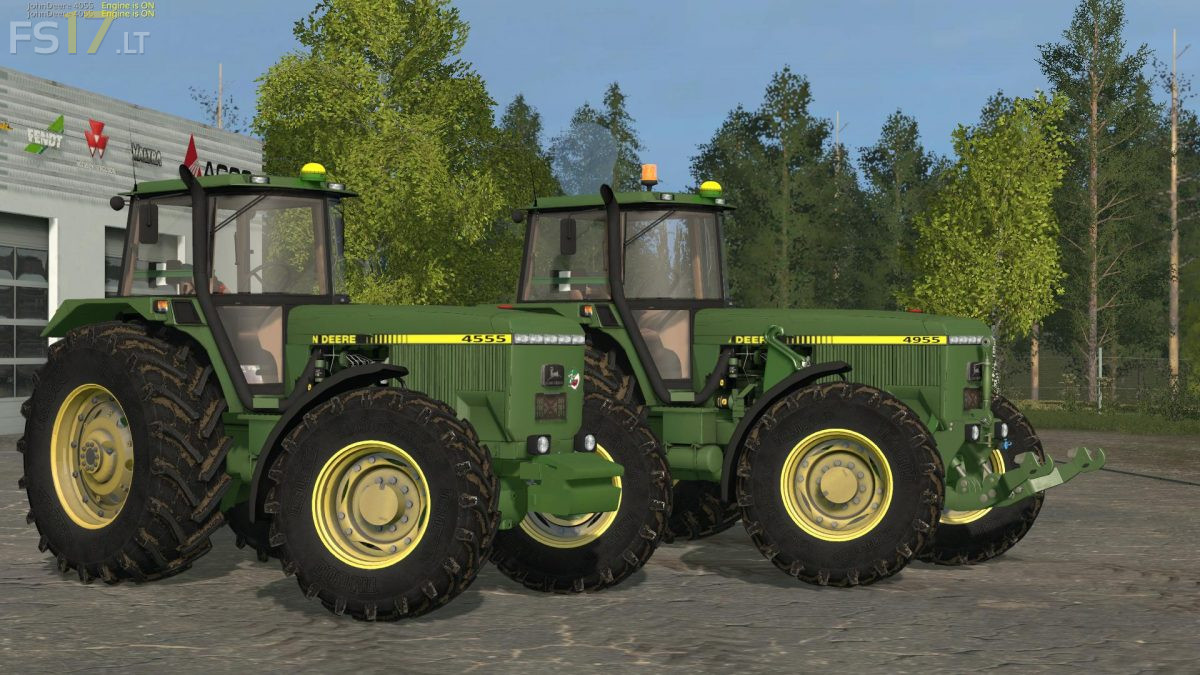
John Deere 4055 EU Version v 3.4.6.9
About the mod:
5 engines:
John Deere 4555 – 155 hp
John Deere 4655 – 165 hp
John Deere 4755 – 175 hp
John Deere 4855 – 190 hp
John Deere 4955 – 200 hp
7 Wheels:
Default Treeleborg 800
Twin Wheels Back Treeleborg 800
Wheel Broad Treeleborg 800
Narrow Treeleborg 800
Twin Wheels Back Narrow Treeleborg 800
Barum Standard
Narrow Barum
Scripts:
Hydraulic Animations
Cardan Shaft
Interactive Control
Door Opener
Warning Signs
Ventelator
Radsturz
Hydraulika
Number Plates
Dynamic Hose
New Exhaust Effects
Credits:
Knagsted, Mafia FS Modding, Jukka, Balkanska Dolina Farming Simulator community
very nice mod! Dutch/nederlandstalige video: https://www.youtube.com/watch?v=D3Nw2Lb3-SQ